Building Inspection Reports: The Complete Guide, From Walkthrough to Final PDF


The inspection is the part clients see. The report is the part they pay for. And for a lot of inspectors, the report is where the day goes sideways: notes written in one app, photos taken on the phone, a sketch done on a clipboard, and an evening at home stitching it all together.
It adds up fast. One fire alarm inspector we spoke with said a six-hour inspection can turn into two days' worth of data entry. An engineering firm also told us their engineers spend three to five hours writing each of their reports. That's time you can't bill twice.
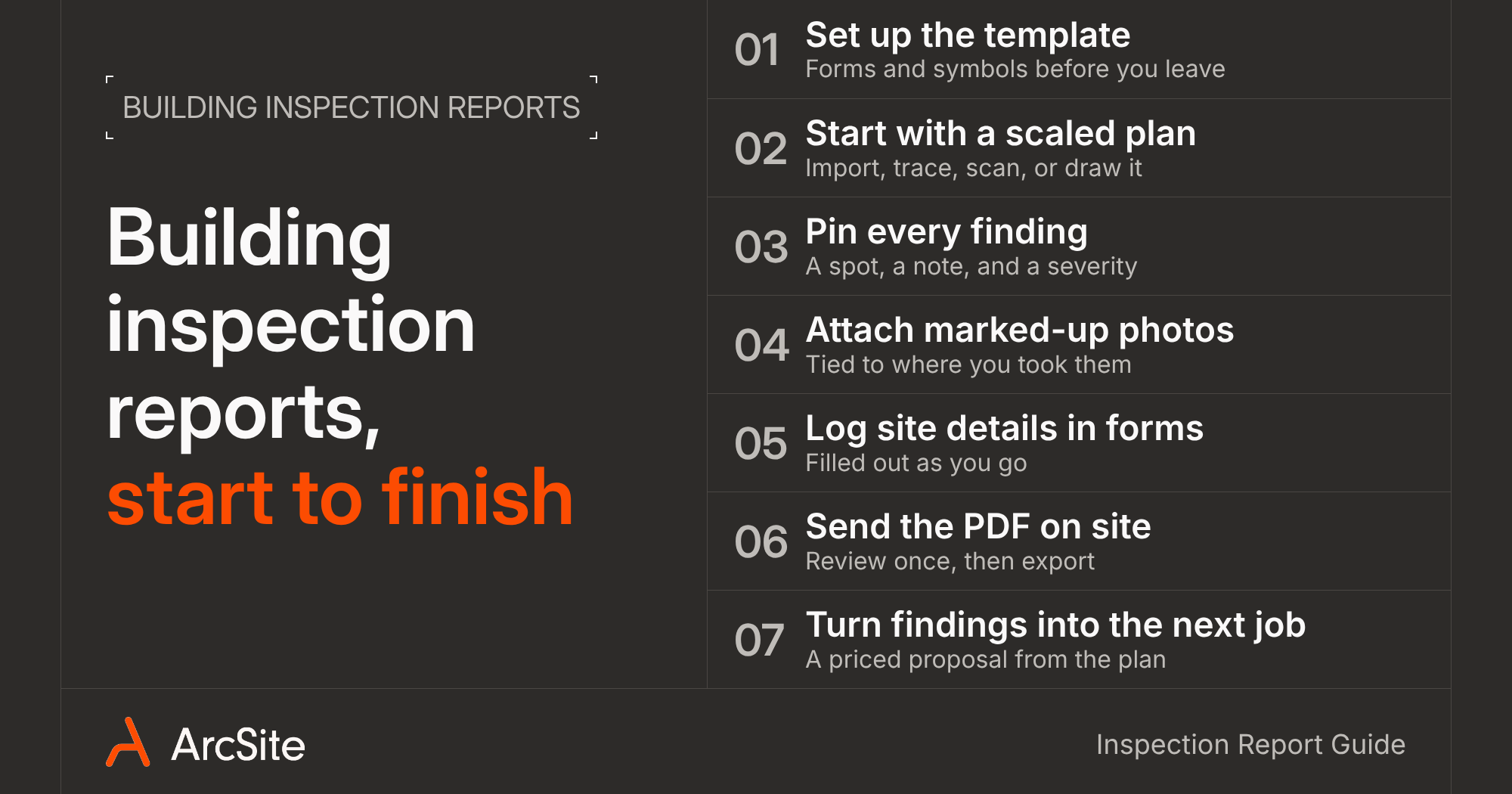
The fix though isn't writing faster. It's building the report while you walk the property, so there's nothing left to type up when you get back to the truck. Below is what a good building inspection report includes, a 7-step workflow for finishing one on site, and what to look for in the tools you use to do it.
What goes in a building inspection report
Formats vary by inspection type and by client, but a report that holds up usually covers the same ground:
- Property and job details: address, client, date, inspector, and the scope of what you inspected (and what you didn't).
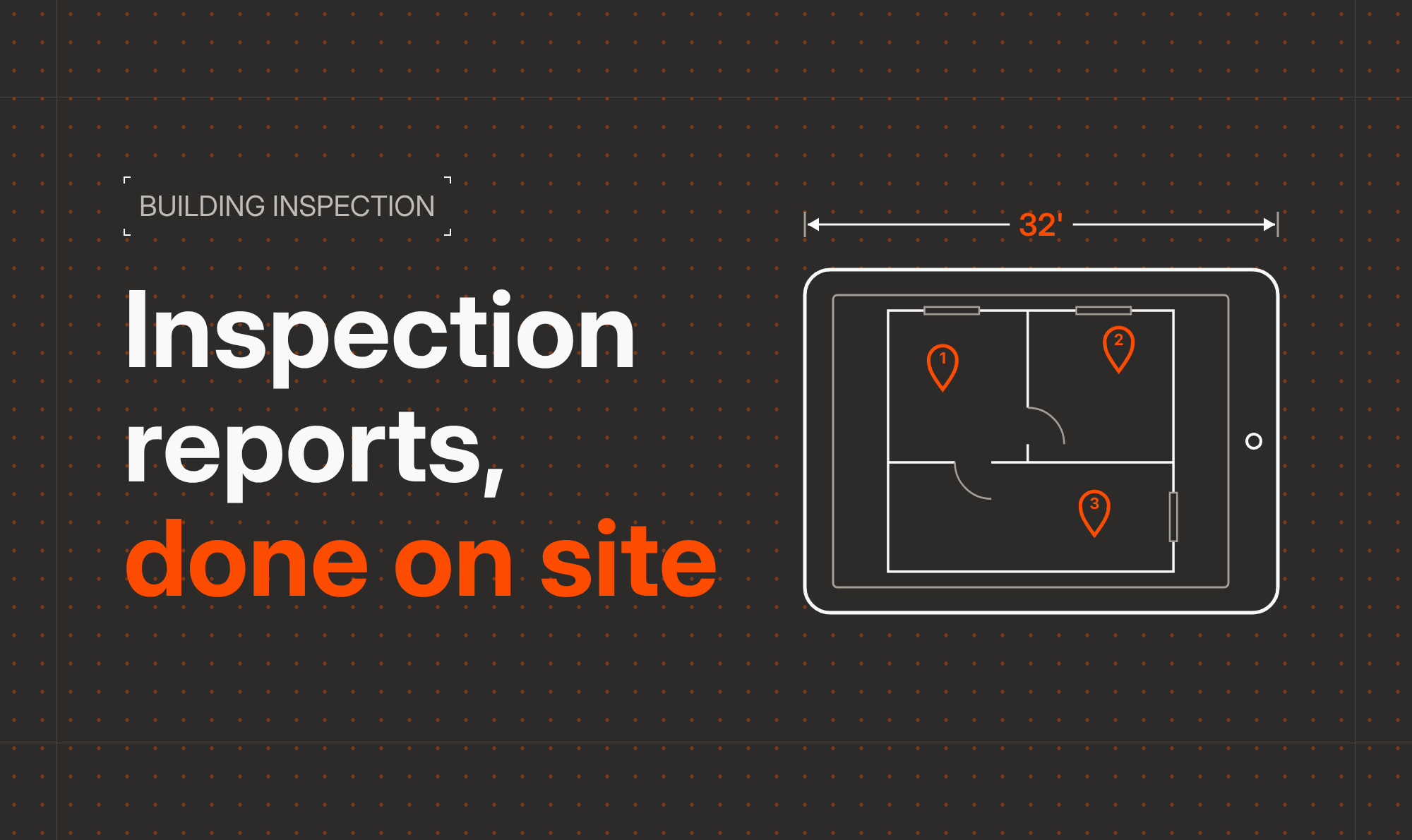
- A scaled plan: a floor plan or site plan that shows where everything is.
- Findings by area: each issue tied to a room, wall, or spot on the plan.
- Photos with context: marked-up photos linked to the location they were taken.
- Severity and recommendations: what needs attention now, what can wait, and what to do about it.
- Measurements and counts: dimensions, areas, and how many of each item you found.
- Sign-off: inspector signature and any client acknowledgment.
If you want a starting point for the walkthrough itself, our free building inspection checklist covers the common items room by room.
How to build a building inspection report on site, in 7 steps
1. Set up your template before you leave the office
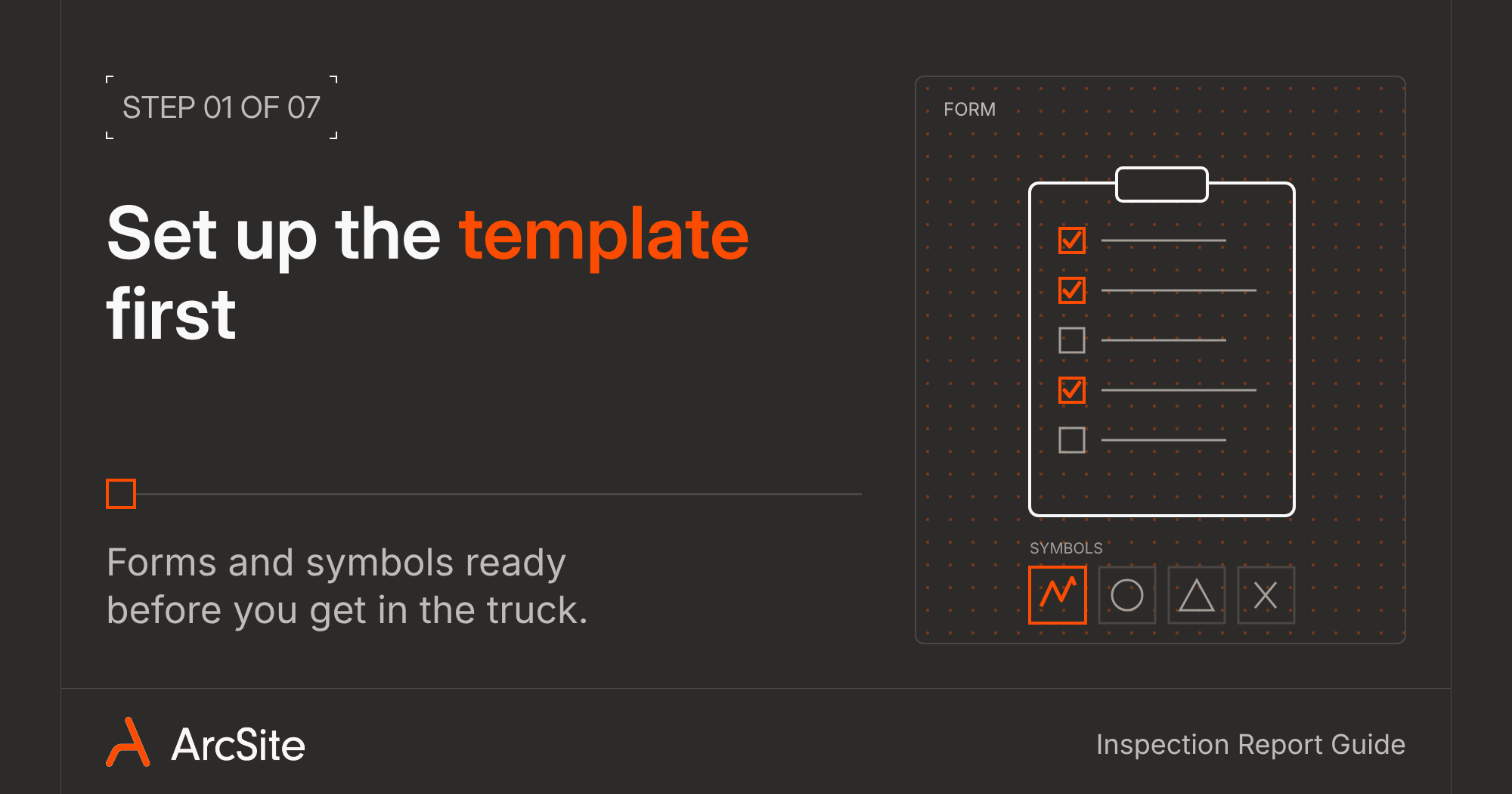
The fastest reports start before you get in the truck. Build a form for each inspection type you do with the fields you always need: site conditions, access notes, system age, and signatures. Then set up the symbols you'll drop on the plan for common findings, like cracks, water damage, missing devices, or clearance issues.
When every inspector uses the same form and the same symbols, every report looks the same. Your office can review them faster, and clients know where to look.
2. Start with a scaled plan

Everything in the report hangs off the plan, so get it right first. You have a few ways to start it:
- Import the existing PDF from the client or the building file and scale it by setting one known distance.
- Trace a photo or PDF floor plan into an editable drawing.
- Scan the room with a Pro iPhone or iPad. The LiDAR sensor turns each room into an editable 2D floor plan in seconds.
- Draw it from scratch with walls, doors, and windows that snap to scale.
Use layers to keep things readable. Put existing conditions on one layer and findings on another, or split a commercial job by floor or by system (fire, electrical, HVAC).
3. Pin every finding to a spot on the plan
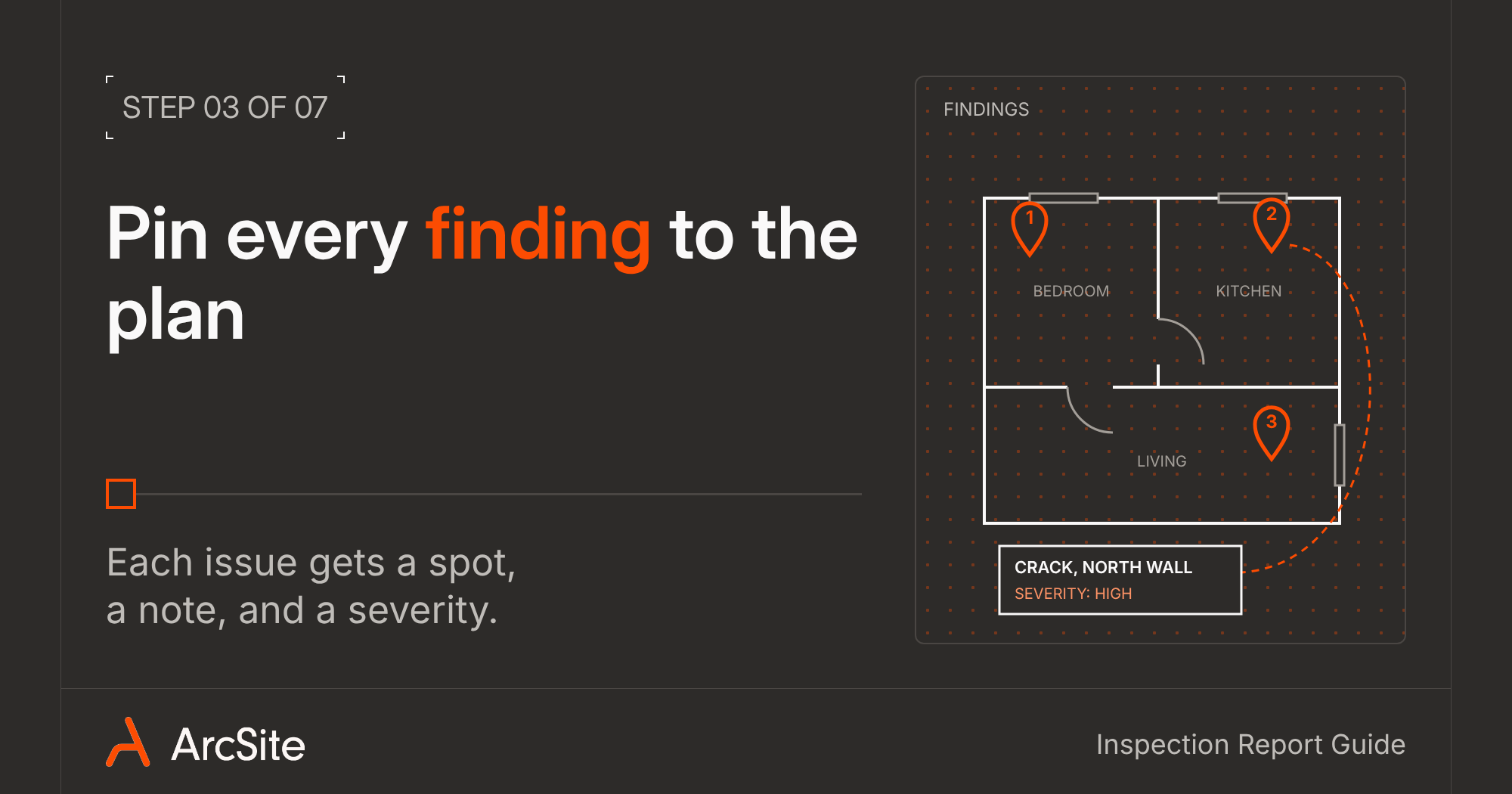
A finding without a location is a phone call waiting to happen. As you walk, drop a symbol right where you found the issue and add a short note: what it is, how serious it is, and any code reference.
This is where most paper reports fall apart. "Crack in north wall" means something to you on the day. But three weeks later, to a contractor or an adjuster, a mark on a scaled plan means a lot more.
4. Attach marked-up photos where you found the issue
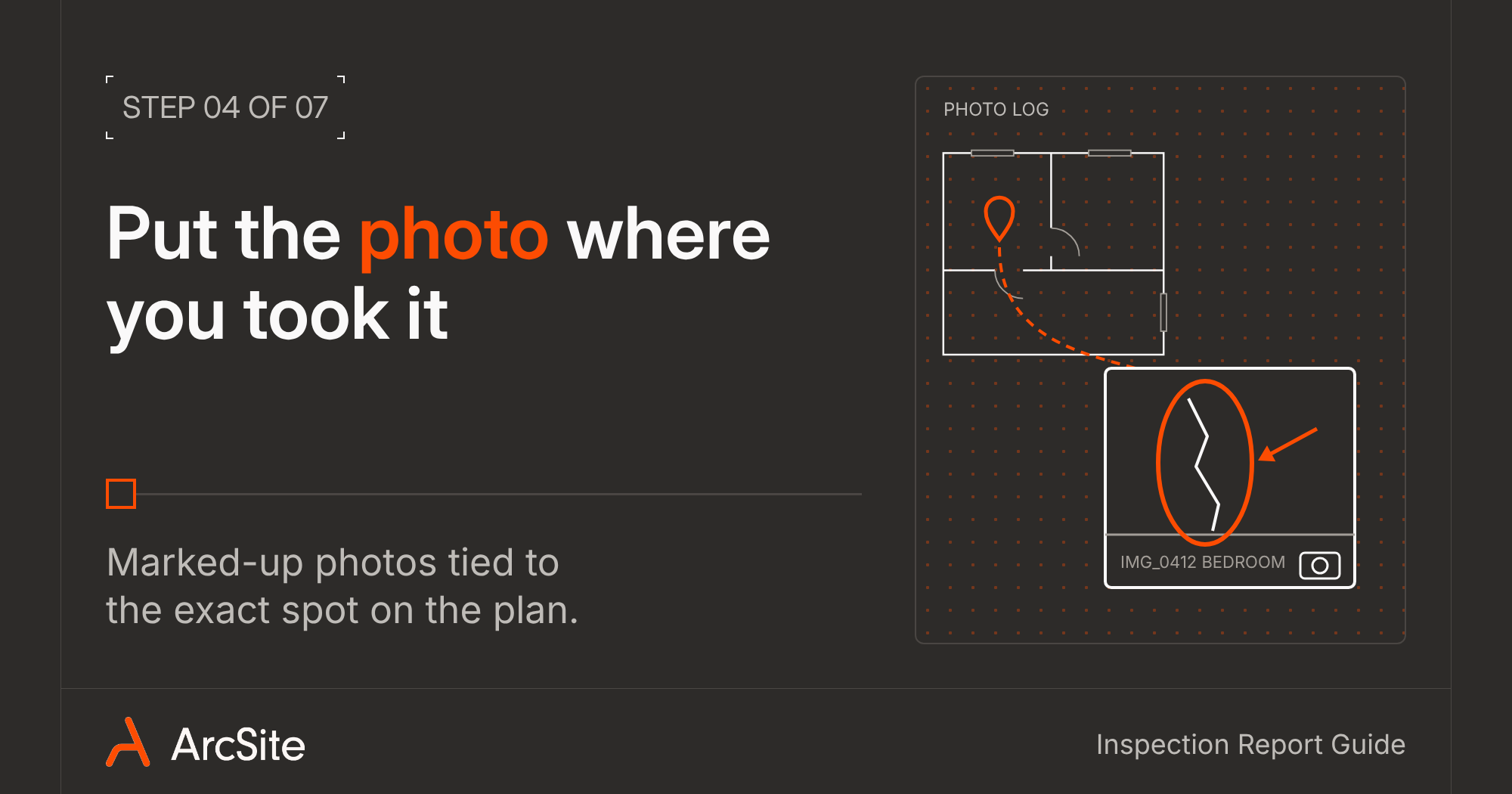
Take the photo in the app and attach it to the symbol or spot on the plan. Then mark it up: circle the damage, add an arrow, write a note. Every photo now has a place and a purpose, and you never have to scroll through 200 camera roll shots trying to remember which bathroom was which.
Clients get it right away, too. When they can see the photo and where it was taken, they spend less time on the phone asking you what they're looking at.
5. Capture site-wide details in forms
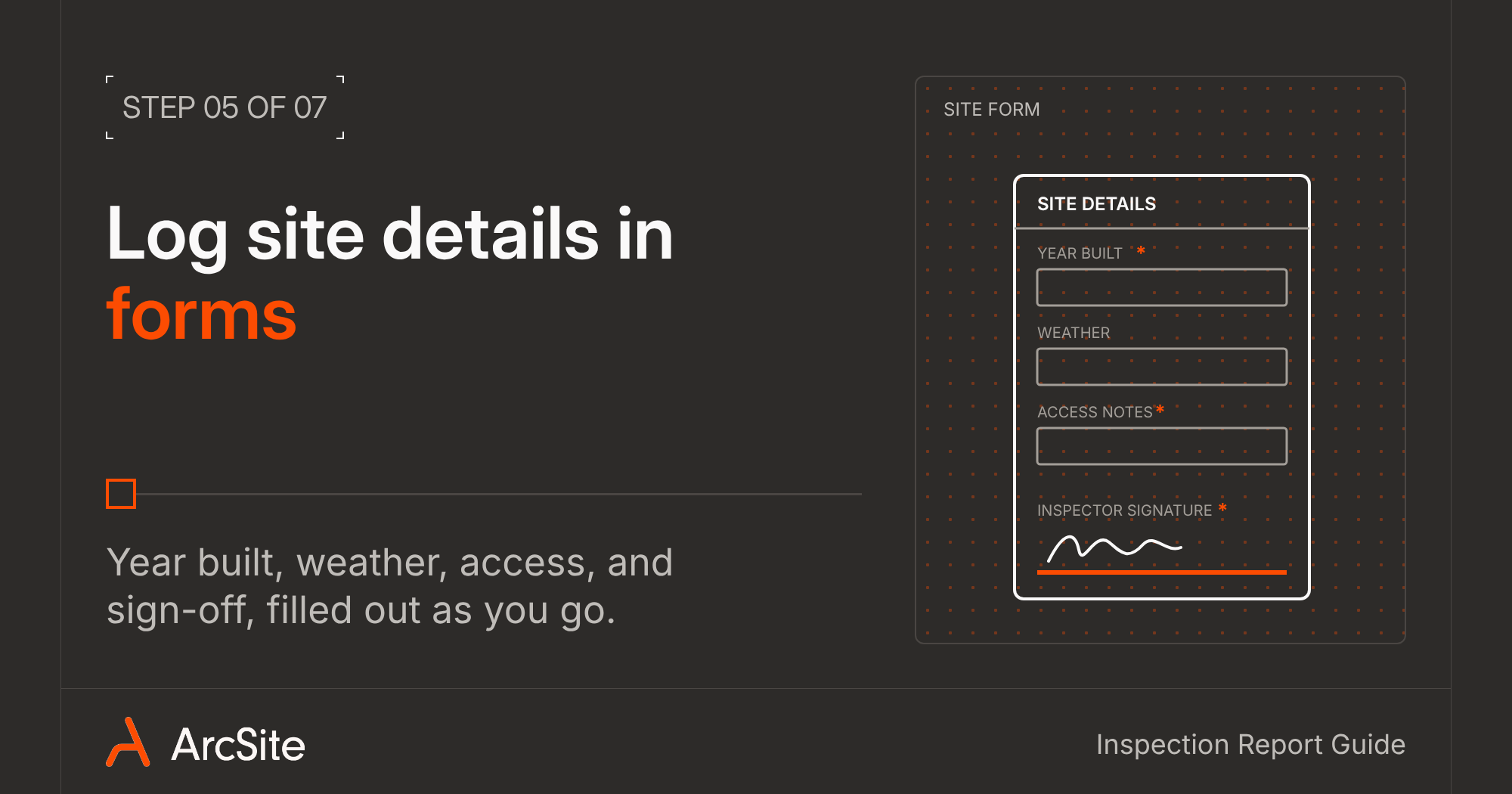
Some information isn't tied to one spot on the plan: weather that day, year built, overall roof condition, who was on site. That goes in the form you can set up in Step 1. Fill it out as you go, not after, while the answers are still in front of you.
Required fields help here. If the form won't let you skip the signature or the scope notes, you won't find out if they're missing until you've already left.
6. Build the report before you leave the property
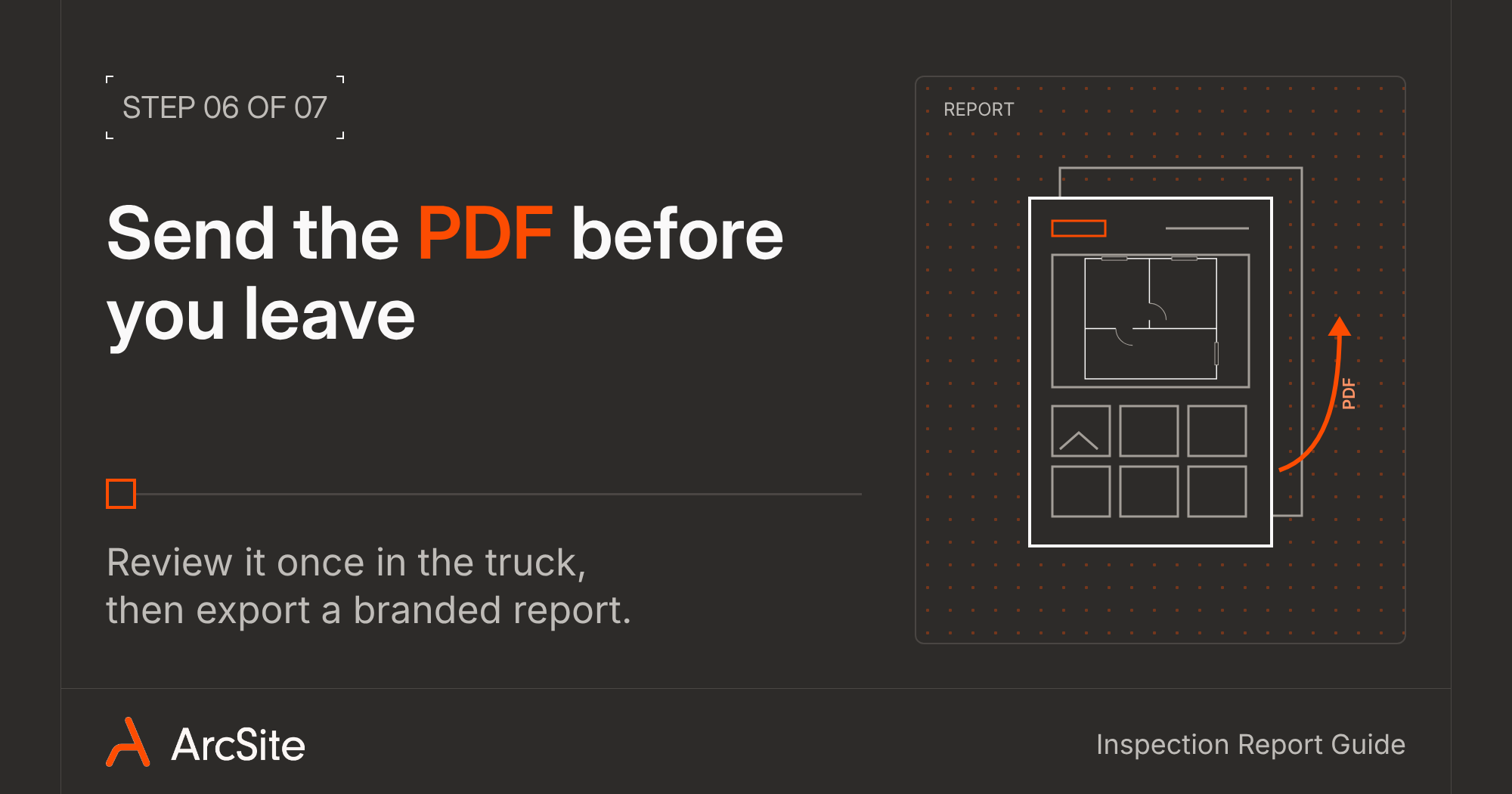
Here's where the setup pays off. Your plan, findings, photos, and form answers are already in one place, so the report is mostly done. Review it once, then export a branded PDF with the plan, photos, and notes. You can also pull an Excel takeoff with counts and measurements for anyone who needs the numbers.
Take five minutes in the truck to check it before you drive off. If something's missing, you're still on site to fix it, instead of booking a second trip.
7. Turn findings into the next job
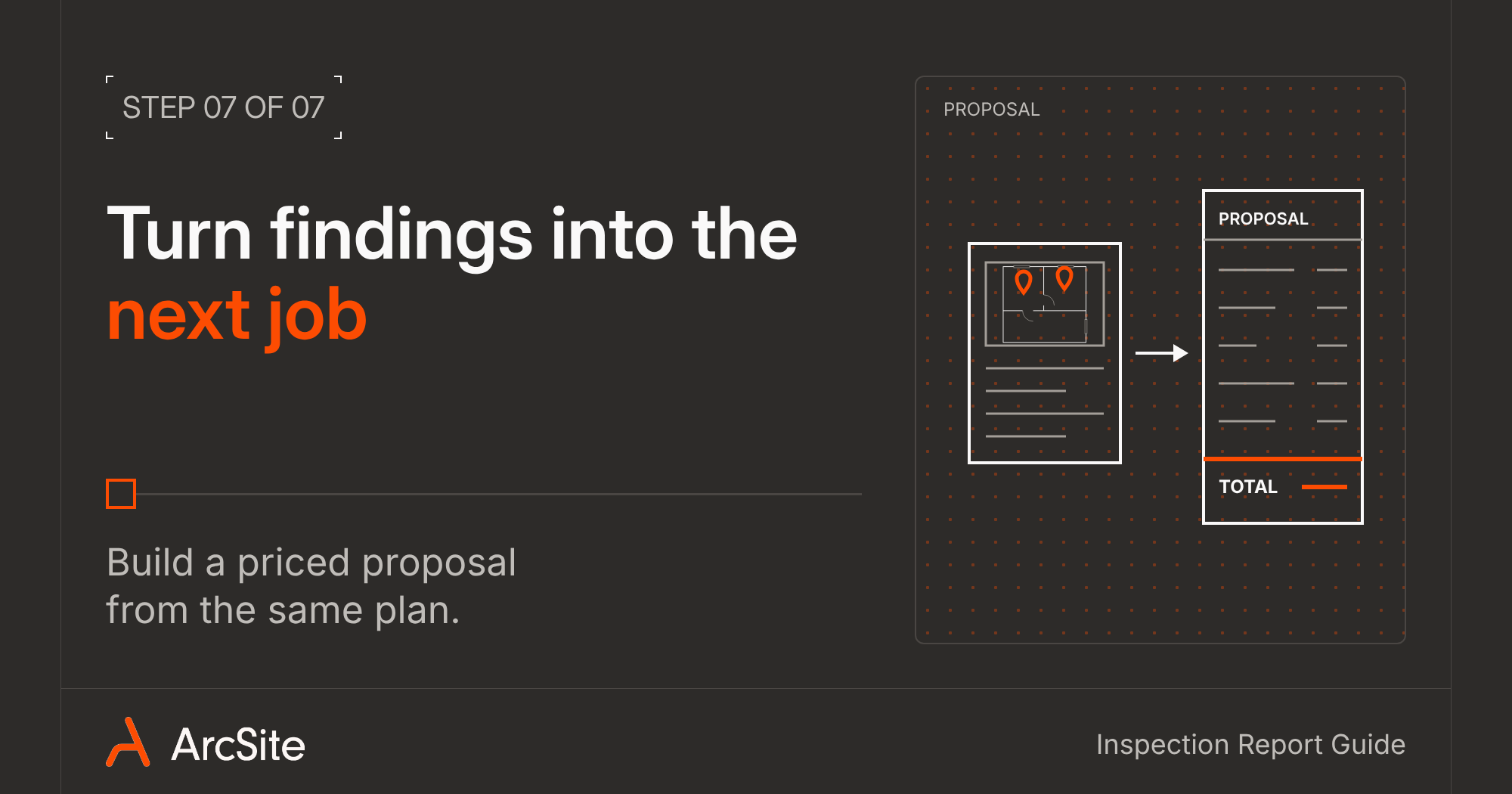
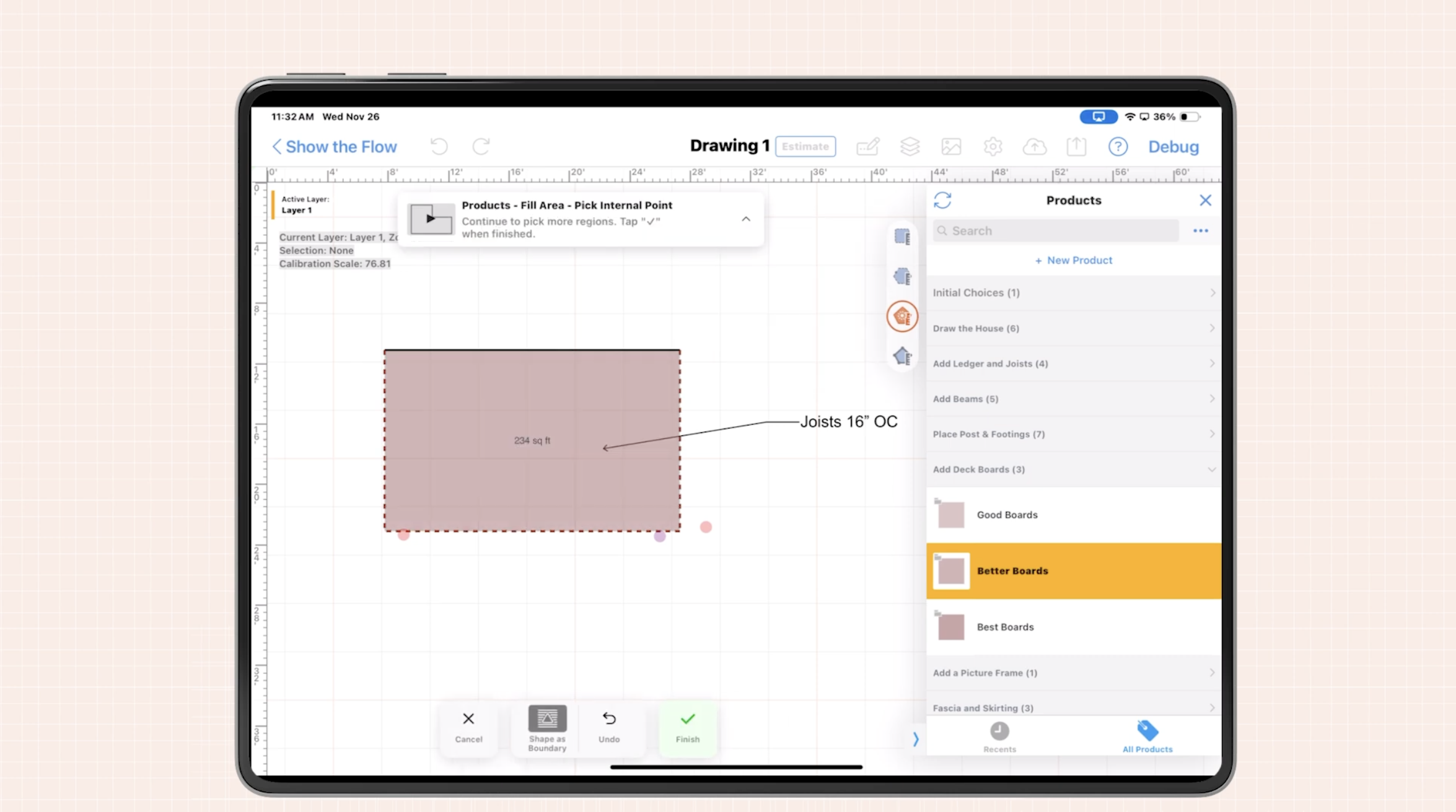
If your company also does the repair work, the report is your best sales tool. The drawing already has the locations and measurements, so you can build a priced proposal from the same plan instead of starting over. The client gets the findings and the fix together, while the inspection is still fresh in their mind.
Even if you only inspect, clear findings tied to a plan make it easier for the client to get the work done, and easier for them to call you again next time.
What to look for in building inspection tools
Most inspection apps handle checklists and photos. Fewer handle the plan, and that's the part that makes a report easy to read and hard to argue with. Whatever you're looking at, check for these:
- Scaled drawing on the device: can you draw, import, or scan a plan on site, without going back to desktop CAD?
- Photos tied to the plan: do photos attach to a location, or just sit in a gallery at the end of the report?
- Custom forms: can you build your own forms and require the fields you can't afford to miss?
- Offline work: basements, mechanical rooms, and rural sites don't always have signal. Can you keep drawing and taking photos without it?
- A report you'd hand to a client: does the PDF carry your logo, your format, and the plan, or does it look like an app export?
- Your devices: does it run on the tablets and phones your team already has?
ArcSite was built around the plan first. It's building inspection software that runs on iOS, Android, and Windows, works offline for drawing and photos, and turns one walkthrough into a scaled plan, a photo log, and a branded report. If you're comparing apps across inspection types, our roundup of the 7 best field inspection apps goes deeper.
Finish the report while you're still on site
The inspectors who get ahead aren't the ones working longer nights. They're the ones who have stopped treating the report as a second job. Set up your templates once, build the plan as you walk, pin every finding and photo where it belongs, and send the PDF before you leave.
Edward Robinson of Professional Engineering Inspections in Houston put it simply: "My clients want the answer and they want it in a reasonable period of time. They don't want to wait a week on it. They want it tomorrow. So with ArcSite, I can do that."
For more on making the switch, read why top inspectors are going digital and how a building inspection app changes client communication.
Categories
FAQs
It depends on the inspections you do, but the best options let you draw or scan a scaled plan on site, pin findings and photos to locations on that plan, build custom forms, work offline, and export a branded PDF report. ArcSite does all of this on iOS, Android, and Windows tablets and phones.
Property and job details, the scope of the inspection, a scaled floor plan or site plan, findings organized by area, marked-up photos tied to locations, severity and recommendations, key measurements, and the inspector's sign-off.
When notes, photos, and sketches are written up after the visit, reports can take hours per job. Building the report on site, with findings and photos attached to the plan as you go, leaves only a quick review before you export the PDF.
Yes. With ArcSite you can draw or import a plan, add findings, photos, and forms, and export a PDF report from a tablet or phone. On a Pro iPhone or iPad, you can also scan rooms with LiDAR to create the floor plan.
Not with ArcSite. You can create drawings, place items, and take photos offline, and your work syncs once you're back online. A few features, like AI Trace for floor plans, need a connection.
Related posts