
Construction Change Order Software
Keep projects on track when the scope changes
ArcSite change orders let you update job scope, pricing, and drawings in minutes, without restarting proposals or scrambling to explain the difference to your client.


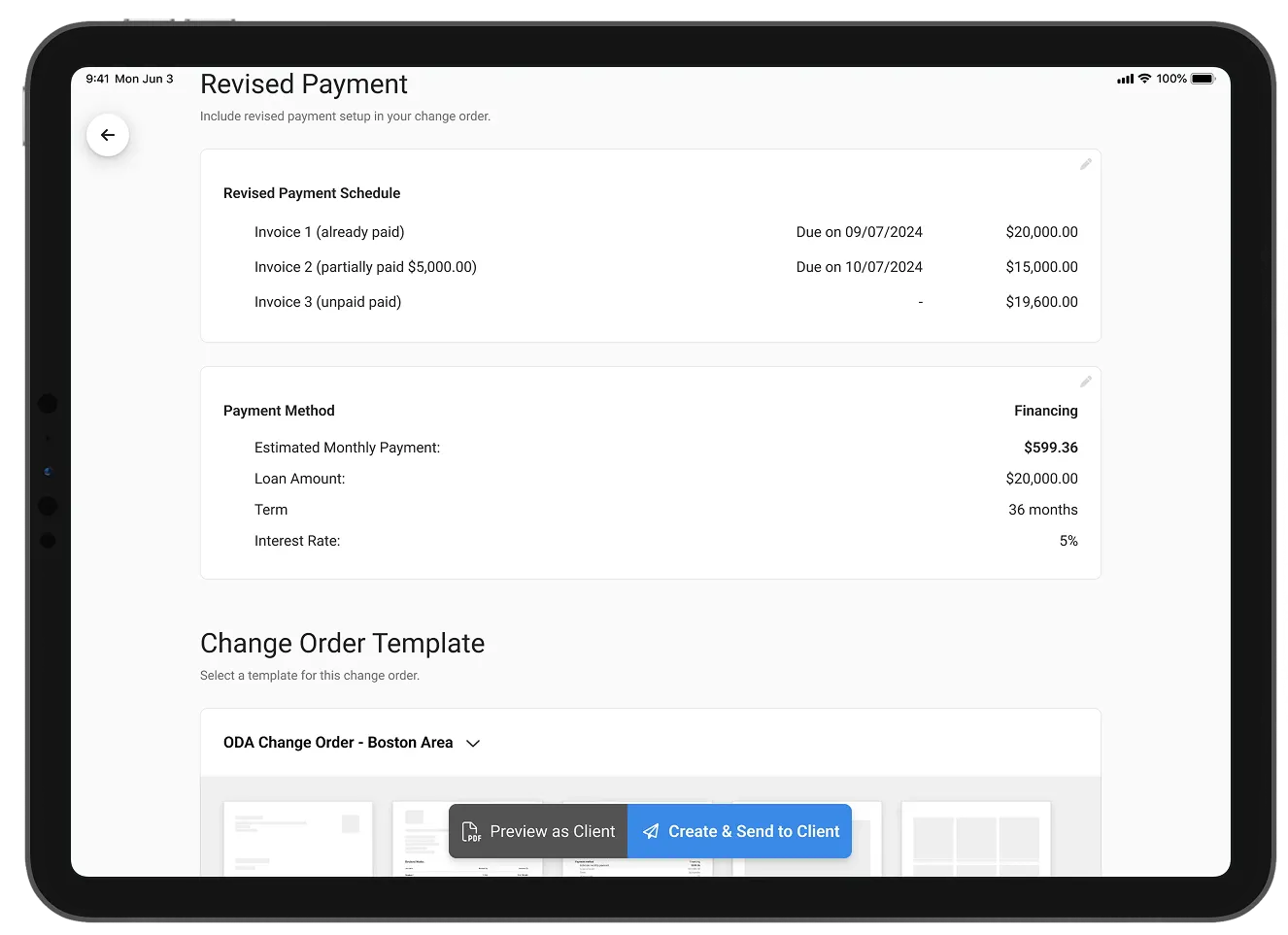
21+ million drawings, takeoffs, and proposals created with ArcSite!


















Keep the momentum when plans change
ArcSite lets you adjust project scope, pricing, and drawings without restarting the job or duplicating proposals. Everything updates in place, so your team keeps moving and your records stay clean.
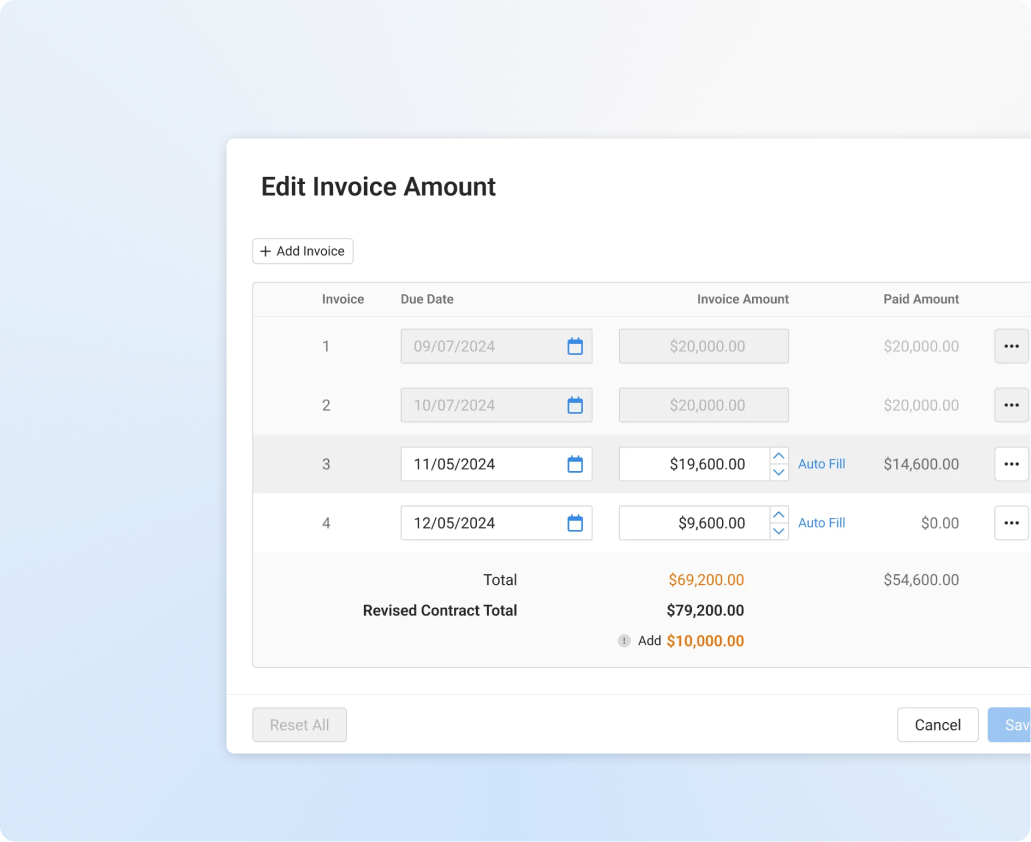
Stay aligned as project scope evolves
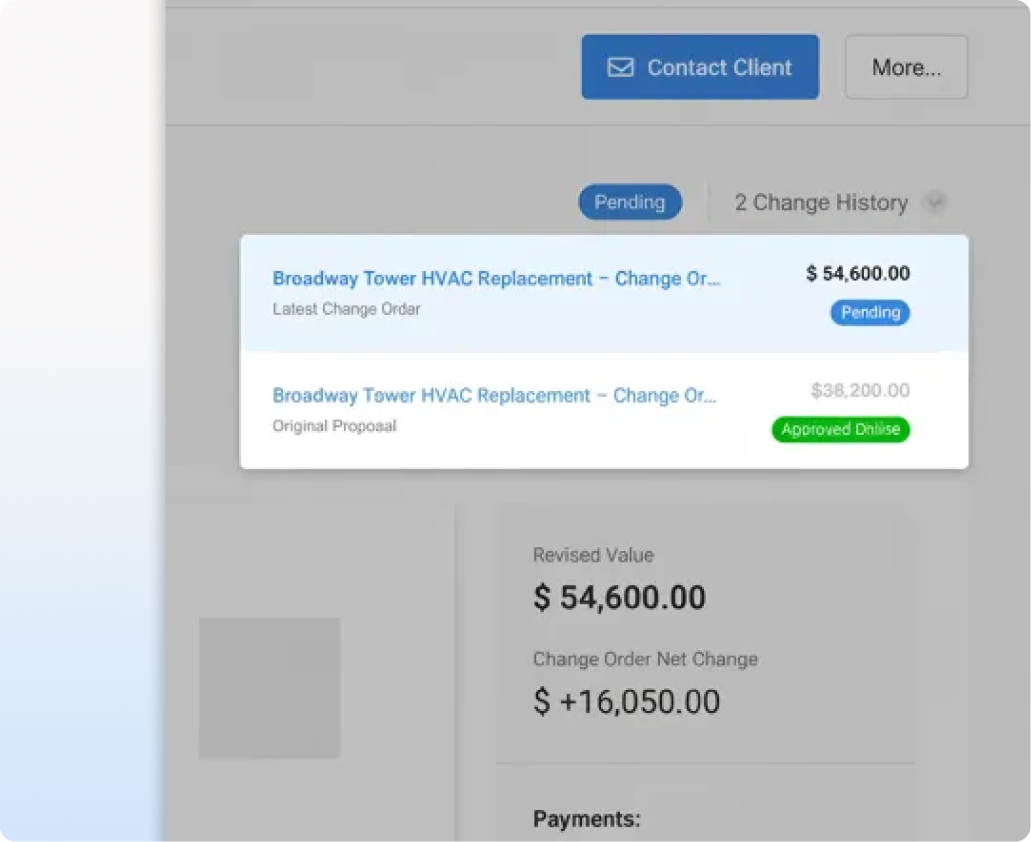
ArcSite creates a professional, versioned change order with updated drawings, line items, and pricing. Customers see exactly what changed and why it matters.
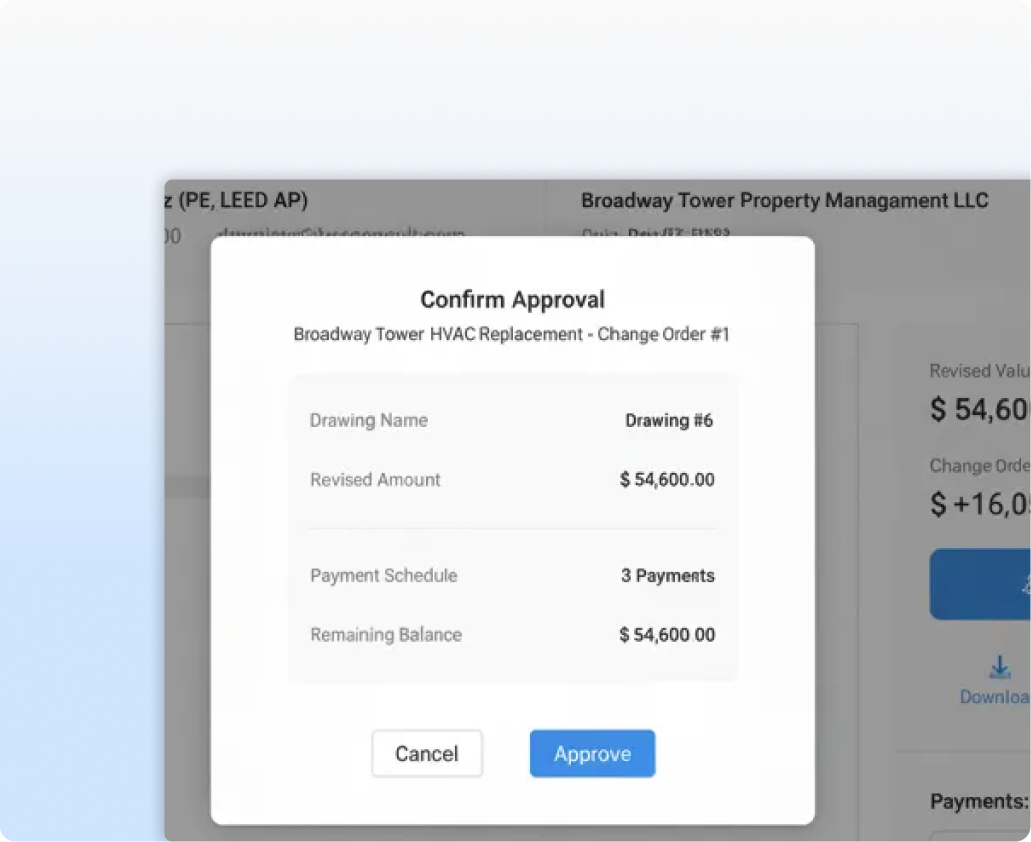
Capture payment the moment it's approved
Clients can sign on the spot or from their phone. Once approved, you can immediately collect a deposit or balance without chasing paper or bouncing between apps.
Financing a bigger scope? Sunlight Financial offers flex approvals for change orders.
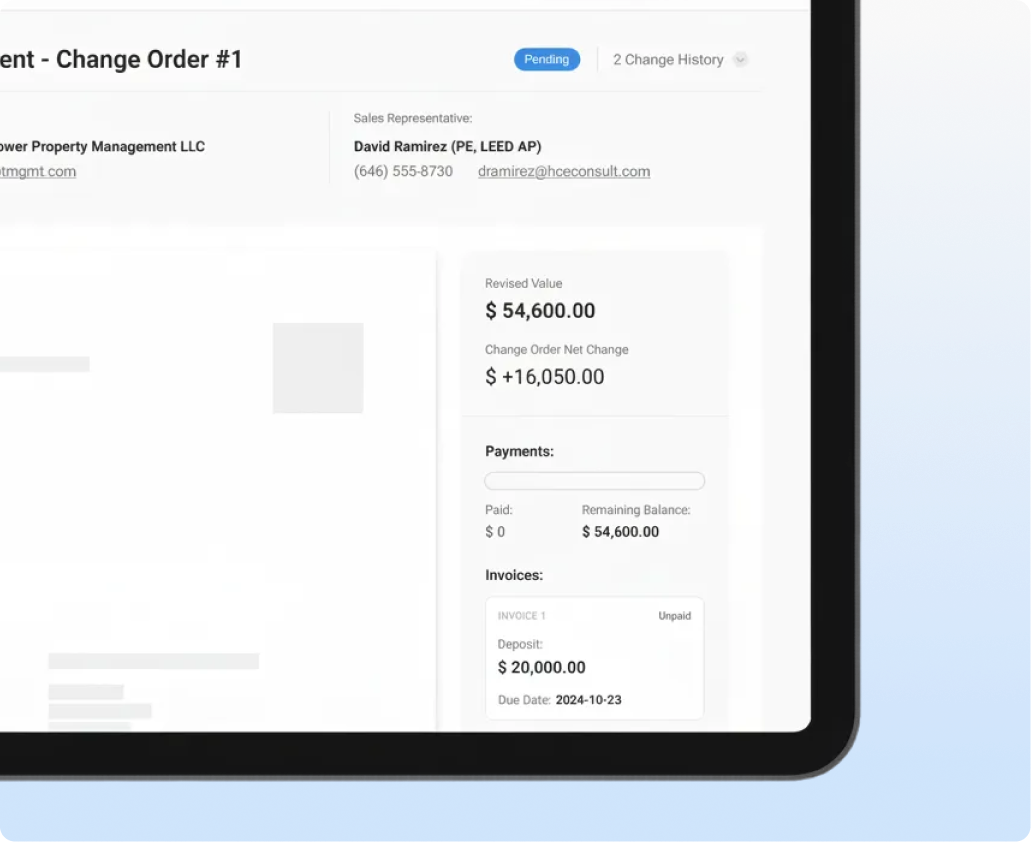
Avoid disputes with clear, trackable records
Every update, signature, and payment is logged automatically, so your ops and finance teams have the full story. No duplicate jobs, no missed revenue, and no confusion across your reports.
See how change orders work
The drawings, products, and pricing all change effortlessly.
See how fast you can create change orders
Discover the full potential of ArcSite
Change orders connect the original proposal to the final invoice. Explore the features on either side of a scope change.
Trusted by the Pros. Honored for Innovation.





Frequently Asked Questions
Got questions? We're here to help! If you can't find what you're looking for, don't hesitate to reach out.