From Field Drawing to Priced Proposal: How ArcSite's Estimating Workflow Works


We hear it from our specialty contractors all the time: starting an estimate after a site visit is a pain. You copy the graph paper sketch into your spreadsheet, count materials off the page, and then build the quote at the kitchen table. And all of this, hours after the homeowner was ready to decide.
ArcSite moves that work onto the job site by tying your prices directly to your drawing. Every product that you place on the drawing carries its own cost and price. So ArcSite builds your material list, the estimate, and the proposal from the drawing that you made in the driveway. You can then review it with the homeowner on site, have them sign, and you get to leave the site with a deposit.
The steps below we pulled from the best practices that Pros use in the field. So whether you're doing work on gutters, concrete, pest control, or hardscapes, that flow stays similar across all trades. Your products change, and so will the questions you answer before the price comes out.
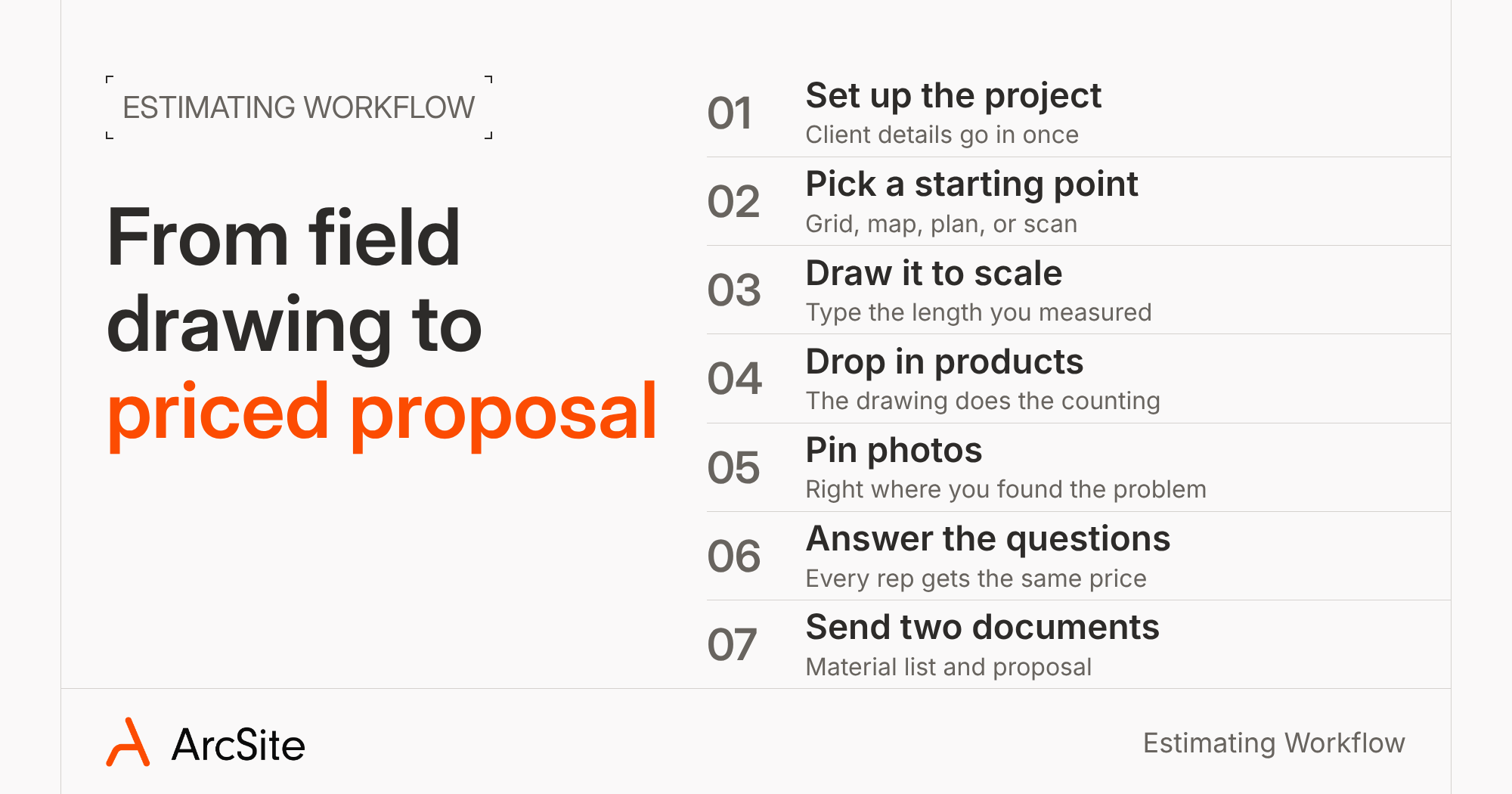
1. Set up the project before you get there
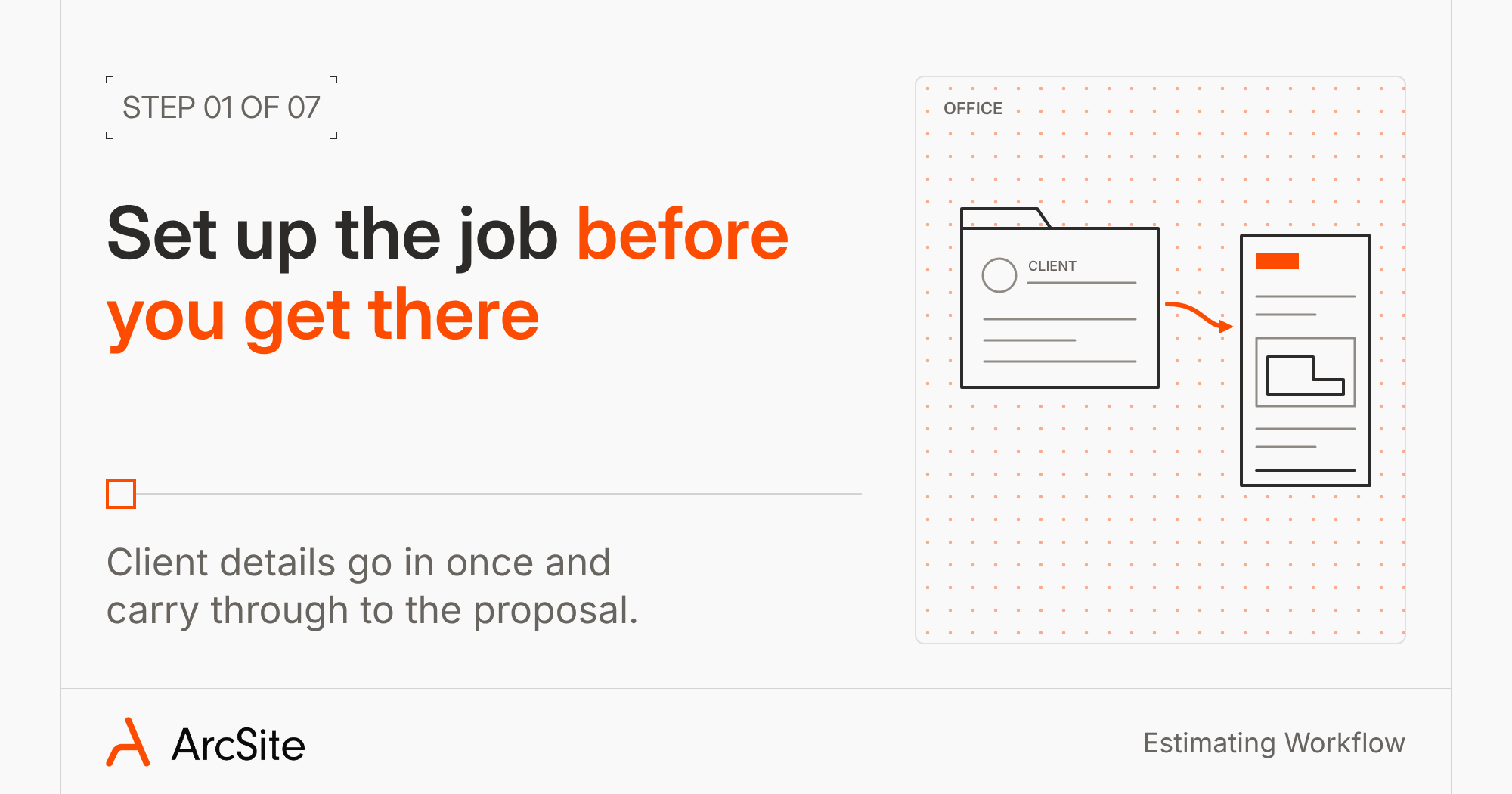
Every job starts as a project in ArcSite, with the client's name, address, and contact details. Your office manager can create the project and fill in those details before your rep leaves, so nobody types the same address twice. Those details then carry through to the proposal later, along with your logo and branding.
2. Pick the right starting point for the job
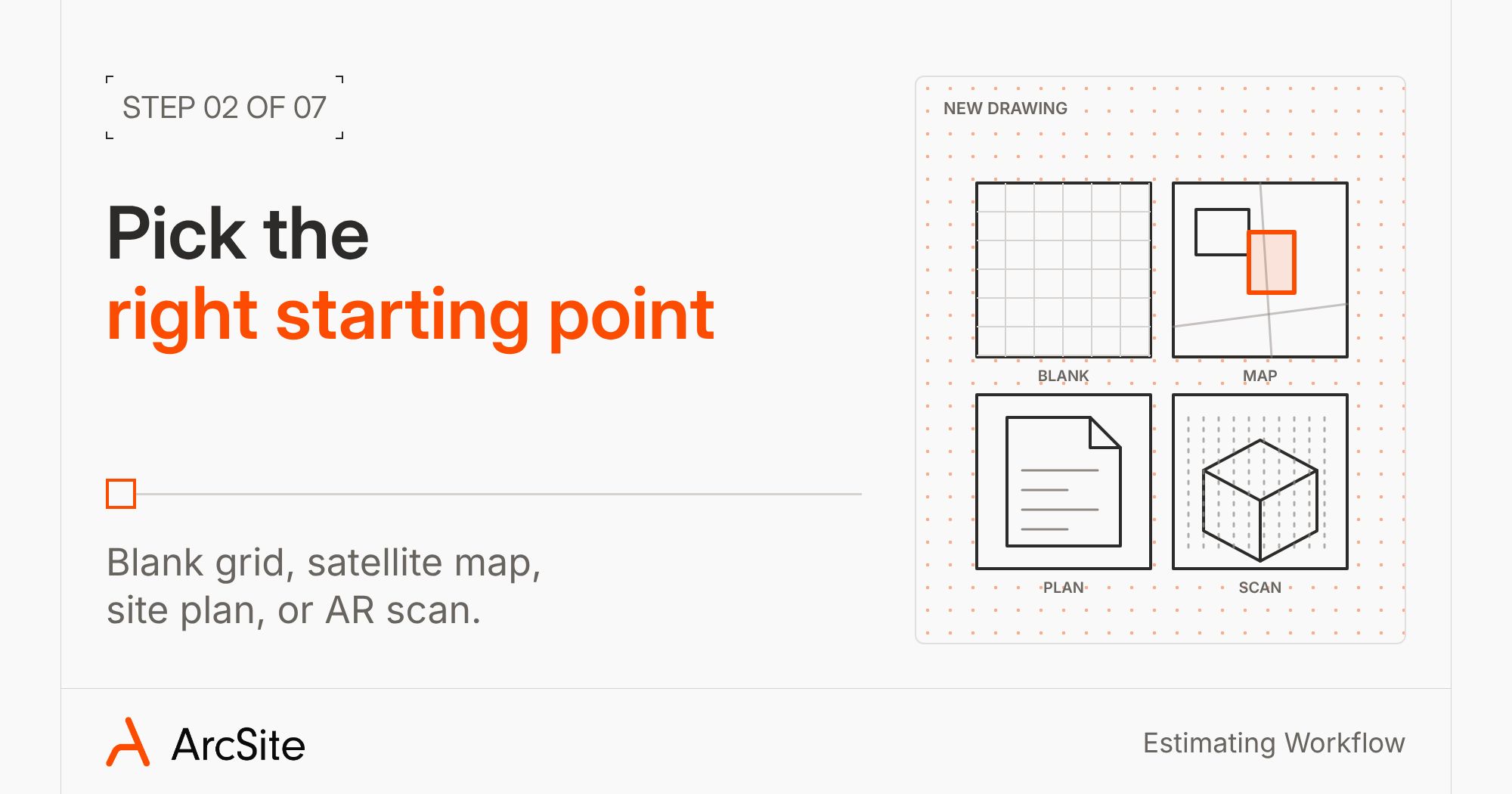
Tap the plus sign to start a new drawing, and ArcSite asks how you want to begin. Each option fits a different kind of job:
- Blank canvas: an empty grid for sketching a house, a yard, or a crawl space from scratch. Most landscape and hardscape pros start here.
- Satellite map: look up the address, capture the map, and ArcSite scales the image for you. In our concrete demo, the rep measures about 71 feet from the house to the street and fills the driveway to get about 1,100 square feet before walking it.
- PDF or site plan: import the plans for a commercial job and draw and measure on top of them.
- AR scan: on an iPad Pro or iPhone Pro with LiDAR, scan the room and let ArcSite measure the walls.
3. Draw it to scale with your real measurements
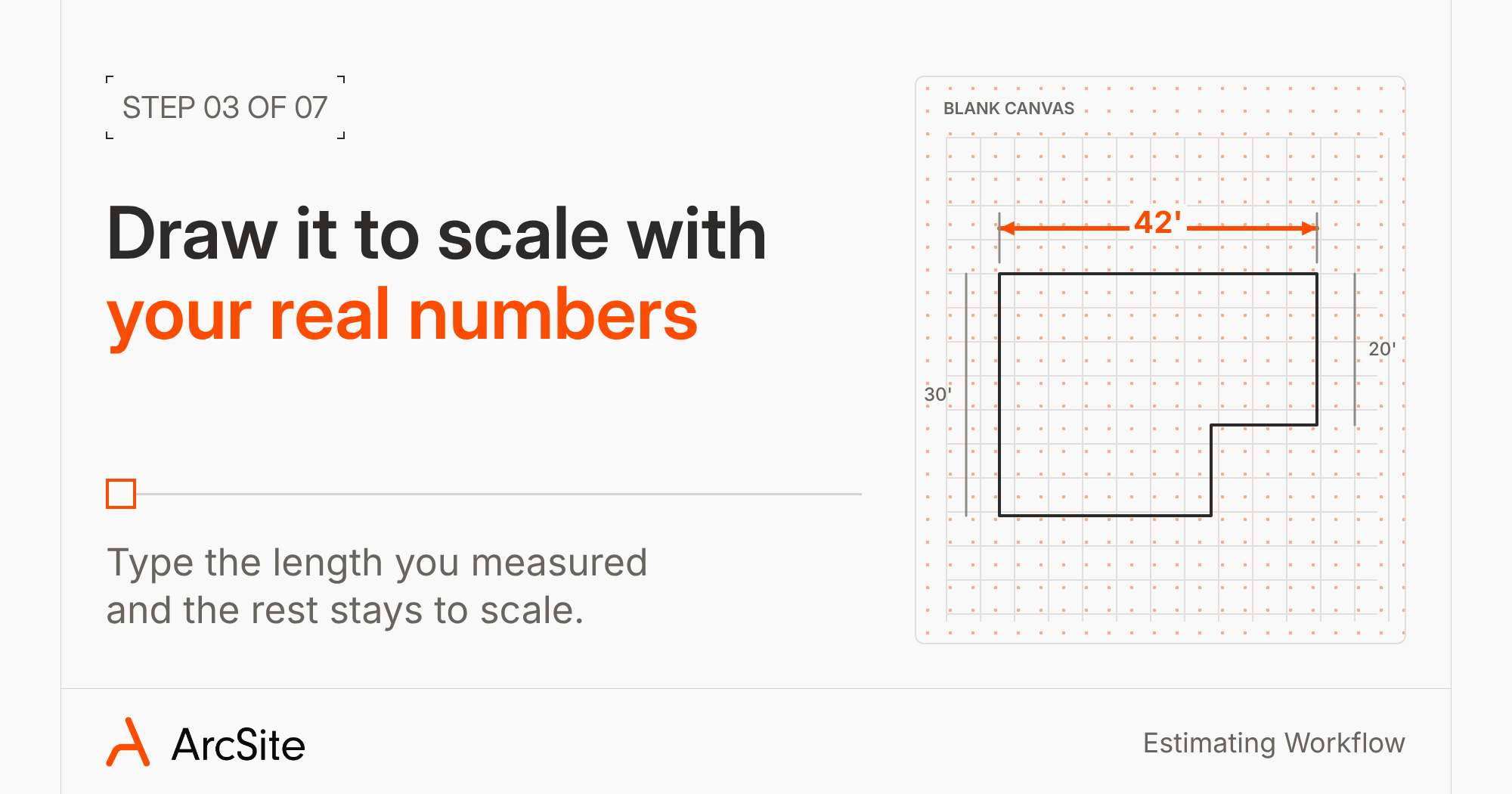
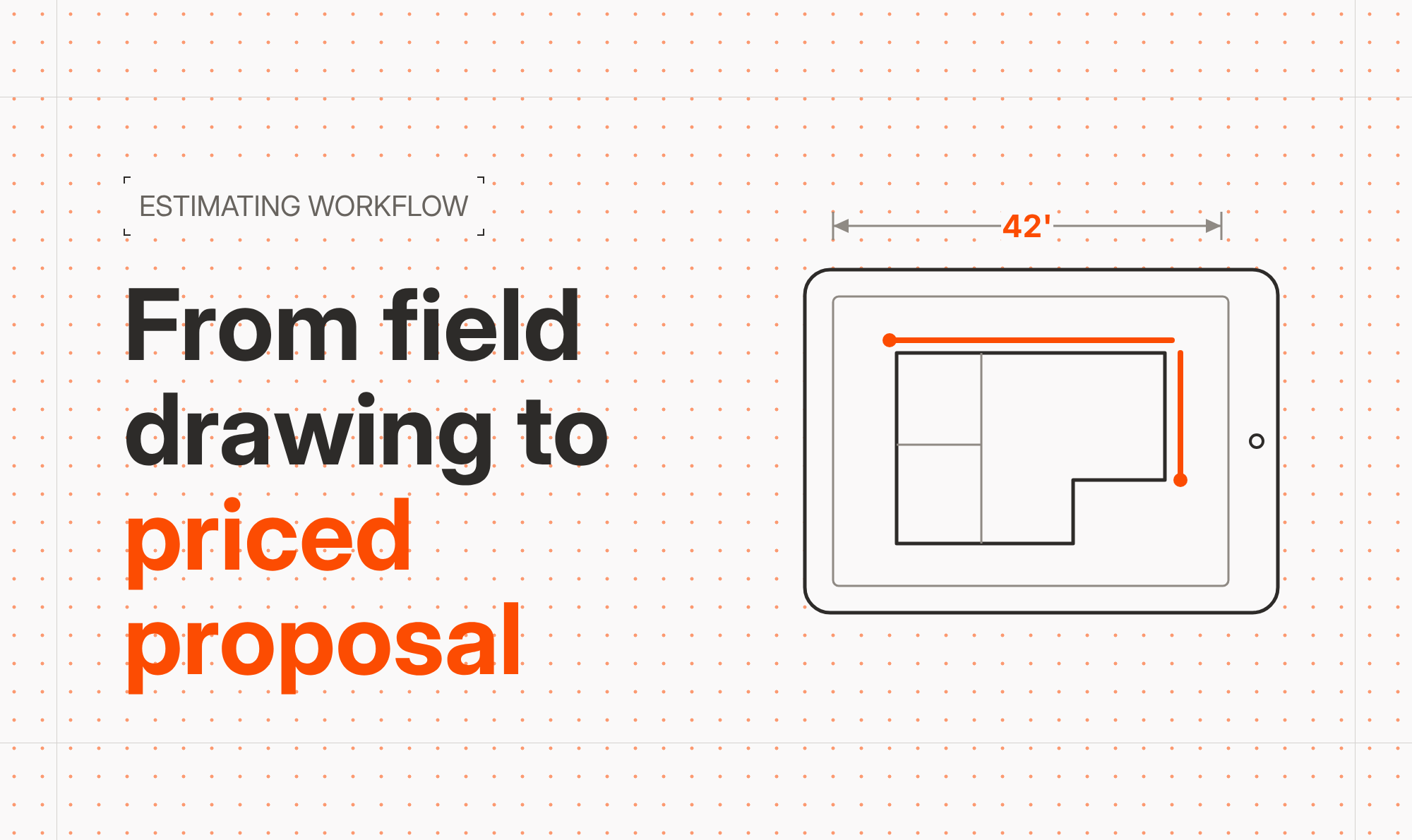
Drag your finger across the screen, and ArcSite shows the length of each line as you draw. If you measured the side of the house with a wheel and know it's 42 feet, tap the number and type 42. The line changes to that length, and everything that you draw after stays to scale.
Next, select the lines you want called out and tap Add Dimensions to label each length on the drawing. On a gutter job, those labels can show the homeowner which run goes where, and your crew reads the same numbers on install day. Use the line tool for odd-shaped walls, the box tool for a simple rectangle, and freehand for the curve of a garden bed.
4. Drop in your products and let the drawing do the counting
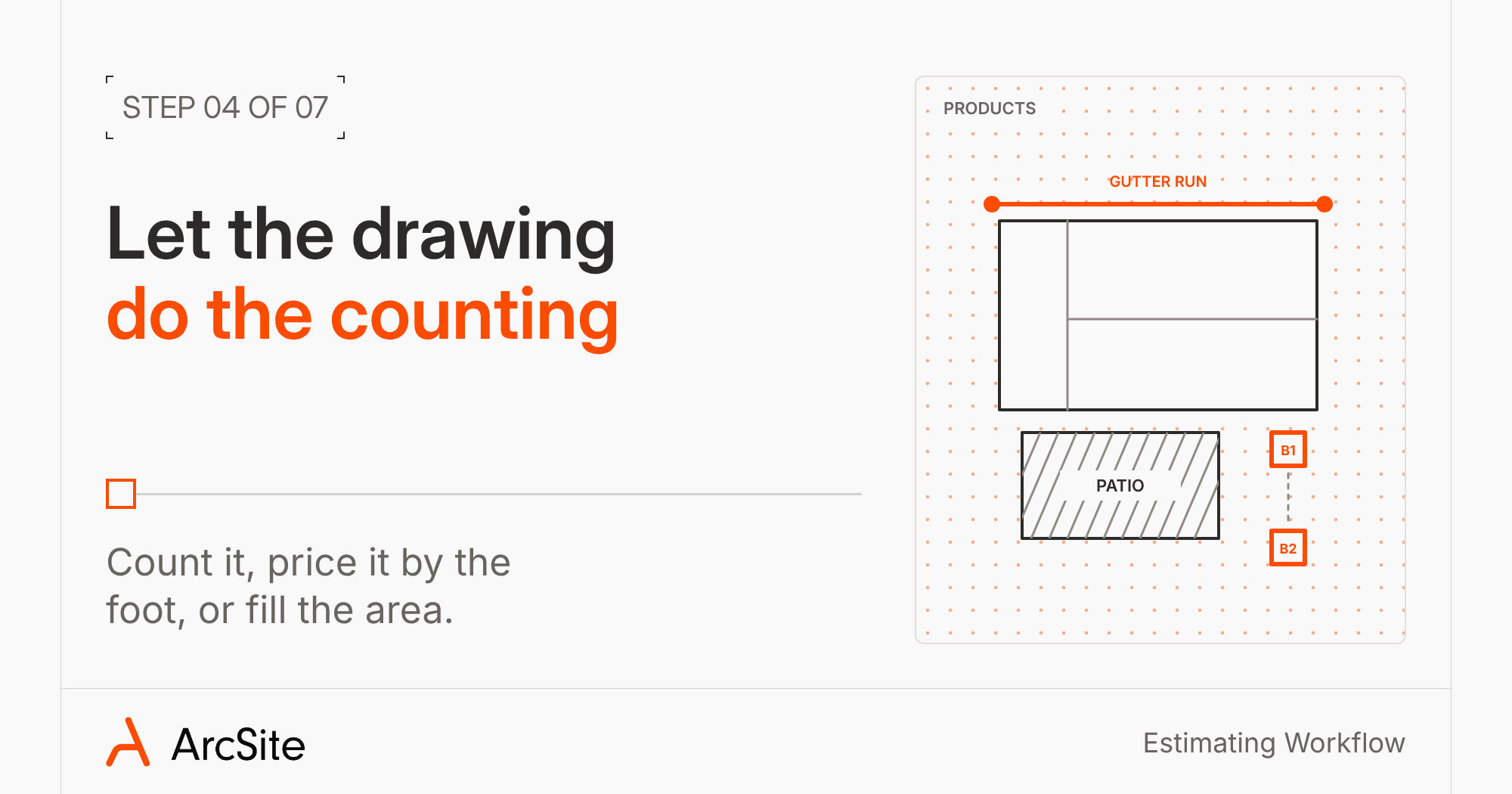
This is the step where your drawing turns into an estimate. Open your product list, pick a product, and place it on the drawing. ArcSite handles three kinds of products, and each one counts a different way:
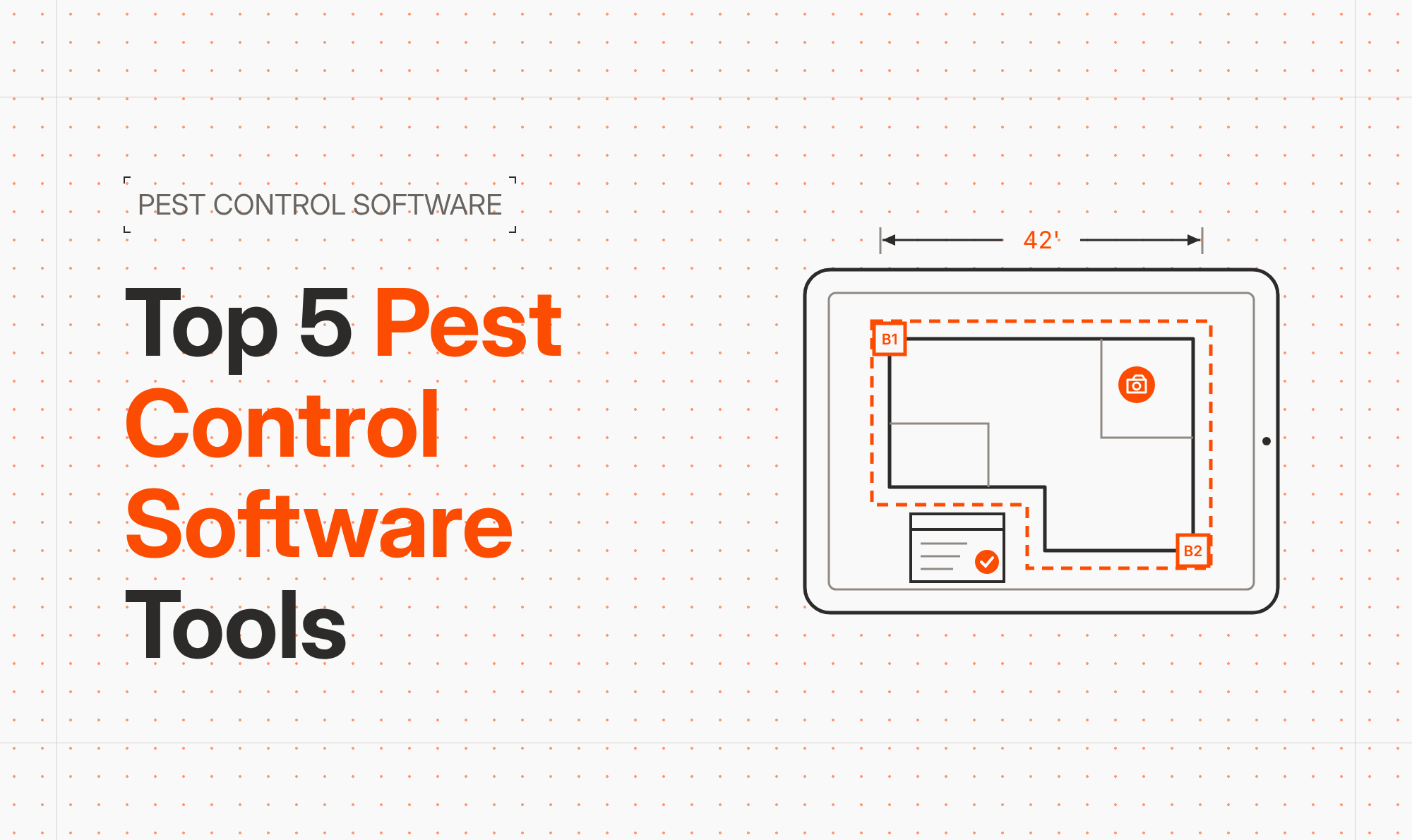
- Shape-based products are things you count. Drop a termite bait station and ArcSite labels it B1. Copy it to the next corner, and you get B2, each with its own findings.
- Line-based products are priced by the foot. Draw a 6-inch K-style gutter along the eave, and ArcSite adds up the linear feet as you go. Perimeter spray and fence runs work the same way.
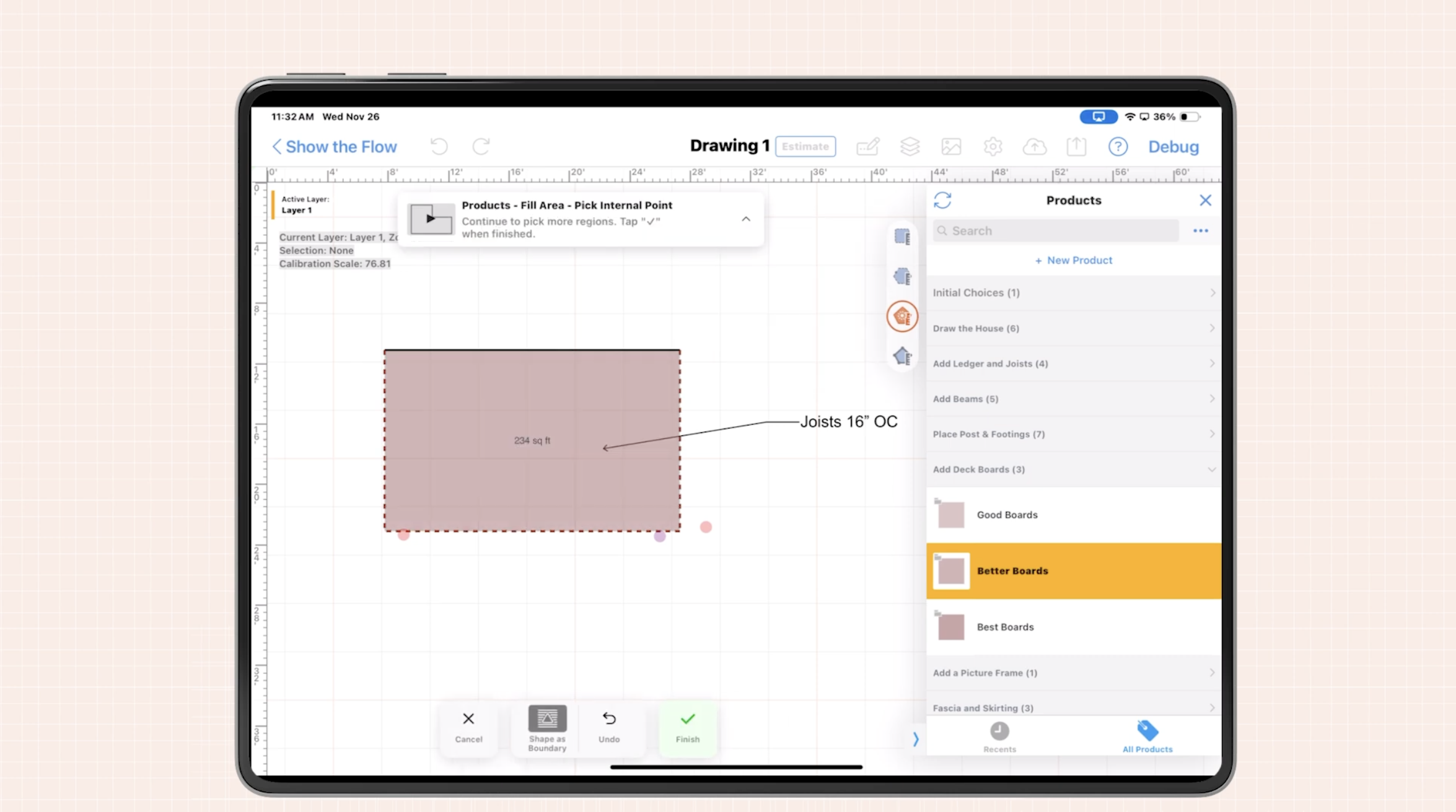
- Area-based products fill a space. Tap inside a patio or a garage slab, and ArcSite measures the square footage. Pavers, black pebble in a garden bed, and poly lift under a basement slab all price this way.
You can start from ArcSite's ready-made product libraries for your trade and add your own prices, or set up your own catalog. Only admins can set up products, so the owner controls cost and price, and reps place products without touching the math. Alex Jolley of FRDM Turf remembers what quoting looked like before set pricing: “It was a mess...I had so many reps messing up where we'd have unprofitable jobs because it wasn't a set price.”
5. Pin photos to the spot where you found the problem
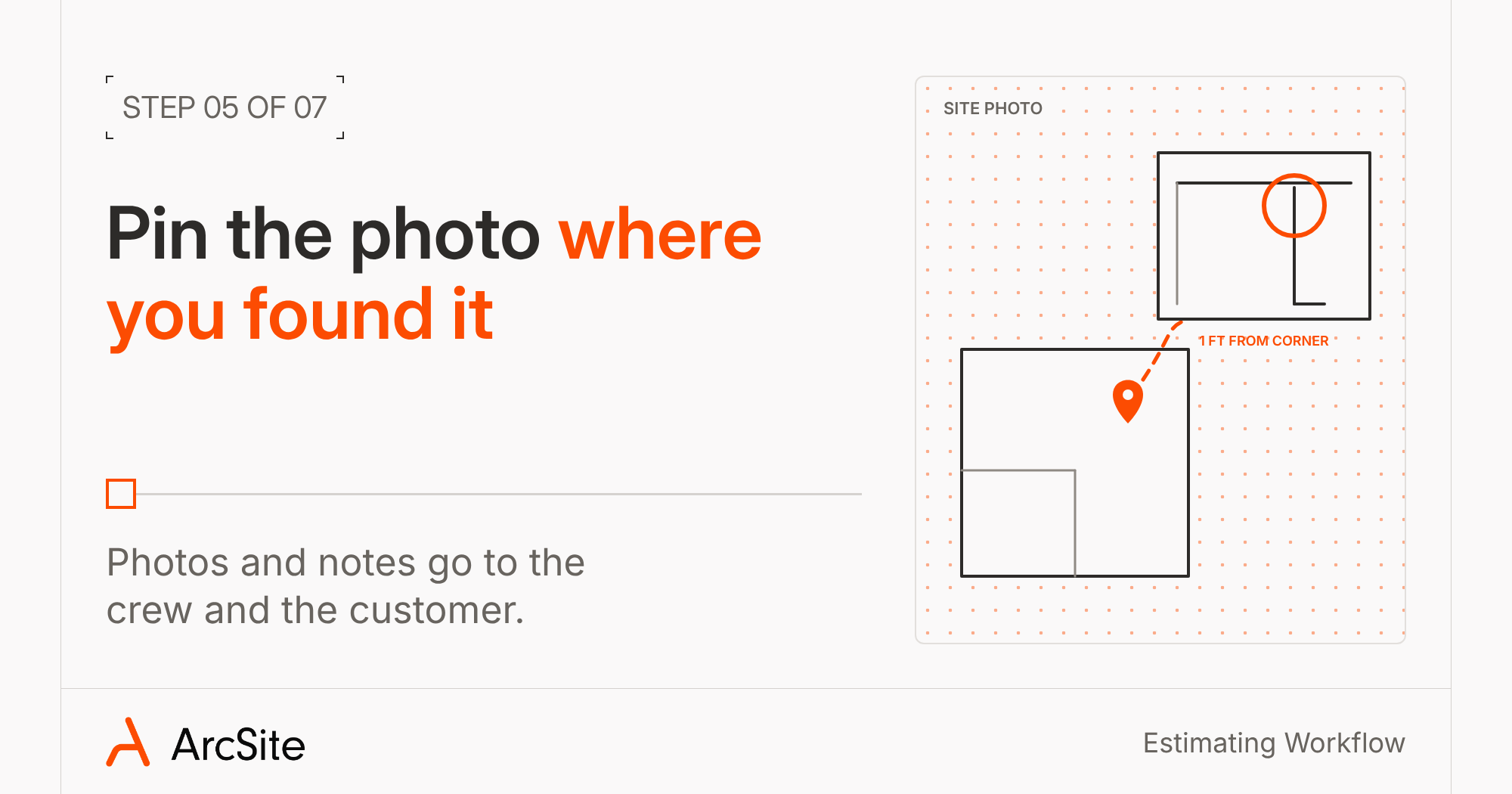
Some problems sit where the homeowner never goes. With location-based photos, you can tap a spot on the drawing and attach a picture from your camera or your photo library. In our pest demo, the tech places a rodent trap in the corner where he found signs of mice and pins the photo to that same corner.
You can also draw on the photo. In our gutter demo, the rep circles a corner and adds a note: install the downspout one foot from the corner. That photo and note show up on the crew's material list and on the customer's proposal, so the installer doesn't have to guess what the rep meant.
6. Answer the job questions and check the price
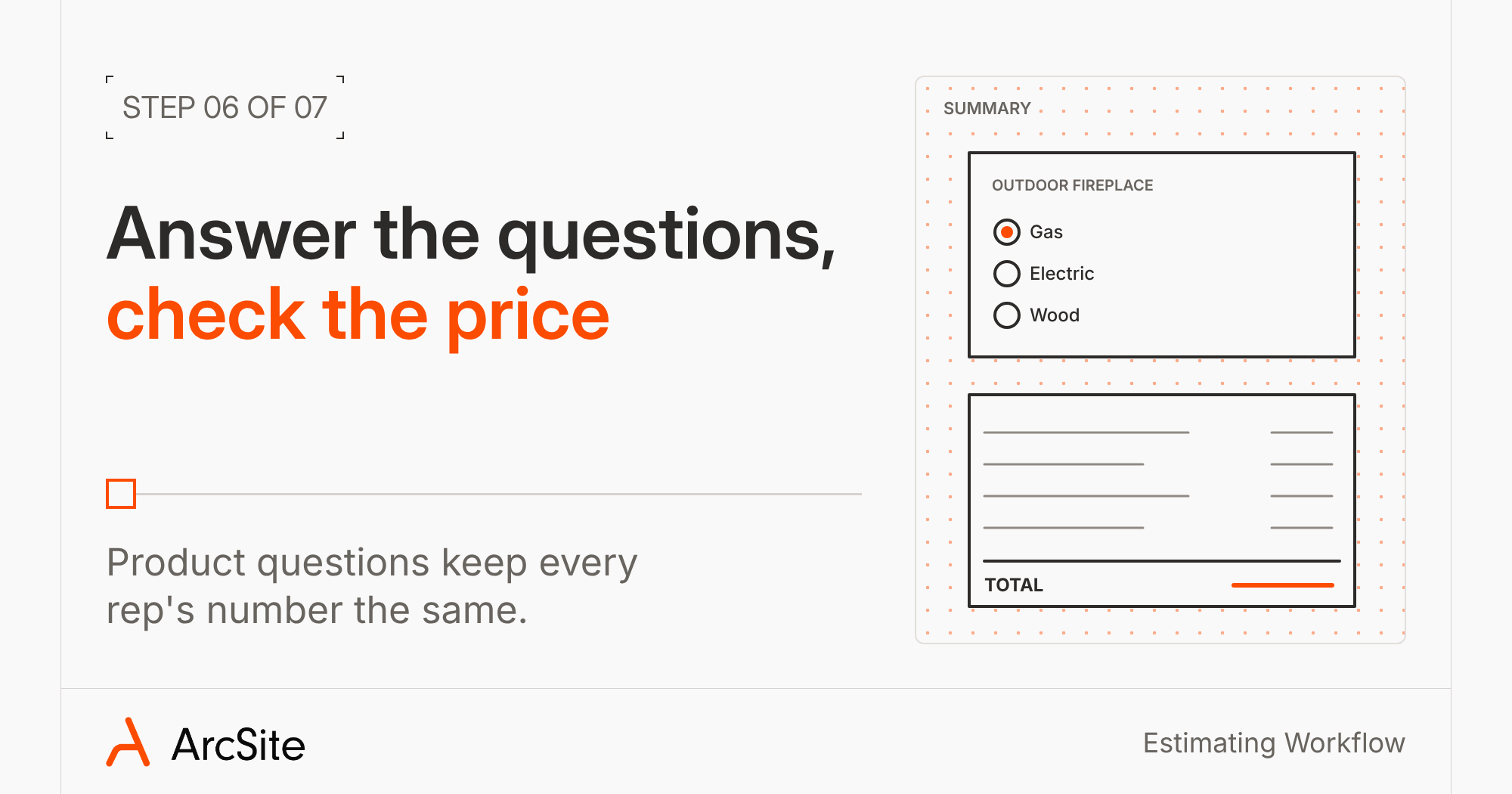
Before ArcSite shows you a price, it asks the questions you've built into your products. An outdoor fireplace could ask whether it runs on gas, electric, or wood. A gutter with gutter guard asks about strapping and whether there are old gutters to tear off. A poly foam product asks about how far to raise the slab. The answers can change the price, so two reps who answer the same way get the same number.
Then you can check the summary, and see every product, quantity, and total in one place. From here you can add labor, set up good, better, and best options, apply a referral or a same-day discount the homeowner can see. (More on that in Boost Your Profits with Multiple Pricing Options.)
Field Data covers the rest of what you need from the homeowner: the date of the service, whether they'll be home, or a note that the neighbor said your truck can use their driveway. Pest companies can also fill out state WDI/WDO forms from the same inspection.
7. Send the material list to your crew and the proposal to your customer
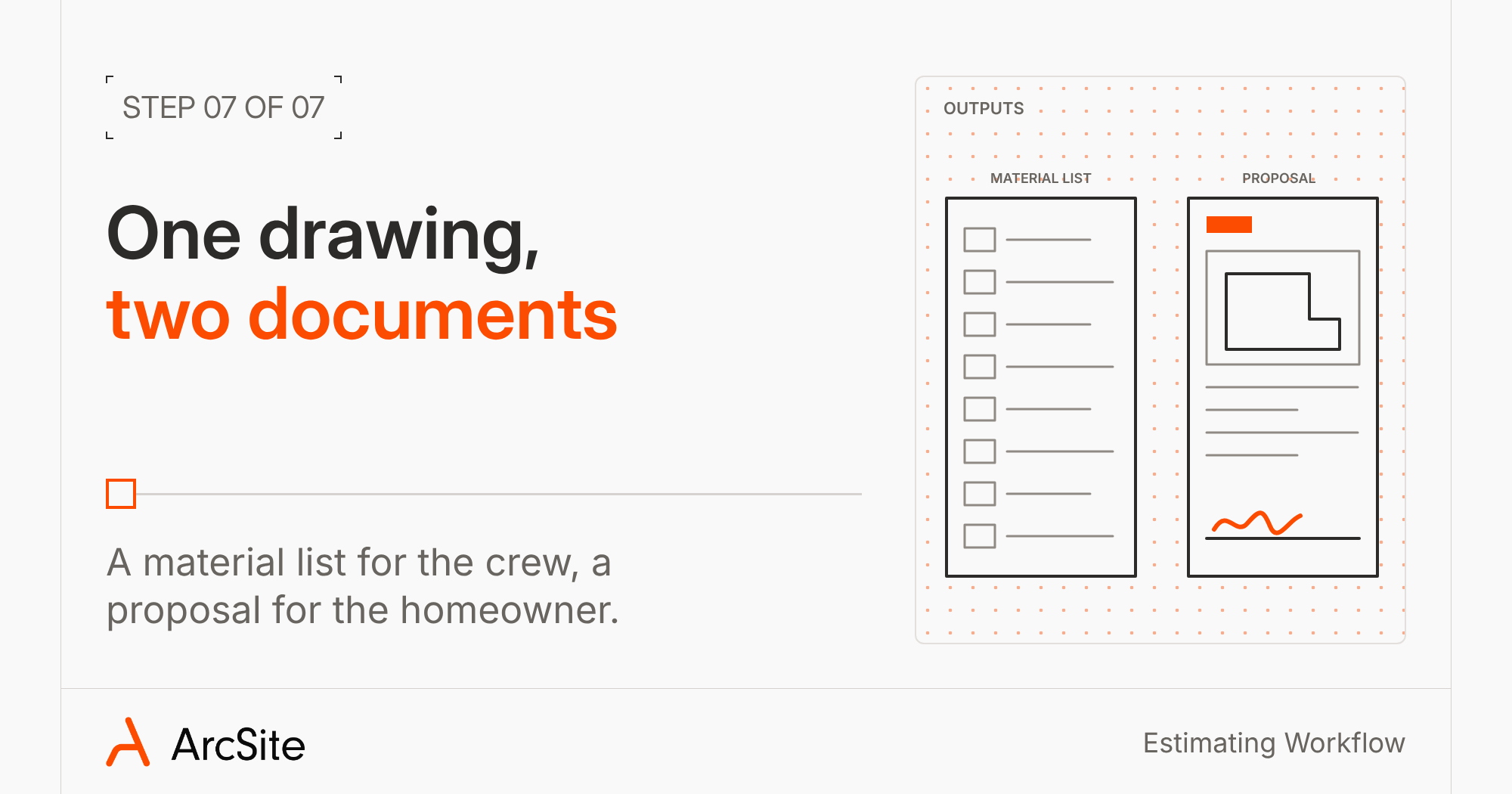
One drawing gives you two documents. The material list (some teams call it a takeoff or a crew sheet) breaks the job down by quantity with no prices, so your crew knows what to order and load. It also carries the drawing, the photos, and your Field Data notes.
The proposal goes to the customer with your logo, the drawing, and the price. Tap Review with Client, to walk the homeowner through it before you leave. You choose whether to show each line item or roll it all up to one total, and they can compare options, look at the photos you attached, sign, and pay the deposit by card or ACH, or apply for financing.
Good, better, and best options give the homeowner more than one way to say yes. They get to see three versions of the same job side by side, like a standard gutter run, the same run with gutter guard, or a premium gutter package, you can even mark the option you recommend. With the upgrade sitting right next to the basic price, upgrading is an easy choice to make right on the spot. That's how more options turn into higher-ticket jobs.
If they want to think it over, send the proposal by email or text with an expiration date. Then, upload the project, and the office has the drawing, the material list, and the proposal without a single phone call.
If the scope changes later, you can send a change order on the same job. ArcSite also connects with Jobber, Housecall Pro, ServiceTitan, QuickBooks, and Salesforce, so your job moves into the system you already run.
What changes when the estimate gets done in the driveway
Billy Tatum spent 10 years drawing foundation repair jobs on graph paper, handwriting contracts, and keeping the prices in his head. After he moved his estimates into ArcSite, he summed it up this way: “I didn't have to do pricing. I didn't have to hand draw things anymore. The detail, the professionalism, the look. And then no mistakes.” He went from three appointments a day to five.
The same shift shows up across trades. Your reps quote the same job the same way because your product list sets the price. The homeowner sees a drawing of their own house with the problem spots marked. And the quote lands while you're still on site, when the homeowner is most ready to decide.
Start with the job you quote most often. Build those products once, and your next estimate goes from the first line to a signature in the same visit. See how your trade runs it on our concrete, gutter, and pest control pages. Not in one of those trades? Check out all the industries we serve.
Categories
FAQs
Every product you place on the drawing carries a cost and a price that your admin sets. As you draw, ArcSite counts shape-based products, adds up linear feet for line-based products, and measures square footage for area-based products. Once you answer the questions built into those products, ArcSite totals the job and builds the material list and the proposal from the same drawing.
Automated material takeoffs start on the Takeoff plan. Estimates and proposals, digital signatures, payments, change orders, and invoicing come with the Estimates plan. Satellite maps and AR scanning start on Draw Pro, so both higher plans include them. Check the pricing page for current details.
Yes. Start from ArcSite's ready-made product libraries and add your own prices, or set up your own catalog. Admins control products, costs, and prices, so reps in the field place products without changing the numbers.
Fence, gutter, concrete, pest control, hardscape, turf, decking, foundation repair, and basement waterproofing companies all use ArcSite. The steps stay the same. Your products and the questions you answer before the price comes out change by trade.
Yes. Review the proposal with the homeowner on site, or send it by email or text. They can pick an option, sign, and pay by card or ACH, or apply for financing. You set the deposit and the payment schedule.
Related posts