ArcSite vs FenceCloud: Best Estimating Tool for Fence Contractors


If you ran CFS for years, you've probably heard about the move to FenceCloud (you'll also see it written Fence Cloud). Software Design Associates built the Computer Fencing System back in the early 1980s, and FenceCloud is its cloud-based successor.1 If you're weighing that move, here's how ArcSite and FenceCloud compare.
ArcSite and FenceCloud both turn a fence job into a material list and a price. But they split on where that work happens. FenceCloud is built for an estimator at a desk, entering the job and pulling parts from supplier catalogs.2 ArcSite is built for the rep standing in the yard, drawing the fence line on a tablet and sending a signed proposal before getting back into their truck.3, 4
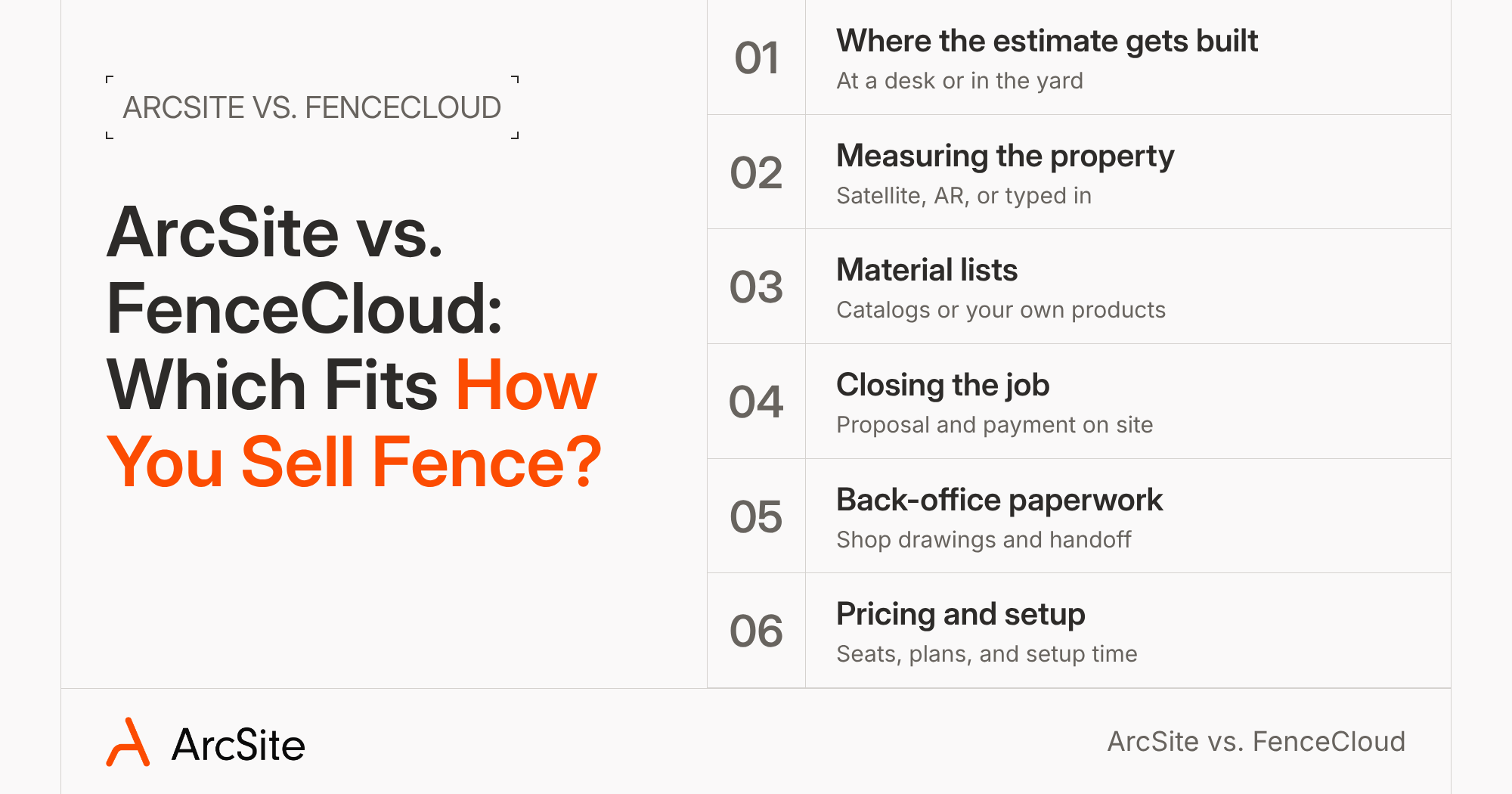
We've compared the two on six steps that decide a fence sale, from where the estimate gets built to what setup takes.
1. Where the estimate gets built
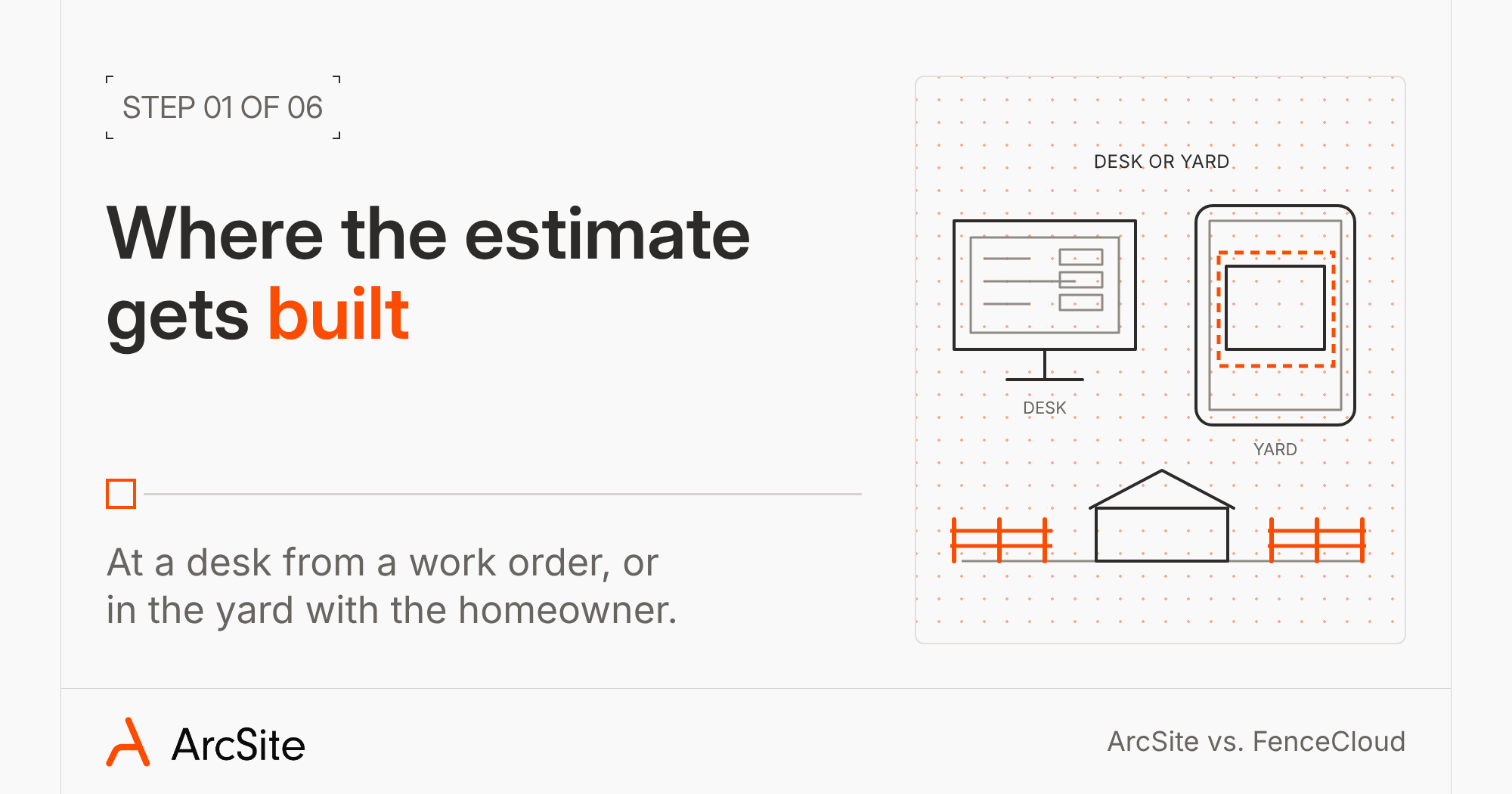
FenceCloud runs in the cloud, and its site promises access to your files "from anywhere you have service."5 It doesn't advertise an iPhone, iPad, or Android app, or a way to work offline.2, 10 The workflow fits an estimator in the office: someone keys in the job, sketches the site plan, and the software builds the estimate. CFS users get a familiar option too, with the typed site plan entry feature carried over from the old program.14
ArcSite runs in the field and is available on iOS, Android and Windows.3 Your rep draws the fence during the visit, with the homeowner standing there. If the backyard has no signal, offline mode still lets you draw, place products, and take photos, and the app syncs when you reconnect.6 You'll need a connection to send the proposal.6
2. Measuring the property
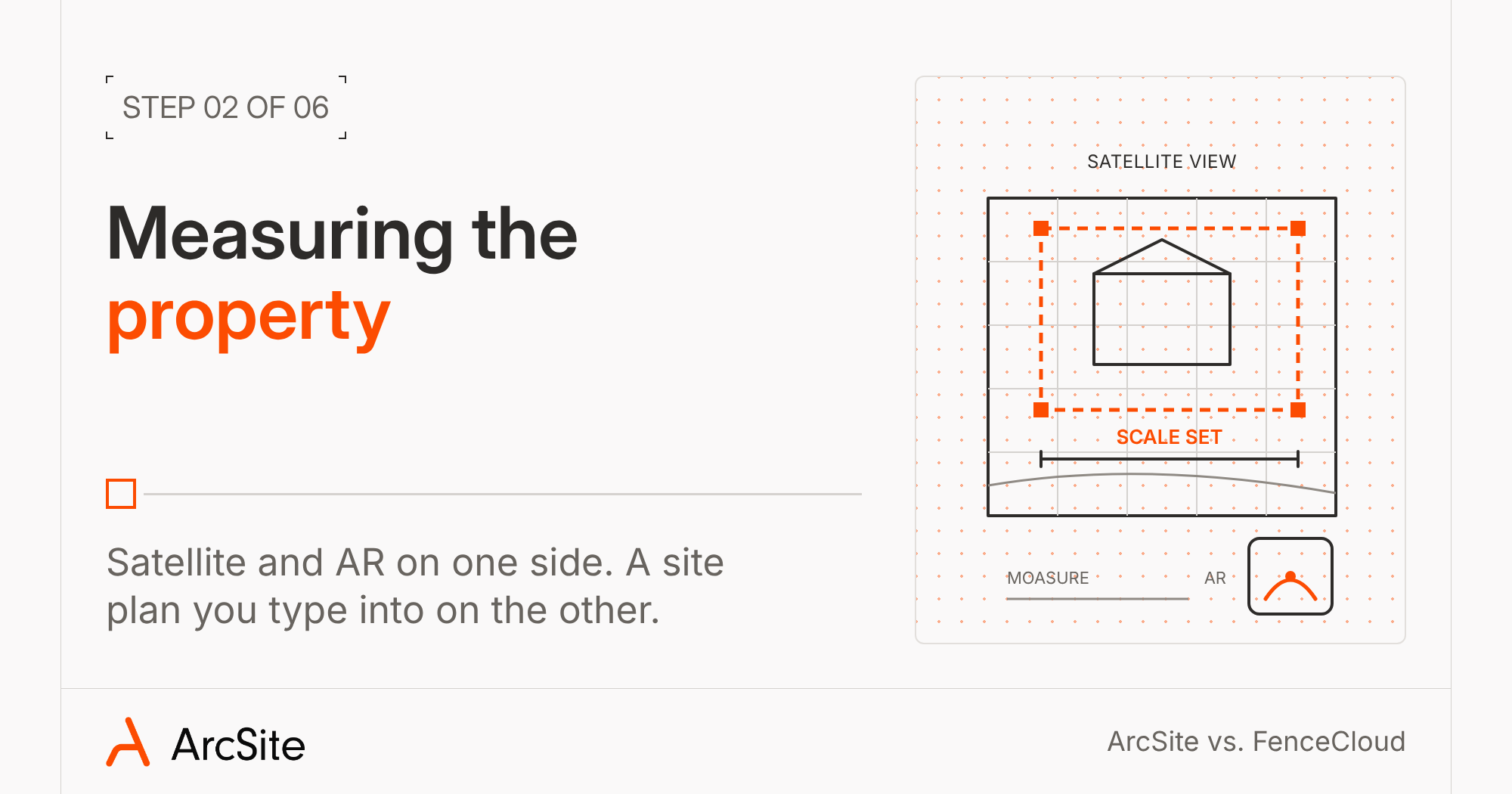
In ArcSite, you can start a drawing from a satellite image of the property, and the app sets the scale for you (Create Drawing from Map, Draw Pro plan and up).7 On a LiDAR iPad Pro or iPhone Pro, you can trace fence runs with AR and land within an inch or two in good conditions.8 If your crew already carries a Moasure (a measuring tool that records distances as you walk the line), it can send measurements straight into the drawing.9
FenceCloud gives you a site plan to enter measurements you took on site or pulled from a work order, plus a radius tool for curved runs.14 Its GeoDraw tool lets homeowners sketch their own fence line on a map, which works well for qualifying leads before anyone drives out.16 Satellite measuring inside the estimate isn't advertised, so someone still has to carry the yard numbers back to the office and type them in.2, 5
3. Material lists and supplier catalogs
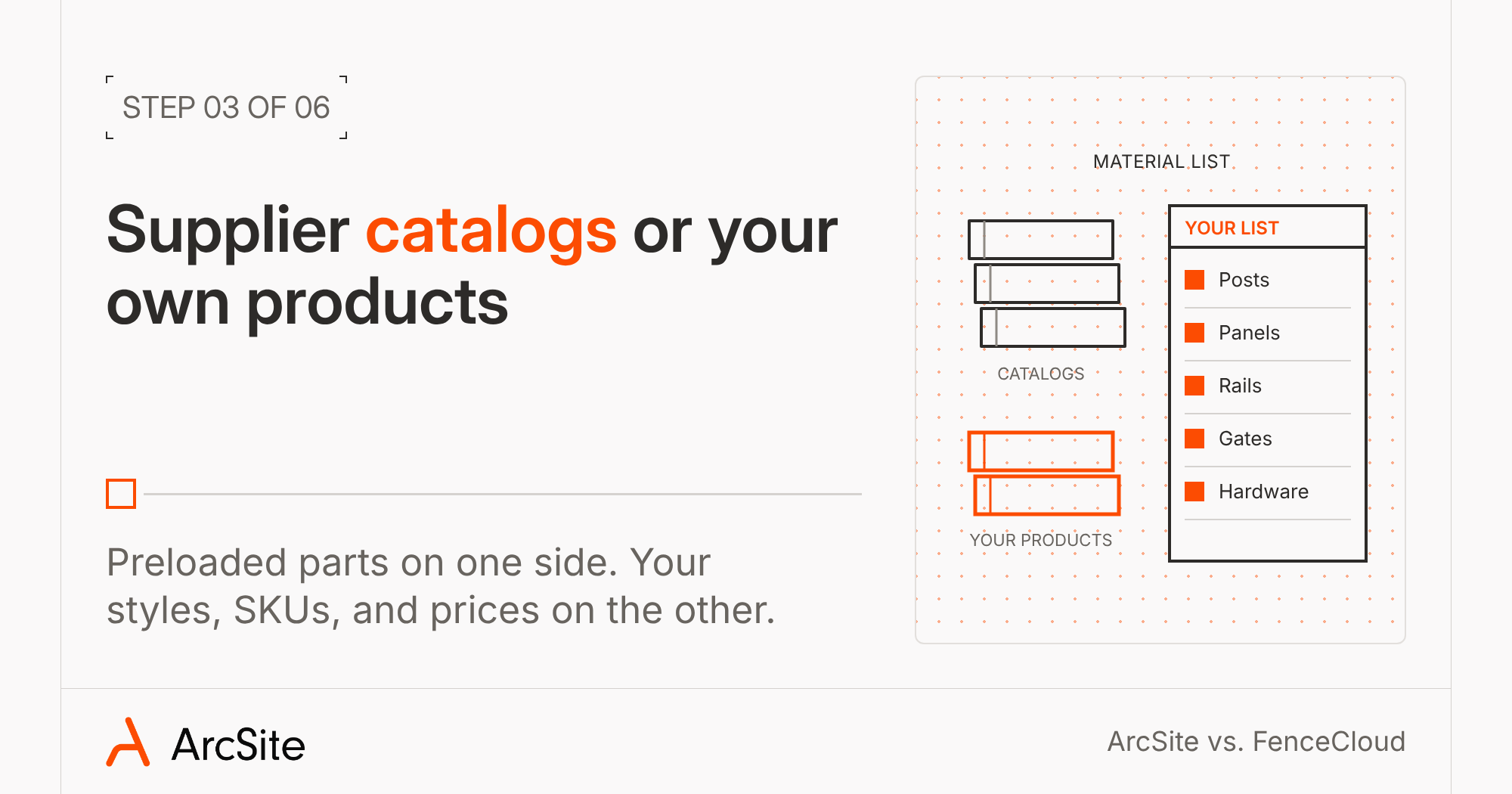
FenceCloud ships with over 100 supplier catalogs covering chain link, vinyl, ornamental, and wood, loaded on every plan.5, 10 If you buy from the big national suppliers, their parts are already in the system.
But a catalog prices the job the supplier's way. If you buy from a local yard, sell your own styles, or price material your own way, you'll still be adjusting that catalog to match how your shop charges.
ArcSite starts from your products instead: your styles, your SKUs (supplier part numbers), and your prices.17 You can import them from Excel, and the Fence Builder turns a product spreadsheet into ready-to-draw bundles for wood, vinyl, and residential chain link.17, 18 Once your library is set, you draw the fence line and ArcSite counts the posts, panels, rails, gates, and hardware.3 Change the post spacing and the material list updates with it.19 Because the prices come from your own library, every rep quotes the number your shop would charge, with no catalog to rework first.17
4. Closing the job on site
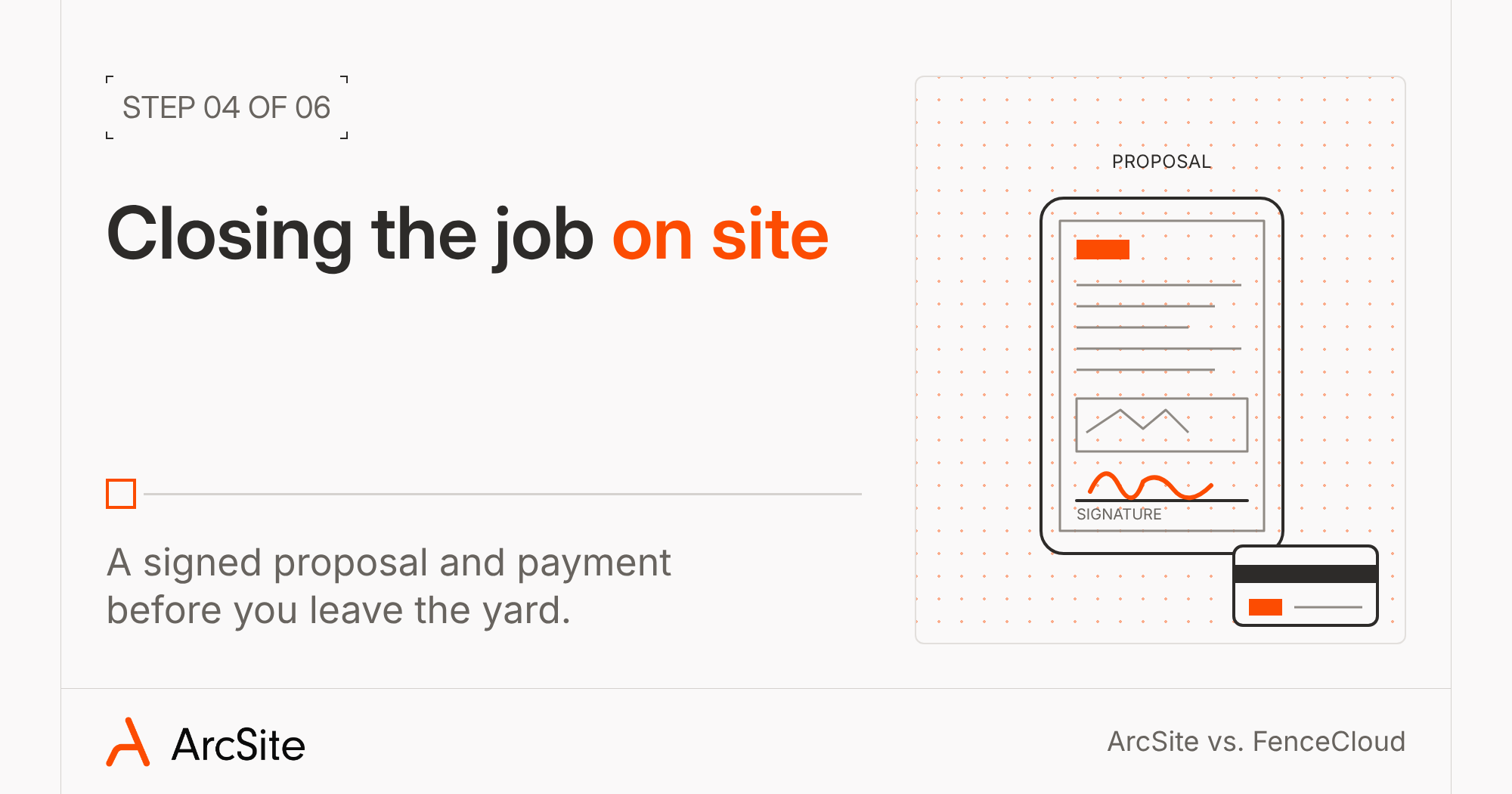
Both tools let the homeowner sign. FenceCloud fills in your contract and supports e-signature on your PDFs.10, 14 Its site doesn't advertise a way to collect payment from the homeowner.2, 10
ArcSite puts your drawing inside a branded proposal, the homeowner signs on the tablet, and ArcSite Payments takes card or bank payment (Estimates plan).4, 11 Marcus McCrary, owner of DFW Fence Contractor, wanted exactly that: "I wanted something where I could simply draw it, and then that would be the price."20 At Accent Fence, president Jared Meyer says revenue grew about 50% and their close ratio rose about 20% after the switch.21
5. Shop drawings and back-office paperwork
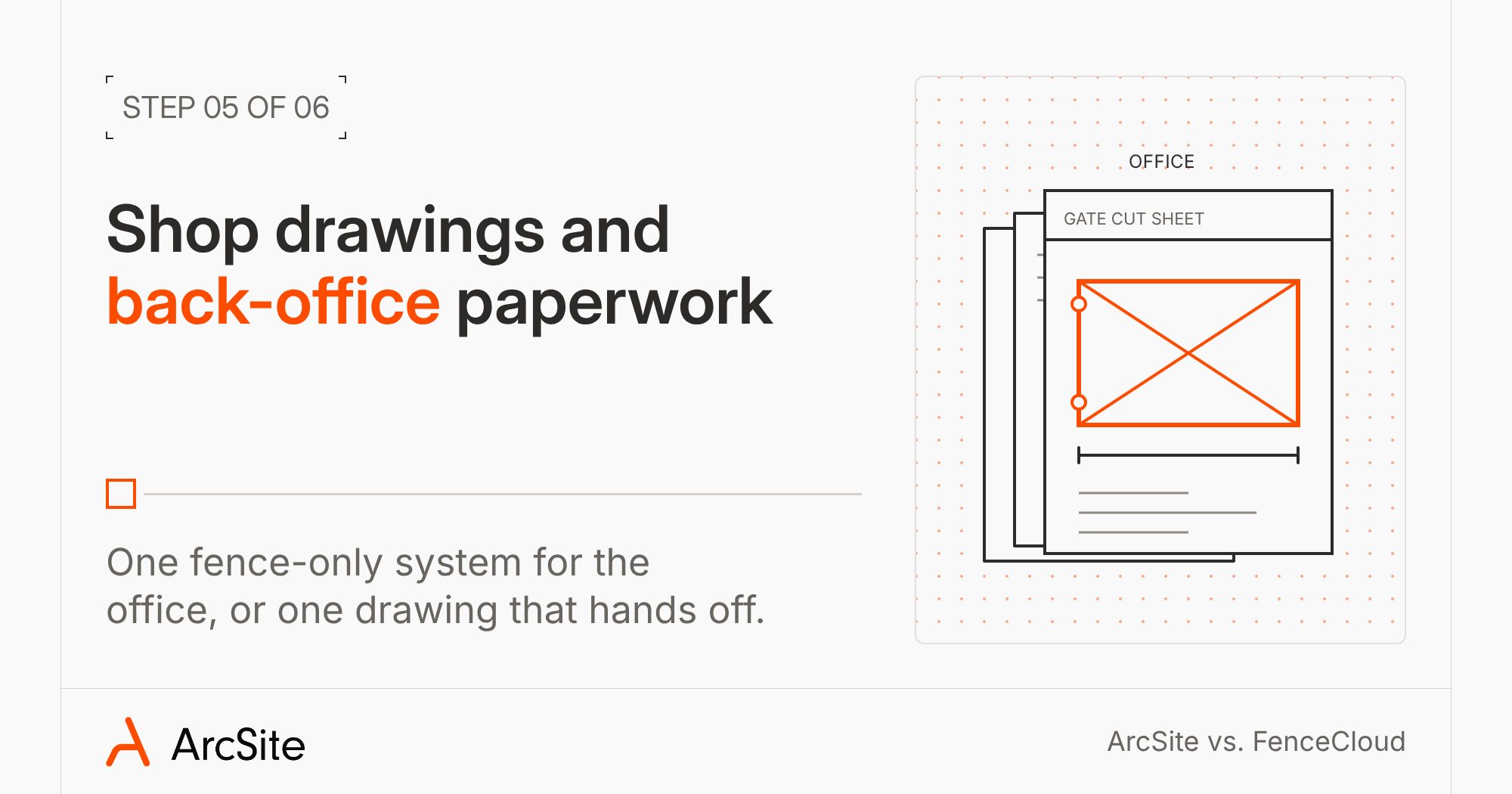
FenceCloud puts office tools into the same fence-only system: lead tracking, scheduling calendars, inventory, and reporting, plus fabrication paperwork like packing lists, work orders, gate cut sheets, and shop drawings.2, 14 QuickBooks connects through a managed integration.14
That works if you're ready to move your whole office onto one new system. But if your office already runs on a scheduling or customer tool it likes, ArcSite lets you keep it. The drawing you sold from goes straight to your crew on a crew sheet, so the install matches what the homeowner signed.3 Estimates, invoices, and payments sync to QuickBooks without retyping.13, 22 If you run scheduling and customers in Jobber, ArcSite connects to that too.12 You get a better sale in the yard without replacing what your office already knows.
6. Pricing and setup
FenceCloud prices by number of users, with every feature on every tier, paid monthly or yearly.10 That keeps it simple, but you're paying for the full office suite whether your shop uses it or not.
ArcSite prices by plan, so you pay for the features you use.4 The drawing plans come with a 14-day free trial, and you can move up to takeoffs, proposals, and payments when you're ready.4
Either way, plan on some setup. FenceCloud's catalogs come loaded, but you still set up how your fence styles price out. With ArcSite, you bring your product list once and the Fence Builder turns it into ready-to-draw bundles.18 From then on, every job prices the way your shop does. Bring a recent job to a demo and see how your list maps over.
Which one fits your shop
Choose FenceCloud if you want to move your whole office onto one fence-only system, from leads to inventory to shop drawings, and your estimates get built at a desk from supplier catalogs.
Choose ArcSite if you want to win the job in the yard. Your rep draws the fence, the material list builds from your own prices, and the homeowner signs and pays before you leave. You keep the office tools you already run. And if you sell more than fencing, the same app handles decking, foundation repair, pest control, and other specialty trades.3
If you're moving off CFS, you're setting up new software either way. Set it up around the place your best rep wins the job.
References
- Fence Cloud About: fence.cloud/about
- Fence Cloud features: fence.cloud/features
- ArcSite fencing industry page: arcsite.com/industries/fencing
- ArcSite pricing: arcsite.com/pricing
- Fence Cloud homepage: fence.cloud
- ArcSite Help Center, Using ArcSite offline: support.arcsite.com/en/articles/14291214-using-arcsite-offline
- ArcSite Help Center, Create drawing from map: support.arcsite.com/en/articles/10770115-create-drawing-from-map
- ArcSite Help Center, Draw, measure, and place products with AR: support.arcsite.com/en/articles/14062455-how-to-draw-measure-and-place-products-in-your-drawing-with-ar
- ArcSite Help Center, ArcSite + Moasure: support.arcsite.com/en/articles/7258328-arcsite-moasure
- Fence Cloud pricing: fence.cloud/pricing
- ArcSite payments: arcsite.com/features/payments
- ArcSite + Jobber: arcsite.com/integrations/jobber
- ArcSite Help Center, ArcSite Payments and QuickBooks integration: support.arcsite.com/en/articles/9118398-arcsite-payments-and-quickbooks-integration
- Fence Cloud What's New: fence.cloud/features/whatsnew
- Hardy Fence customer story (video transcript): arcsite.com/customers/how-hardy-fence-cut-their-field-time-by-50-percent
- Software Design Associates (GeoDraw): fencesoftware.com
- ArcSite Help Center, Build your product catalog: support.arcsite.com/en/articles/7258225-build-your-product-catalog-in-the-user-site
- ArcSite Help Center, The ArcSite Fence Builder: support.arcsite.com/en/articles/12166161-the-arcsite-fence-builder
- ArcSite takeoff and material calculations: arcsite.com/features/takeoff-material-calculations
- DFW Fence Contractor customer story: arcsite.com/customers/how-dfw-fence-contractor-scaled-from-3-5m-to-6m-with-arcsite
- Accent Fence customer story: arcsite.com/customers/how-accent-fence-grew-revenue-arcsite
- ArcSite Help Center, ArcSite + QuickBooks: support.arcsite.com/en/articles/7258331-arcsite-quickbooks
Categories
FAQs
FenceCloud (also written Fence Cloud) is the cloud-based successor to CFS, the Computer Fencing System.¹ Both come from Software Design Associates, which has built fence estimating software since the early 1980s.¹ CFS ran on desktop computers.¹ FenceCloud runs in the cloud.⁵
FenceCloud's site doesn't advertise an iOS or Android app or an offline mode.² ⁵ It runs in the cloud, so you need a connection to use it.⁵ ArcSite runs as an app on iPad, Android tablets, and Windows,³ ⁴ and you can draw offline and sync later.⁶
ArcSite imports products from an Excel template,¹⁷ and its Fence Builder turns a product spreadsheet into ready-to-draw fence bundles for wood, vinyl, and residential chain link.¹⁸ Bring your current product list to a demo and the team can show you how it maps over.
ArcSite works from your own product library instead of preloaded supplier catalogs.¹⁷ ¹⁹ You set your products, SKUs, and prices once, and every rep draws from the same list.¹⁷ FenceCloud's preloaded catalogs can save setup time if you buy from the suppliers it carries, but they price the job the supplier's way.² ¹⁰ With ArcSite, every quote reflects your shop's own prices.¹⁷
FenceCloud charges by number of users, with every feature on every tier.¹⁰ ArcSite charges by plan, from drawing-only plans with a free trial up to plans with material takeoffs, proposals, and payments.⁴ Check each pricing page for current rates.
Related posts