ArcSite on iPad & Tablet: Drawing, Inspections, and Site Surveys in the Field
INDUSTRY


You're on site all day measuring, walking the property, and talking the homeowner through the job. Then you get home and start the second shift: redrawing each sketch, retyping every measurement into the quote, and figuring out which photo goes with which corner of the house.
ArcSite moves that work onto the tablet in your hand. It runs on iPad, Android tablets, and Windows, so you can draw the job, document an inspection, and survey a site before you leave the property, even where you lose signal. You get your evenings back.
Patrick Harmsen, Director of Sales Operations at Straight Line Construction, remembers what his team tried before ArcSite: "We'd gone as far as printing graph paper with 10-scale and putting our logos on it just to try to be more professional. The very first ArcSite drawing we put out was 10 times better than anything we'd ever hand drawn. I was personally sold when I found out you could draw a straight line in the field on a tablet."
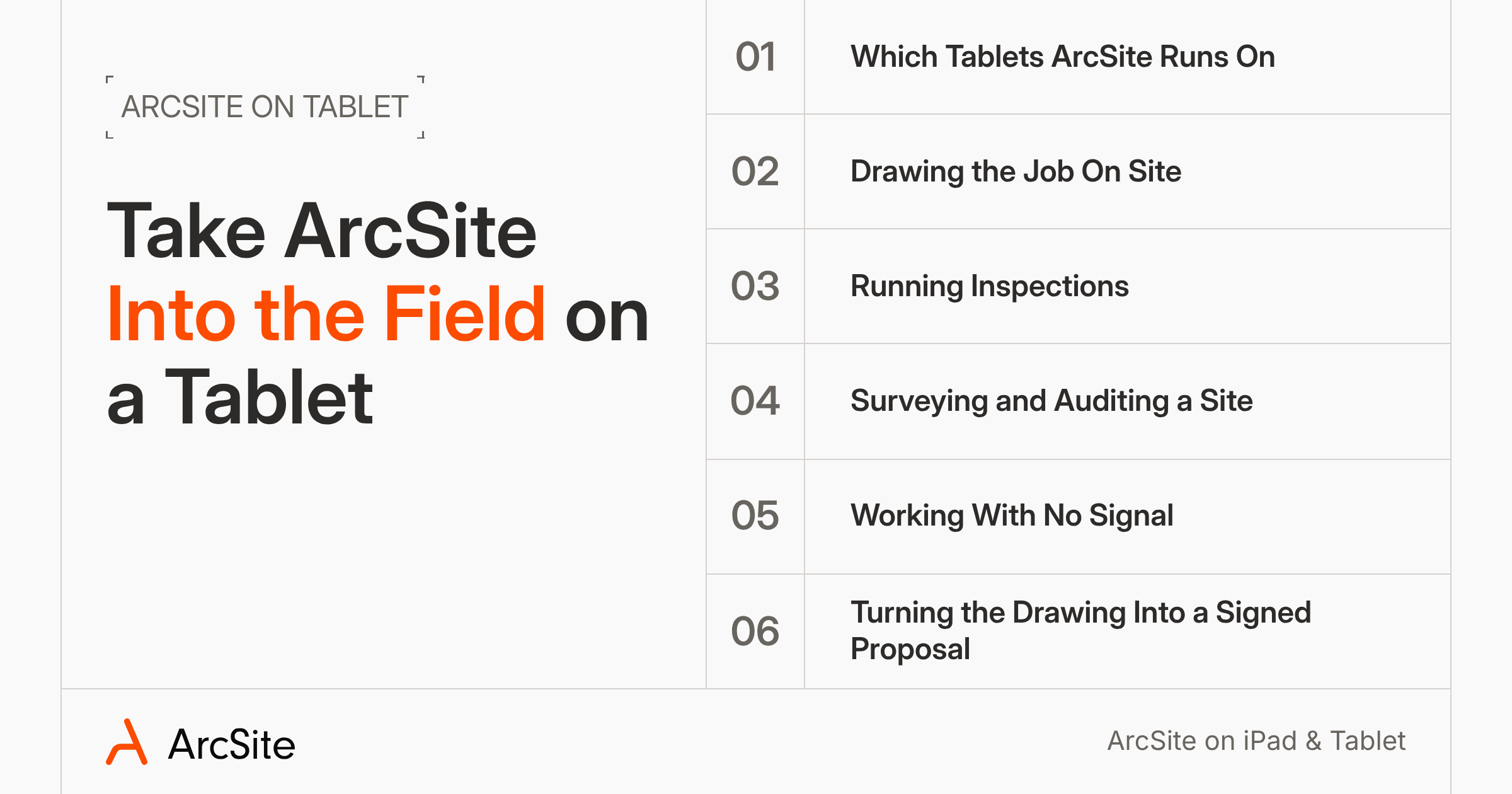
Six things to know before you take ArcSite into the field on a tablet:
1. Which tablets ArcSite runs on
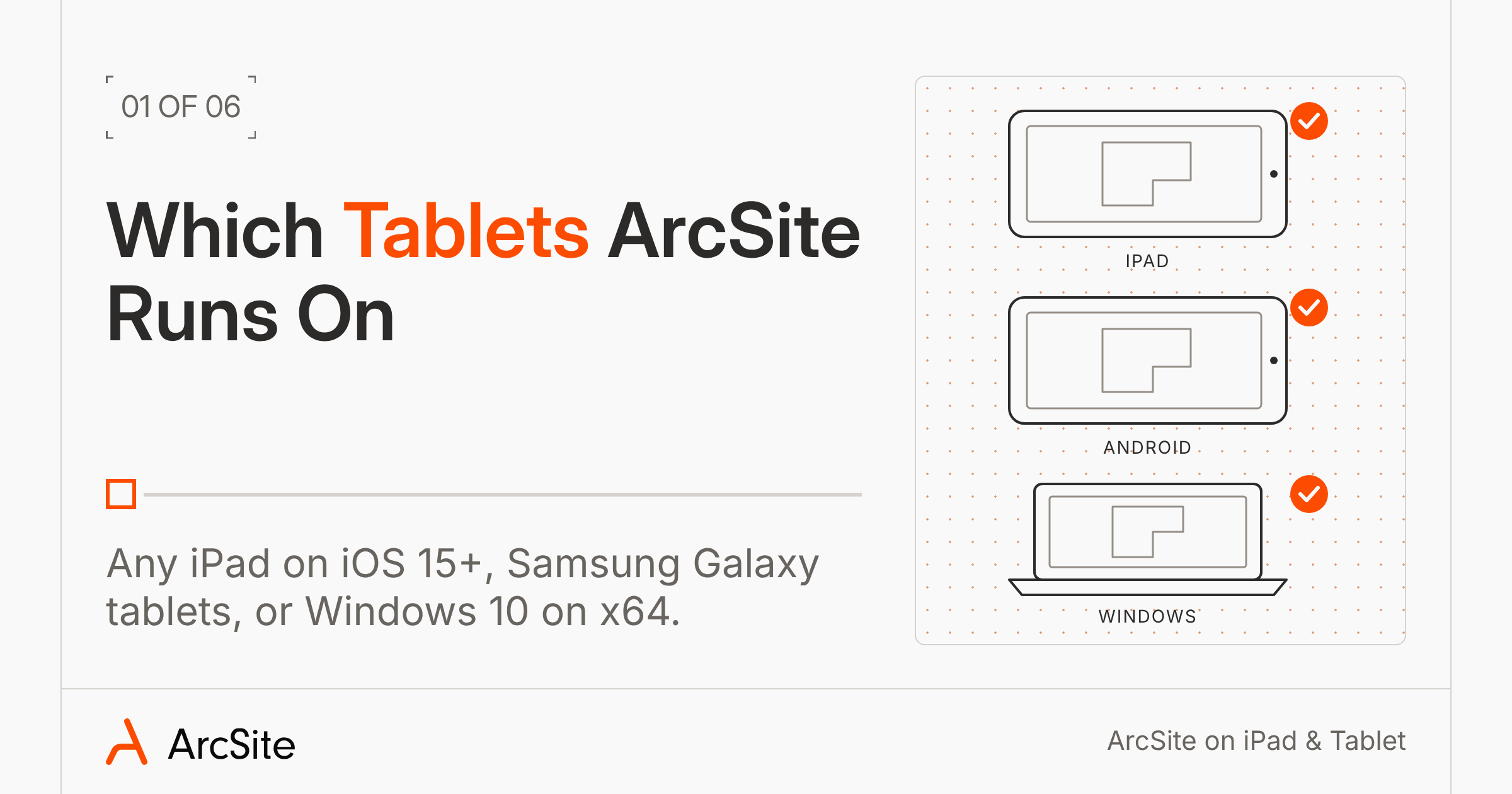
Any iPad on iOS 15 or newer can run ArcSite. On an iPad Pro with a LiDAR sensor, you can also scan a room and get a scaled floor plan back (how it works).
Android crews can also run it on Samsung Galaxy tablets with Android 9 or newer. On Windows, you need Windows 10 or newer and a standard x64 chip.
You can draw on an iPhone, but takeoffs and estimates don't run there, so bring a tablet to quote on site. The Help Center lists the full device requirements.
2. Drawing the job on site
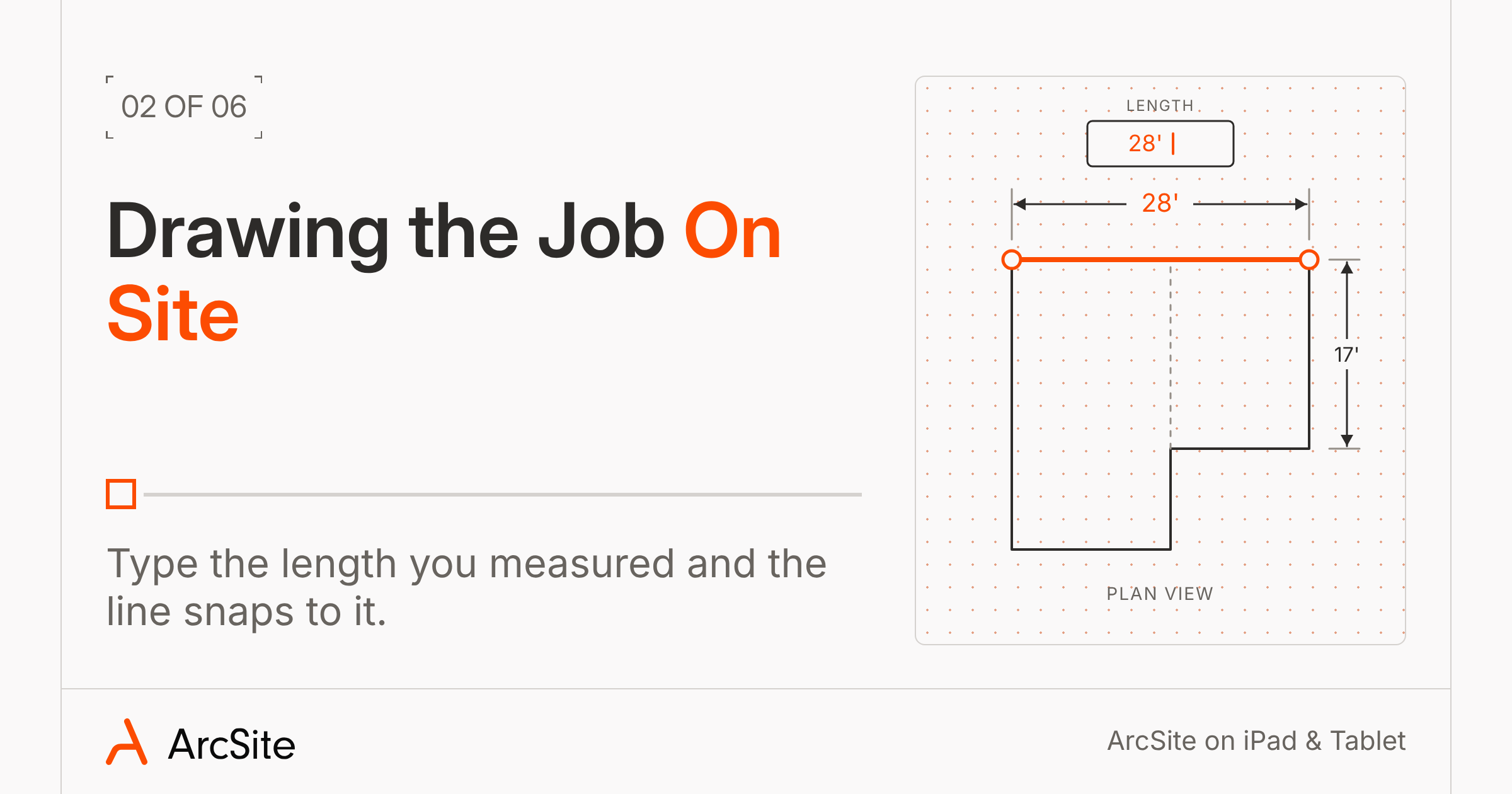
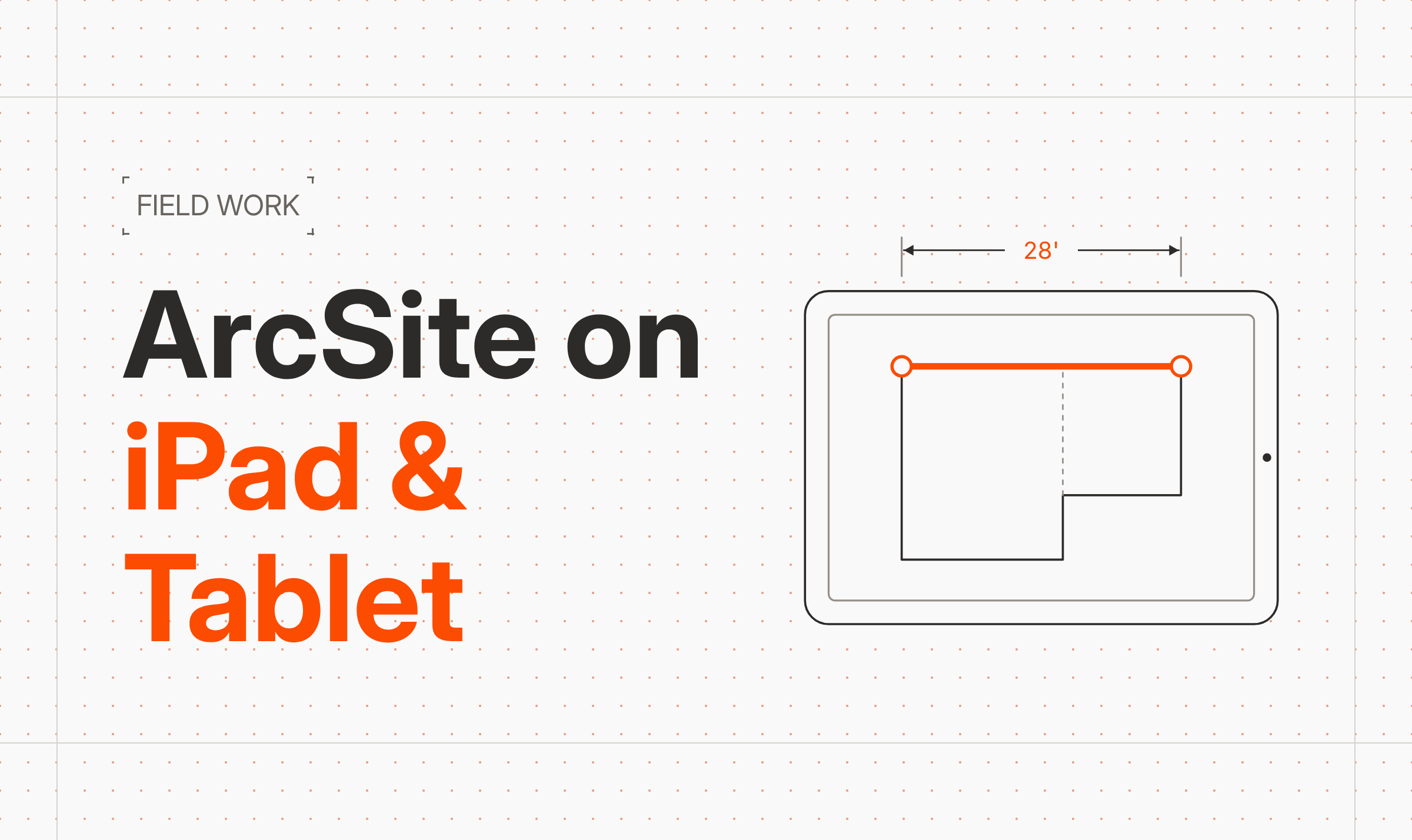
Start from a blank grid, a satellite image of the address, or a PDF site plan. Draw the side of the house with your finger, then type in the length you measured, say 28 feet. The line snaps to it, and everything you draw after stays to scale.
A tape measure and your finger are all you need, but if you already carry a Bluetooth laser like a Leica, it can send each reading straight to your line, and a Moasure device works on iPad too. If you'd rather use a pen, see how to draw on iPad with a stylus.
3. Running inspections
Working from the building's PDF plan? Open it in a drawing, tap two points on a distance you know, and enter the measurement. ArcSite scales the whole plan from that one number. No PDF? If all you have is a photo of a hand sketch or an old as-built, AI Trace turns it into an editable floor plan you can clean up. It works on iPad, iPhone, Android, and Windows, and needs an internet connection. Then walk the property and drop a shape on each thing you find, like an electrical panel, roof damage, or a termite bait station.
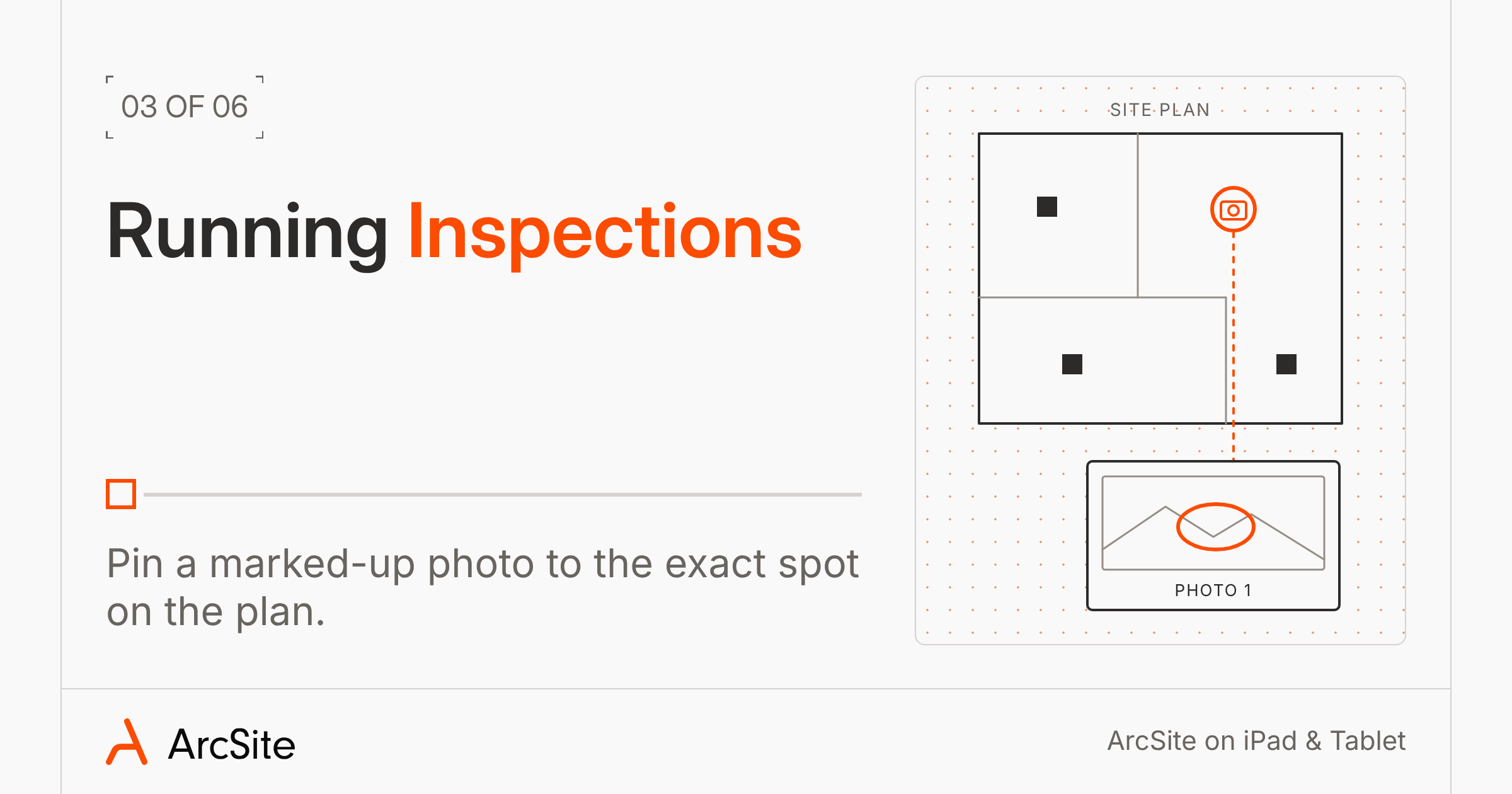
When something needs a closer look, use the photo tool. Tap the photo icon, touch that spot on the drawing or plan, and take the picture. You can then circle the problem and add a note to it, and the photo stays pinned to that spot in the report.
Once you've walked the whole site, Forms hold the details that cover the whole job, like the age of a system or what the homeowner told you. Some trades get their state forms built in, so a pest pro can fill out the state's wood-destroying organism form from the same drawing.
When you're done, you can export a PDF, an image, or an Excel takeoff, and upload it to your ArcSite cloud account so your office has the full inspection before you pull out of the driveway. For more on inspections, see our building inspection page or the inspection industry page.
4. Surveying and auditing a site
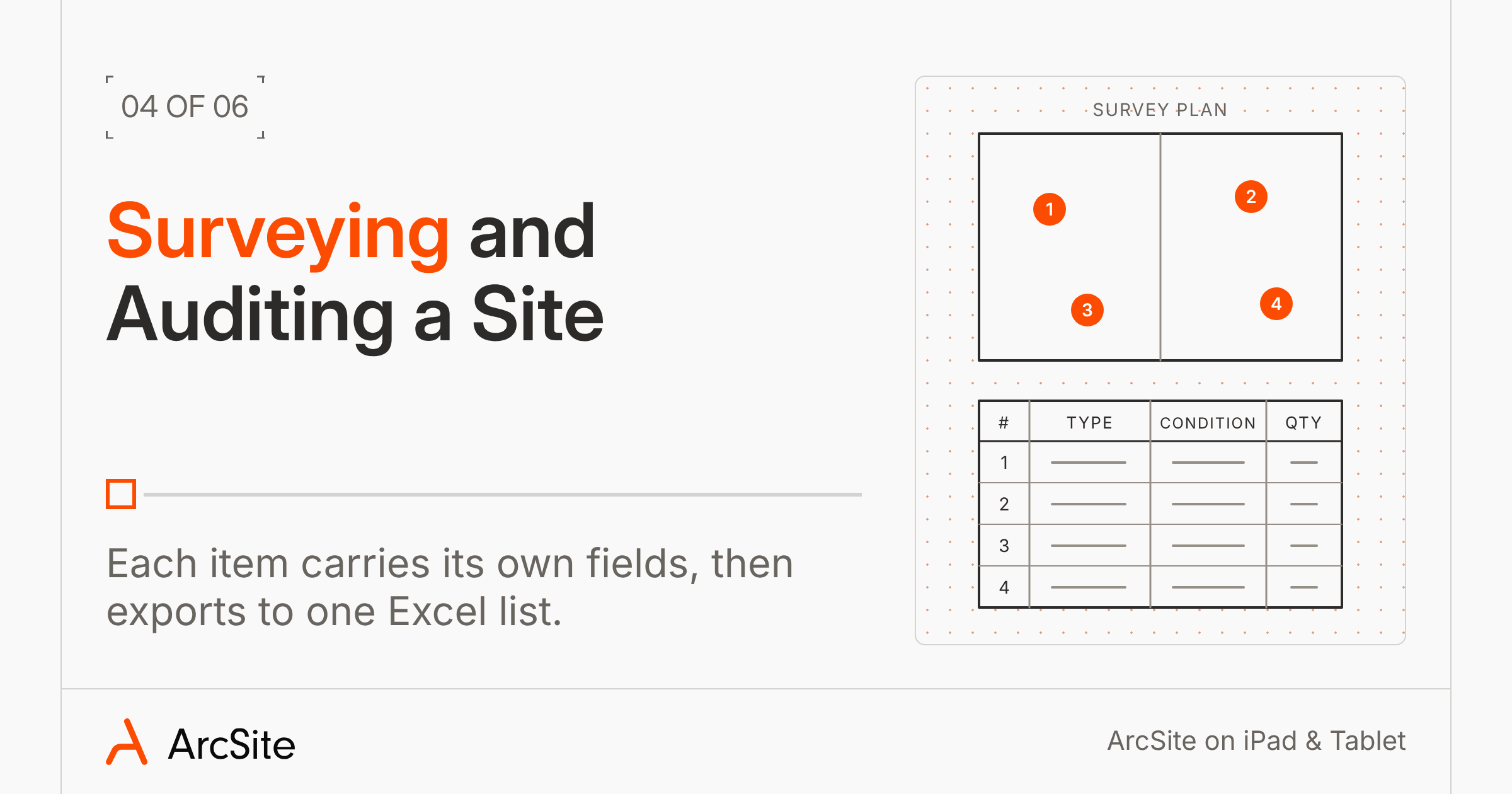
On a survey, each item you place carries its own fields, like condition, type, and quantity. Set them up ahead of time, then fill them in as you drop each light fixture, HVAC unit, or section of fence on the plan.
You leave with a PDF of the scaled plan and an Excel list of every item with its details and photo. Read more about ArcSite’s site survey software here.
5. Working with no signal
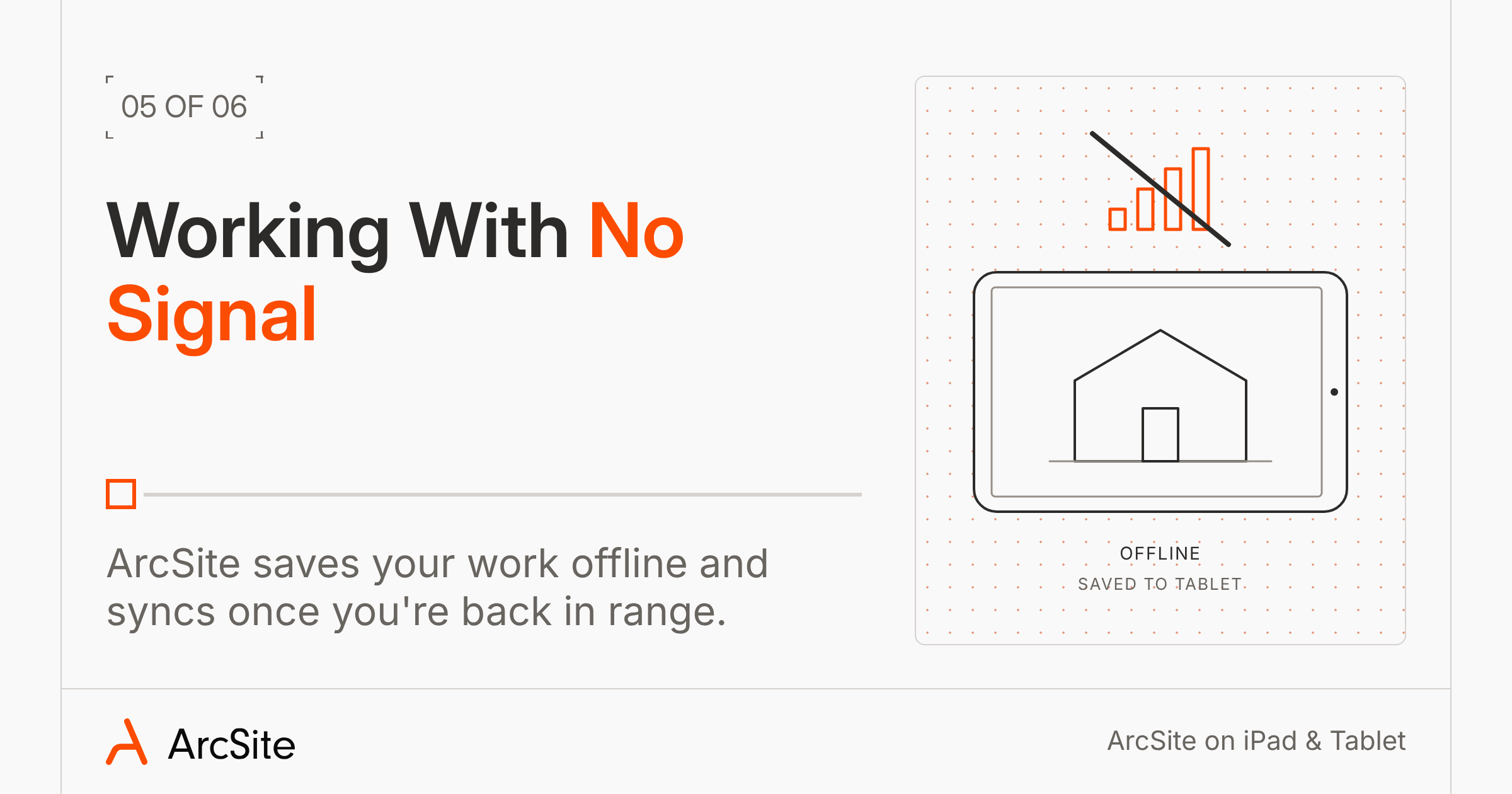
Losing signal is normal, you’ll lose it in crawl spaces, basements, and rural lots. ArcSite switches to offline mode on its own and saves your work to the tablet. You’ll still be able to open projects already on the device, start new drawings, add products, take photos, fill in product details, and build and preview a proposal.
However, you’ll need a connection to log in, send the proposal, sync with your team, open projects you haven't downloaded yet, and run integration syncs like QuickBooks or Salesforce. Open the day's projects on Wi-Fi before you head out so they're on your tablet.
6. Turning the drawing into a signed proposal
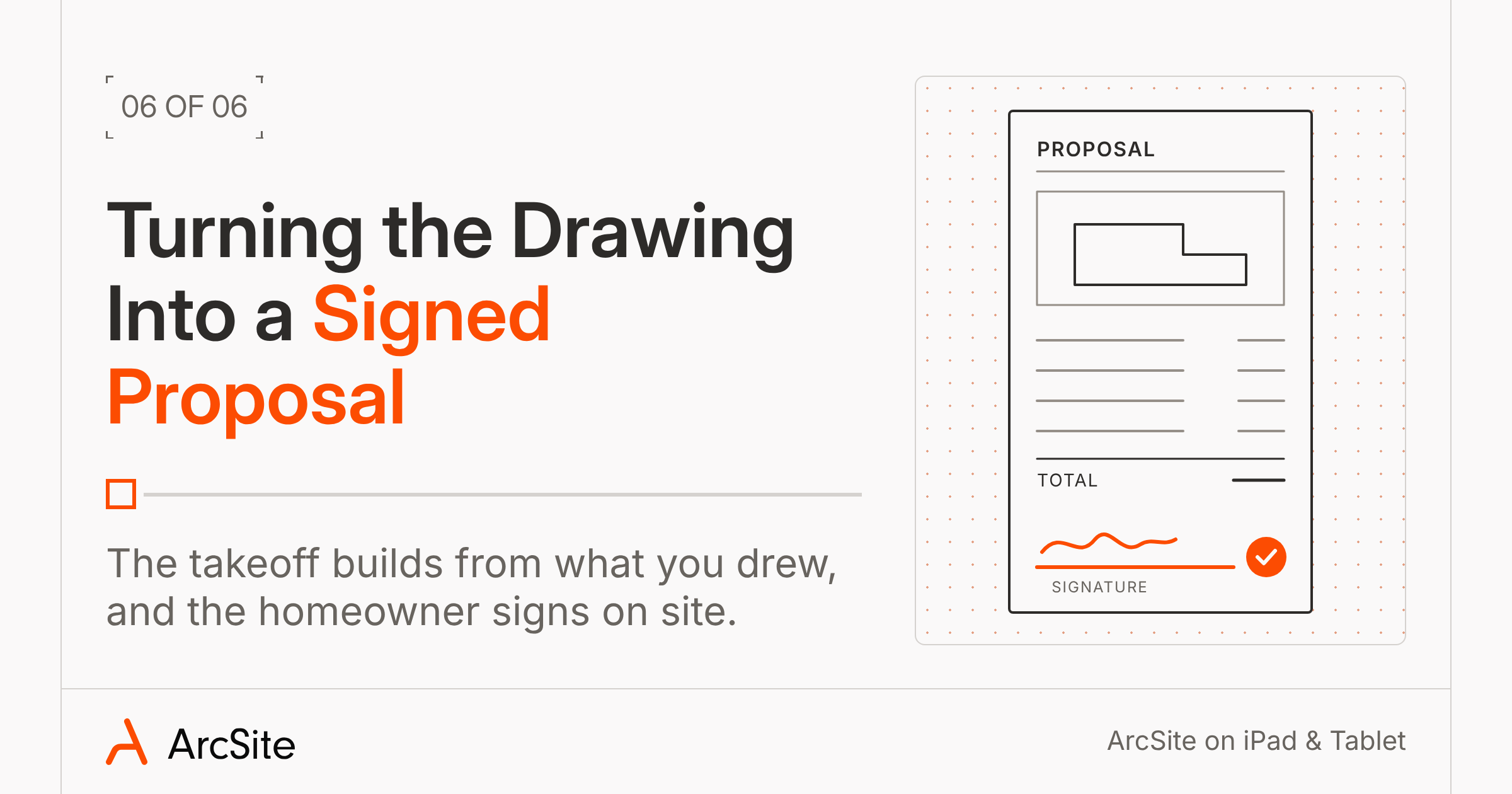
Tapping Reports and choosing takeoff will build the material takeoff from what you drew: linear feet of gutter, downspouts, square feet of turf, and bait stations. You can also add labor, answer field data questions, and set the deposit and payment method.
From there, make a material list for the crew and a clean proposal for the customer. On the proposal, tap Review with Client, walk the homeowner through the options, and they can approve, sign, and set up payment on the tablet.
Get your tablet ready before the next site visit
Start with the tablet you already carry. Download ArcSite, log in while you're still on Wi-Fi, and open tomorrow's projects so they're ready on site. On your next visit, build the report as you walk the property, and see how much is left to do when you get home.
Categories
FAQs
Yes. ArcSite runs on iPad, Android tablets, and Windows, so you can draw, document, and report during field visits, inspections, and site surveys without going back to the office. It also works offline and syncs when you reconnect.
Any iPad on iOS 15 or newer, Samsung Galaxy tablets on Android 9 or newer, and Windows 10 or newer devices with an x64 chip. ARM-based Windows tablets like the Surface Pro X aren't supported.
Yes. You can open synced projects, draw, add products, take photos, and build a proposal offline. You need a connection to log in, send the proposal, and sync with your team.
You can draw on an iPhone, but takeoffs and estimates don't run there. Use an iPad or another tablet for quoting.
Room scanning uses the LiDAR sensor, so you need a Pro iPad or Pro iPhone that has one. Drawing, inspections, and site surveys work on any supported iPad.
Related posts