Electrical Estimating Tools: 2027 Buyer's Guide


You win or lose an electrical bid on the count. Miss six receptacles and a home run on a tenant finish-out, and your margin is gone before rough-in. Or you get the count right but take four days to send the number, and another shop gets the job.
Electrical estimating software can fix both problems. It can count devices and measure wire runs off a plan or a drawing, pricing them from your parts list, and turning the total into a proposal your customer can sign. The big difference between tools is where you do that work: at a desk with a 40-sheet plan set, or in a homeowner's garage with the panel cover off.
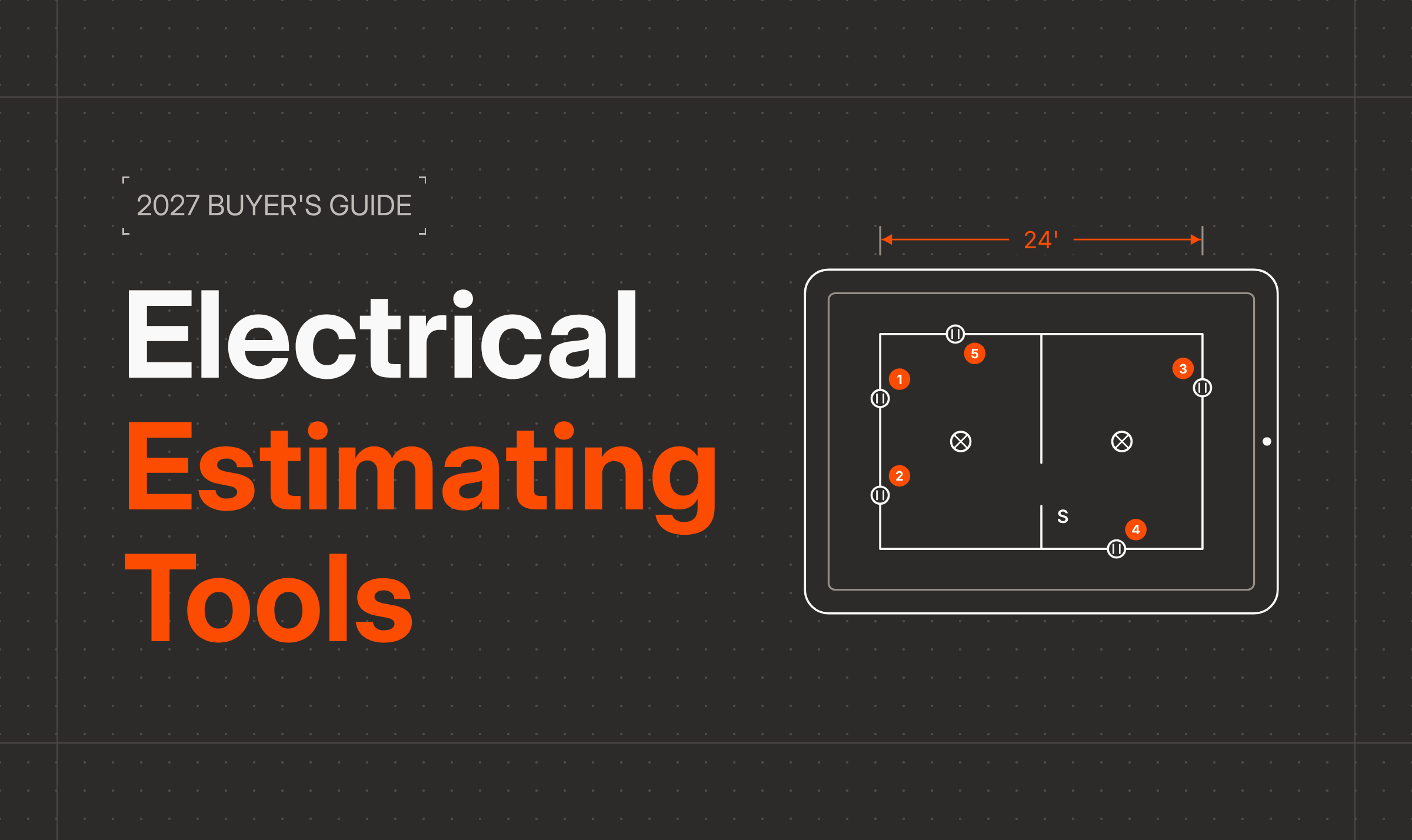
Edit a sample electrical floor plan in your browser. No download.
Open web canvasWe reviewed seven electrical estimating tools on the four steps every estimate goes through:
- Takeoff: Can it count devices and measure wire runs for you?
- Pricing: Where do the material and labor prices come from?
- Proposal: Does the total turn into something you can hand the customer?
- Sign-off: Can the customer sign (and pay) before you leave?
Prices and features come from each vendor's own site as of November 2026. If a vendor's site doesn't mention a feature, we mark it "Not advertised."
1. ArcSite: best for field estimates and plan-based bids
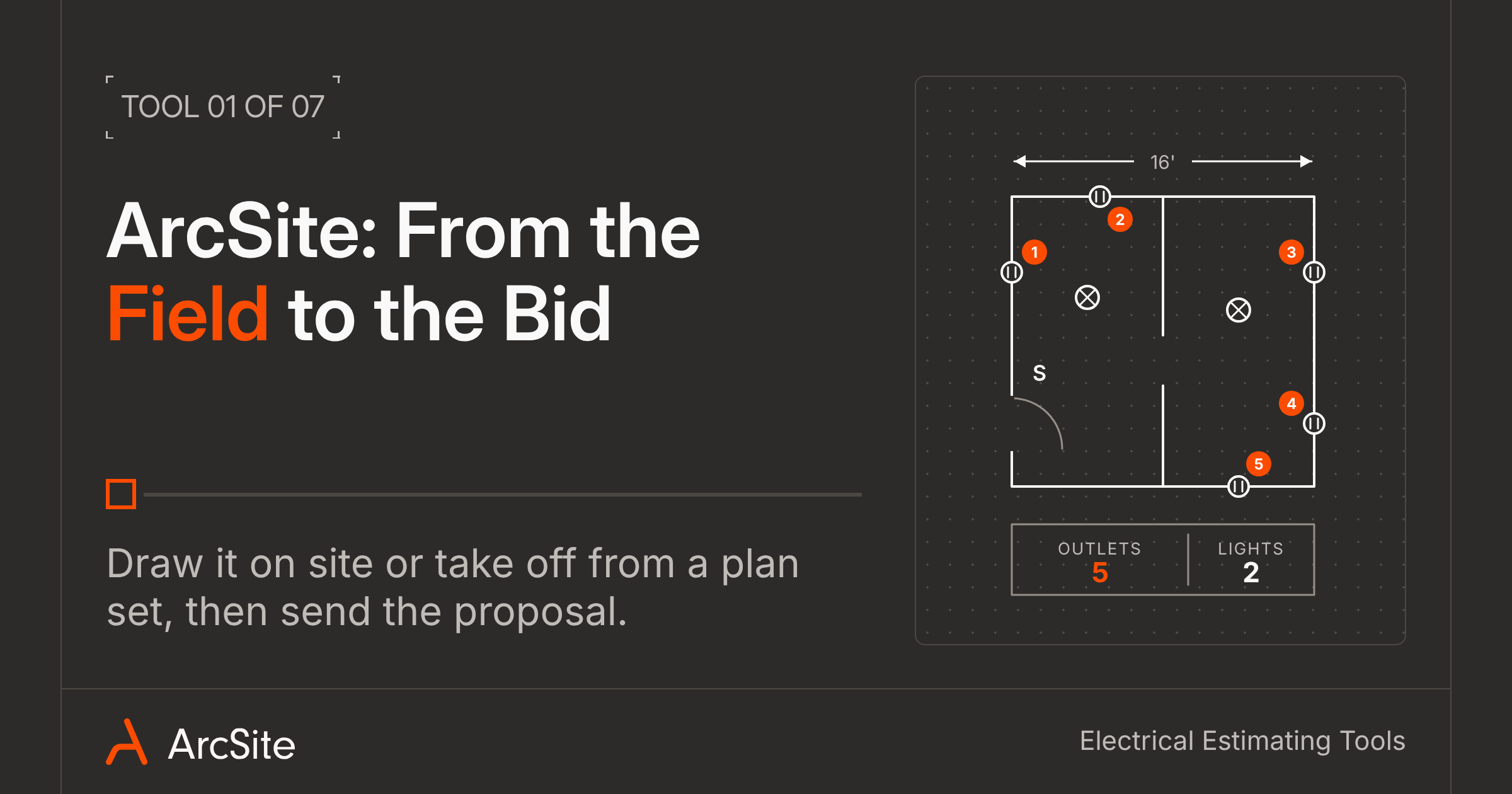
ArcSite is for the shop that bids two kinds of work: the upgrade you walk with the homeowner, and the commercial job that comes in as a plan set. You can handle both in the same tool, on iOS, Android, and Windows devices.
In ArcSite, you can walk the job and draw the floor plan to scale, or import a PDF plan and trace over it. Then you can drop in outlets, switches, and fixtures from your product list, and each one gets counted on the material list, so the takeoff builds while you draw the electrical plan. One electrician told us he builds his material order straight from that takeoff so he doesn't have to count a plan by hand and risk missing a device. Prices come from the parts, labor, and markup you load once, so plan on setup before your first estimate.
On the Estimates plan, the drawing can become a branded proposal the customer can sign and pay on before you back out of their driveway. Plans run $99 to $129 per user per month, billed yearly, with a 14-day free trial.
No signal in the basement? The drawing, products, and proposal all work offline, and the project syncs once you're back in range, so the office sees it without a phone call. See how electrical contractors use it on our electrical estimating software page.
2. Trimble Accubid: best for commercial bid desks
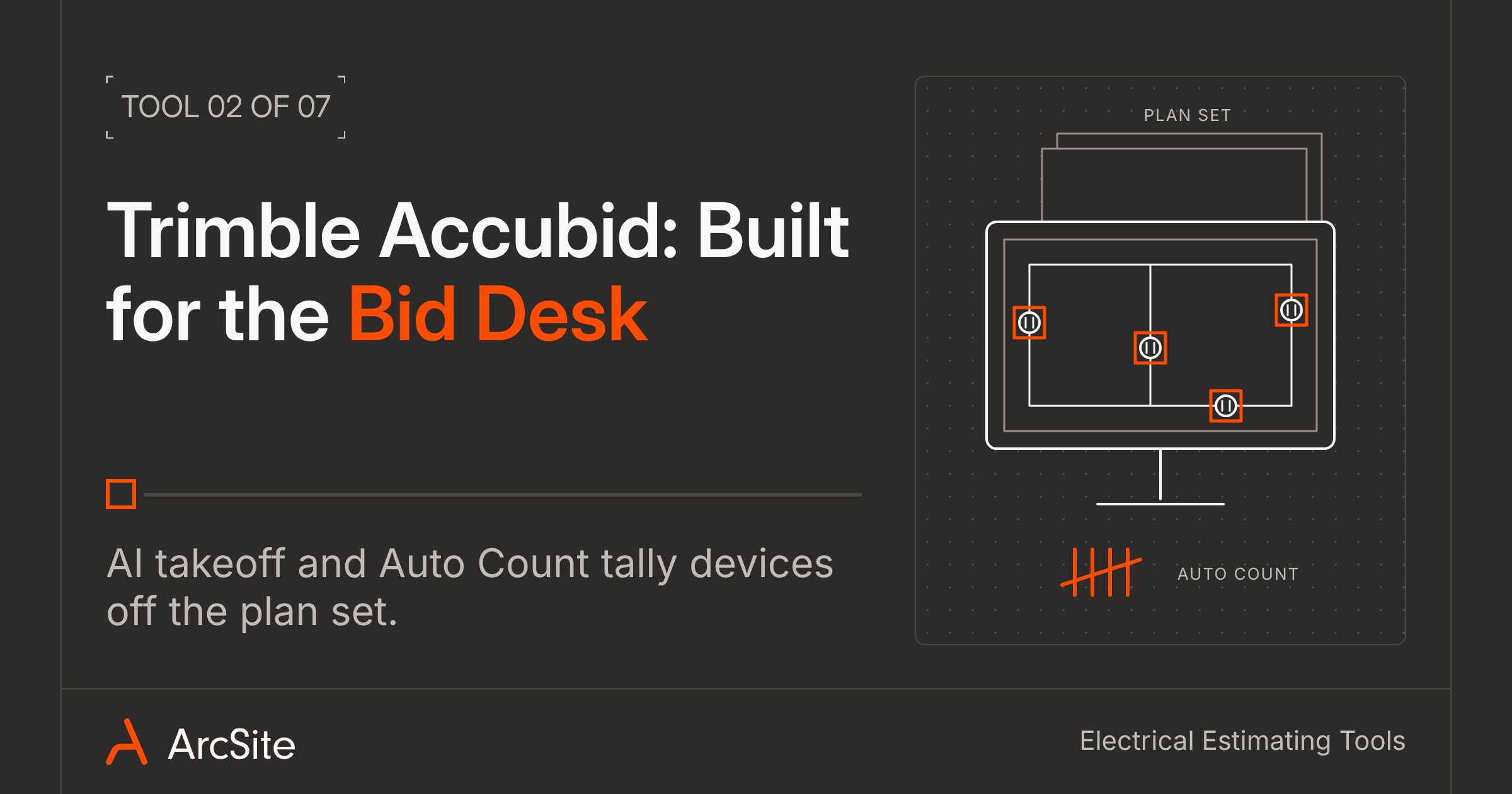
If your shop has an estimator who spends the week inside plan sets, Accubid was built for that desk. It's one of the oldest names in electrical estimating, and Trimble sells it as a desktop program (Accubid Classic) or a cloud-hosted one (Accubid Anywhere).
Your estimator pulls up the plans on screen and lets AI takeoff and Auto Count tally the devices. Prices come from a built-in parts database, and Anywhere pulls current material and labor costs from Trade Service, so a bid doesn't go out on old copper prices.
That desk setup suits big commercial bids built off full plan sets. Trimble's site doesn't mention proposals your customer can sign or an app for site visits. If you also sell smaller jobs where you walk the space with the customer, ask on the demo how those estimates get from the site into Accubid. Pricing comes after the demo, so ask which version the quote covers, since AI takeoff on Classic needs the Essentials Hosted subscription.
3. ConEst IntelliBid: best for prebuilt assemblies
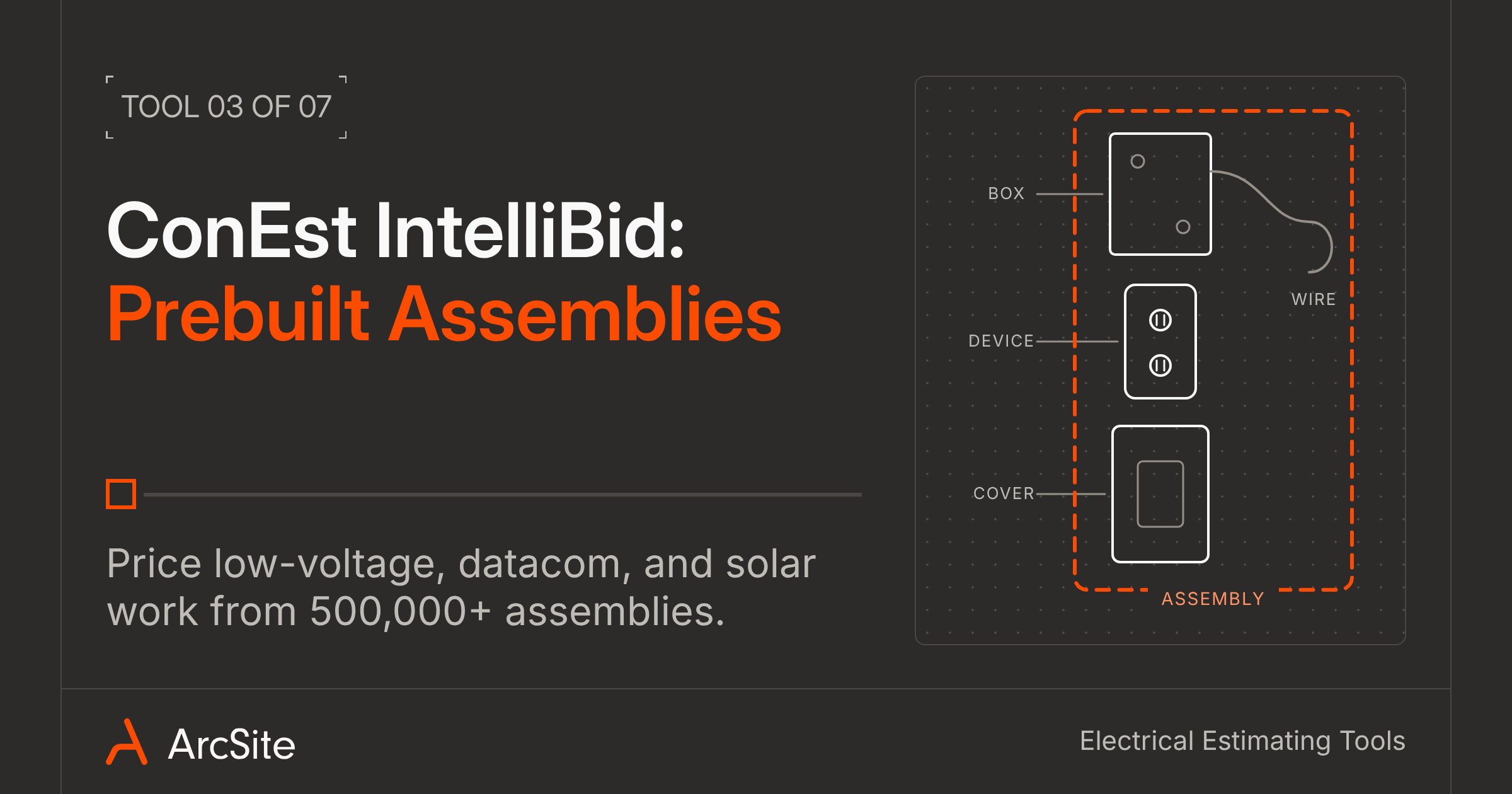
IntelliBid fits the commercial shop that bids more than power: low-voltage, datacom, and solar work too. ConEst Software Systems (part of JDM Technology Group) builds it around a library of more than 500,000 NEC-compliant assemblies.
Your estimator runs the takeoff in SureCount, ConEst's digital takeoff tool, then prices the counts from those assemblies and from manufacturer catalogs like Hubbell, Leviton, and Schneider Electric. You can install it on an office PC or run it in a browser through CE Cloud, and every edition puts out a basic bid proposal.
That assembly library pays off when you bid low-voltage and solar alongside power. ConEst's site doesn't mention e-signature or a field app. If you close jobs on site, ask on the demo how your customer signs off. Pricing depends on the edition and number of users, and supplier pricing services are licensed separately, so get that number along with the software quote.
4. McCormick Systems: best for fast counts off a plan set
McCormick Systems is another tool for the estimator who works from plans. It runs in the cloud and belongs to Foundation Software, the construction accounting company.
Your estimator counts devices off digital plans with Auto-Count and an Auto Home Run tool, then prices everything from a preloaded electrical material database. McCormick also partners with Remarcable to bring average material prices into your estimates.
Like Accubid, McCormick suits the estimator working at a desk. Its site doesn't mention customer-facing proposals, e-signature, or a tablet app for site visits. If you already run Foundation for accounting, ask on the demo how the two connect, and get pricing there too.
Watch an electrical estimate go from floor plan to signed proposal.
Our team will walk through a real job in ArcSite with the devices and pricing your crew uses.
Book a demo5. Trimble Estimation MEP: best for smaller MEP firms
Trimble Estimation MEP is built for small mechanical, electrical, and plumbing shops that want to work from plans in a browser, with nothing to install.
Open a plan set and AI-powered 2D takeoff counts what's on the page. From there, your estimator prices it from Trade Service and Luckins catalogs and saves the kits you use most in the assembly builder. Quote management and bid closeout happen in the same place.
Running in a browser makes it an easy fit for a small office. Trimble's site doesn't mention customer-facing proposals or e-signature. Estimation MEP Pro costs $1,950 per user per year in the US. Because it's built for every MEP trade, ask for the demo on an electrical job and look at how deep the electrical assemblies go.
6. STACK: best for trying plan takeoff for free
STACK is the easiest tool here to try before you buy. Its free plan covers one active project a month, so you can run a real job through it before you talk to sales.
Your estimator does the takeoff in the cloud. Paid plans add Autocount, AI takeoff, and a ready-made item and assembly library, and the Pro plan adds assembly-based estimating, BNI costs, and proposals. Crews can pull up plans on a phone or tablet in the field app.
That free plan makes STACK an easy way to test a takeoff for plans. Its site doesn't mention e-signature, so if you close jobs on site, plan on a second tool for the signature. Premium is $299 and Pro is $349 per user per month, billed yearly. Run the free plan on a job you've already bid and compare its count to yours.
7. ServiceTitan: best for flat-rate service work
ServiceTitan is for the electrician who sells repairs and upgrades in the home off a flat-rate book. It runs the whole service business, from dispatch to invoicing.
Your tech opens Pricebook Pro and Mobile Estimates on a tablet or phone, builds Good-Better-Best options in front of the homeowner, and gets a signature in the app, with financing built in.
ServiceTitan's site doesn't mention plan takeoff or on-site drawing. If ServiceTitan already runs your schedule, keep it, and add ArcSite for the jobs that need a drawing, like a panel upgrade with new circuits or a basement finish. ArcSite connects with ServiceTitan, so you don't have to pick one. Mobile Estimates comes with the Essentials and The Works plans, and ServiceTitan quotes per technician after a demo.
| ArcSite | Trimble Accubid | ConEst IntelliBid | McCormick | Trimble Estimation MEP | STACK | ServiceTitan | |
|---|---|---|---|---|---|---|---|
| Best fit | Field estimates and plan-based bids | Commercial bid desks | Commercial, low-voltage, and solar bids | Commercial bids off plan sets | Smaller MEP firms | Commercial plan takeoff | Flat-rate service work |
| Takeoff | Counts from your drawing; PDF import and AI Trace | Graphical, AI takeoff, Auto Count | SureCount digital takeoff | Digital takeoff, Auto-Count, Auto Home Run | AI 2D takeoff | All plans; AI and Autocount on Premium | Not advertised |
| Pricing data | Your own product library | 42,000+ items (Classic); Trade Service pricing (Anywhere) | 140,000+ items, 500,000+ assemblies | Preloaded electrical database; Remarcable pricing | Trade Service and Luckins catalogs | Item library (Premium); BNI costs (Pro) | Pricebook Pro templates |
| Proposal | Branded proposals (Estimates plan) | Not advertised | Basic in all editions; Enhanced in PRO | Not advertised | Not advertised | Yes (Pro) | Good-Better-Best options |
| Customer sign-off | E-signature and payments (Estimates plan) | Not advertised | Not advertised | Not advertised | Not advertised | Not advertised | Signs in the app; financing |
| On a tablet at the job | iPad, Android, and Windows apps; offline mode | Not advertised | Not advertised | Not advertised | Not advertised | Field app for viewing plans | Field Mobile App |
| Connects to | QuickBooks, Salesforce, Jobber, ServiceTitan; API (Estimates plan) | Trimble Connect, ProjectSight, Viewpoint Spectrum (Anywhere) | NetPricer, EPIC, TRA-SER; export to accounting | Remarcable | Supplier Xchange, Luckins, Trimble Connect | Excel add-in (Pro); paid ERP connectors | QuickBooks, Sage Intacct, NetSuite, Xero, Foundation, Viewpoint |
| Price | $99 to $129/user/mo, billed yearly | Quote | Quote | Quote | $1,950/user/yr (US) | Free; $299 to $349/user/mo, billed yearly | Quote |
Which tool should you pick?
Start with the part of the estimate that slows you down. If your estimator spends the week inside a plan set for commercial bids, look at Accubid, IntelliBid, and McCormick, and compare their parts databases against the work you bid. If you run a smaller MEP shop and don't want to install anything, try Trimble Estimation MEP or STACK's free plan. If you sell service work off a flat-rate book, ServiceTitan is built for that.
If your shop bids both kinds of work, ArcSite keeps them in one place. On a walk-through, you draw the job, count the devices, and get the proposal signed before you leave. When a commercial job comes in as a plan set, you import the PDF, do the takeoff from the plan, and price it from the same product library. For more on the takeoff side, read The Power of Precision: ArcSite's Electrical Takeoff Software for Contractors, or see how Mister Sparky uses ArcSite to secure permits for electrical work. On your next bid, in the field or off a plan set, see how much of the estimate you can finish in one tool.
Bring your next electrical job to a demo.
Show us how your team counts and prices a job today. We'll build the same job in ArcSite with your parts list, from drawing to signature.
Book a demoCategories
FAQs
It depends on the work you bid. If you price large commercial jobs against supplier price feeds, Trimble Accubid, ConEst IntelliBid, and McCormick Systems carry the deepest parts databases. If you bid both field work and plan-based jobs, ArcSite handles each in one tool: draw the job on a tablet and get it signed on site, or import a PDF plan set and do the takeoff at the office.
Published prices run from STACK's free single-project plan to $1,950 per user per year for Trimble Estimation MEP Pro and $349 per user per month for STACK Pro. ArcSite's Takeoff and Estimates plans are $99 and $129 per user per month, billed yearly. Accubid, IntelliBid, McCormick, and ServiceTitan quote pricing after a demo.
Both are built for commercial electrical bidding with large parts databases. IntelliBid lists more items (140,000+ and 500,000+ assemblies) and includes a basic bid proposal in every edition. Accubid comes as a desktop version (Classic) or a cloud-hosted one (Anywhere), with AI takeoff and connections to Trimble and Viewpoint products. Ask each for a demo on a job you've already bid.
Yes, with a tool built for it. ArcSite runs on iPads, Android tablets, and Windows devices and works offline, so you can draw, count devices, and build the proposal in a basement with no signal. ServiceTitan's mobile app handles flat-rate service estimates. Most commercial bid tools run on a desktop or in a browser.
Yes. ArcSite connects to QuickBooks, Salesforce, and Jobber, and the Estimates plan includes API access for connecting other systems. You can draw and quote on site in ArcSite and keep your accounting or bid tool for the rest.
Related posts