Landscaping Estimating Tools: 2027 Buyer's Guide


Most roundups of landscape estimations start with the back office: scheduling, routing, invoicing, and job costing. You need all of that. But you win the job in the backyard, standing next to the homeowner, and that's where a lot of estimating tools get thin.
In the backyard, you have to measure the curved beds, work out how much gravel goes under the pavers, and count wall blocks. Then you have to turn all of it into a price the homeowner can say yes to. Anything that lands on paper will have to get typed up again at night, and the homeowner waits a day or two for a number they could have had before you left their driveway.
Look for software that can do these things during your site visit:
- Draw the yard to scale on site, curves included
- Work out the square feet, linear feet, and the gravel or mulch under them from your products
- Offer options that change the price, like a gas or wood-burning fire pit
- Show the homeowner their yard, plus photos of work you've done
- Plan the rolls, waste, and cuts before you order the turf
- Get a signature and a deposit before you leave
A few of these tools run your whole business. Others do one part of the job well. Pick based on where your quotes get stuck.
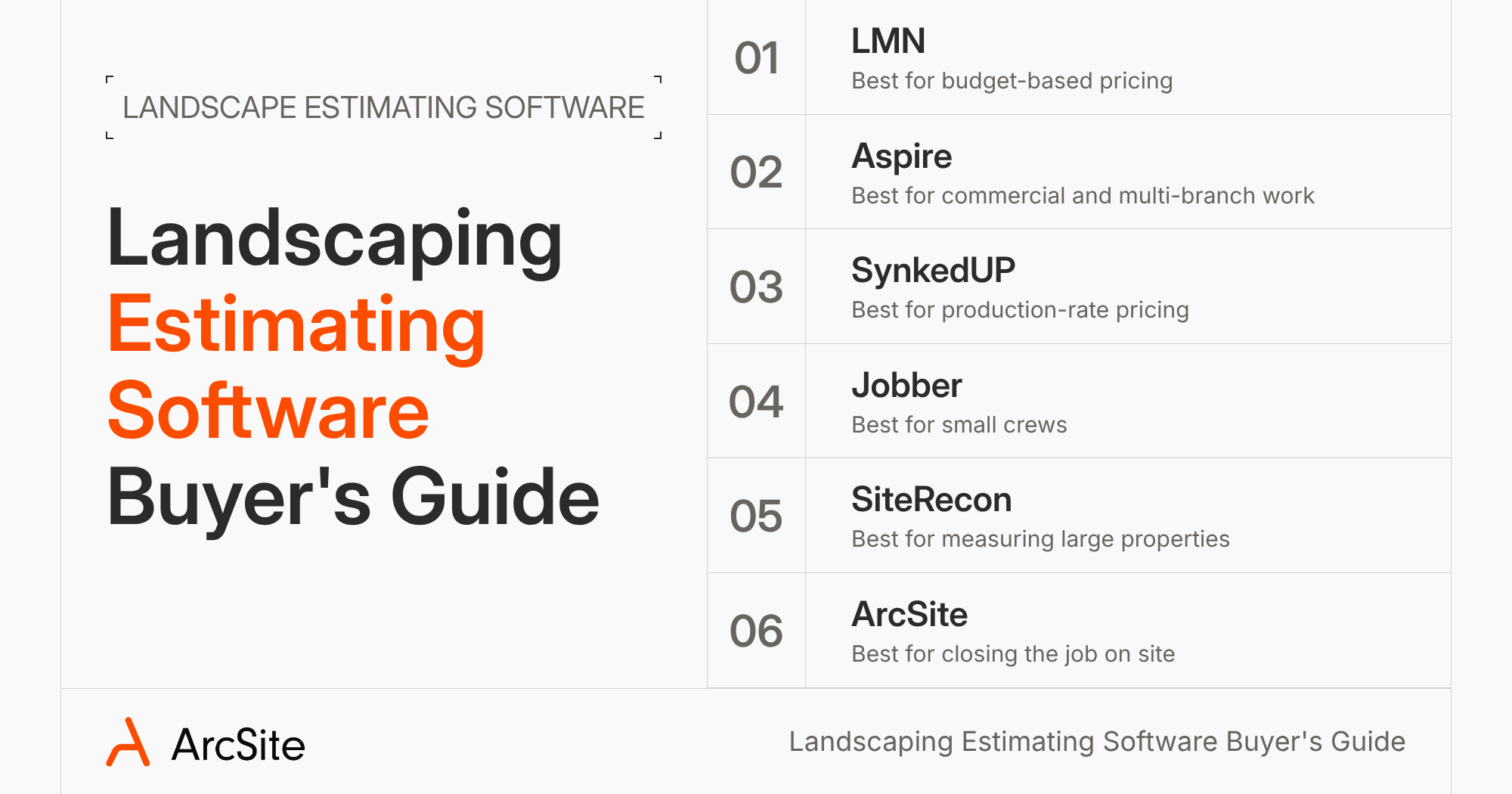
1. LMN by Granum: best for budget-based pricing and job costing
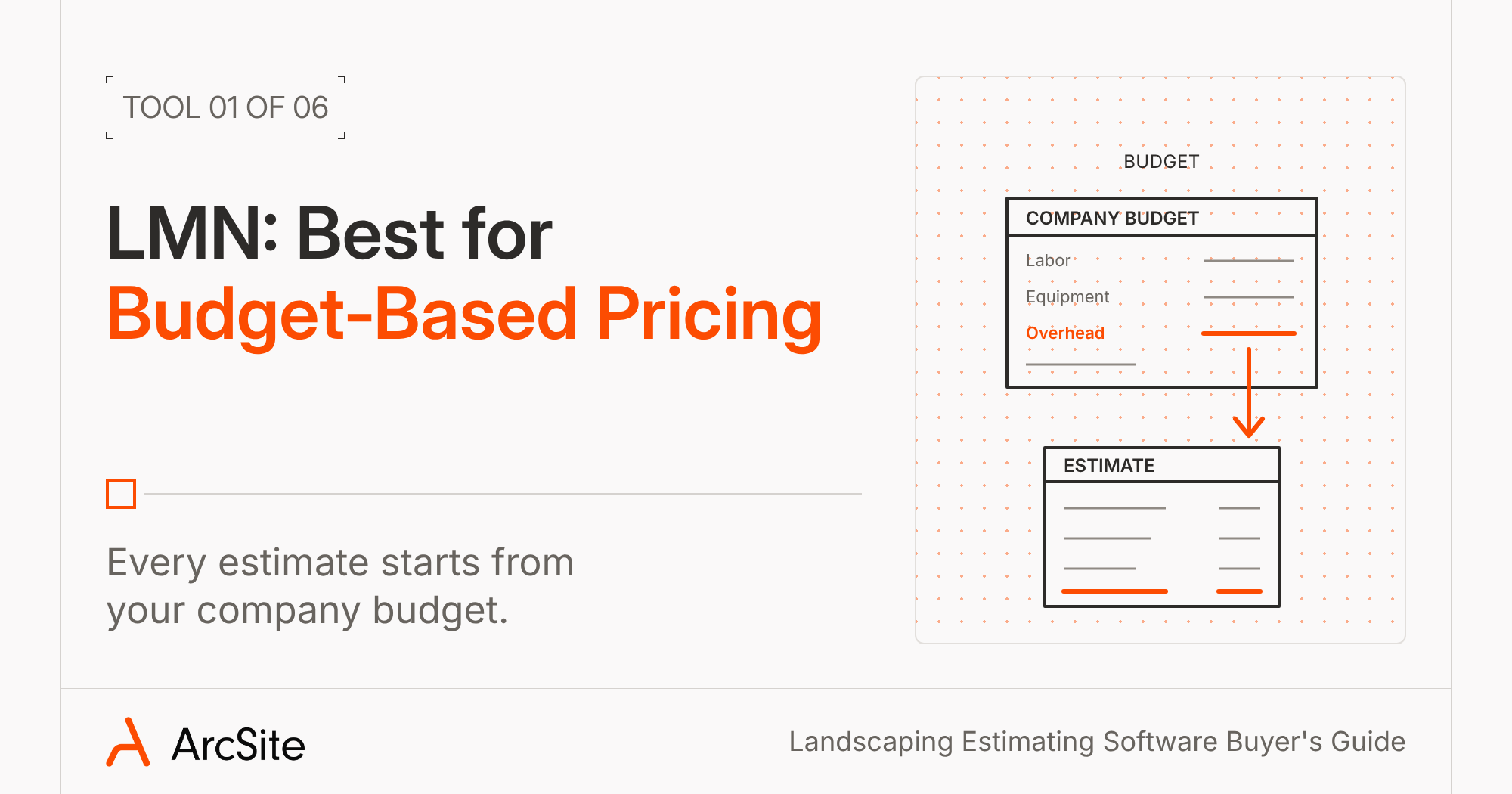
A lot of landscape companies already price their work in LMN. It builds every estimate off your company budget, so overhead recovery and labor burden lands in the price without anyone doing the math by hand. LMN now sits under Granum, alongside SingleOps and Greenius, and it covers CRM, scheduling, and job costing too. Pricing is posted on its site, and estimating comes with every plan.
For measuring, LMN offers digital takeoffs from aerial images. Its templates for jobs like sod and patios let you adjust measurements instead of rebuilding the quote. Customers can review, comment on, and approve the contract with a digital signature, and LMN Pay takes card and ACH.
LMN's site doesn't mention drawing the yard on a tablet while you stand in it, and its pricing page says mobile estimating supports only standard estimates. If your reps measure on site, ask on the demo how those numbers get from the backyard into the estimate.
2. Aspire with PropertyIntel: best for commercial and multi-branch companies
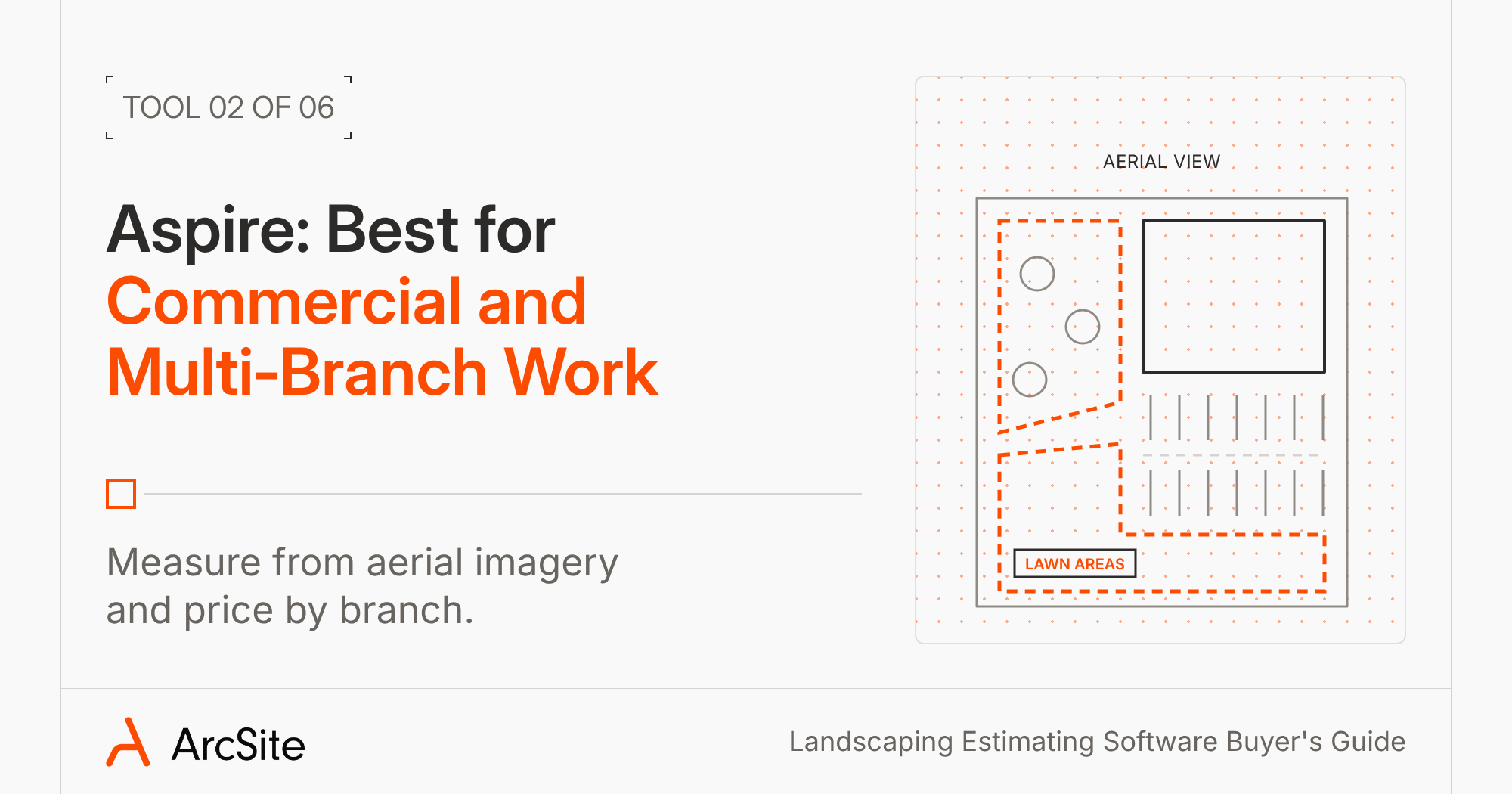
Aspire, part of the ServiceTitan family, runs CRM, estimating, scheduling, purchasing, and real-time job costing for landscape companies up to large multistate operations. Estimates come from templates, kits that put labor and material on one line, and markups you set by branch, division, or service. Aspire doesn't post its pricing. It depends on company size, with unlimited users on one license fee.
Measuring happens in PropertyIntel, Aspire's aerial measurement tool. You measure over high-resolution aerial imagery or an uploaded PDF, and it works out time, material, and cost as you go. Visual Proposals add color-coded site maps, and the customer can e-sign by email, in the client portal, or on a tablet on site.
That aerial view suits big commercial properties you bid without walking every foot. Aspire's site doesn't mention building the drawing with the homeowner in the yard. If most of your work is residential design-build, ask on the demo how a rep captures what the aerial photo misses, like a slope by the patio or a downspout in the bed.
3. SynkedUP: best for design-build crews that price from production rates
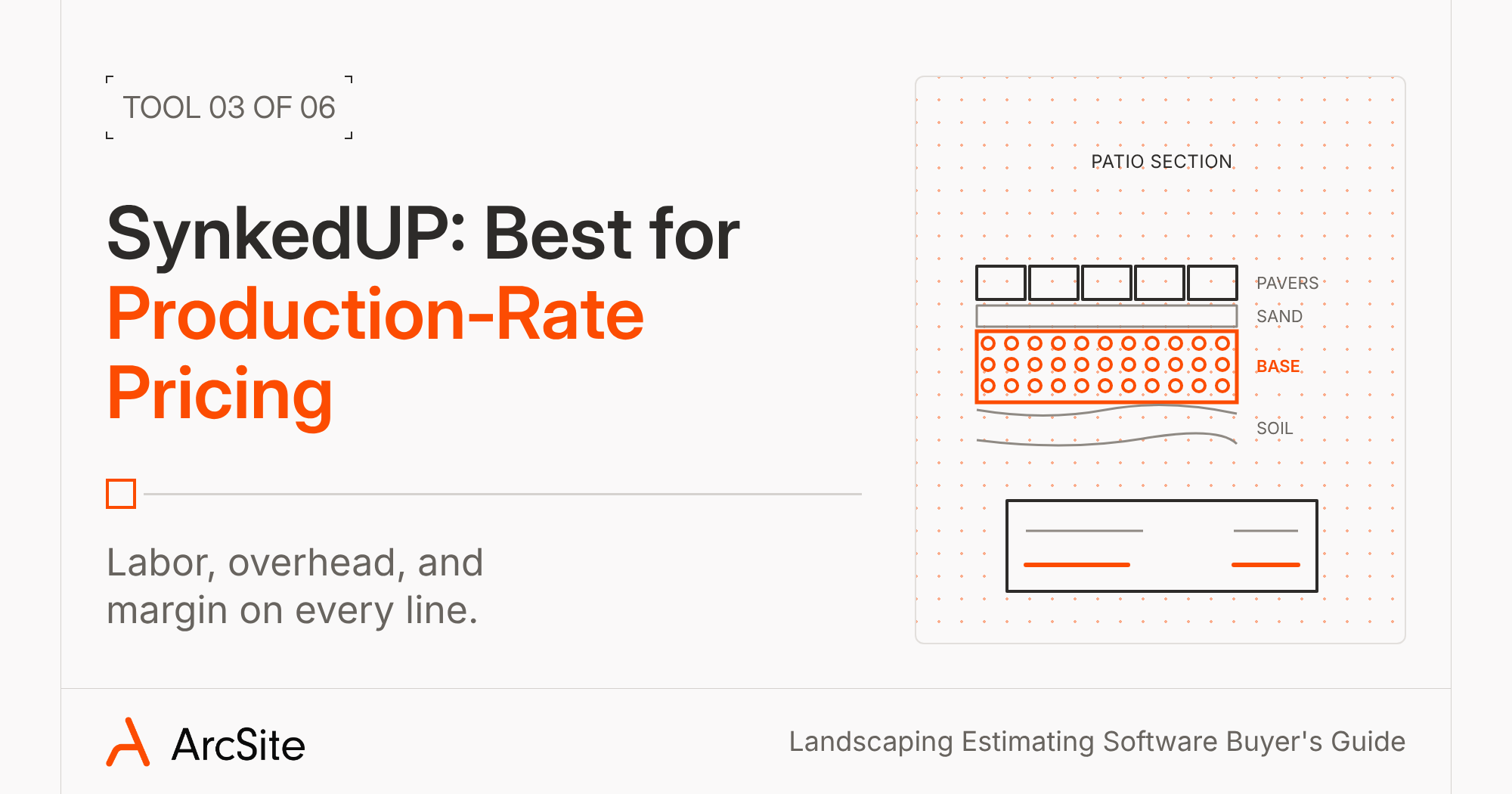
SynkedUP is estimating, proposal, scheduling, and job costing software for landscape and hardscape contractors. Its pricing starts from your labor rate, overhead, production rates, and margin, and it shows break-even and net profit on every line. Your measurements feed formulas that work out labor and material, like the stone base under a patio or the mulch in a bed. Plans and pricing are posted, and e-signature and payments start on the Standard plan.
You type in measurements, or let its AI agent build work areas from a recorded walkthrough of the property. Proposals carry photos and video on each line, clients can pick good, better, or best packages, and an approved proposal turns into an invoice.
SynkedUP's site doesn't mention a drawing or site plan, so the homeowner sees line items instead of their yard. If you sell on visuals, ask to see the customer's view of a proposal on the demo.
4. Jobber: best for small crews that want one simple app
Plenty of small landscape crews run on Jobber for quoting, scheduling, routing, invoicing, and payments. Plans are posted on its site. Every plan includes quotes with signature approval, and you can require a deposit when the customer approves. Optional line items and quote images come on the Grow plan and up, and Wisetack financing connects through Jobber's app marketplace.
For measuring, Jobber connects to Deep Lawn for AI measurements of the lawn, driveway, and walkways (with a separate Deep Lawn account), or you can trace an area on a Google Maps satellite view. Those numbers sit next to the quote for reference. Jobber's site doesn't mention turning them into material quantities.
If Jobber already runs your schedule, keep it. ArcSite connects with Jobber: it creates projects from Jobber, sends the quote and line items back, and returns the signed proposal. Your rep draws and prices the yard in ArcSite, and the job lives in Jobber.
5. SiteRecon: best for measuring large properties from aerial maps
SiteRecon measures properties from satellite and aerial imagery, so you can put a number on a property before you visit. It's built for commercial maintenance first, with landscape construction support too. Its takeoffs cover mulch and soil in cubic yards, sod with a waste factor, and edging in linear feet. For hardscape, it counts paver square feet, wall block, and base tonnage, and you can build good, better, and best bids from separate service lines.
Proposals go out as branded PDFs with the satellite map and a material and labor breakdown. SiteRecon sends estimates into the CRM you already use, like Aspire, LMN, or Jobber. Pricing is posted, and most plans need a 12-month term.
SiteRecon's site doesn't mention e-signature or payments, and its Plato mobile app is for site audits. If you close residential jobs in the driveway, plan on a second tool for the signature.
6. ArcSite: best for drawing the yard and closing the job on site
ArcSite handles the site visit and leaves scheduling and billing to the system you already run. It connects with Jobber, ServiceTitan, QuickBooks Online, and Salesforce, and you can connect it to other systems through its open API.
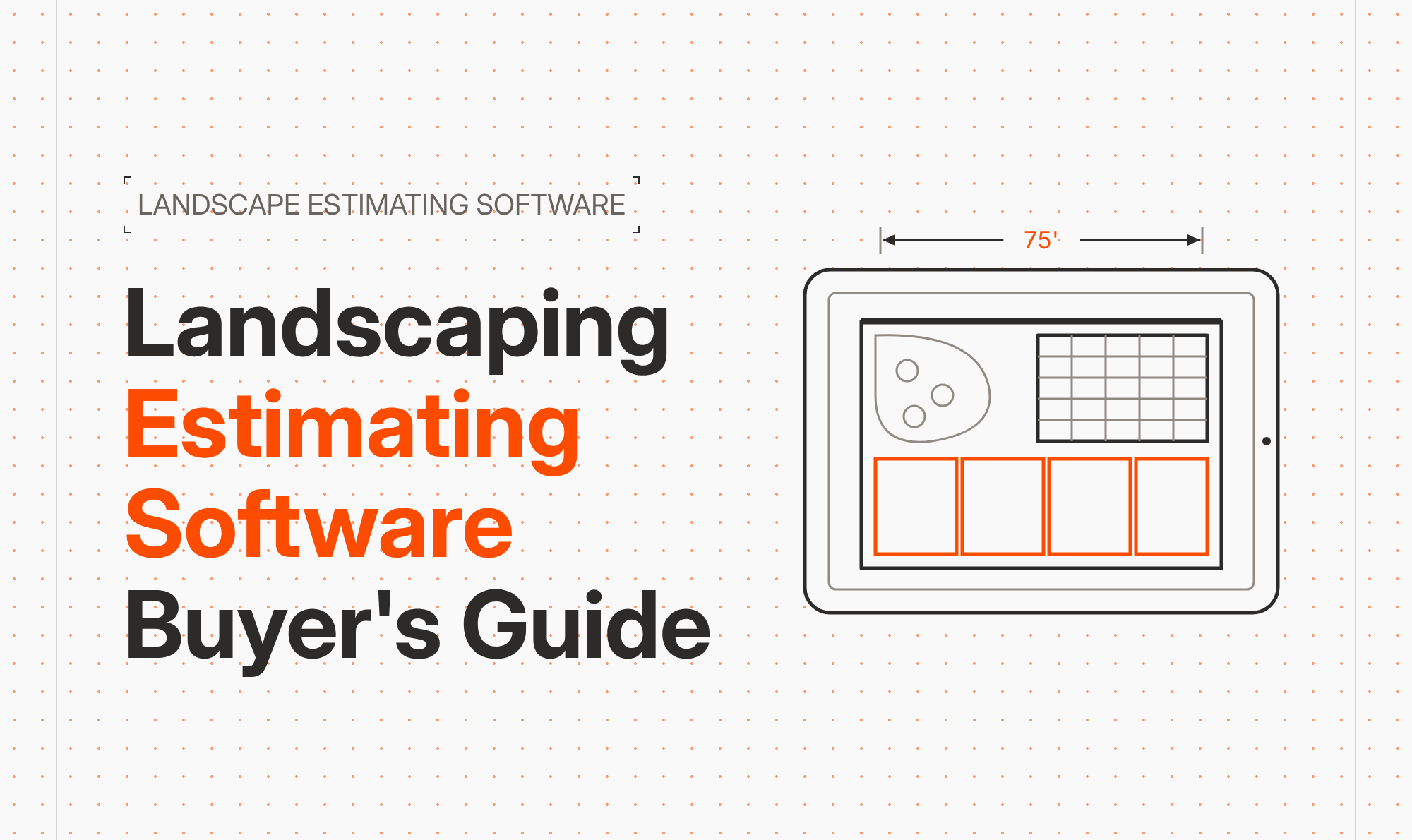
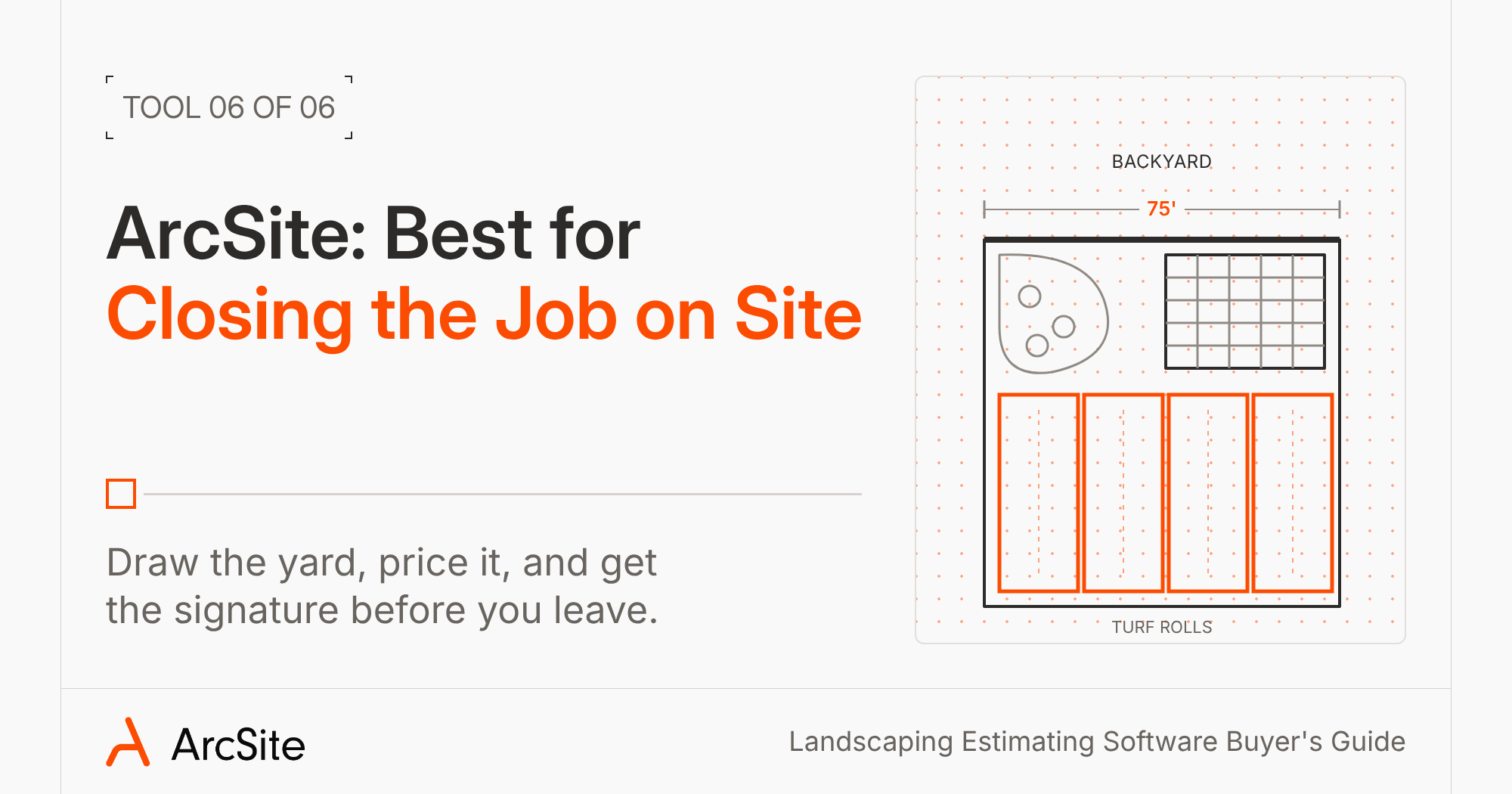
Your rep starts on a blank grid, a satellite map of the address, or an imported site plan. They draw the back of the house, type in the 75 feet they measured, and everything after that stays to scale. Curved beds go in with the freehand tool. If you measure with a Moasure, the lines drop into the drawing.
Then your rep can drop in your products. Fill the patio with pavers and ArcSite counts the square feet. Give gravel or mulch a depth and it works out the volume. Run edging or a retaining wall and it adds up the linear feet. Every product carries your price, so the quote builds while your rep draws. Choices that change the price live on the product: gas, electric, or wood-burning fire pit, or which size of river rock.
Turf gets its own steps. Your rep lays out rolls at the width you buy, whether that's 15 feet or 14'9", and ArcSite shows the waste left on each roll. When the waste from one side of the patio covers a corner on the other, you skip buying that last roll. The crew gets a cut list that says where to cut each roll, and the proposal can spell out which way the rolls run, so nobody argues about seams after install. Putting greens work the same way: draw the shape, fill it with golf turf, and drop in the cups. (See how turf companies use it on our synthetic turf software page.)
Before the homeowner sees a number, you can apply one of your standard discounts, like 10% off for a referral. Attach a photo of a fire pit you built last spring to that product, and the homeowner sees it in the proposal.
Then your rep taps Review with Client. The homeowner flips between good, better, best options, picks one, and signs on your device. You set the deposit and payment schedule, and they pay by card or ACH, or apply for financing through Wisetack or Sunlight Financial.
FRDM Turf sells this way across its markets. "ArcSite gives us that ability to get the estimate there literally the same day...within 30 to 45 minutes," says Alex Jolley of FRDM Turf.
No signal at the back of the lot? The drawing, products, and proposal all work offline, and the project syncs to the cloud once you're back in range, so the office sees it without a phone call. See how landscape and hardscape companies use it on our landscaping estimating software page, or grab a free landscaping estimate template.
Which landscape estimating software should you pick?
If your quotes stall in the office, start with the system that fits how you run: LMN for budget-based pricing, Aspire for commercial and multi-branch work, SynkedUP for production-rate pricing on design-build jobs, Jobber for a small crew that wants one simple app, or SiteRecon for measuring big properties from the air.
If they stall in the backyard, with the measurements on paper and the price waiting till that night, add ArcSite to whatever you run now. Your rep draws the yard, the materials calculate, and the homeowner signs before you're back in the truck. The office has the job before you pull out of the driveway, and you get your evening back.
Categories
FAQs
It depends on where your quotes slow down. LMN fits companies that price from a budget, Aspire fits commercial and multi-branch companies, SynkedUP fits design-build crews that price from production rates, Jobber fits small crews that want one simple app, and SiteRecon fits companies that measure large properties from aerial maps. If the site visit is the slow part, ArcSite lets your rep draw the yard, price it, and get a signature before they leave.
None of the other tools in this guide mention synthetic turf roll planning on their own sites. In ArcSite, your rep lays out rolls at the width you buy, sees the waste left on each roll, and hands the crew a cut list that says where to cut each one.
Yes. ArcSite handles the drawing, takeoff, and proposal, and leaves scheduling and billing to your current system. It connects with Jobber, ServiceTitan, QuickBooks Online, and Salesforce, and its open API lets you connect it to other systems.
Jobber is built for small crews, with quoting, scheduling, and payments in one simple app. If your evenings go to measuring and pricing jobs by hand, ArcSite gets that done in the yard, so the quote goes out before you're back in the truck.
Offline support varies. LMN's crew app works offline for time and production, Aspire's mobile app keeps tasks and notes offline, and Jobber lets you write notes offline. In ArcSite, your rep can draw the yard, add products and photos, and build the proposal offline, then send it once they have signal.
Related posts