If your team still cobbles together estimates, drawings, and scopes in separate apps, you know the pain: slow turnarounds, missing line items, and change orders that erode margins. Standardizing your process around a reliable construction contract template and a mobile field tool can turn those uncertainties into repeatable wins.
At ArcSite, we help specialty contractors design on the spot, quantify materials, produce professional estimates, and generate clear scopes that flow directly into customer-ready contracts. The result is a faster, cleaner path from site walk to signed agreement.
The stakes for specialty contractors
Field sales and project teams face tight timelines and high expectations. Customers want speed, clarity, and confidence that the price matches the scope. Meanwhile, your business needs predictable margins and less rework.
- Scattered documentation leads to missed items, disputes, and schedule slips.
- Handwritten notes and photos do not translate cleanly into a contract or change order.
- Delays in producing estimates give competitors time to win the deal.
- Inconsistent terms and exclusions increase risk and reduce profitability.
These issues compound when your team is juggling multiple jobsites. A standardized contract approach, paired with a single field-to-office workflow, cuts the cycle time from measurement to signature.
How ArcSite brings contracts, takeoffs, and estimates together
ArcSite is a mobile CAD, takeoff, and estimating solution built for field use. We simplify the flow from site data capture to a polished proposal and contract, all in one place.
- Mobile CAD on site: Draw to scale, annotate conditions, and attach photos during the walkthrough.
- Automatic counts and quantities: Convert drawings into accurate material and labor takeoffs.
- Configurable item catalog: Ensure consistent pricing, assemblies, and exclusions.
- Instant estimate generation: Produce line-item proposals with branded formatting.
- Contract-ready scope: Translate the accepted estimate into a consistent set of terms, inclusions, and warranties.
Because the estimate and scope originate from the same drawing and catalog, the contract reflects exactly what was measured and priced. That alignment reduces change orders and protects margins.
Practical workflows using a contract template in the field
1) Capture the scope during the site visit
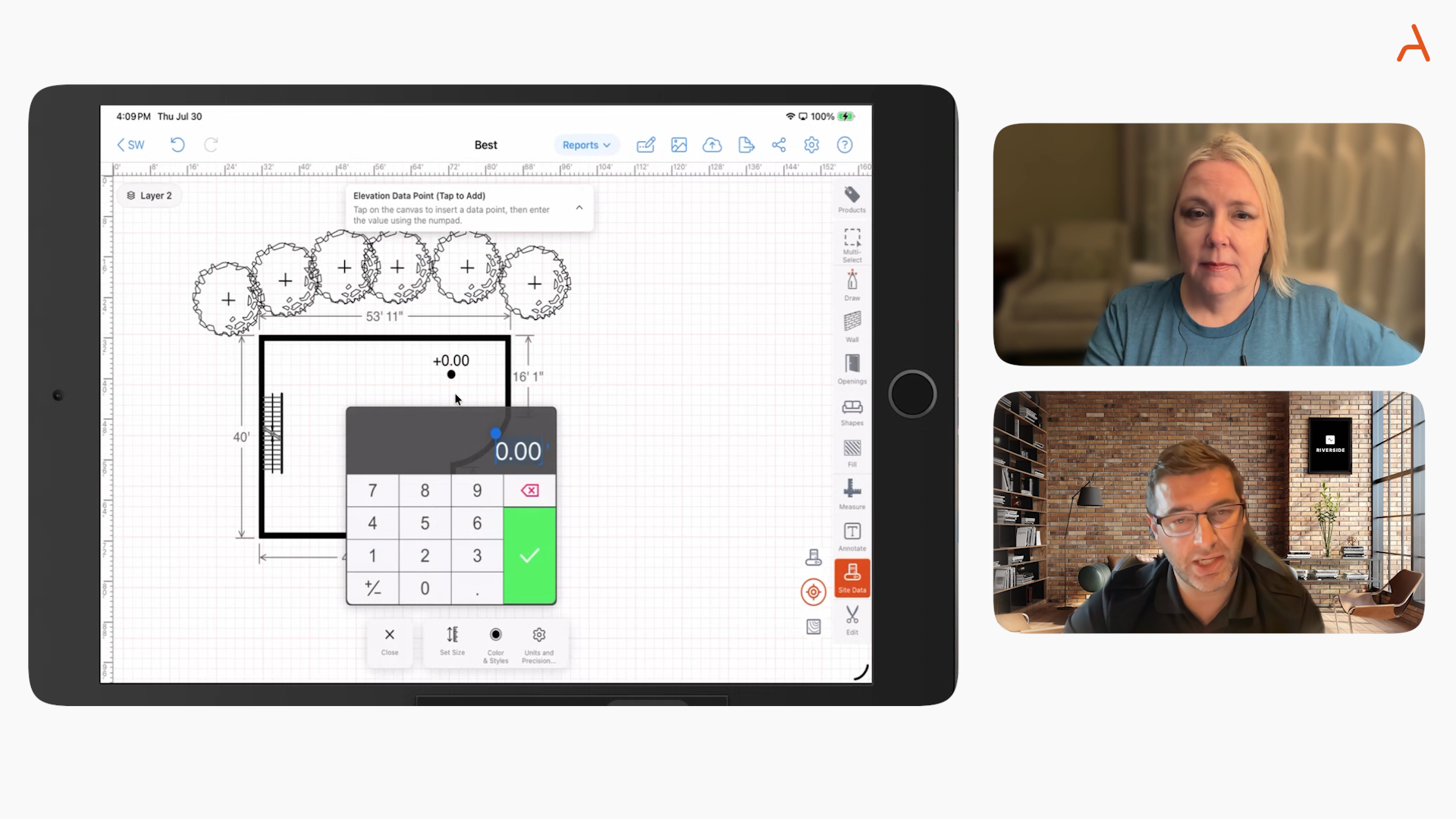
Open ArcSite on your tablet, draw the project area, and drop in symbols for assemblies or components. Add photos and notes tied to locations. As you sketch, ArcSite tracks quantities and labor assumptions, building your estimate in the background.
Tip: Standardize symbol libraries and assemblies by service line. This ensures every estimator counts the same way and your contracts stay consistent across jobs.
2) Generate a proposal that maps cleanly to the contract
Use your catalog to apply pricing, alternates, and optional add-ons. Attach a clear scope of work, inclusions, and exclusions. Because the proposal is structured, it slots directly into your template language without manual retyping.
- Scope of work: Mirrors the drawing and itemization.
- Inclusions: Materials, labor, equipment, permits if applicable.
- Exclusions: Owner-supplied items, unforeseen conditions, third-party fees.
- Assumptions: Access, working hours, site readiness, utility locates.
3) Convert the proposal into your contract in minutes
With a standardized template, your estimator can pull in the approved scope, schedule, payment terms, and change-order procedures. The key is consistent clause placement and language so the field does not need legal edits on every job.
Suggested sections for your contract template:
- Parties and project description
- Scope of work (linked to the accepted proposal)
- Price, unit rates if used, and allowances
- Payment schedule and acceptance milestones
- Change-order process and pricing rules
- Schedule, access requirements, and site conditions
- Warranty, safety, and compliance
- Insurance, indemnification, and dispute resolution
- Signatures and authority to proceed
4) Handle revisions and add-ons without rework
If a client requests a change on site, update the drawing, regenerate quantities, and push a change-order addendum using the same template language. This keeps documentation airtight and transparent.
Implementation guidance and change management
Rolling out a new field-to-contract workflow requires clear ownership and simple steps.
- Nominate a template owner: One person maintains the master contract language with legal oversight.
- Create trade-specific variants: Electrical, plumbing, concrete, fencing - each variant keeps core clauses but tailors scope language.
- Standardize catalogs: Align items, assemblies, and labor rates so estimates and contracts are consistent.
- Train for the site walk: Teach teams to sketch, photo-tag, and note assumptions as they go. Practice on recent jobs.
- Pilot with a small crew: Measure speed-to-proposal, approval rates, and change-order frequency before a full rollout.
Document your operating procedure: who creates the sketch, who reviews pricing, who assembles the contract, and who obtains signatures. Keep the process short and repeatable so it sticks under real job pressures.
Measuring ROI and success metrics
Track outcomes before and after adoption to quantify impact.
- Time to first proposal: Minutes from site walk to client-ready estimate.
- Approval speed: Days from proposal to contract signature.
- Win rate: Percentage of proposals accepted.
- Variance reduction: Difference between estimated and actual materials and labor.
- Change-order rate: Frequency and value of scope changes post-signature.
- Rework and disputes: Count of issues tied to unclear scopes or missing documentation.
When the drawing drives the estimate and the estimate drives the contract, you minimize handoffs and manual edits. That typically shortens sales cycles, improves accuracy, and makes margins more predictable. Over time, you will also build a library of proven clauses and scopes that reduce risk on every job.
Best practices to keep your contract template effective
- Use plain language: Write scopes and clauses so clients understand exactly what they are buying.
- Keep exclusions explicit: List what is not included to reduce disputes.
- Tie deliverables to drawings: Reference plan versions or as-builts to anchor the scope.
- Lock pricing rules: Define how unit rates, allowances, and alternates are handled.
- Require written change orders: Make it easy to issue but clear that work pauses until approved.
- Review quarterly: Update clauses for code changes, supply volatility, or new services.
From template to signature, all on site
The fastest path to a signed agreement is a single workflow: capture conditions, quantify, price, and assemble contract terms while you are still on site. With ArcSite, your team can move from first measurement to a client-ready package in one visit, with visual clarity and consistent language that builds trust.
If you are ready to standardize how your crews produce estimates and contracts - and shorten the distance between walk-through and work start - we would love to help. Book a personalized walkthrough and see how your team can use a construction contract template and ArcSite together to win more, faster.
Categories
FAQs
Specialty contractors can use a modern construction contract template combined with mobile CAD, takeoff, and estimating tools to speed on-site bids and secure faster client approvals without sacrificing accuracy.
Using separate apps causes slow turnarounds, missing line items, change orders that erode margins, and inconsistent documentation that increases risk and delays approvals.
ArcSite provides a mobile CAD, takeoff, and estimating solution that captures site data, generates automatic quantities, applies configurable pricing, and produces contract-ready scopes all in one place.
The workflow involves capturing scope during the site visit with drawings and notes, generating a proposal mapped to the contract, converting the proposal into a contract using a standardized template, and handling revisions with change orders without rework.
Best practices include using plain language, keeping exclusions explicit, tying deliverables to drawings, locking pricing rules, requiring written change orders, and reviewing clauses quarterly for updates.
Related posts