Top 5 Pest Control Software Tools for Your Business


Most lists of the best pest control software start in the office: routing, billing, and renewals. You need all of that. But you win or lose the job at the inspection, and that's where a lot of pest control software gets thin.
At the inspection, your tech has to draw the graph, mark what they found, fill out the state form, and get the homeowner to say yes. Anything that lands on paper has to be typed up again later, often by you at the kitchen table. One inspector told us a good hand-drawn graph takes 30 minutes to an hour on its own.
Here's what to look for in pest control software, based on what has to happen at the inspection:
- Can your tech draw a to-scale graph on site?
- Does the software count bait stations, perimeter spray, and fumigation for you?
- Can you pin a photo to the spot on the graph where you found the problem?
- Does the WDI/WDO form fill in from the inspection?
- Can the homeowner pick an option, sign, and pay before you leave?
Some of these tools run the whole business. Others focus on one part of the job. The right pick depends on where your week slows down.
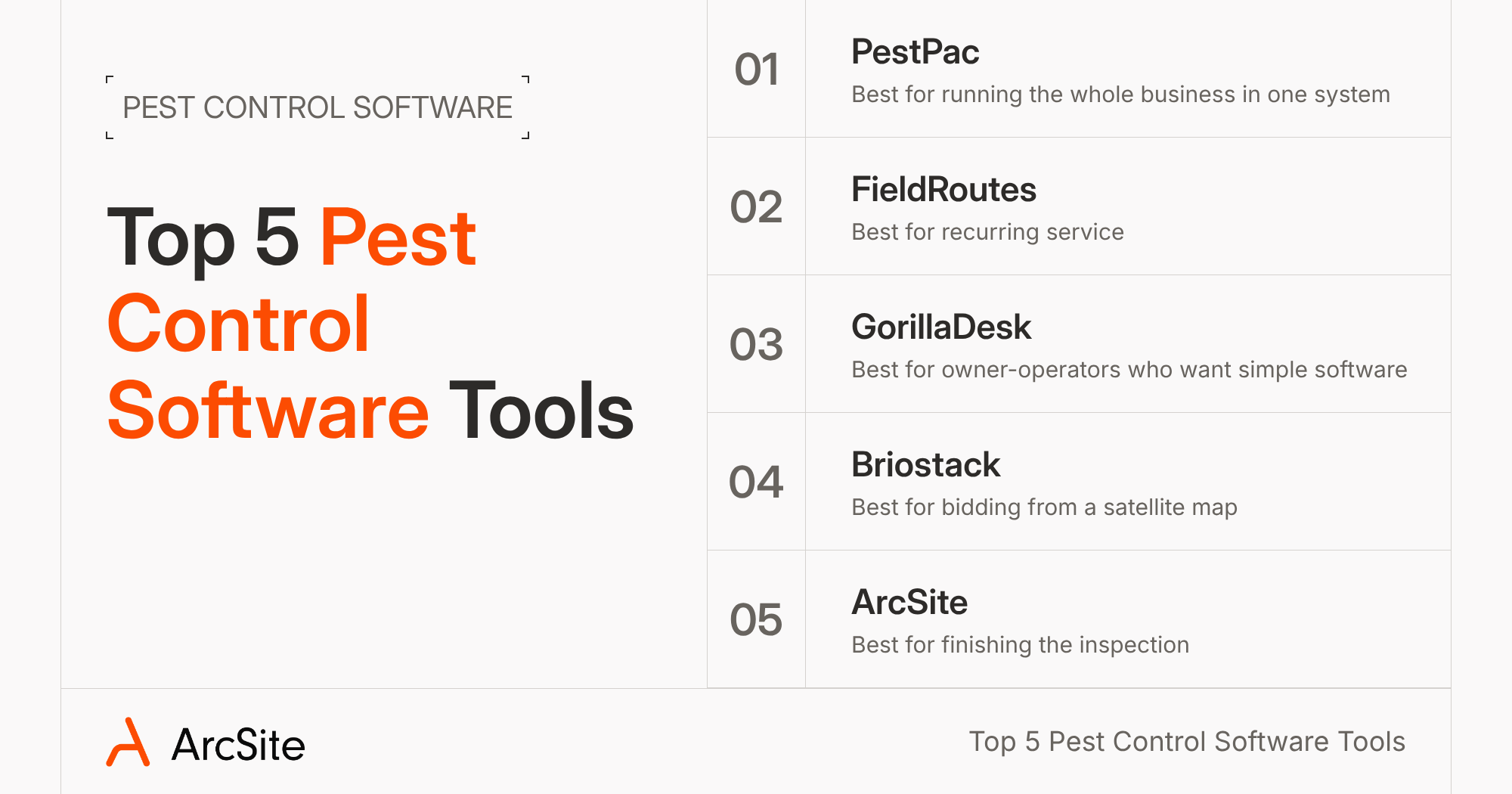
1. PestPac: best for running the whole business in one system
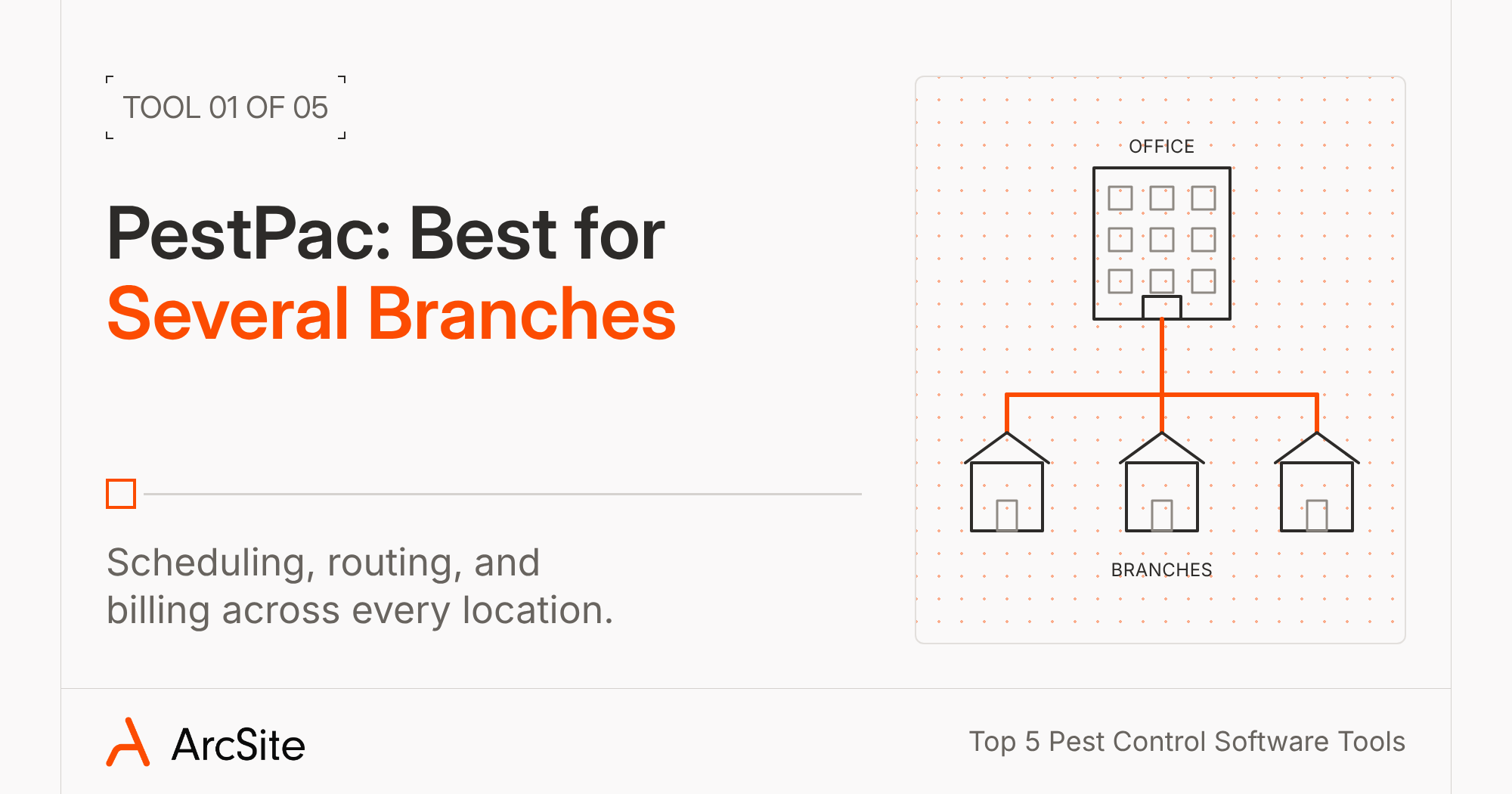
Plenty of pest companies already run their business on PestPac. It's WorkWave's all-in-one system for scheduling, routing, billing, and customer records, and their Enterprise plan adds multi-branch support. If that's you, you're probably not looking to replace it.
PestPac covers a good part of the inspection, too. Your tech can sketch the property over a grid, an aerial map, or a photo and measure square and linear feet. Bait stations get barcodes, so one scan logs where each station sits and what the tech found there. NPMA-33 and state WDI/WDO forms fill in your customer and license details, and the homeowner signs on the device. Digital forms start on the Professional plan.
PestPac's sketches can show where everything sits on the property. But if you also want the homeowner to see what you found, you can bring ArcSite into the inspection. When your tech spots termite damage by the back door, they can pin a photo to that exact spot on the graph, so the homeowner sees it in the proposal next to your recommendation. PestPac keeps running the rest of the business, and ArcSite's open API lets the two connect.
2. FieldRoutes: best for companies built on recurring service
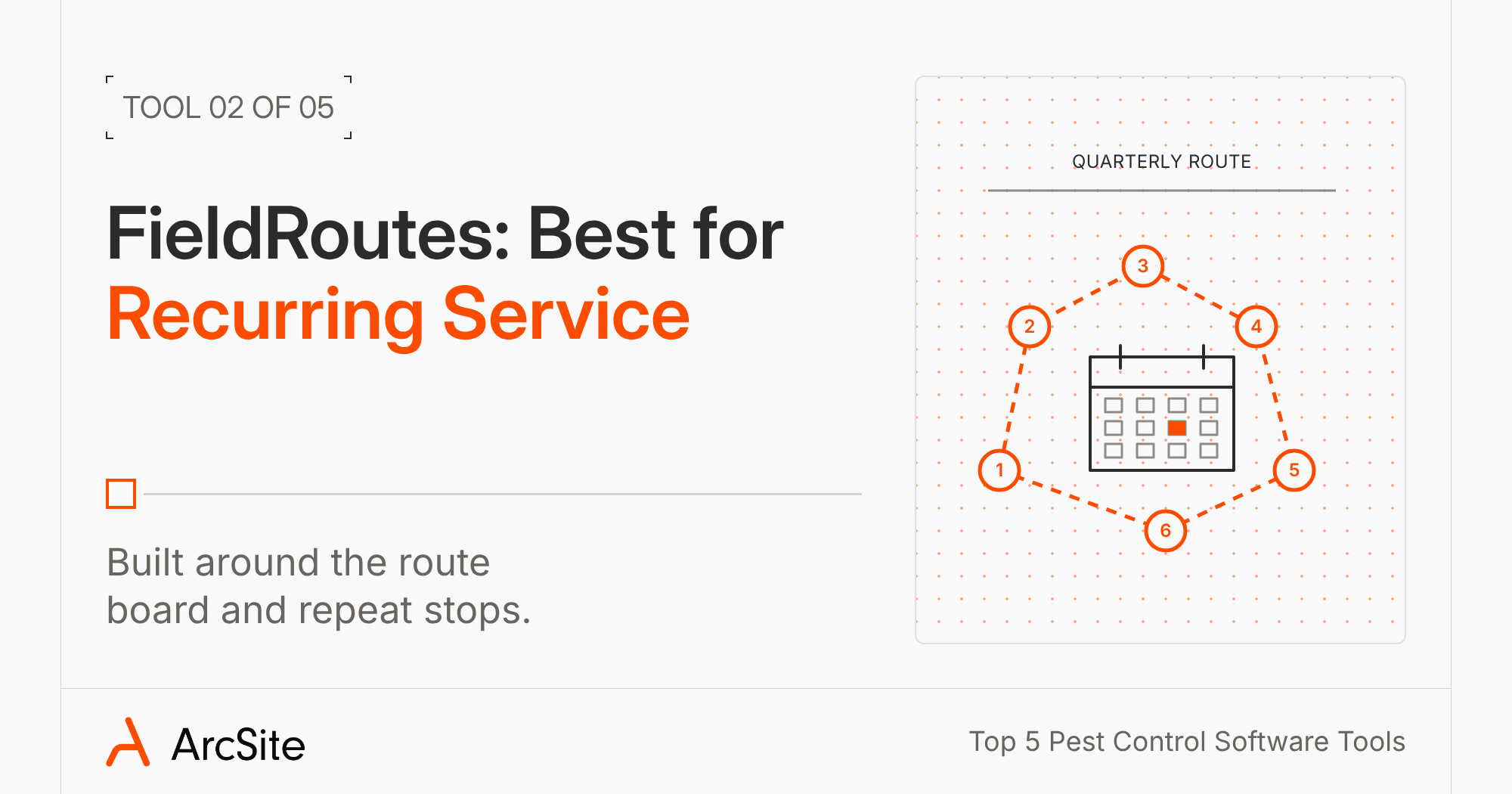
FieldRoutes (the old PestRoutes, now part of ServiceTitan) is built around the route board. If most of your money comes from quarterly stops, that's the screen you'll live on. You get route optimization, autopay for recurring customers, and a place for techs to log chemical use for state reports. Pricing is based on how many active customers you have.
On the inspection side, the mobile app lets techs build home diagrams for termite and WDO work and attach photos to the appointment. California companies get Branch 3 inspection reports built in.
If you want more from those diagrams, you can add ArcSite alongside FieldRoutes. Every bait station your tech places gets its own number, every foot of treatment gets counted for the quote, and the state form fills in from that same graph. FieldRoutes keeps your routes and billing, and the open API is how the two connect.
3. GorillaDesk: best for owner-operators who want simple software
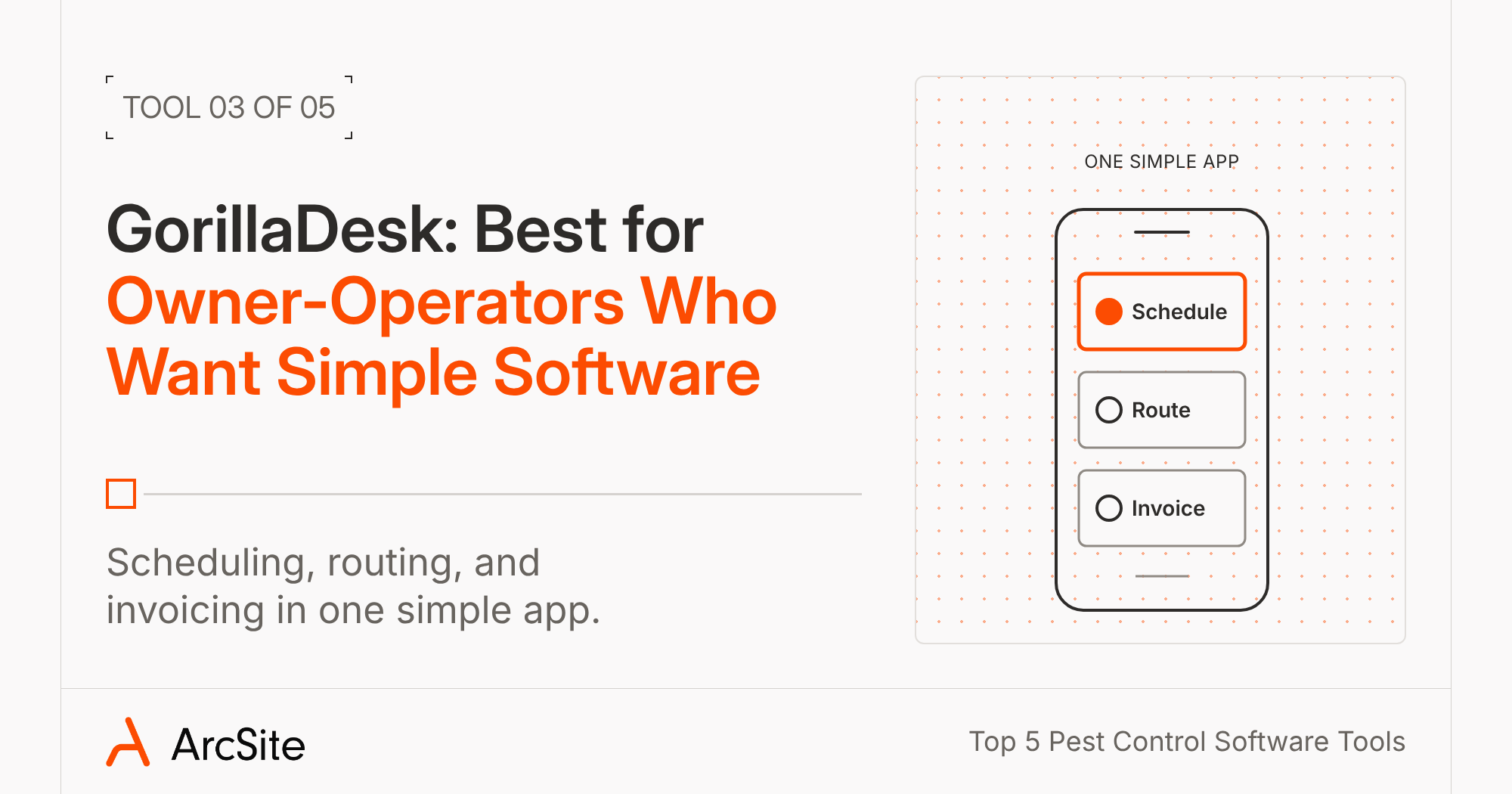
GorillaDesk can keep things simple for an owner-operator or a small crew. You get scheduling, routing, and invoicing, plus QuickBooks Online sync on the Pro plan and up, and the plans are posted right on its site. If your techs work in dead zones, offline mode keeps the current week's jobs on the device so they can still add notes and materials.
For termite work, the Pro plan's Sketch tool gives your tech shapes and the ability to snap a grid over a background photo on the phone or iPad. It won't measure for you, though, so your tech needs to bring their own numbers and add up stations and linear feet by hand. Pro also includes the NPMA-33 form, which fills in the customer's info and takes an e-signature, and GorillaDesk offers 99A and 99B forms too.
4. Briostack: best for bidding from a satellite map
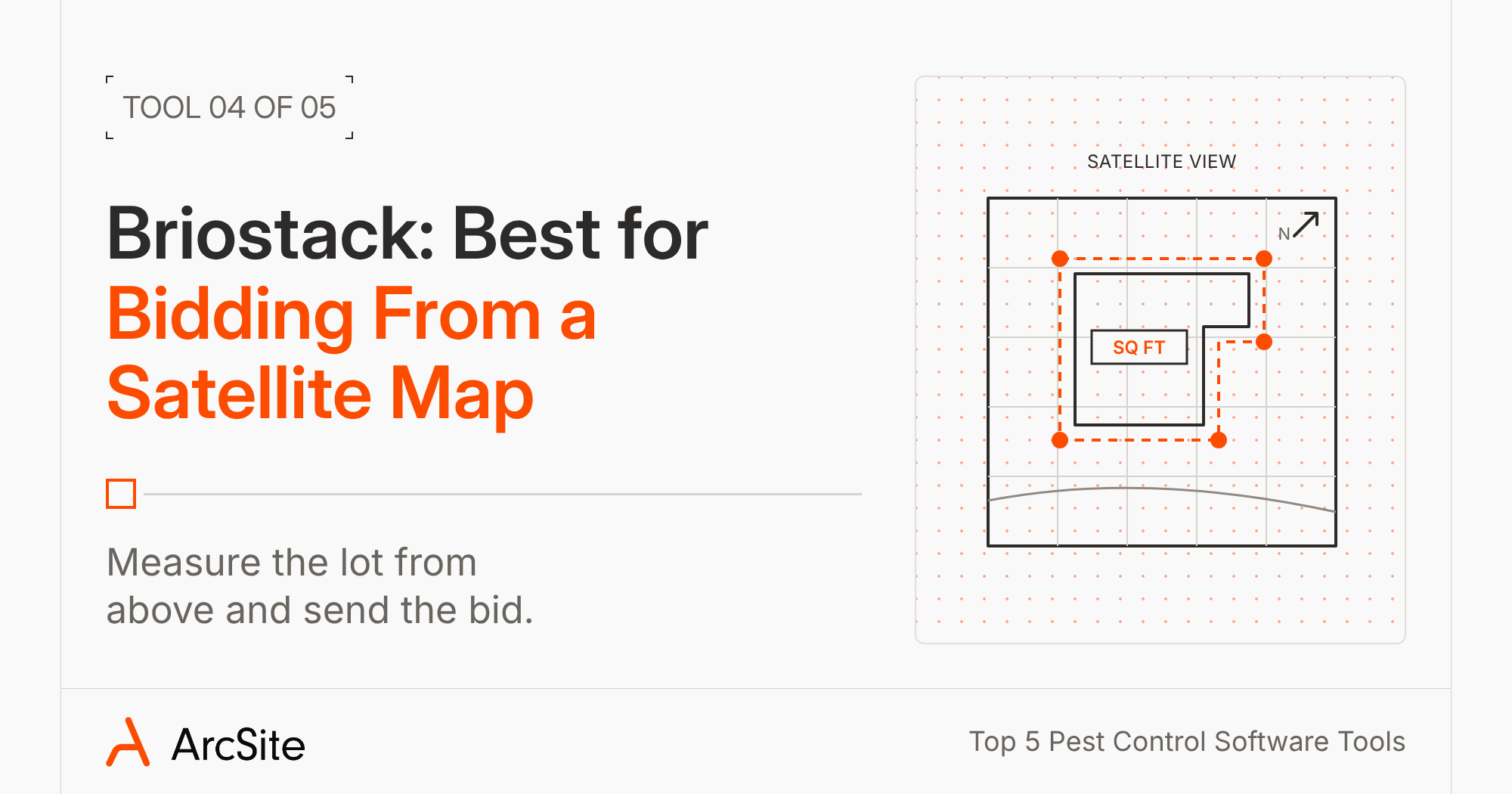
Some companies want a number before they knock. Briostack's bidding tool pulls a satellite image of the property, calculates the square footage, and lets you mark bait station locations on the map. You add photos to the bid, and the homeowner reviews and responds through a client portal. Scheduling, routing, and invoicing sit in the same system.
That satellite view covers the outside of the property. But Briostack's site doesn't mention drawing the inside of the house or a crawl space, measuring linear feet of treatment, or WDO and NPMA-33 forms. If interior inspections and termite paperwork fill a big part of your week, ask them to show you those on the demo.
5. ArcSite: best for finishing the inspection before you leave
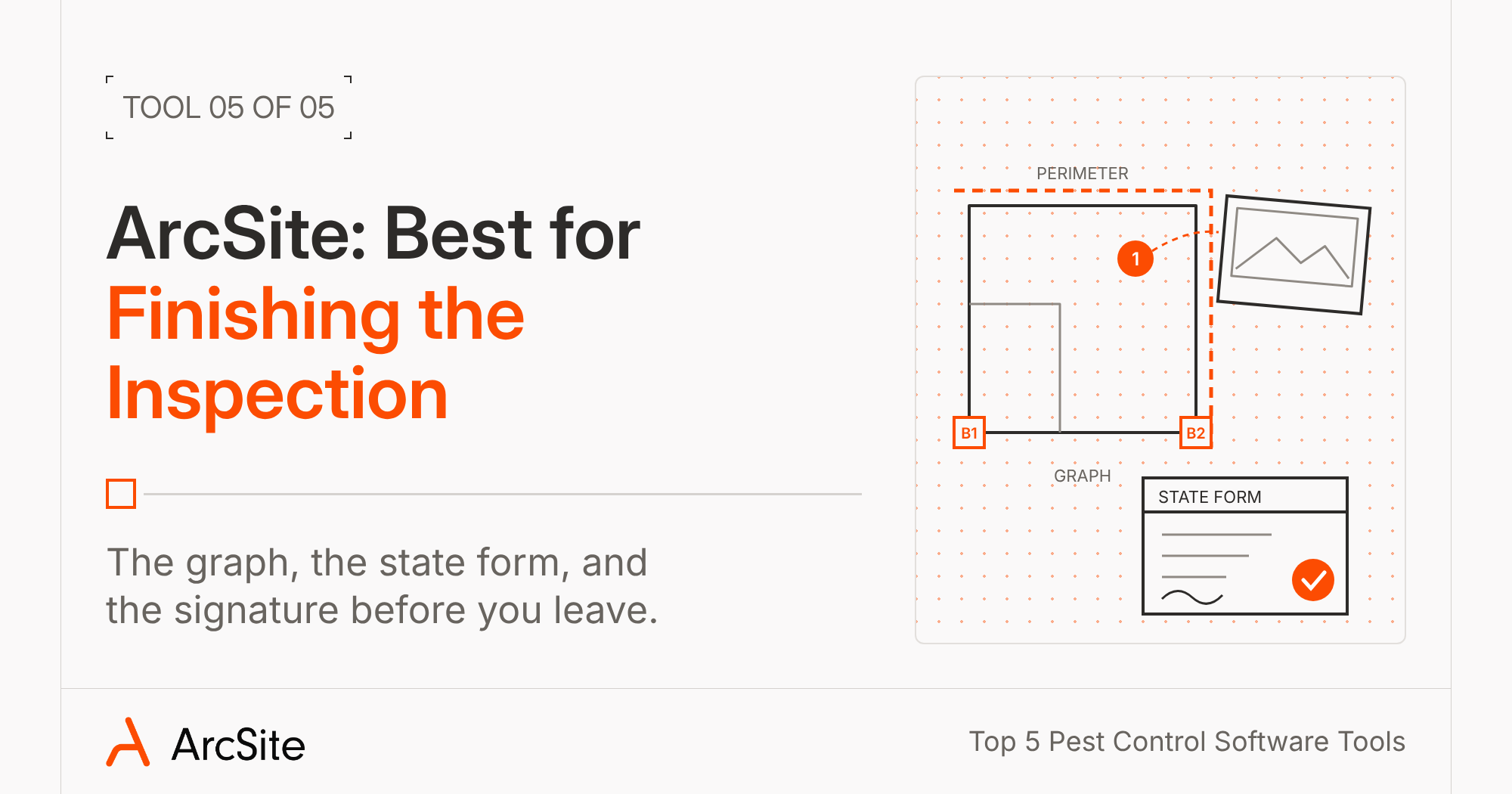
ArcSite handles the inspection and leaves routing and billing to the system you already run. It connects with Jobber, Housecall Pro, ServiceTitan, QuickBooks, and Salesforce. It also lets you connect to other systems with its open API.
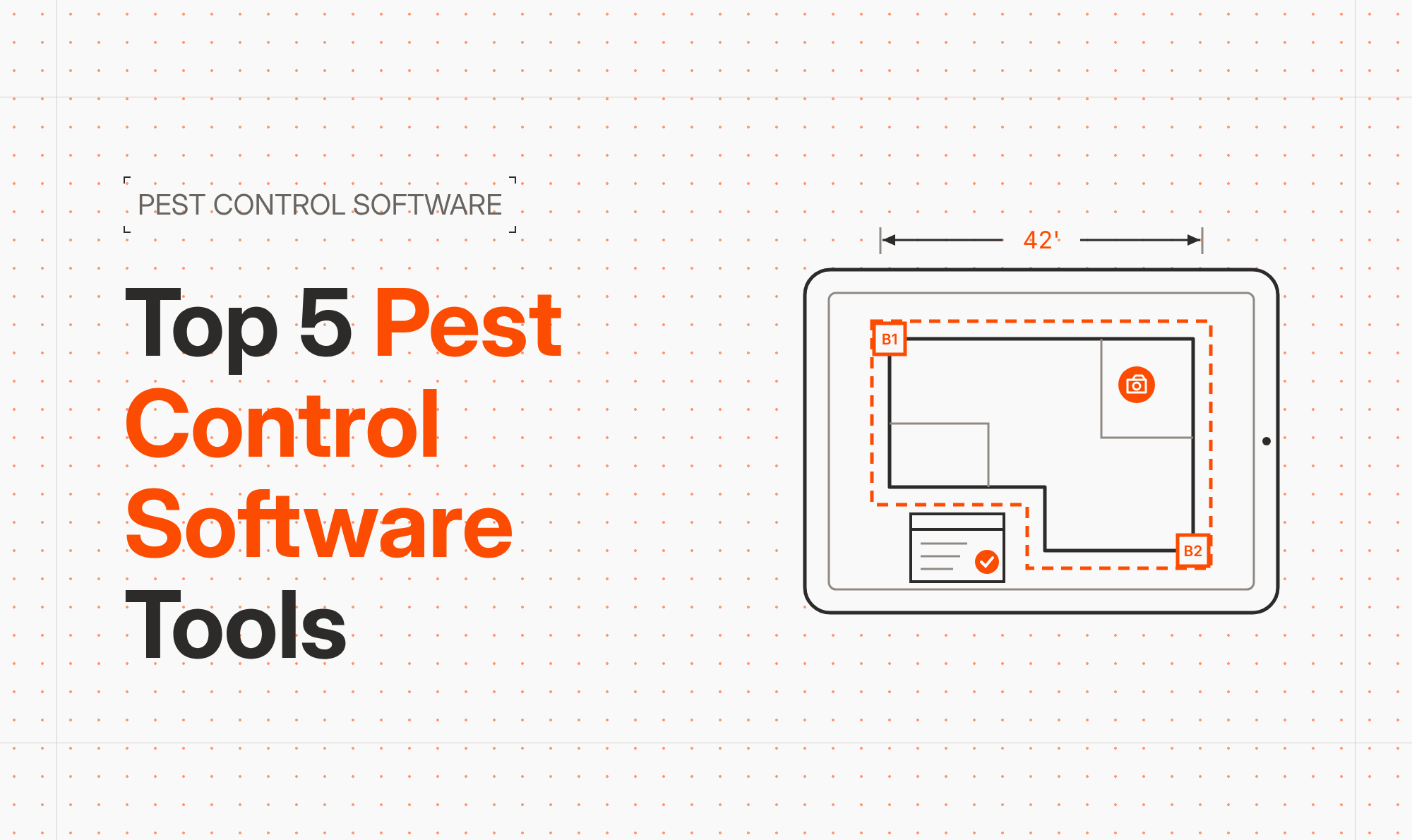
Your tech starts the graph on a blank grid, a satellite map, or an imported site plan. They can then draw the first wall, type in the 42 feet they measured with the wheel, and everything after that stays to scale.
Inside the house, your tech can put the wheel down. On an iPad Pro or iPhone Pro with a LiDAR sensor, they can measure the room through the camera, placing points as they walk, and ArcSite draws it to scale. It's accurate to within an inch or two.
Then they can drop in your products. Place a termite bait station and ArcSite will label it B1. Copy it to the next corner and you get B2, each with its own findings. Draw perimeter spray along the foundation and ArcSite will add up the linear feet. Tap a room for fumigation, enter the crawl space height, and the square feet turn into cubic feet on the quote.
When the tech finds mouse droppings by the vent, they can snap a photo and pin it to that spot on the graph. The homeowner sees the photo, where you found the problem, and what you plan to do about it, right in the proposal.
ArcSite also fills in your state form with what your tech entered in the field. That covers NPMA-33 plus 13 state forms, including Georgia's WIIR, Texas, Florida, and California, with the graph, the key, and the photos attached. State forms come with the Estimate plan and up. (Learn more about that in How Pest Control Software Can Streamline WDO Inspection.)
Next, the tech taps Review with Client. The homeowner sees good, better, and best options with your photos attached. They then pick one, and sign. You get to set the deposit and payment schedule, and they pay by card, ACH, or financing.
No signal under the house? The drawing, products, photos, and proposal all work offline, and the tech can send it once they're back in range. ArcSite saves the project to the cloud, so the office sees the graph and the form without a phone call. See how pest companies use it on our termite and pest control software page.
Which pest control software should you pick?
If your week falls apart in the office, start with the system that fits how you work: PestPac to run everything in one place, FieldRoutes if recurring service is most of your business, GorillaDesk if you're an owner-operator who wants simple software, or Briostack if you like to bid from a satellite map before you knock.
If it falls apart after the inspection, with the graph on paper and the state form waiting at home, add ArcSite to whatever you run now. Your tech finishes the graph, the form and gets a signature in the driveway, allowing the office to have all of it before the truck ever pulls out. ArcSite's open API lets it connect to the system you picked above, so you don't have to choose one or the other.
Categories
FAQs
It depends on where your week breaks down. PestPac fits companies that want to run everything in one place, FieldRoutes fits companies built on recurring service, GorillaDesk fits owner-operators who want simple software, and Briostack fits companies that bid from satellite maps. If the inspection is the bottleneck (graphs, state forms, and sign-offs), ArcSite handles all of it and works next to the systems you already use.
PestPac offers NPMA-33 and state WDI/WDO forms on its Professional plan and up. GorillaDesk includes NPMA-33 on its Pro plan and up, plus 99A and 99B forms. FieldRoutes supports California Branch 3 reports. ArcSite fills NPMA-33 and 13 state forms from the inspection, with the graph and photos attached, on the Estimate plan and up.
Yes. ArcSite handles the inspection, the graph, the state form, and the proposal, and leaves scheduling and billing to your current system. It connects with Jobber, Housecall Pro, ServiceTitan, QuickBooks, and Salesforce, and its open API lets you connect it to other systems too. You can also export the graph and form as a PDF and attach it to the customer record.
GorillaDesk is built for owner-operators and small crews, with scheduling, routing, and invoicing in one simple app. If your techs lose the most time drawing graphs and filling out state forms, ArcSite gets that work done on site so nobody types it up again at night.
Most of these tools have some kind of offline mode. GorillaDesk keeps the current week's jobs on the device, and FieldRoutes supports offline edits and payments. In ArcSite, your tech can draw the graph, add products and photos, and build the proposal offline, then send it once they have signal.
Related posts