Template Library
>
Security Camera CAD Block

Security Camera CAD Block

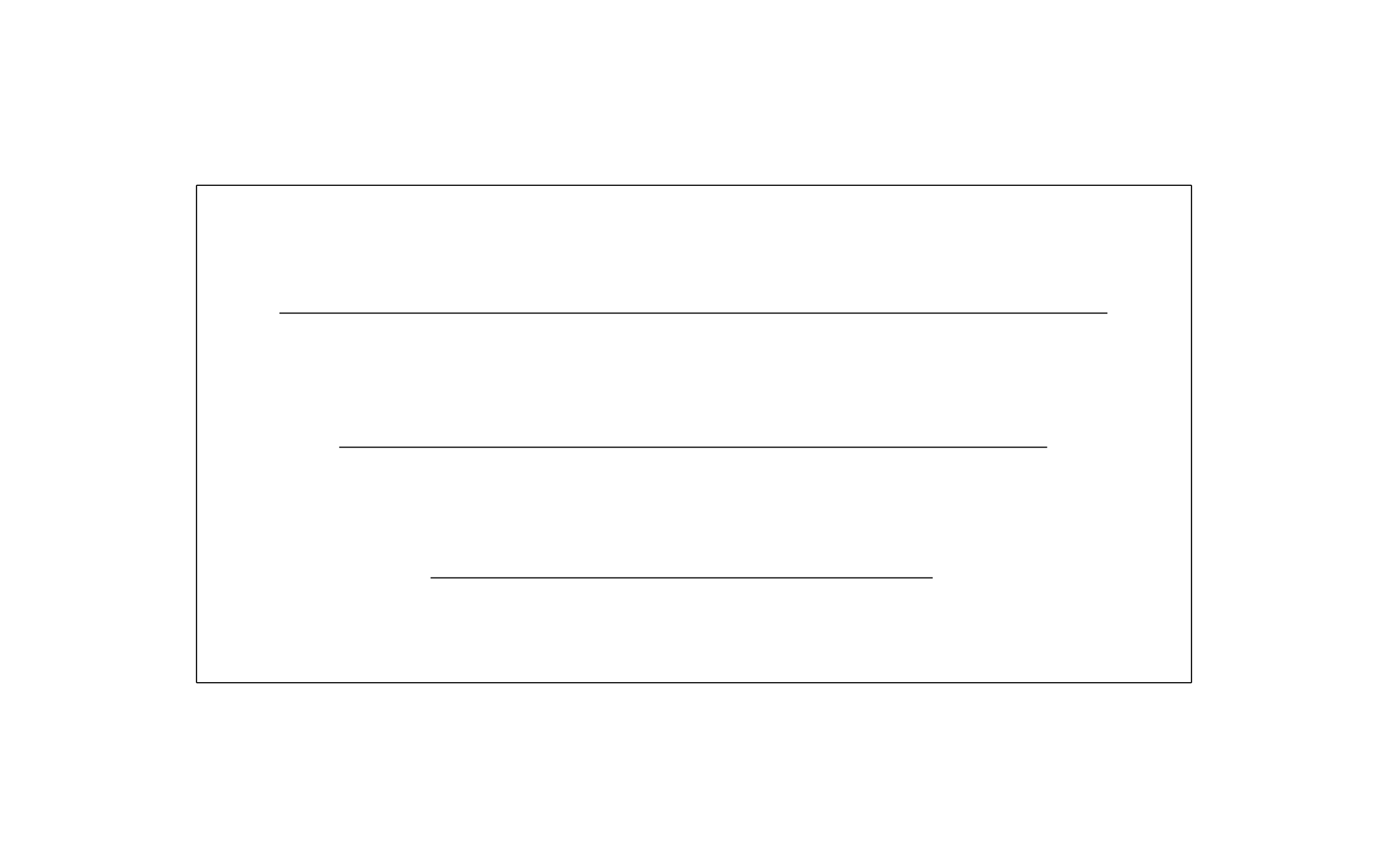
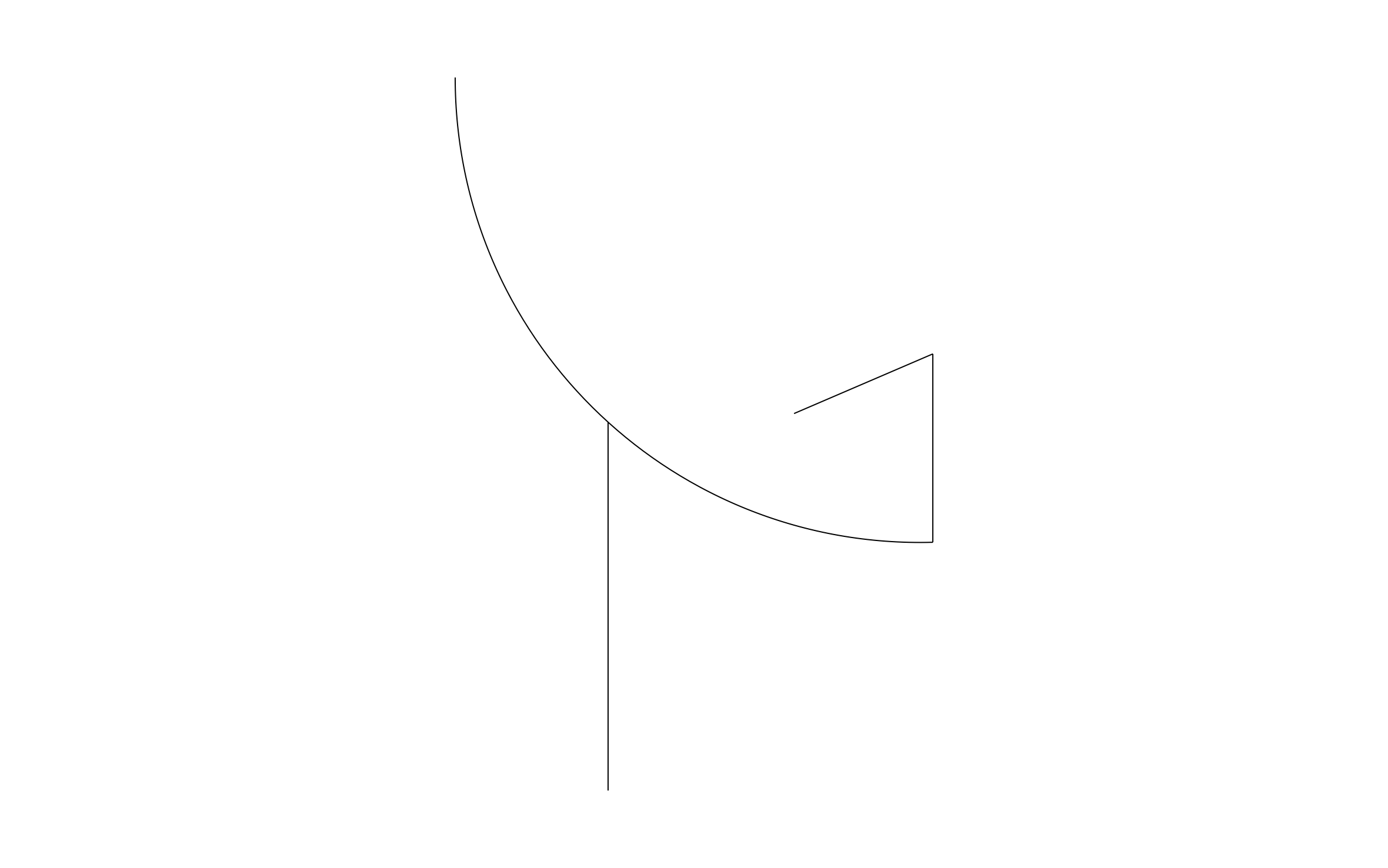
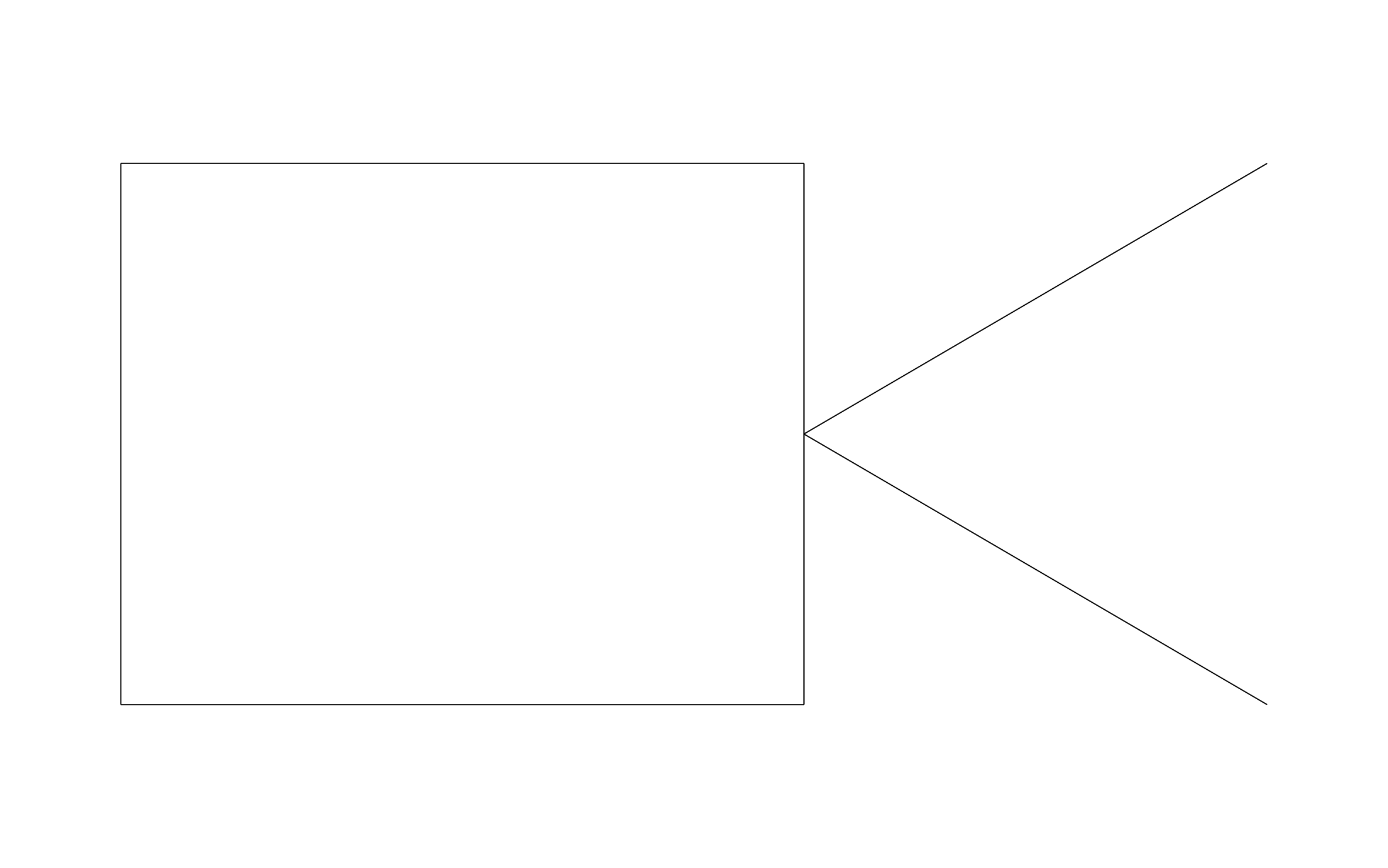
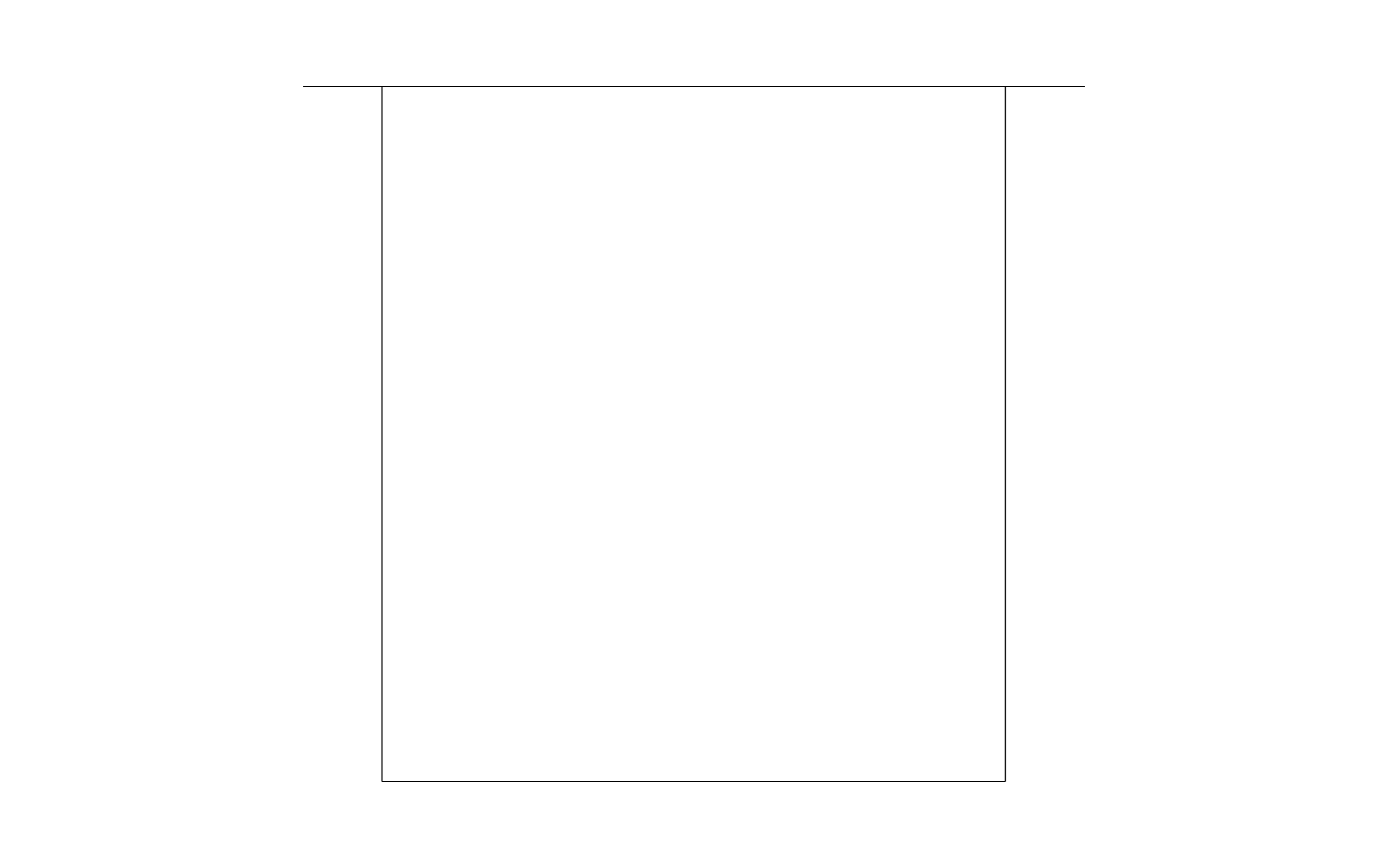
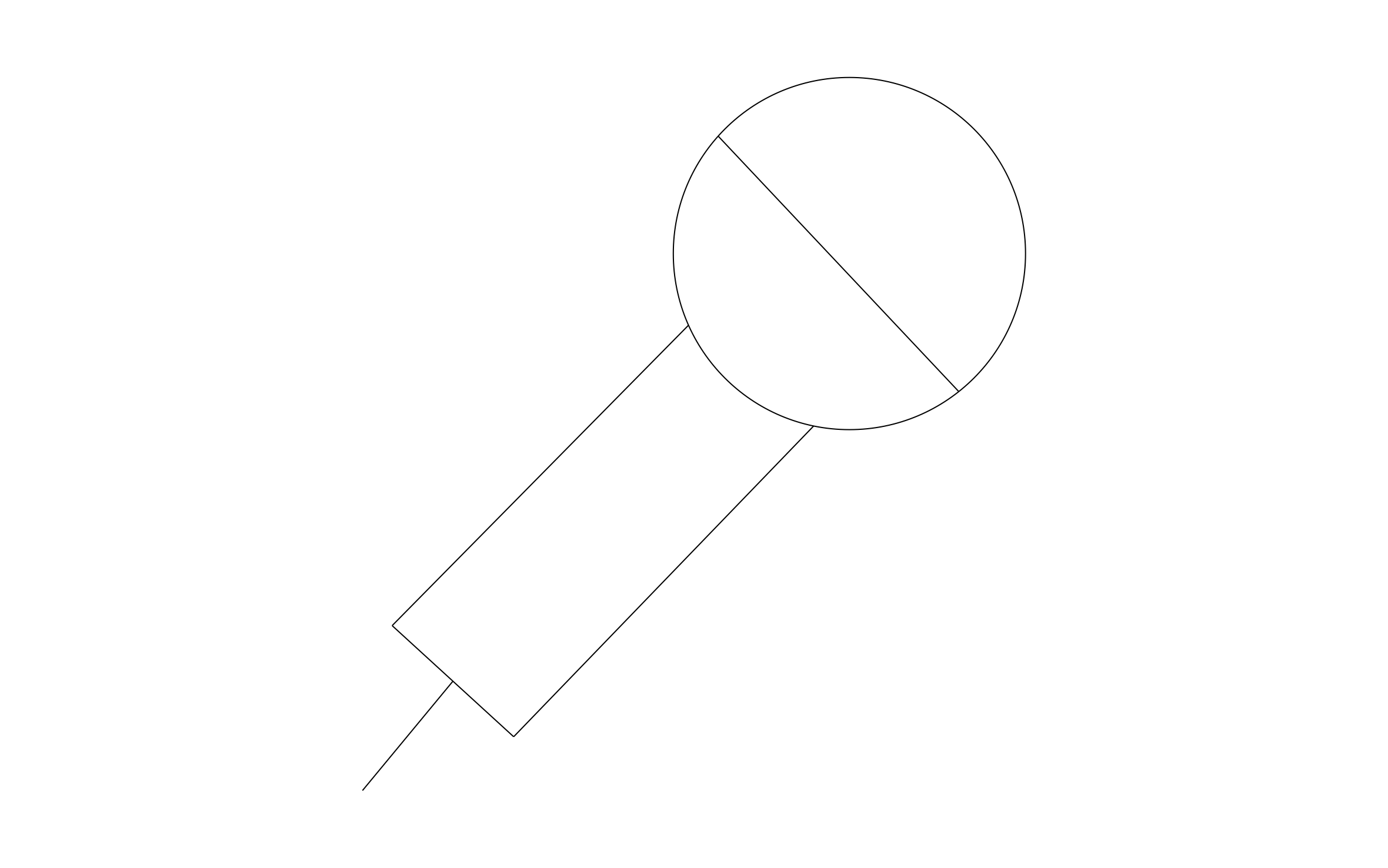
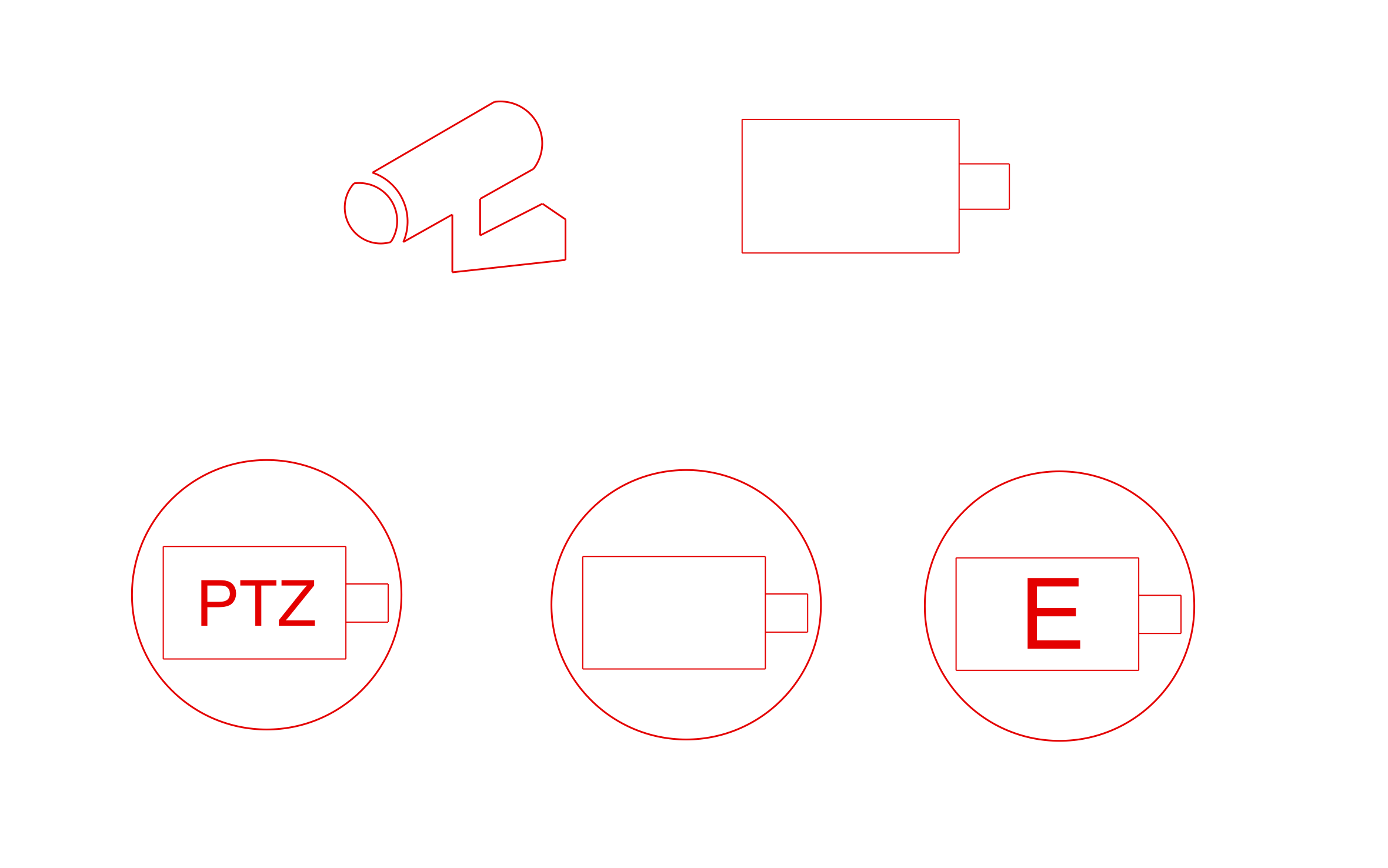
Security camera CAD block free in DWG, DXF, PNG, and PDF. Drawn in red so the cameras stand out from the floor plan.
Customize & Download

Opens right in your browser — no install. Make it yours within minutes.

Browse Related Blocks
Security Camera CAD Block

Key Features

  • Bullet Camera: A wall-mounted camera drawn in side view.
  • Box Camera: A simple rectangle with a lens for plan views.
  • PTZ Symbol: A circled camera labeled PTZ for pan, tilt, and zoom units.
  • Circled Camera Symbols: A plain circled camera and one marked E for keying cameras on the plan.

Industry specific

Fully customizable

Design from anywhere

Trusted by Pros. Recognized by the Industry.

With top ratings across Software Advice, GetApp, and Capterra, professional contractors choose us for ease of use, powerful tools, and unmatched customer support.

Badge with orange border featuring the text 'Software Advice Front Runners 2026' and an orange speech bubble icon.
Software Advice Best Customer Support 2026 badge with white text and an orange speech bubble icon.
GetApp logo with user reviews rating showing 4.7 stars out of 5 with four full and one half star.
Capterra Shortlist 2026 badge with a shield design, featuring the Capterra logo and the word SHORTLIST in bold orange banner.
Capterra shield-shaped badge with text 'Best Ease of Use 2026' and Capterra logo at the top.

Unlock 1,200+ Free CAD blocks with the ArcSite app

CAD blocks. Floor plans. Estimates. Do it all with ArcSite's mobile app.

Free access to over +1,200 blocks included with the ArcSite CAD app

Frequently asked questions

Does it include a PTZ camera symbol?

Should cameras cover every entry?

What formats is it available in?