Unit Cost vs. Unit Price: What Contractors Need to Know
INDUSTRY


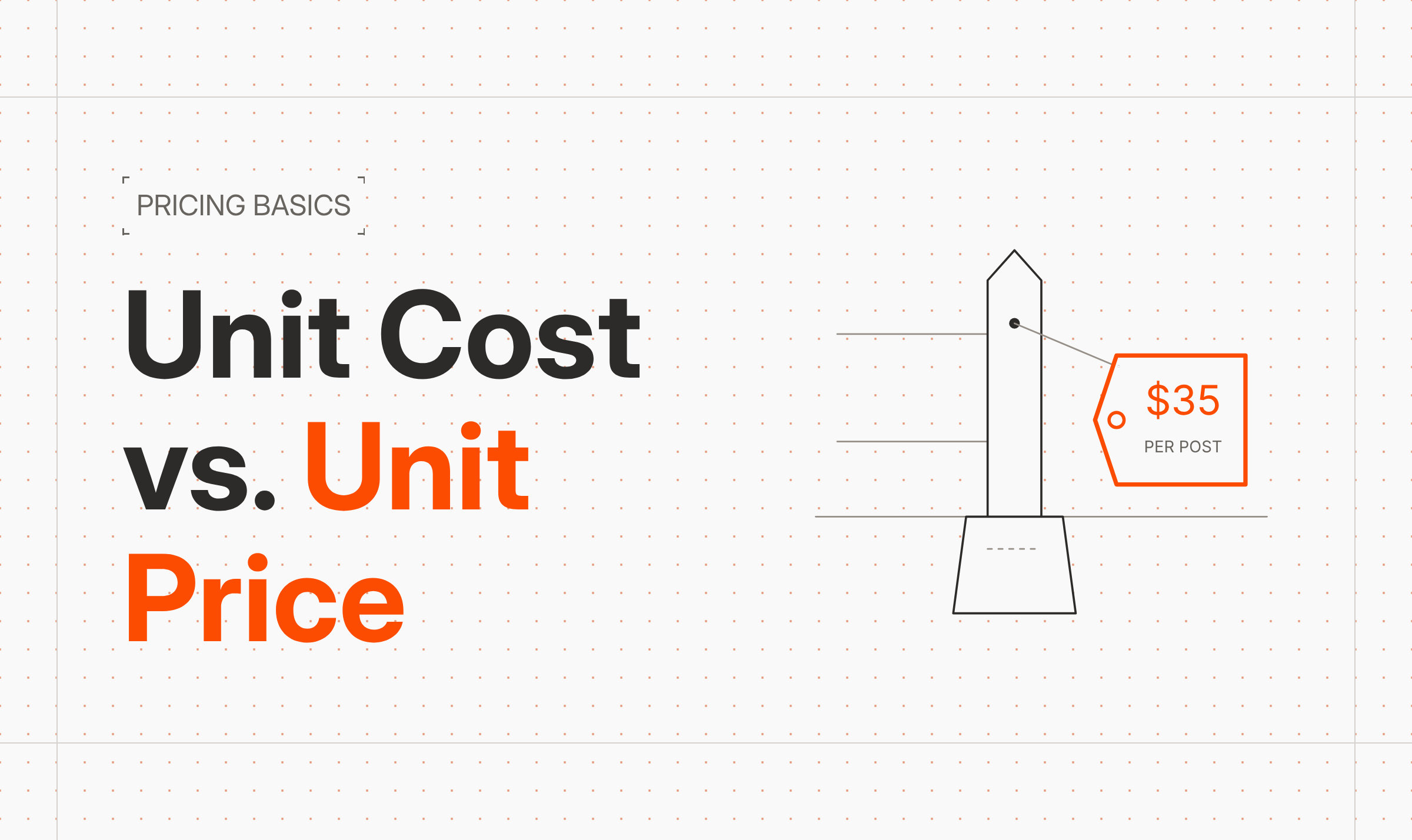
Every line on your estimate carries two numbers. Unit cost is what one foot, one post, or one square of work costs you. Unit price is what your customer pays for that same unit. Mix them up and you either quote the job at break-even or send a number that loses the bid.
The two fields sit side by side in most estimating tools, so the mix-up is common. Contractors setting up their product lists ask us which number the estimate pulls from. One guessed that unit cost meant the cost of one piece and unit price meant the price of the whole product.
Below, you'll find what goes into each number, how markup and margin get you from cost to price, the mistakes that eat into profit, and what “unit price” means when it shows up in a contract.
1. What unit cost covers
Unit cost is your cost to deliver one unit of work. The unit is however you measure the job: a linear foot of fence, a square foot of turf, a downspout, a bag of mortar.
For a material line, unit cost starts with your supplier's price. For an installed line, it should also carry what it takes to put that unit in place: labor, concrete or fasteners, equipment time, and a little extra for waste and offcuts.
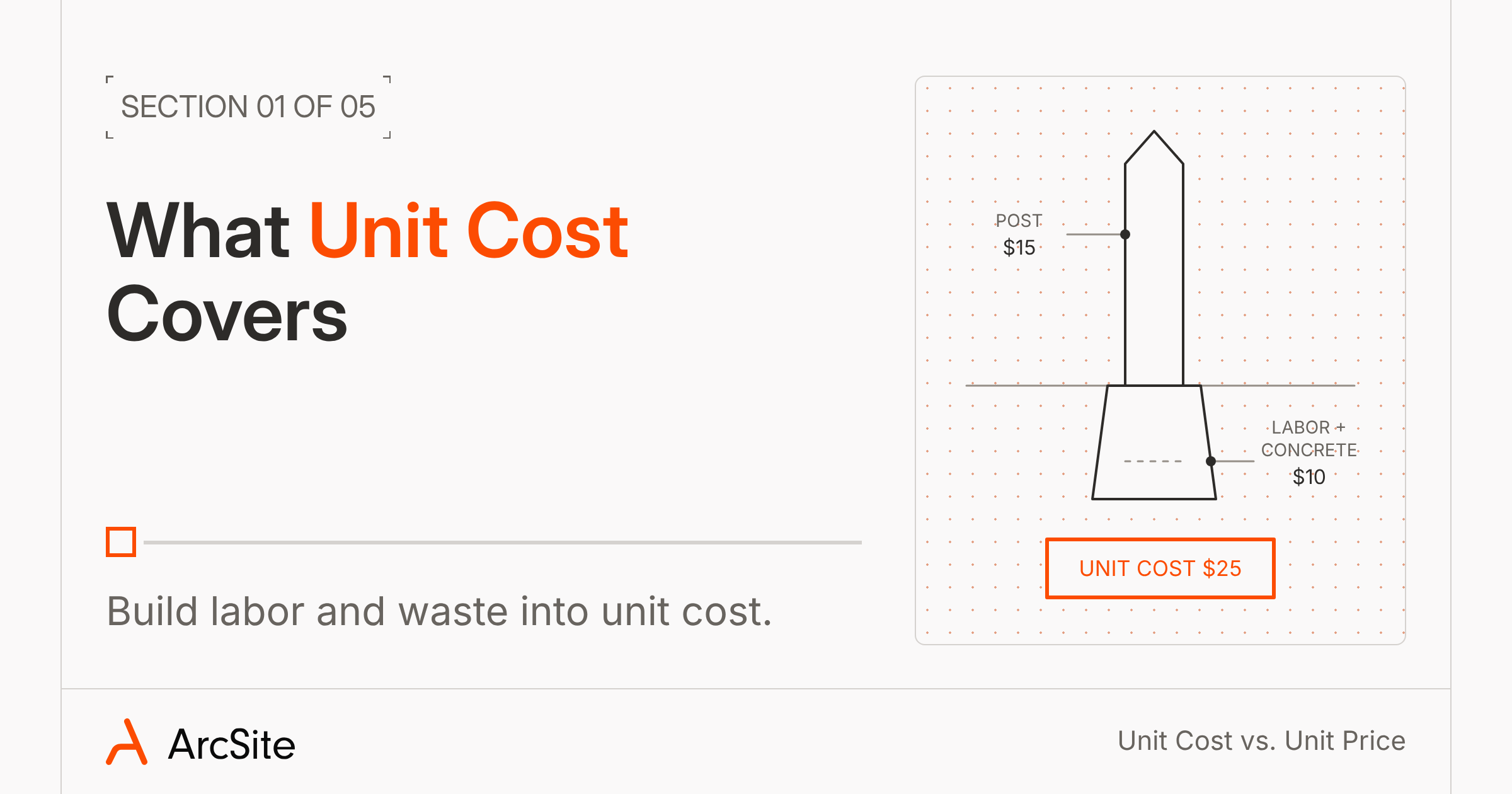
Say an installed fence post costs you $15 for the post and $10 for labor and concrete. Your unit cost is $25.
Unit cost stays inside your business. Your office and your crew need it. Your customer never sees it.
2. What unit price covers
Unit price is what you charge your customer for one unit. It covers your unit cost, a share of your overhead (trucks, insurance, the office, software), and your profit.
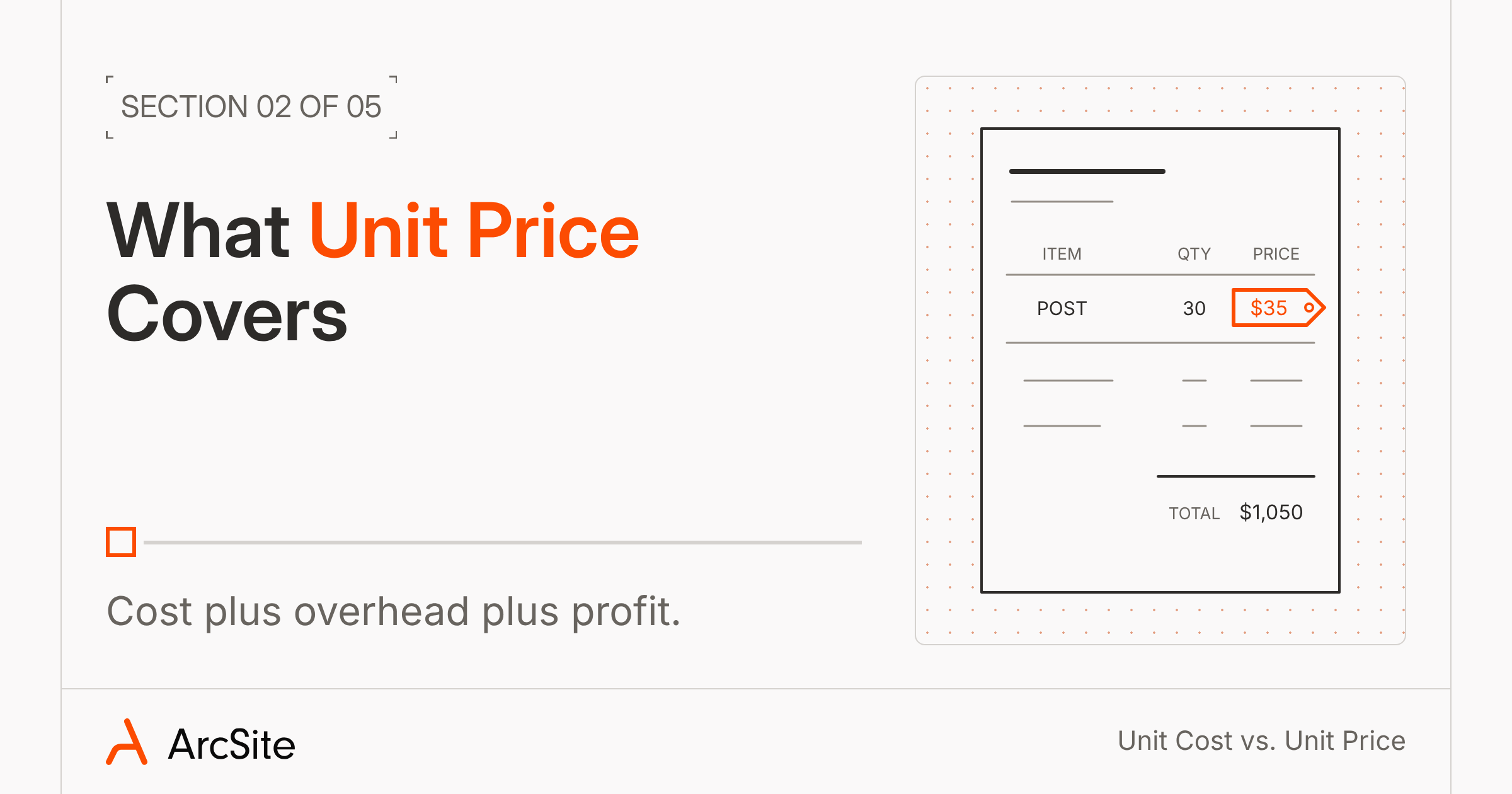
On a proposal, unit price times quantity gives you the line total. Charge $35 per installed post on a job that needs 30 posts, and that line comes to $1,050.
Your customer compares and signs off on unit price. Unit cost decides whether you make money once they do. When the two sit too close together, you can win the job and still lose money after overhead comes out.
3. Markup vs. margin: getting from unit cost to unit price
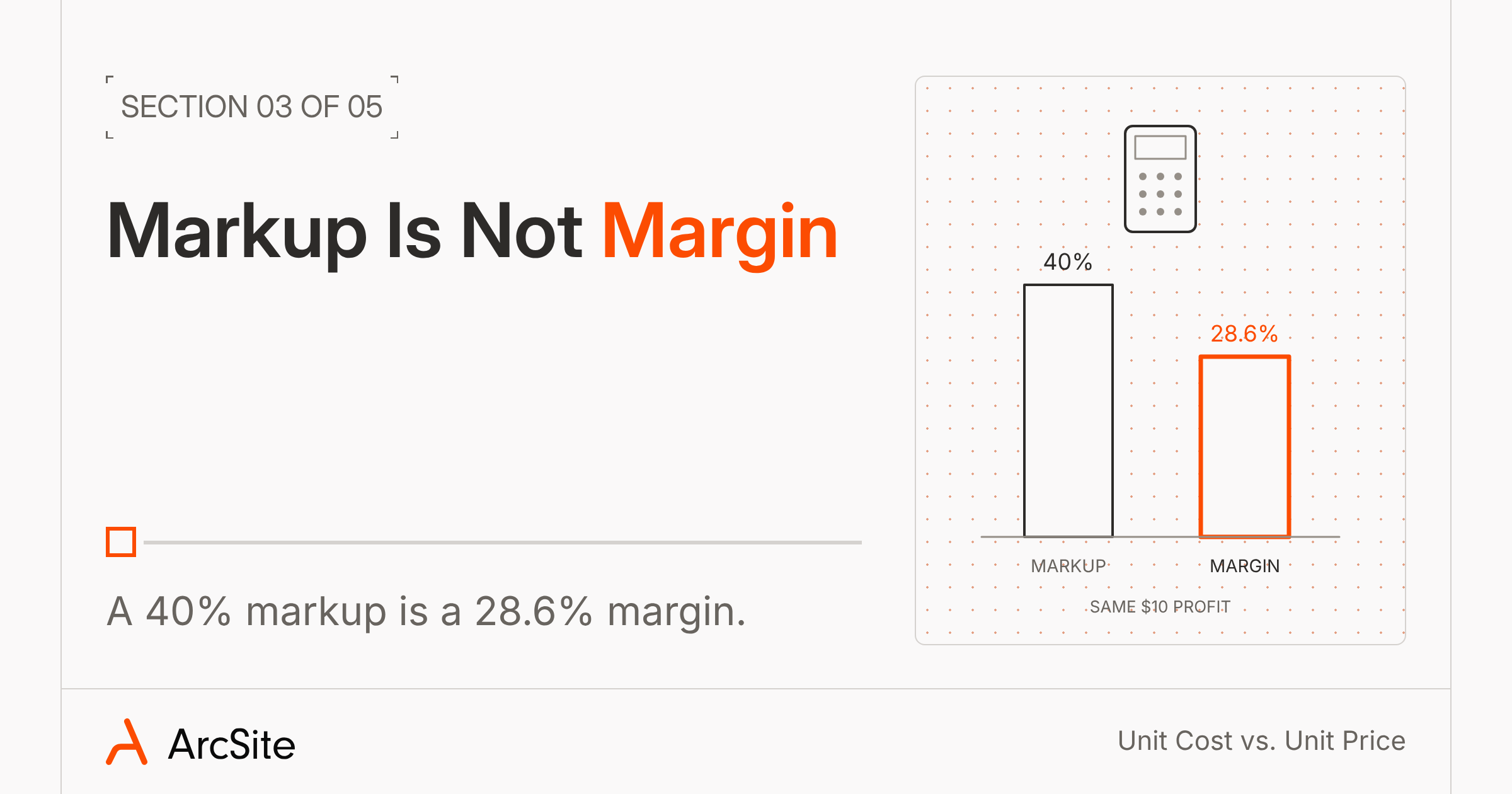
You turn unit cost into unit price with a markup or a margin. A lot of contractors use the two words as if they mean the same thing. They give you different prices.
- Markup is profit as a share of your cost: (price minus cost) divided by cost
- Margin is profit as a share of the price: (price minus cost) divided by price
Back to the $25 post. Add a 40% markup and you charge $35. You make $10 on each post, which is a 28.6% margin ($10 divided by $35).
If you wanted a 40% margin, divide cost by 1 minus the margin: $25 divided by 0.60 is $41.67. That's a 66.7% markup. On 30 posts, the gap between $35 and $41.67 is about $200 on one line item, and the same gap shows up on every other line you price the same way.
Want to check your own numbers? Plug a cost and a price into our free profit margin calculator.
4. Five pricing mistakes that cut into margin
Putting your cost in the price field. If your cost goes where the unit price belongs, you quote the job at break-even before overhead. Check new products before anyone uses them on a bid.
Using a margin target as a markup. You want a 40% margin, so you add 40% to cost. That lands you at 28.6%. Pick one method for your company and write down the number that goes with it.
Pricing off old supplier costs. Material prices move. If your unit cost is last spring's number, your markup sits on the wrong base and your price drifts with it. Update unit costs when your supplier sends a new price sheet.
Leaving labor and waste out of unit cost. If unit cost covers only the material, your markup has to pay for labor too. On most installed work, it can't. Build labor and waste into the unit cost so your markup can go to overhead and profit.
Showing your cost on the customer's copy. Unit cost belongs on internal documents and your crew's material list. Your proposal should show unit price and line totals, nothing that tells the customer what you paid.
5. “Unit price” in contracts
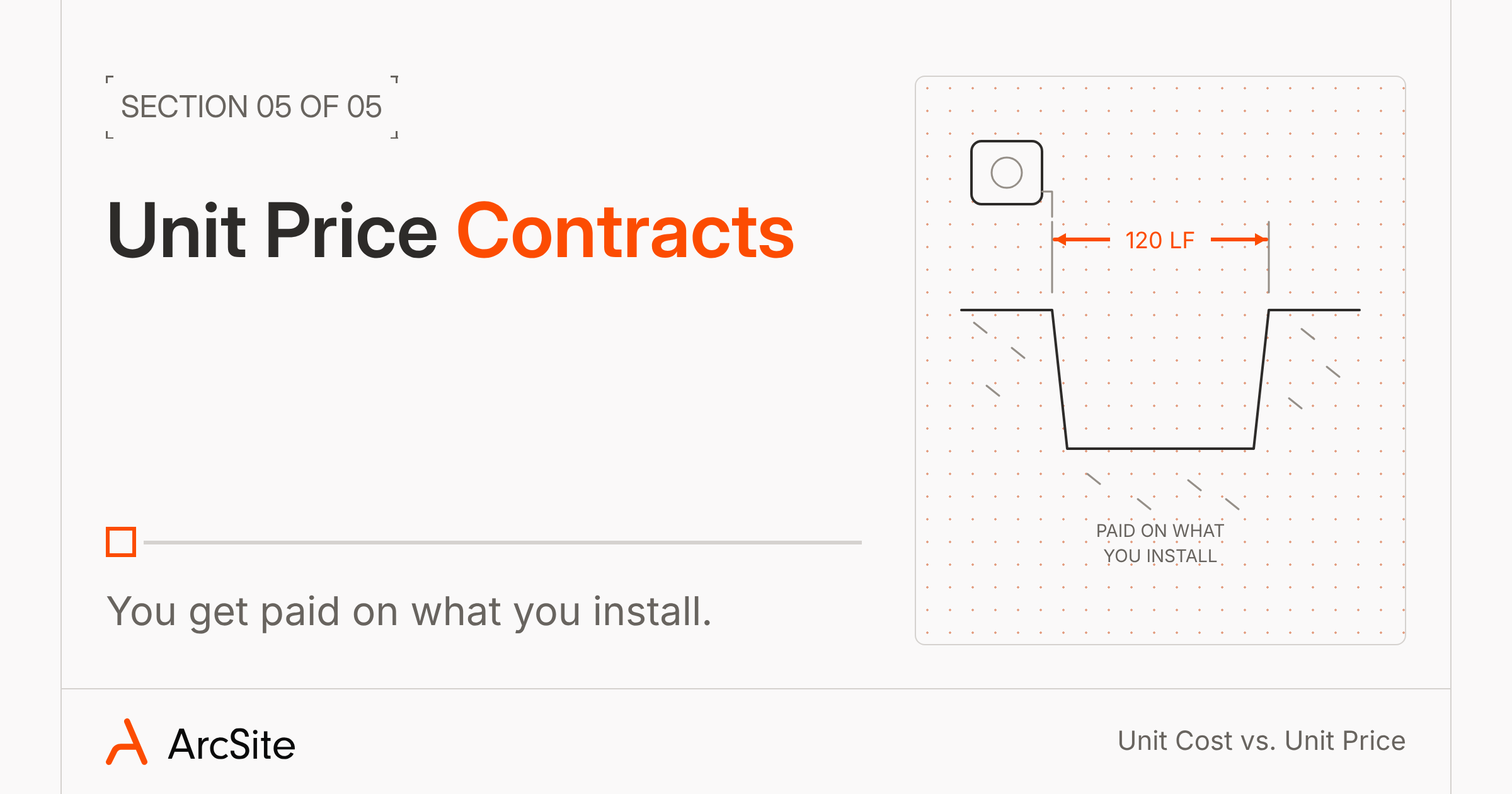
Sometimes “unit price” means a type of contract. In a unit price contract, you and the owner agree on a price per unit, like a cubic yard of fill or a linear foot of trench. You get paid for the quantity you install, not the quantity you estimated. The AIA's general conditions also let either side ask to adjust the unit price if actual quantities swing far enough from the estimate to cause real financial hardship.
A lump sum contract works the other way. You agree to one price for the full scope, and you carry the risk if quantities run over.
Owners use unit price contracts on work where quantities are hard to pin down up front, like excavation and site work. Know your unit cost cold before you agree to a unit price. Once you sign, every unit you install earns the same margin, good or bad.
Set both numbers once and let the estimate do the math
Keep unit cost and unit price in the same place your estimates come from, and you stop redoing this math on every job.
In ArcSite, each product in your product catalog has fields for unit cost, unit price, markup %, and margin %. Enter your cost and a target margin, and ArcSite calculates the unit price for you. Set a minimum margin, and your team gets an alert when a proposal drops below it. Reps can adjust a price on one proposal in the field without touching the catalog, and catalog price changes apply to new proposals, not ones you've already sent.
Your customer sees unit price on the proposal. Your unit cost stays internal. For setup steps, see Set and Manage Product Pricing in the Help Center.
Get your costs right once, update them when your suppliers do, and every estimate your team sends carries the margin you planned.
Categories
FAQs
Unit cost is what one unit of material or work costs you, including labor and waste on installed work. Unit price is what you charge your customer for that unit, covering your cost, overhead, and profit. Unit cost stays internal. Unit price goes on the proposal.
Yes. Unit price is the selling price for one unit. Multiply it by the quantity to get the line total on your estimate.
With a markup, multiply cost by 1 plus the markup: a $25 cost at 40% markup is $35. With a margin, divide cost by 1 minus the margin: a $25 cost at a 40% margin is $41.67.
Markup measures profit against your cost. Margin measures profit against the price. The same dollar profit gives you a smaller margin than markup, so a 40% markup works out to a 28.6% margin.
No. Keep unit cost on internal documents and material lists. In ArcSite, unit cost is internal-facing and only users in your company account can see it. Your proposal shows unit price.
Related posts