
Electrical Switch CAD Block
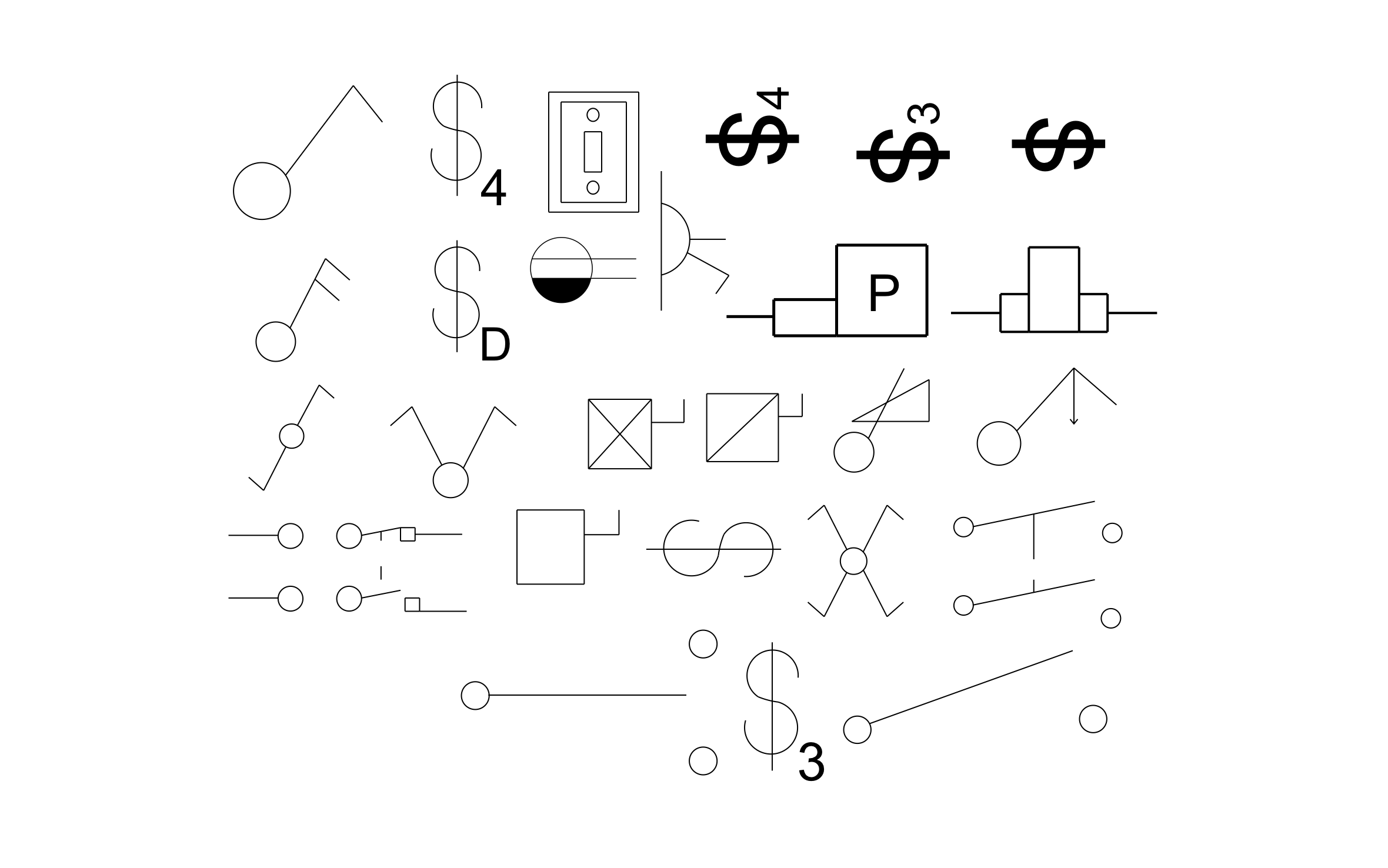
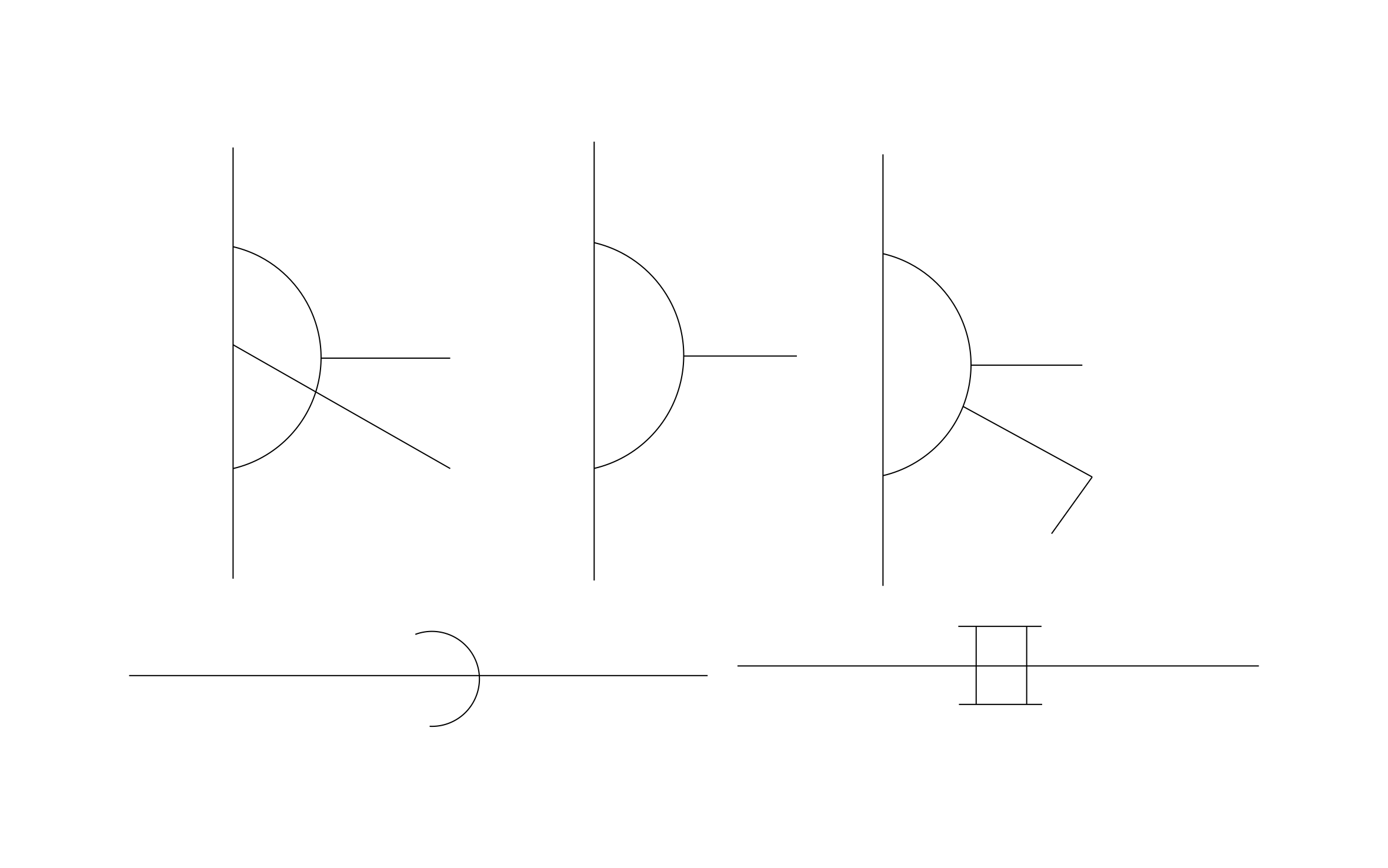
Electrical switch CAD block free in DWG, DXF, PNG, and PDF. The sheet includes S, S3, S4, and SD symbols plus a toggle wall plate.
Key Features
ArcSite's Electrical Switch CAD Block
- Standard Switch Letters: S, S3, S4, and SD mark single-pole, 3-way, 4-way, and dimmer switches.
- Toggle Wall Plate: A drawn plate with a toggle shows the switch as it looks on the wall.
- Schematic Contacts: Open and closed contact symbols cover switches on a wiring diagram.
- Lighting Plans: Place a switch by each door and run a line to the fixtures it controls.
Unlock 1,200+ Free CAD blocks with the ArcSite app

CAD blocks. Floor plans. Estimates. Do it all with ArcSite's mobile app.
Free access to over +1,200 blocks included with the ArcSite CAD app
Trusted by the Pros. Honored for Innovation.





Based on 21,000+ reviews from


Electrical & Power
CAD blocks you might like

FAQs
Does it include 3-way and 4-way switches?
Yes. The S3 and S4 symbols cover 3-way and 4-way switches.
Can I use it to show which switch controls which light?
Yes. Place the switch, then draw a line from it to each fixture it controls.
What formats is it available in?
DWG, DXF, PNG, and PDF.



Ask AI about ArcSite: