
Key Features
ArcSite's Flow Arrows CAD Blocks
Easy Integration: Insert into ArcSite drawings instantly, or export DWG/DXF formats for use in any standard designing software
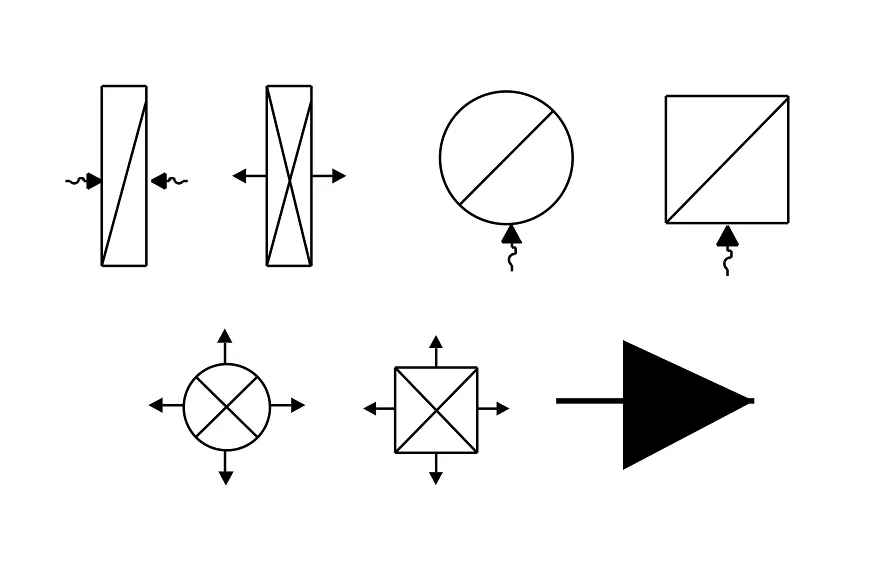
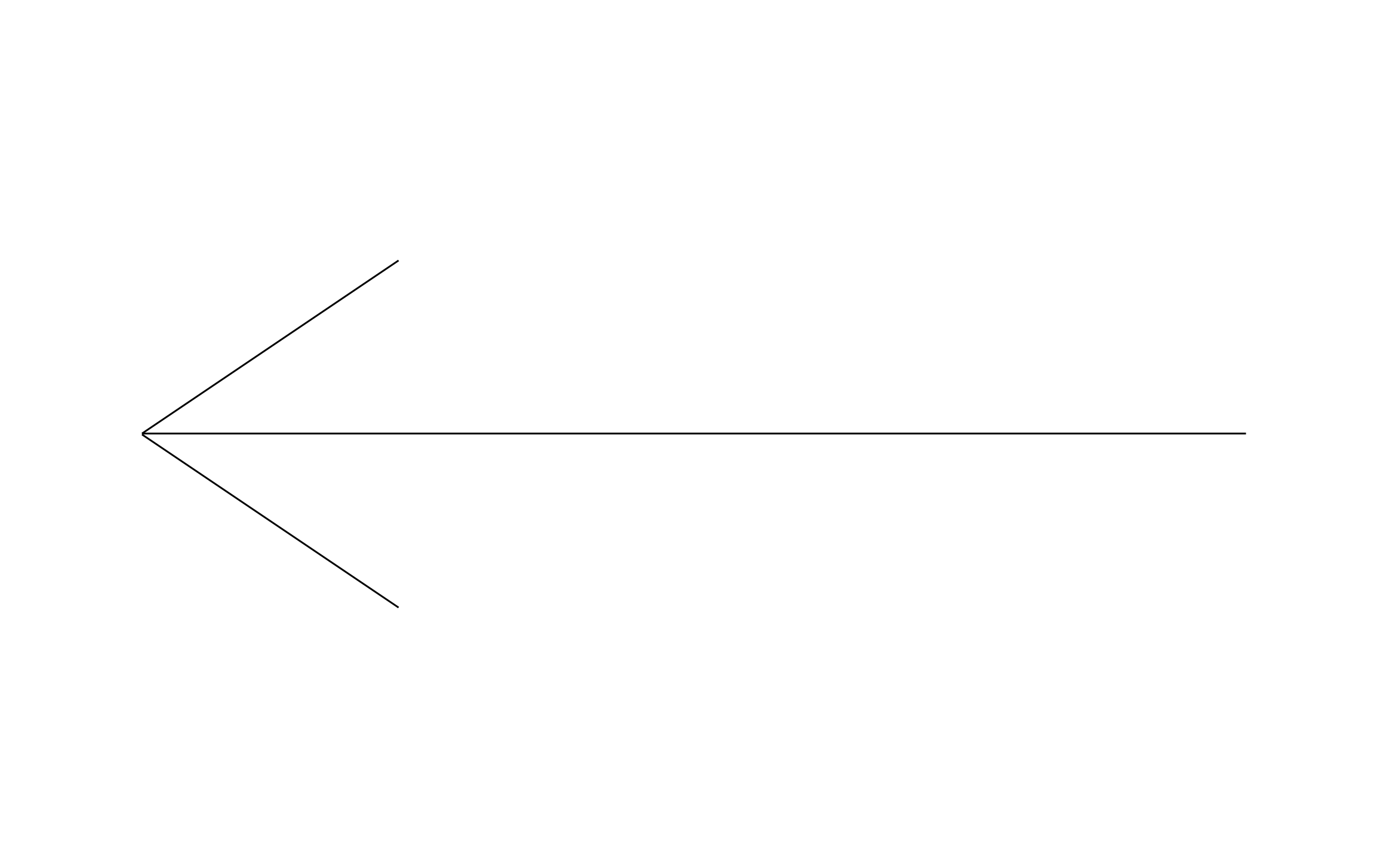
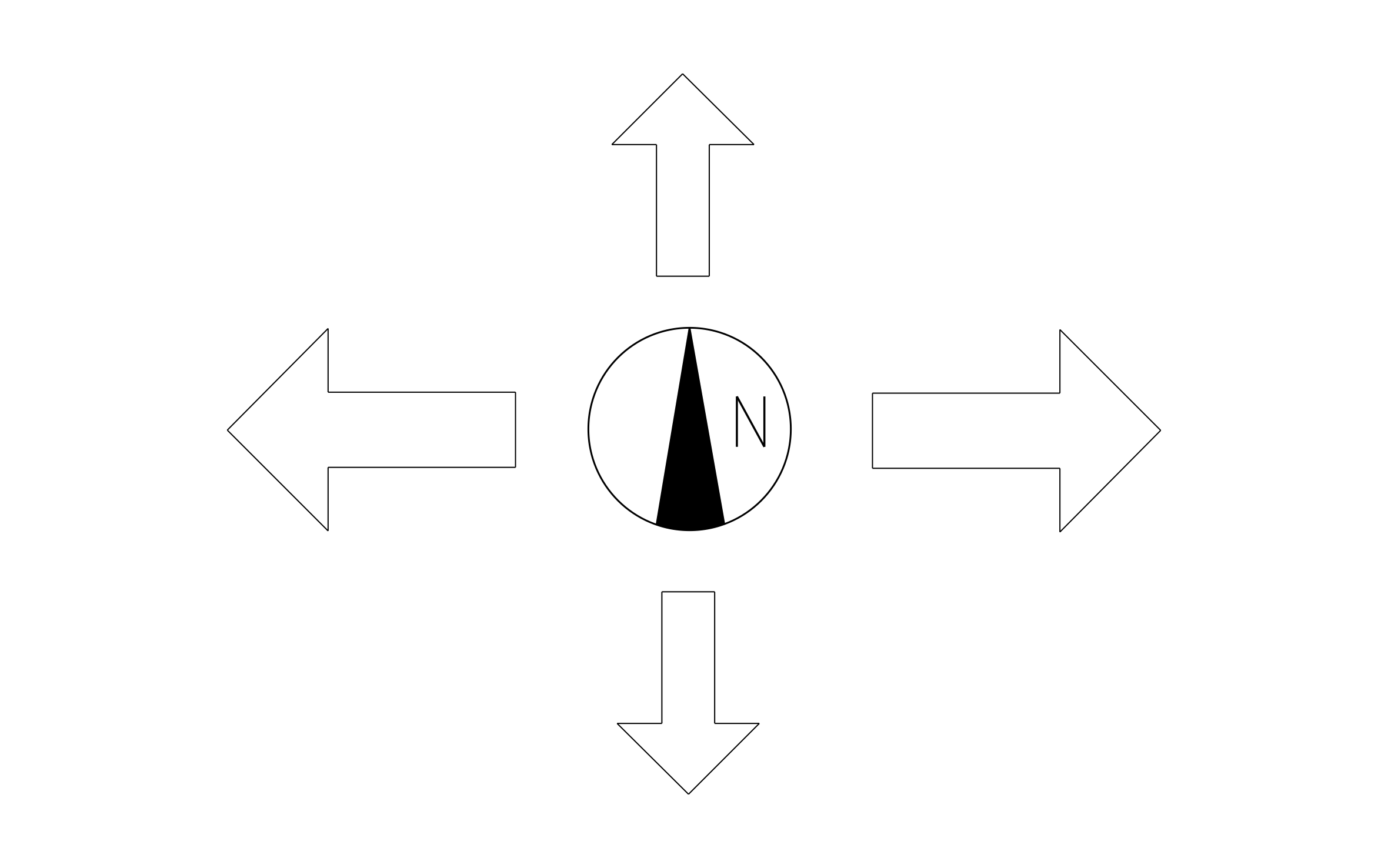
Flow Arrows CAD Block Collection: The ArcSite app offers seven different flow arrows CAD block variations, offering you the flexibility for your next project
Clean and Readable Linework: Built to match ArcSite’s drawing standards for clean plan sets
Compatibility with CAD Software: The flow arrows CAD blocks can be viewed in most CAD software, including AutoCAD
Symbols include:
- Check Valve (one-way valve) – Allows fluid flow in one direction only.
- Double Check Valve – Two check valves in parallel; allows flow in two directions but only one at a time.
- Single-acting Cylinder (circular symbol) – Cylinder powered in one direction, spring return.
- Single-acting Cylinder (square symbol) – Same as above but shown with a square body.
- Double-acting Cylinder (circular symbol) – Cylinder with powered motion in both directions.
- Double-acting Cylinder (square symbol) – Alternate symbol for the same function as #5.
- Flow Control Valve / Directional Control Valve – Controls direction and/or rate of flow in the system.
Where should we send it?
You're a few seconds away from your free download!
Get your free download

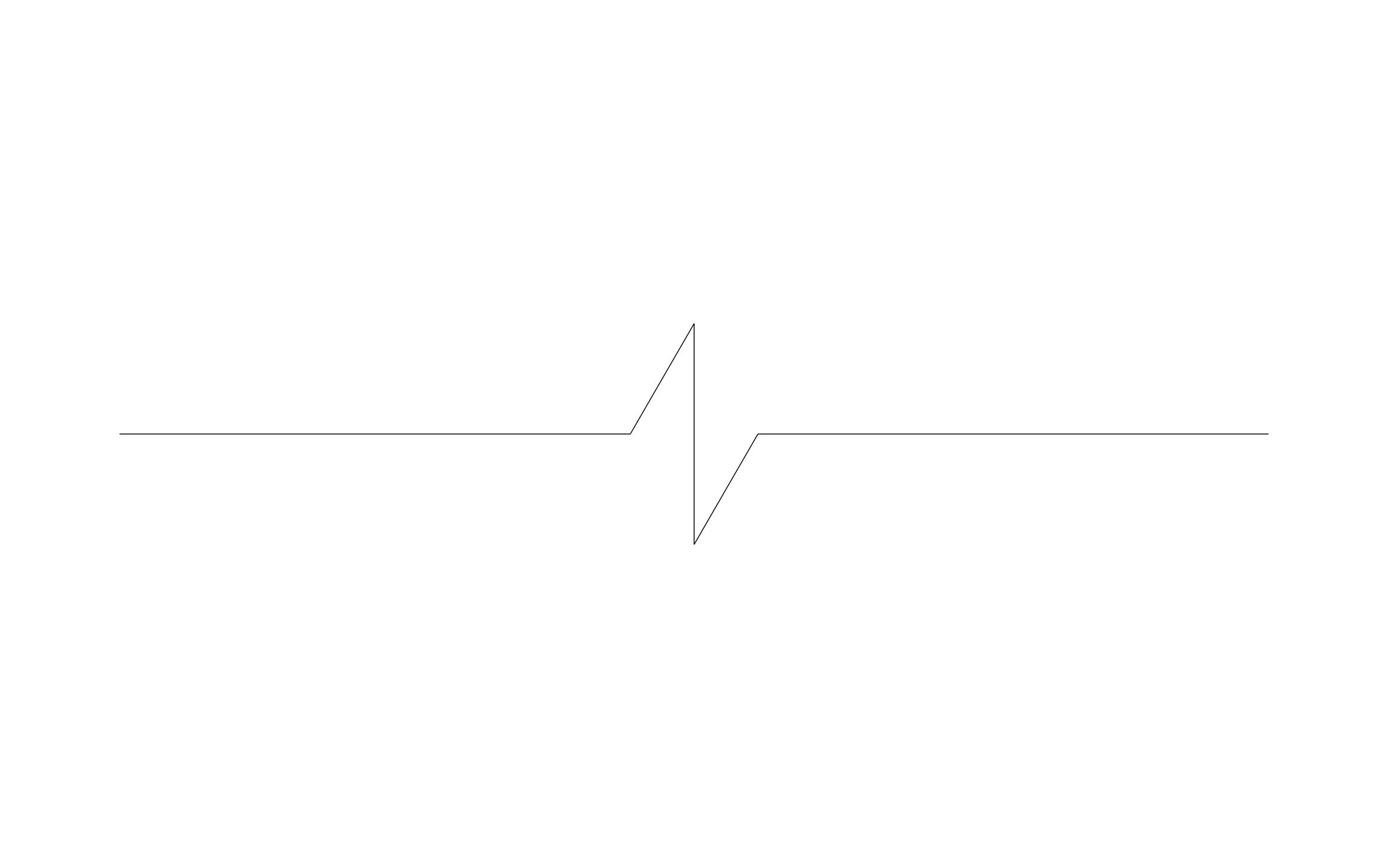
Unlock 1,200+ Free CAD blocks with the ArcSite app

CAD blocks. Floor plans. Estimates. Do it all with ArcSite's mobile app.
Free access to over +1,200 blocks included with the ArcSite CAD app
Trusted by the Pros. Honored for Innovation.






Architectural Symbols & Site Annotation
CAD blocks you might like
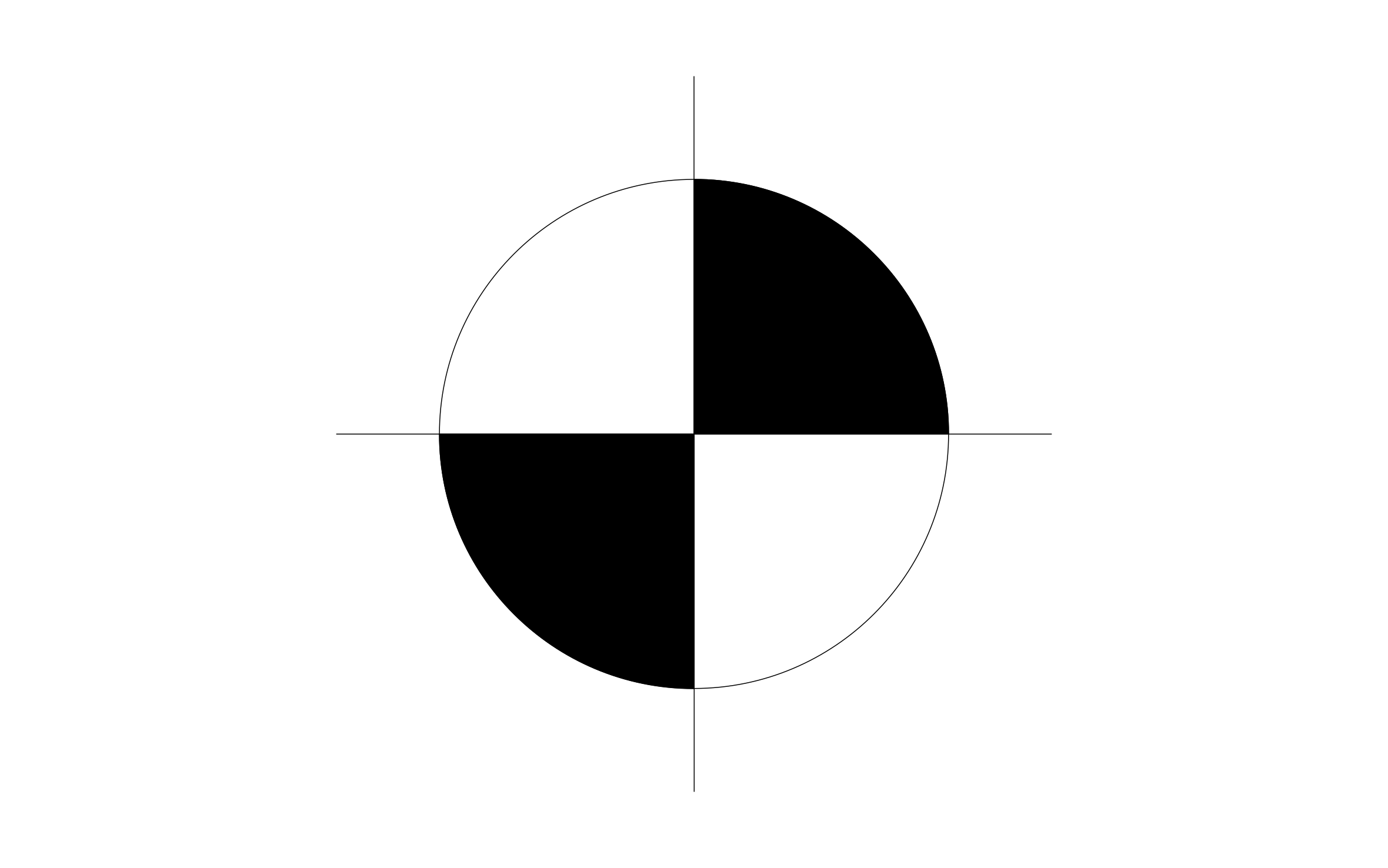
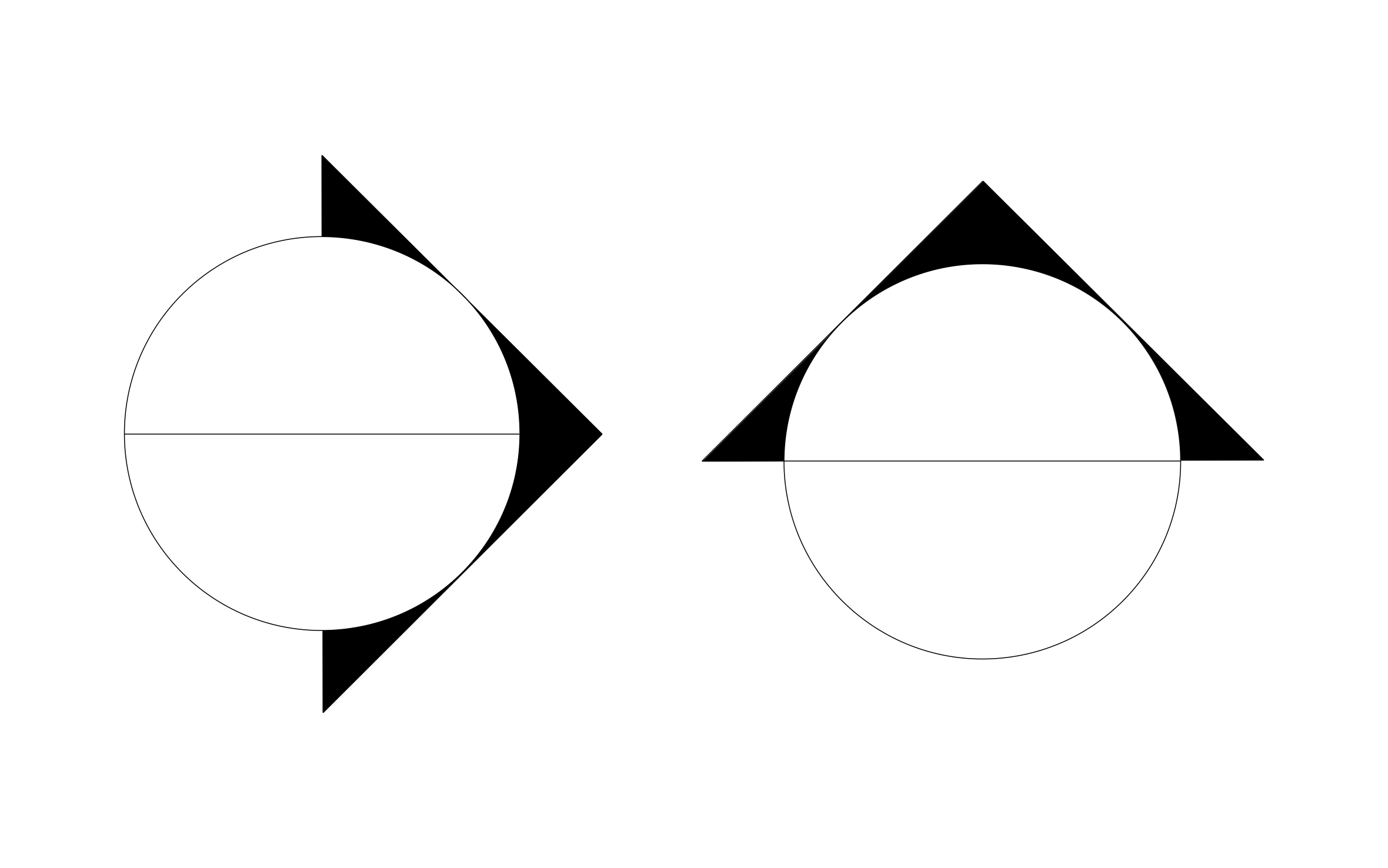

Unlock 1,200+ free CAD blocks with ArcSite
FAQs
The flow arrows CAD blocks are available in DXF, DWG, and PNG formats.
The DXF/DWG versions of the flow arrows CAD blocks can be downloaded for free. Simply fill out the form and get them delivered to your inbox.
The flow arrows CAD blocks are fully compatible with most industry design software, including AutoCAD (2025 and earlier) and ArcSite.






