
Existing Block Column CAD Block
Existing block column CAD block free in DWG, DXF, and PNG. Mark any as-built column footprint on Windows, iOS, or Android.


Key Features
ArcSite's Existing Block Column CAD Block
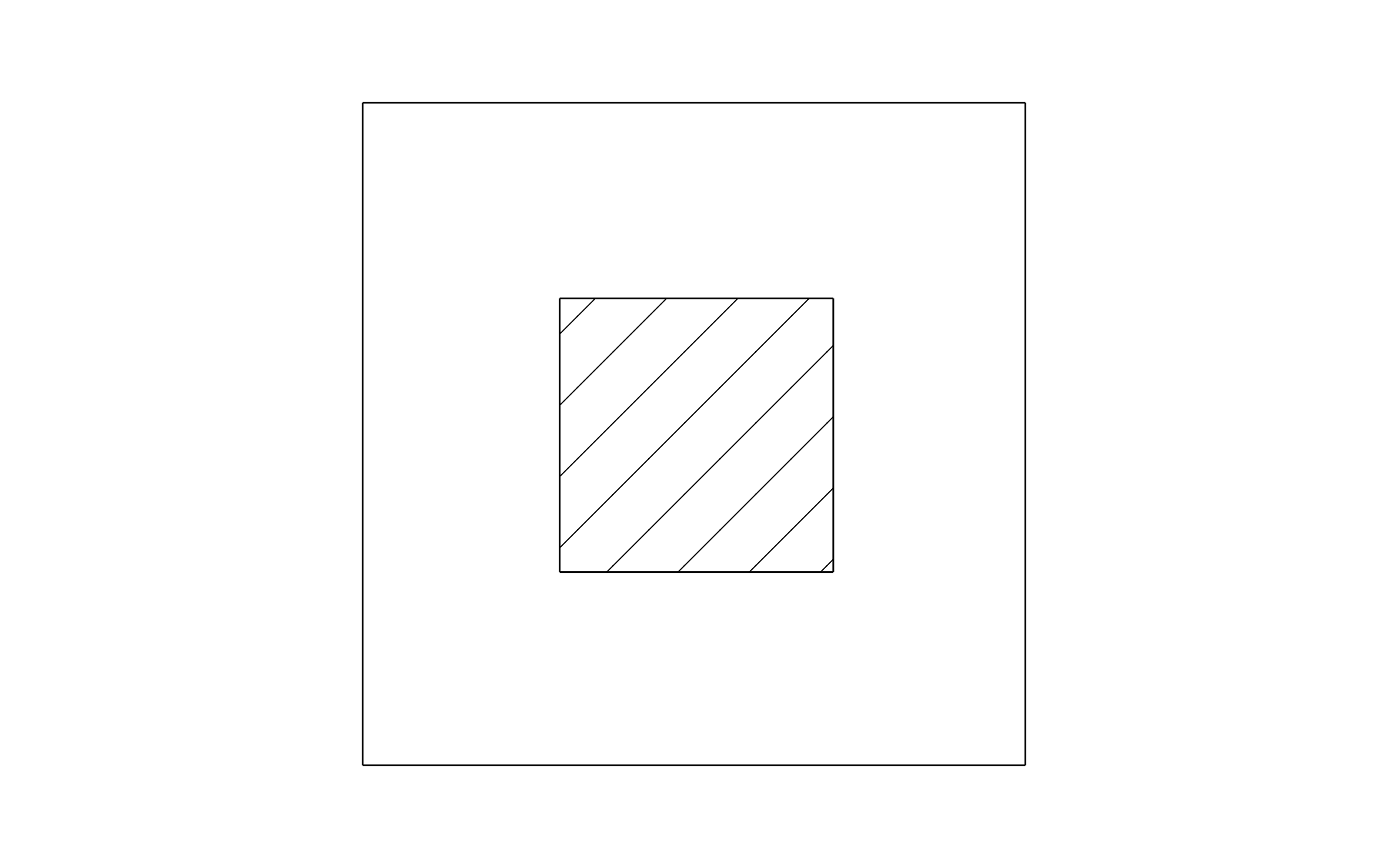
Solid Color Fill: Sized to drop into any column footprint on an as-built plan
Distinct Existing Color: Set apart from new work, so it reads as existing at a glance
Editable Label Field: Included for column size or condition notes
Consistent Fill: Applied regardless of the column's actual shape or size
Unlock 1,200+ Free CAD blocks with the ArcSite app
CAD blocks. Floor plans. Estimates. Do it all with ArcSite's mobile app.
Free access to over +1,200 blocks included with the ArcSite CAD app
Trusted by the Pros. Honored for Innovation.





Based on 21,000+ reviews from


Foundation Repair & Structural
CAD blocks you might like

Unlock 1,200+ free CAD blocks with the ArcSite app
Drag and drop from thousands of preloaded shapes, edit blocks on-site, and generate instant estimates and takeoffs.
FAQs
What does the solid fill represent?
An as-built column's footprint, filled in a distinct color so it reads apart from new work on the same plan.
Should I pair it with the steel support column block?
No, they're colored to stay apart: this one marks existing columns, the steel support column block uses its own color for new work.
What formats is it available in?
DWG, DXF, and PNG.





Ask AI about ArcSite:

