

Existing Block Column CAD Block
Existing block column CAD block free in DWG, DXF, PNG, and PDF. Mark any as-built column footprint on Windows, iOS, or Android.

Key Features
ArcSite's Existing Block Column CAD Block
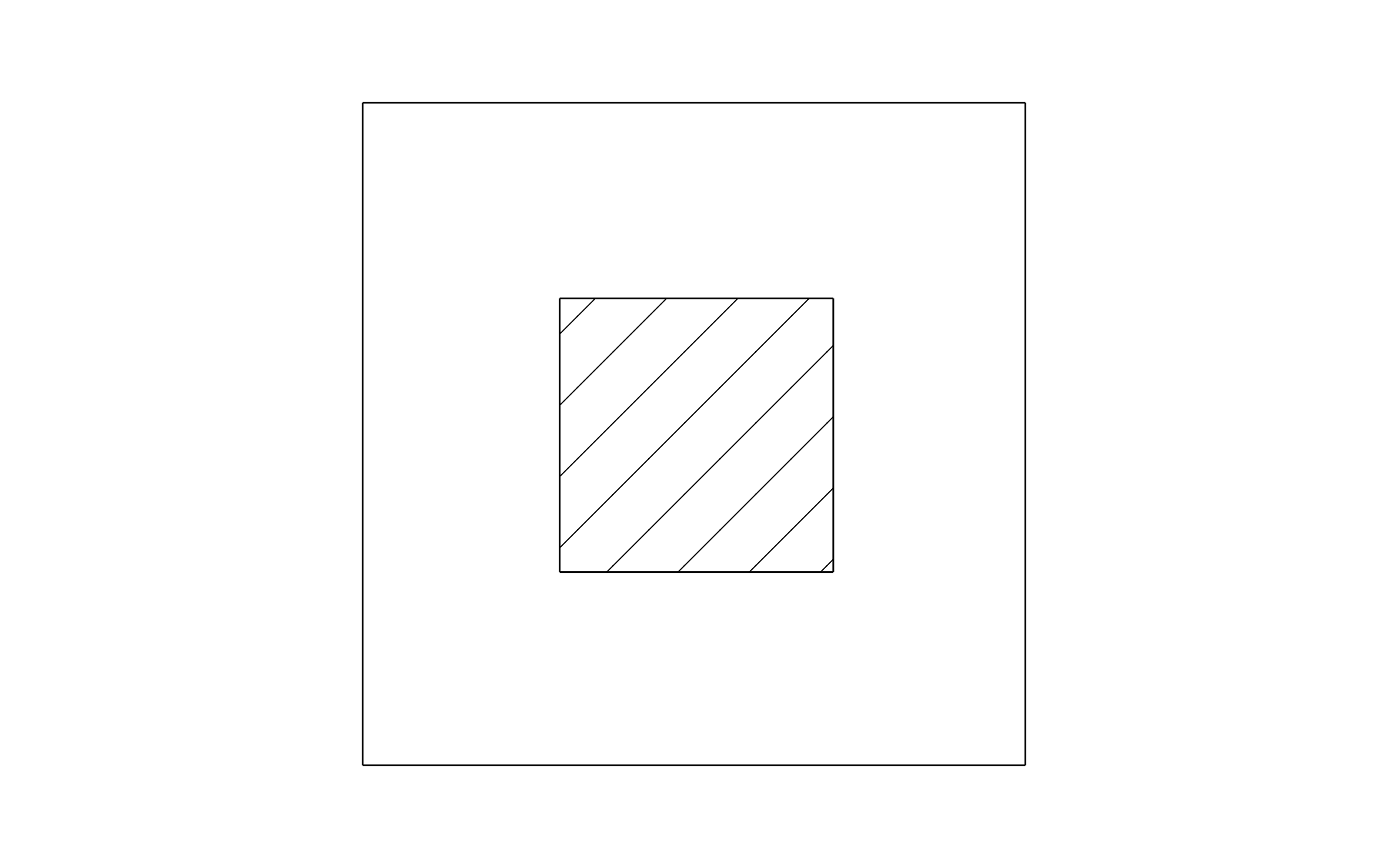
Solid Color Fill: Sized to drop into any column footprint on an as-built plan
Distinct Existing Color: Set apart from new work, so it reads as existing at a glance
Editable Label Field: Included for column size or condition notes
Consistent Fill: Applied regardless of the column's actual shape or size
Unlock 1,200+ Free CAD blocks with the ArcSite app

CAD blocks. Floor plans. Estimates. Do it all with ArcSite's mobile app.
Free access to over +1,200 blocks included with the ArcSite CAD app
Trusted by the Pros. Honored for Innovation.






Foundation Repair & Structural
CAD blocks you might like


FAQs
An as-built column's footprint, filled in a distinct color so it reads apart from new work on the same plan.
No, they're colored to stay apart: this one marks existing columns, the steel support column block uses its own color for new work.
DWG, DXF, PNG, and PDF.






