

Ceiling Lights CAD Block
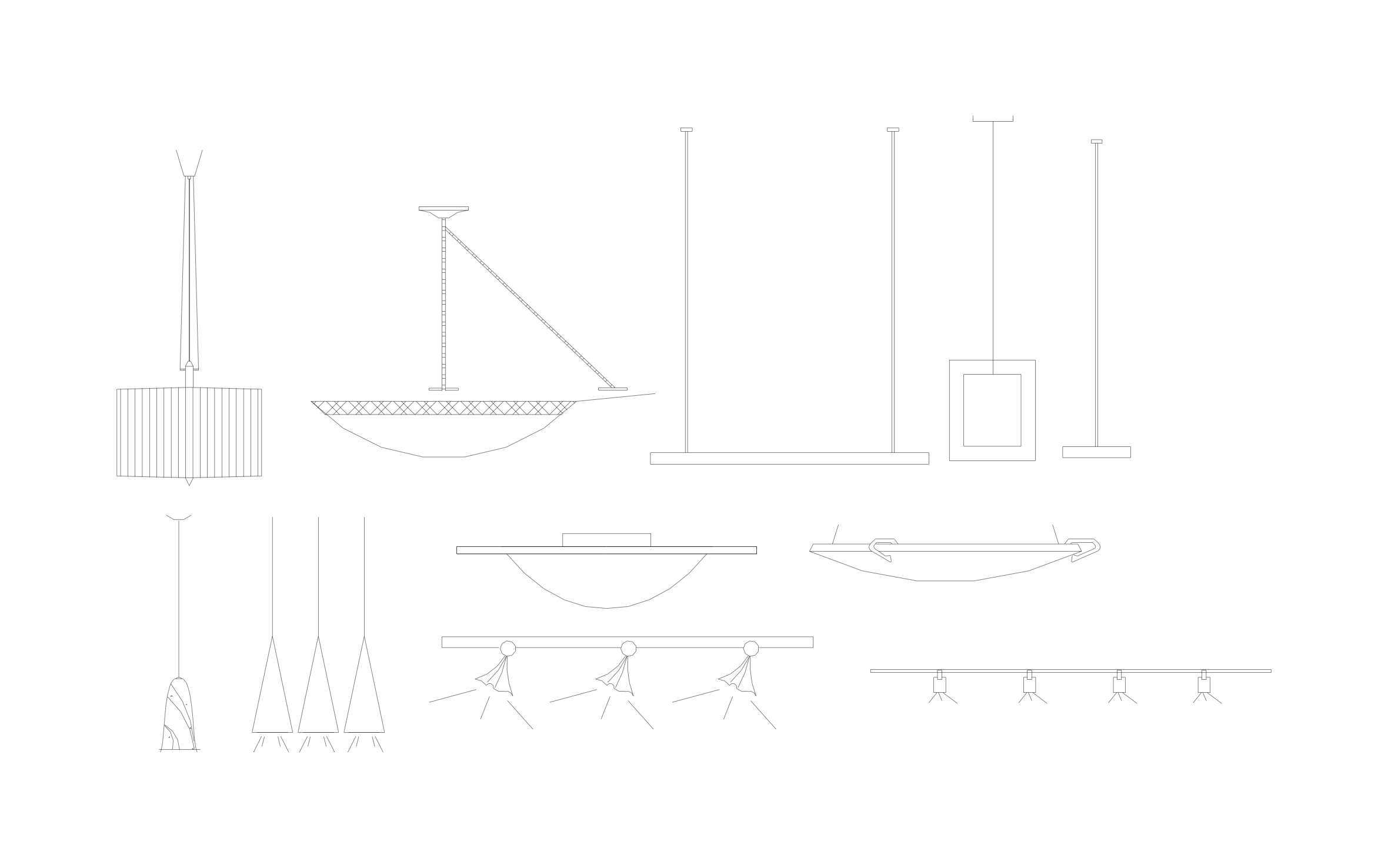
Ceiling lights CAD block free in DWG, DXF, PNG, and PDF. Every fixture is drawn in side view, hanging from the ceiling line.
Key Features
ArcSite's Ceiling Lights CAD Block
- Pendant Styles: Drum, bowl, bell, and cone pendants cover most dining and kitchen fixtures.
- Linear and Square Fixtures: A long suspended linear light and a square pendant suit offices and open spaces.
- Flush and Semi-Flush Mounts: Two close-to-ceiling bowls work in hallways and low rooms.
- Track Lighting: Two track bars with three and four heads aim light at walls and displays.
Unlock 1,200+ Free CAD blocks with the ArcSite app

CAD blocks. Floor plans. Estimates. Do it all with ArcSite's mobile app.
Free access to over +1,200 blocks included with the ArcSite CAD app
Trusted by the Pros. Honored for Innovation.





Based on 21,000+ reviews from


Lighting
CAD blocks you might like


FAQs
What view does it show?
Side view, so you can see each fixture's drop from the ceiling.
Can I use it to check fixture height over a table?
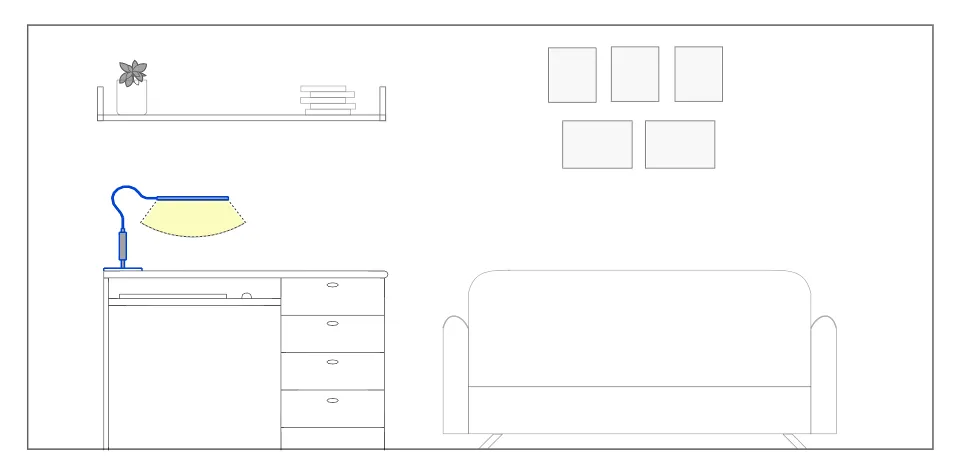
Yes, place a pendant on the elevation and measure from the bottom of the fixture to the tabletop.
What formats is it available in?
DWG, DXF, PNG, and PDF.





Ask AI about ArcSite:

