Shop Drawing Title Block
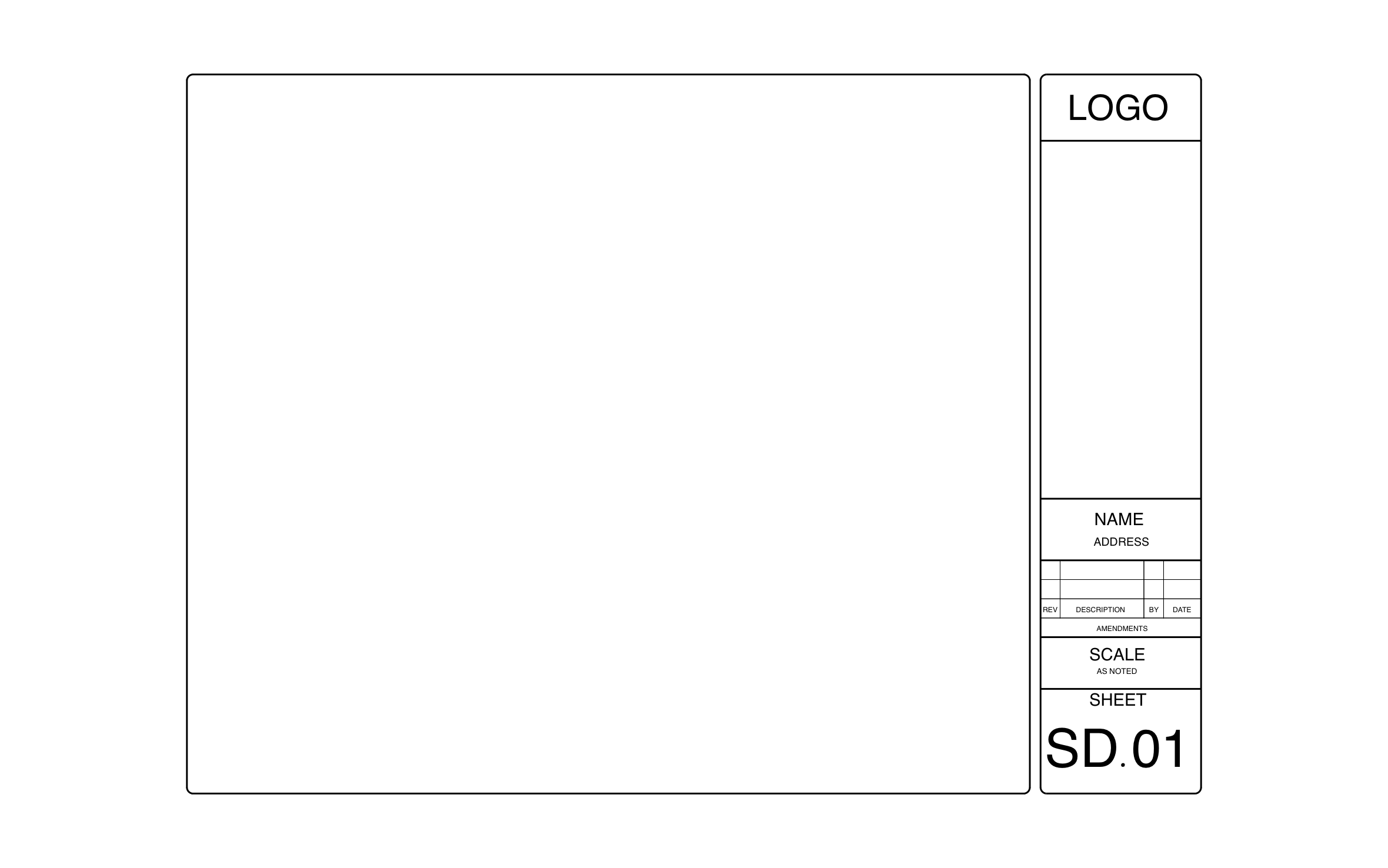
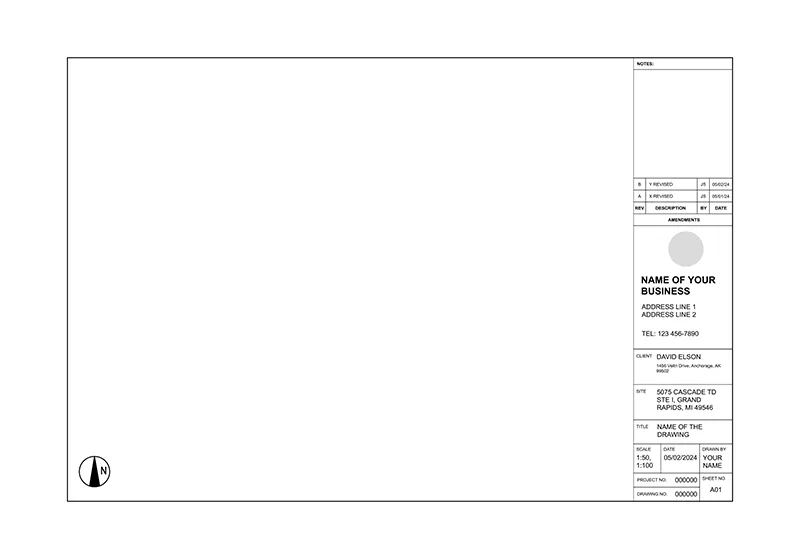
Shop drawings go back and forth between the fabricator, the GC, and the architect, so each round has to be easy to track. ArcSite's shop drawing title block keeps an amendments table and a large SD.01 sheet number on a side strip next to the drawing area.
Key Features
This shop drawing title block includes:
- Logo box at the top of the strip
- Open space for stamps or notes
- Name and address field
- Amendments table with rev, description, by, and date
- Scale field set to As Noted
- Large SD.01 sheet number
- Wide drawing area to the left
The open space under the logo is a good spot for the approval stamp, so leave it clear when the sheet goes out for review.


Start from template


Fully customizable


Professional results
Trusted by Pros. Recognized by the Industry.
With top ratings across Software Advice, GetApp, and Capterra, professional contractors choose us for ease of use, powerful tools, and unmatched customer support.





Architectural Symbols & Site Annotation
templates you might like



Frequently asked questions
What does SD.01 mean?
Can I add more amendment rows?
Will my invoices match the approved shop drawing?





Ask AI about ArcSite: