Architectural Title Block Template
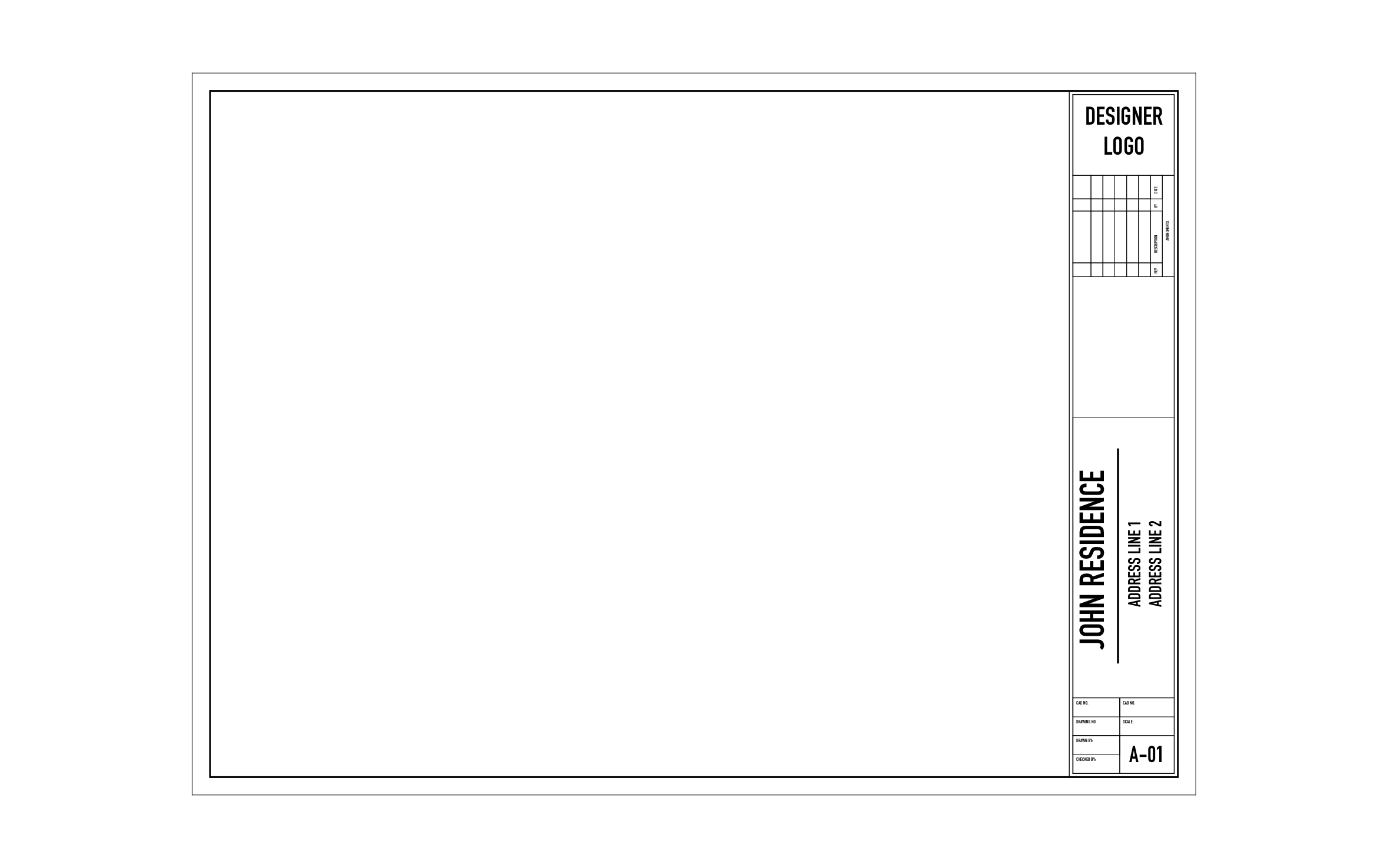
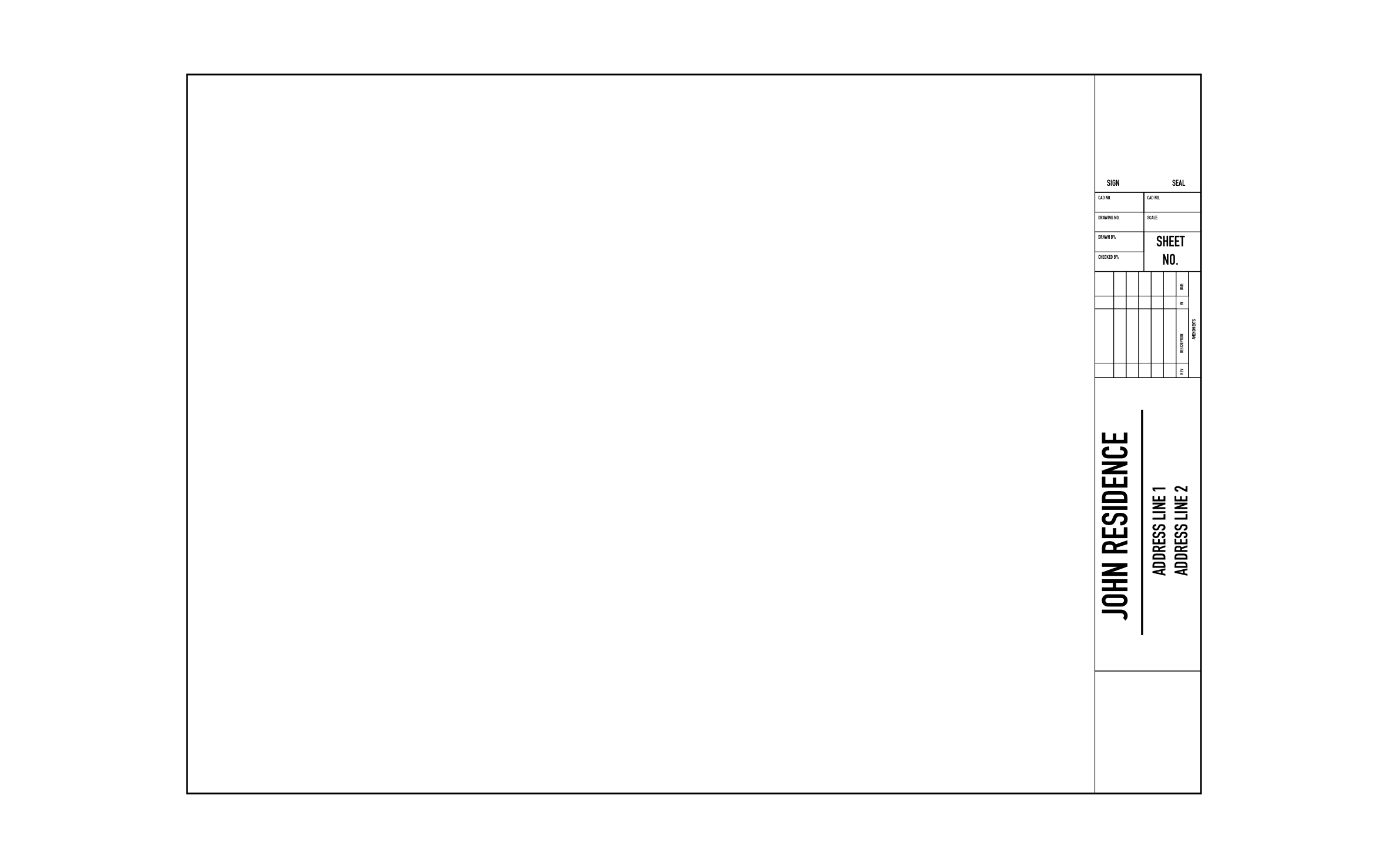
Homeowners and builders flip through a set of house plans by sheet number, so a clean title block helps everyone find the floor plan or elevation they need. ArcSite's architectural title block template gives the residence name its own tall panel next to the A-01 sheet number.
Key Features
This architectural title block template includes:
- Designer logo box
- Sideways revision log right under the logo
- Open space for notes or a key plan
- Tall panel for the residence name and address
- Two CAD number cells and a drawing number cell
- Drafter and checker initials beside the scale
- Sheet number A-01
The tall residence panel keeps a long project name readable on a narrow strip, so you don't have to shrink the text to make it fit.


Start from template

Fully customizable


Professional results
Design tips
Key Considerations When Designing an Architectural Title Block
Trusted by Pros. Recognized by the Industry.
With top ratings across Software Advice, GetApp, and Capterra, professional contractors choose us for ease of use, powerful tools, and unmatched customer support.





Architectural Symbols & Site Annotation
templates you might like

Frequently asked questions
What does the A in A-01 stand for?
Can I replace John Residence with my client's name?
Do I need CAD experience to use ArcSite?