
A1 Title Block Template
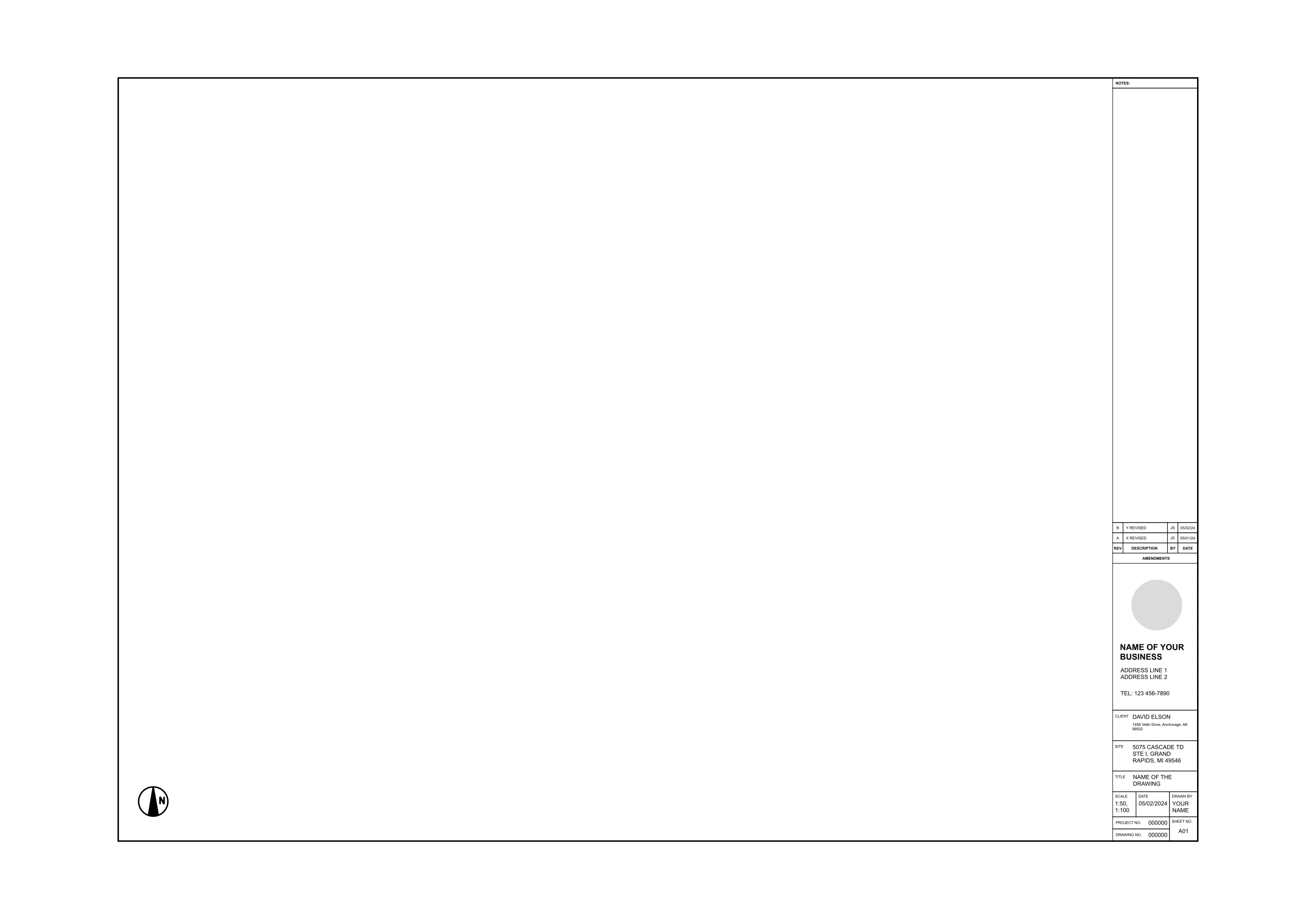
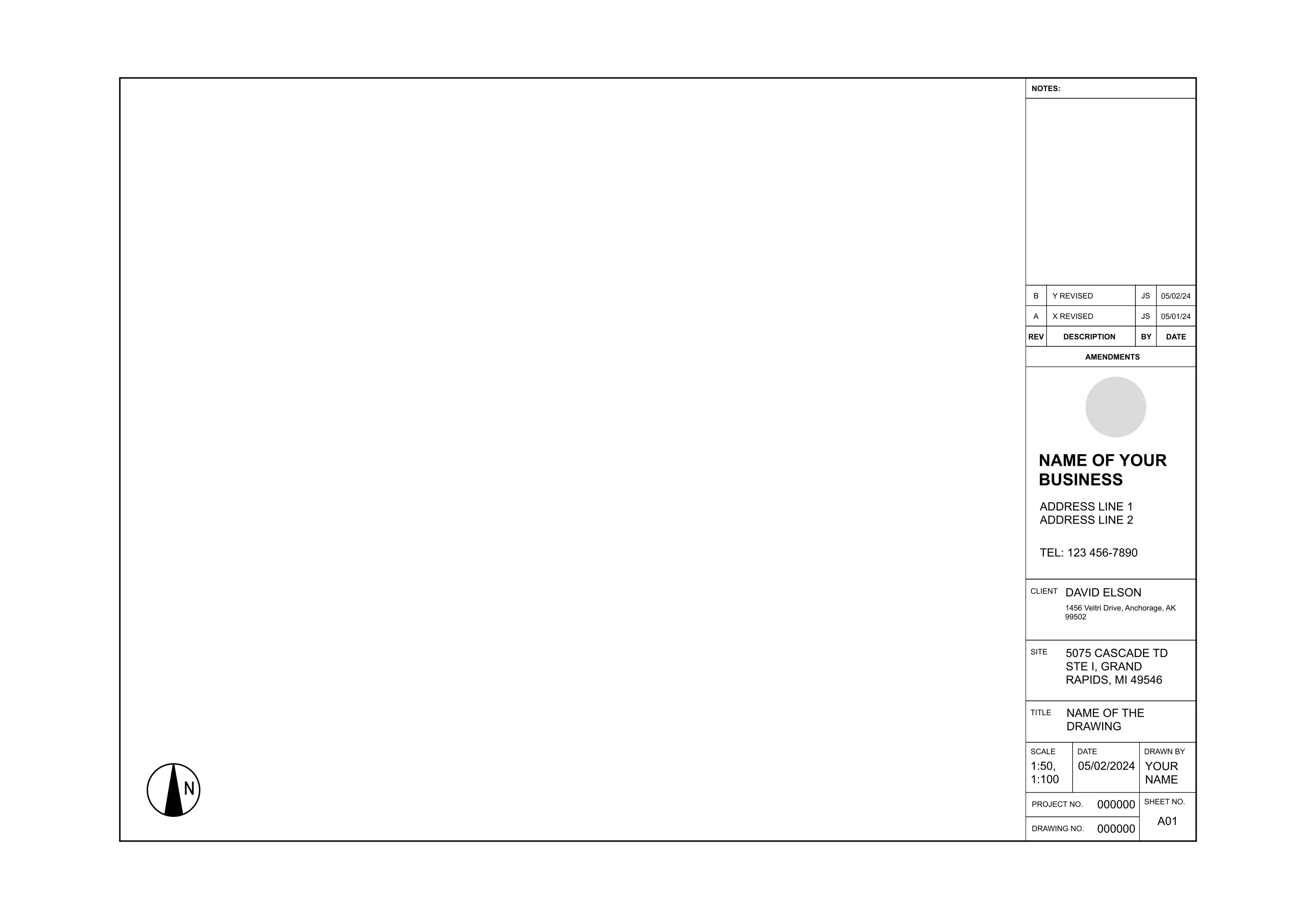
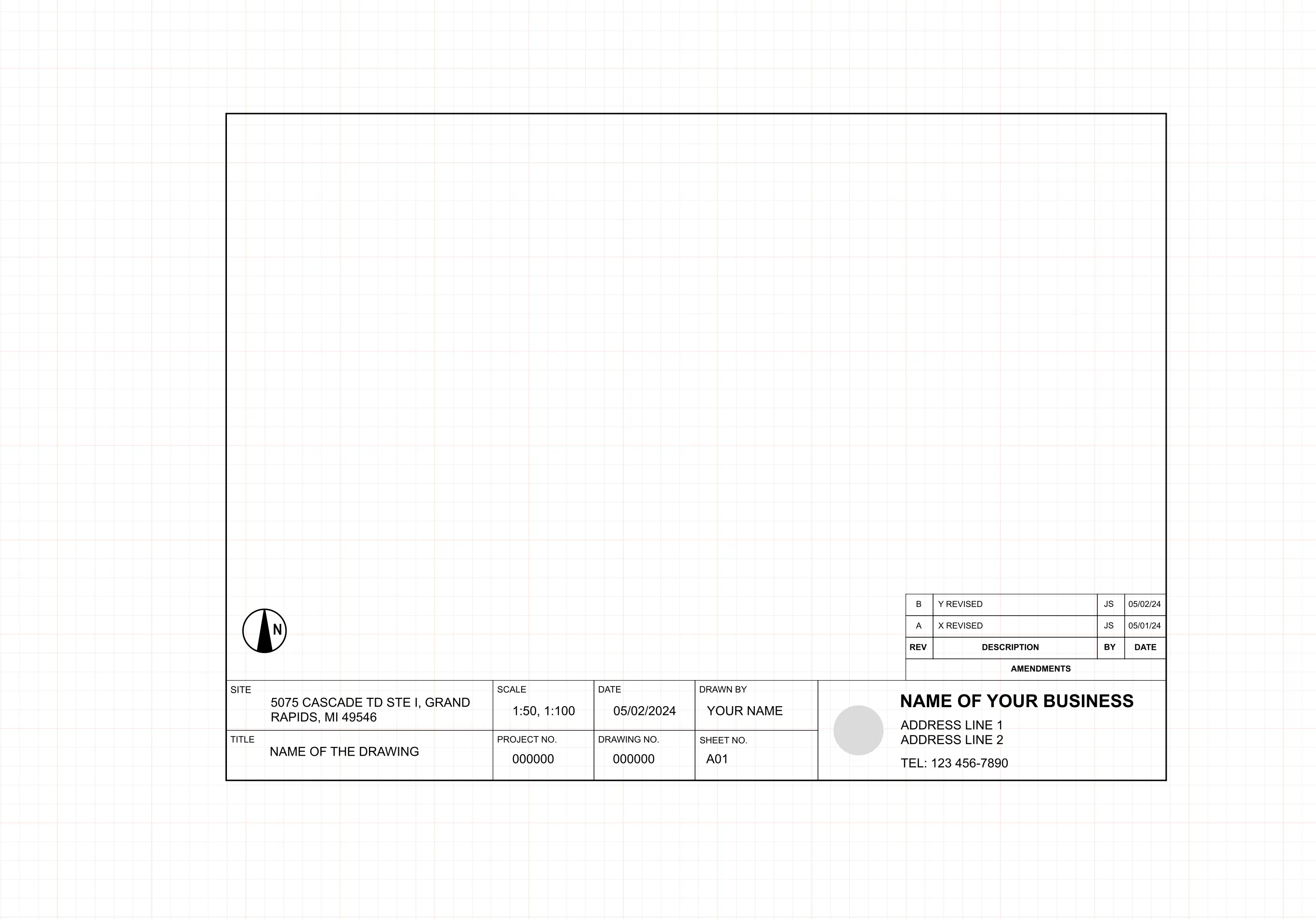
An A1 sheet is the largest standard format in this series, giving you room for the title block alongside a full site plan or a drawing that stacks several disciplines on one page. ArcSite's A1 title block template gives you that structure already laid out on the sheet.




Free access to over 1,200 shapes and blocks included with the ArcSite CAD app
Key Features
This A1 title block template includes
- Project title and number field
- Drawing number and sheet ID
- Scale, date, and drawn-by fields
- Revision and amendment tracking table
- Space for company branding and licensing credentials
- Sizing for standard A1 plotting and print (594 x 841 mm)
This is the largest sheet size in the ISO series covered here, worth reaching for when a drawing needs more room than an A2 sheet gives you rather than as a default starting size.
Trusted by the Pros. Honored for Innovation.





Key Considerations When Designing an A1 Title Block
An A1 sheet holds a title block without crowding a drawing dense enough to combine architectural, structural, and site information on one page, which is where smaller formats start to run out of room. In ArcSite, you can drop this A1 title block onto any sheet and fill in your own project details and revision history without redrawing the border by hand.

Architectural Symbols & Site Annotation
templates you might like
FAQ
An A1 title block is a designated area of a technical drawing (sized for A1 paper) used to present key details like title, author, drawing number, and revisions.
Yes! You can fully customize labels, company branding, and formatting directly in ArcSite.
ArcSite works on iOS, Android, and Windows, so you can access and edit title blocks from tablets, phones, or desktop devices.






