
Draw with Ease, Calculate with Confidence: Introducing Calculation Testing!



At ArcSite, we focus on making your work easy by simplifying how you design, plan, and estimate materials. That's why we're excited to introduce an enhancement that streamlines your setup and saves you valuable time, calculation testing for Product Bundles.
The Problem with Manual Verification
You've built complex material bundles that automatically calculate everything from chain link sections to concrete bags. However, setting up advanced rules, especially those involving multipliers and formulas, used to require a manual back and forth process. Verifying accuracy was a slow process; without visibility into the calculation formulas, you had to save, sync, and check the app to ensure the results were accurate.
This manual workflow consumed valuable time and increased the risk of errors.
The Solution: Instant Speed and Precision
Now to ensure your workflow is fast, accurate, and simple, we’ve introduced calculation testing to deliver that promise instantly.
This new enhancement brings speed and precision directly into your bundle configuration. It's designed to streamline your setup by allowing you to test complex formulas and quantity rules immediately as you input or adjust values.
- Eliminate Syncing and Testing: You no longer need to save the bundle and switch to the app to verify the calculation output.
- Dynamic Results: Simply input a test quantity and the Quantity Calculation column updates dynamically, reflecting the results based on your defined calculations. You can also review the steps used to determine the result.
- Edit Rules Instantly: You can directly modify the calculation from within the testing mode on your desktop.
This feature automates a critical step, ensuring you create precise, accurate estimates from the start. You can focus on getting the job done.
How to Start Using Calculation Testing
Ready to experience this faster workflow? Here’s how you access the new feature:
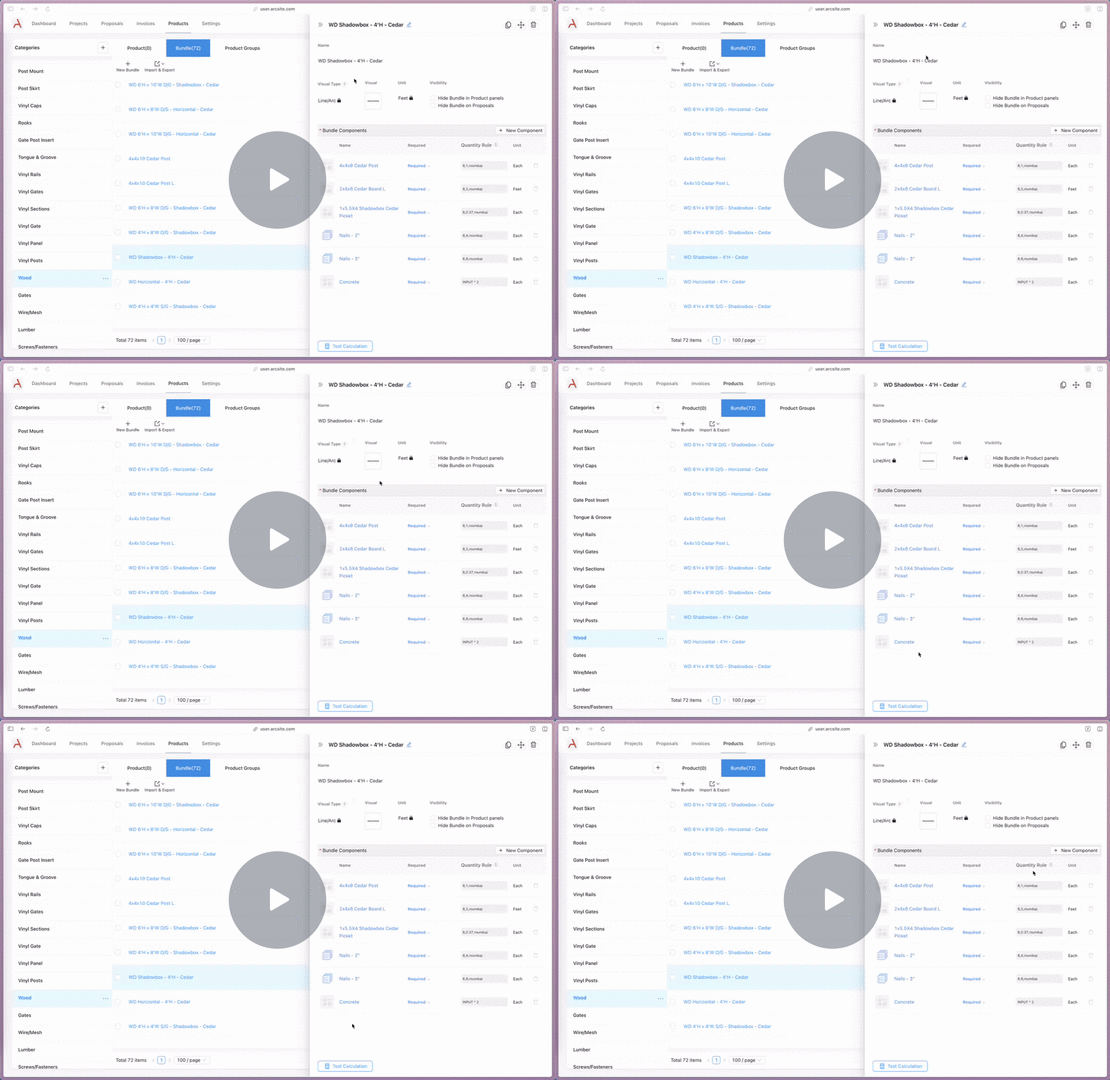
- Navigate to the Products section on the ArcSite User Site.
- Open an existing Bundle for editing or create a new one.
- Access the "Test Calculation" feature, located in the bottom-left corner of the editing panel/dialog.
- Input a bundle quantity at the top, and watch your sub-item quantities update instantly.
Need a Deeper Dive?
If you want a step-by-step walkthrough on setting up advanced logic or configuring area-based bundles, we have you covered.
Apply Calculations to a Product Bundle
Log in today or join ArcSite to try out calculation testing to ensure your estimates are precise before you even step on-site!
Categories
FAQs
Related posts




.avif)






