

Steel Support Column CAD Block
Steel support column CAD block free in DWG, DXF, PNG, and PDF. Fill any column footprint on Windows, iOS, or Android.

Key Features
ArcSite's Steel Support Column CAD Block
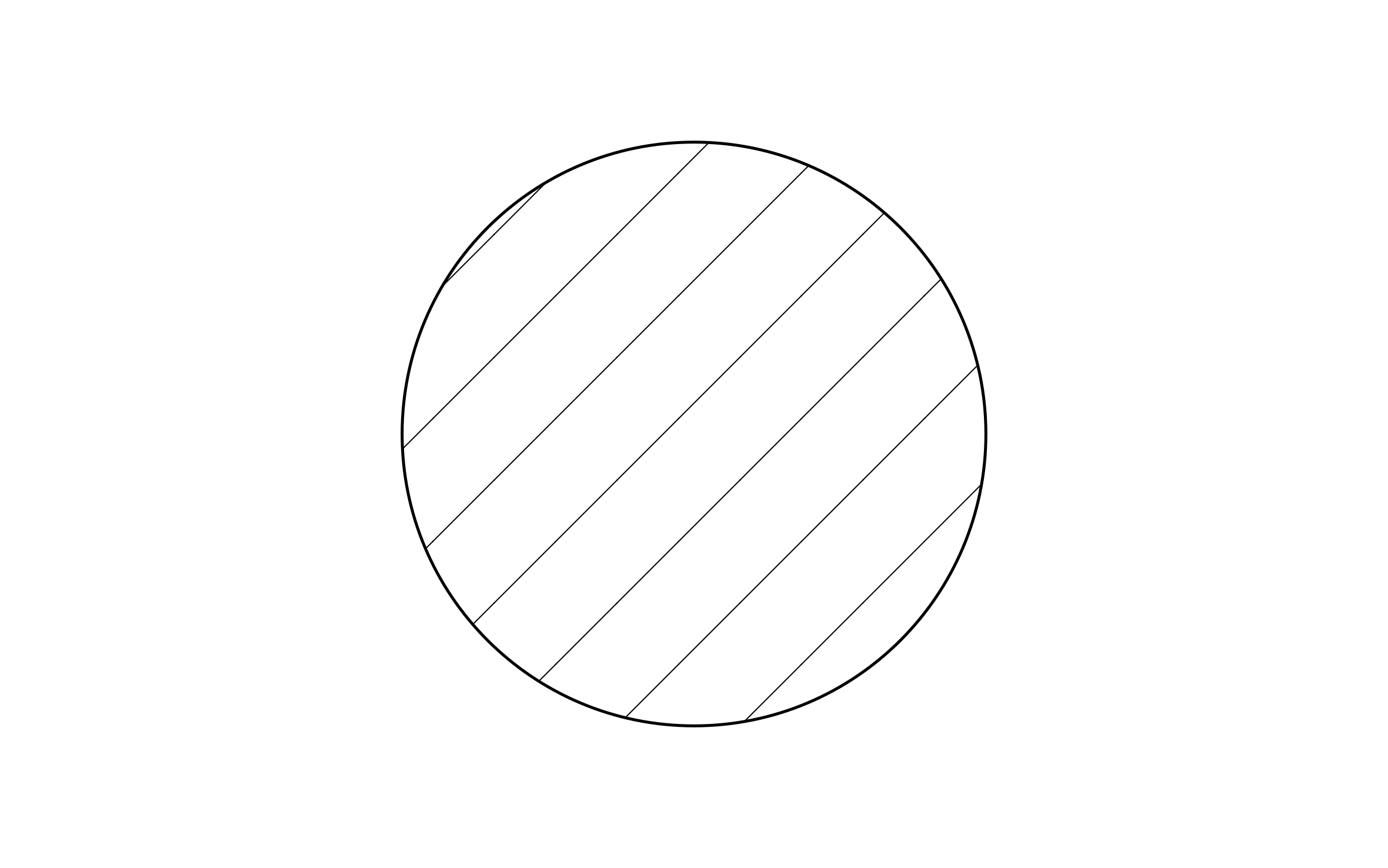
Flat Color Block: Scaled to the column's actual footprint for fast placement
Centered Placement Point: Set under the beam it supports
Notes the Load Rating: So the reviewer sees what the column is sized to carry
Its Own Color: Kept separate from the palette used for existing work on the same plan
Unlock 1,200+ Free CAD blocks with the ArcSite app

CAD blocks. Floor plans. Estimates. Do it all with ArcSite's mobile app.
Free access to over +1,200 blocks included with the ArcSite CAD app
Trusted by the Pros. Honored for Innovation.






Foundation Repair & Structural
CAD blocks you might like

FAQs
A column's footprint, scaled for fast placement under the beam it supports, with a label field for load rating.
No, they cover different assemblies: this one is a plain footprint fill, the support post block shows the full cap-to-base post instead.
DWG, DXF, PNG, and PDF.






