Microphone CAD Block
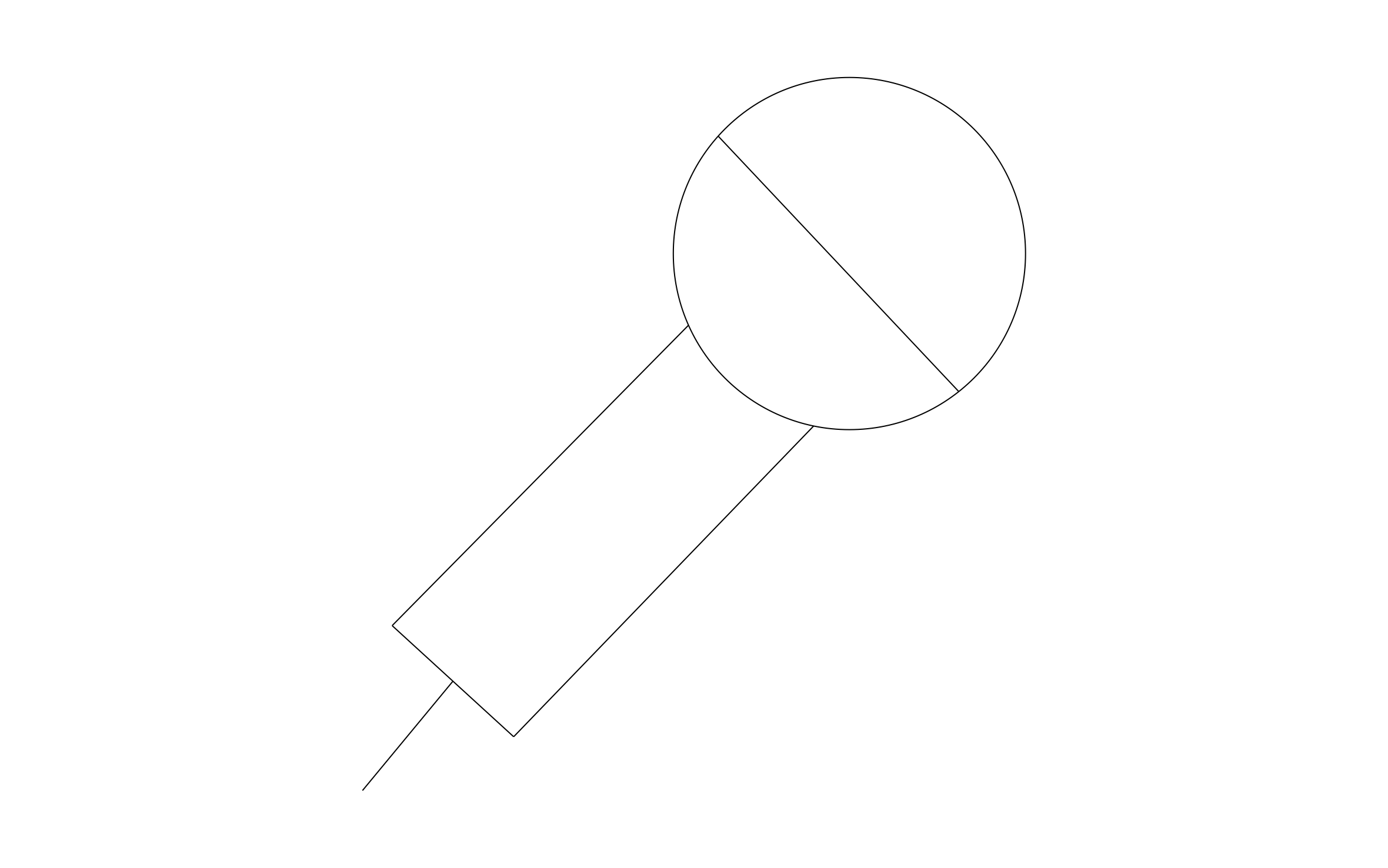
Microphone CAD block free in DWG, DXF, PNG, and PDF. Shows the round head, the handle, and the cord, tilted at an angle.
Key Features
- Handheld Mic: The round head and handle read as a microphone at any scale.
- Corded Version: The cord line shows the mic connects to a jack or stand.
- AV Layouts: Mark mic positions on a stage, podium, or conference table.
- Wiring Coordination: Place jacks and floor boxes near each mic location.

Industry specific

Fully customizable


Design from anywhere
Trusted by Pros. Recognized by the Industry.
With top ratings across Software Advice, GetApp, and Capterra, professional contractors choose us for ease of use, powerful tools, and unmatched customer support.





Unlock 1,200+ Free CAD blocks with the ArcSite app

CAD blocks. Floor plans. Estimates. Do it all with ArcSite's mobile app.
Free access to over +1,200 blocks included with the ArcSite CAD app
Security, AV & Technology
CAD blocks you might like
Frequently asked questions
What type of microphone is it?
Should I mark the input jacks nearby?
What formats is it available in?



Ask AI about ArcSite: