Contractor Drawing Title Block
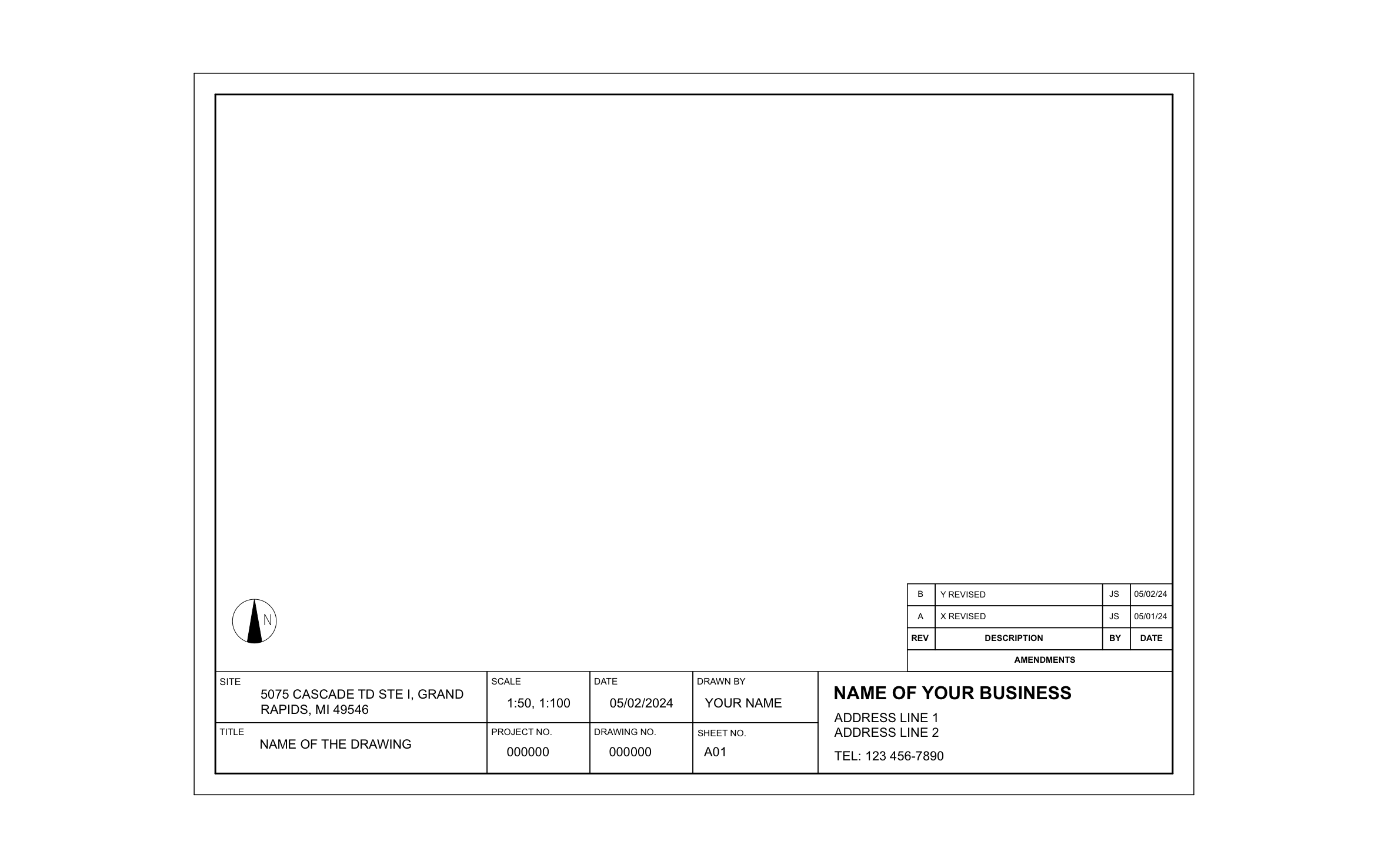
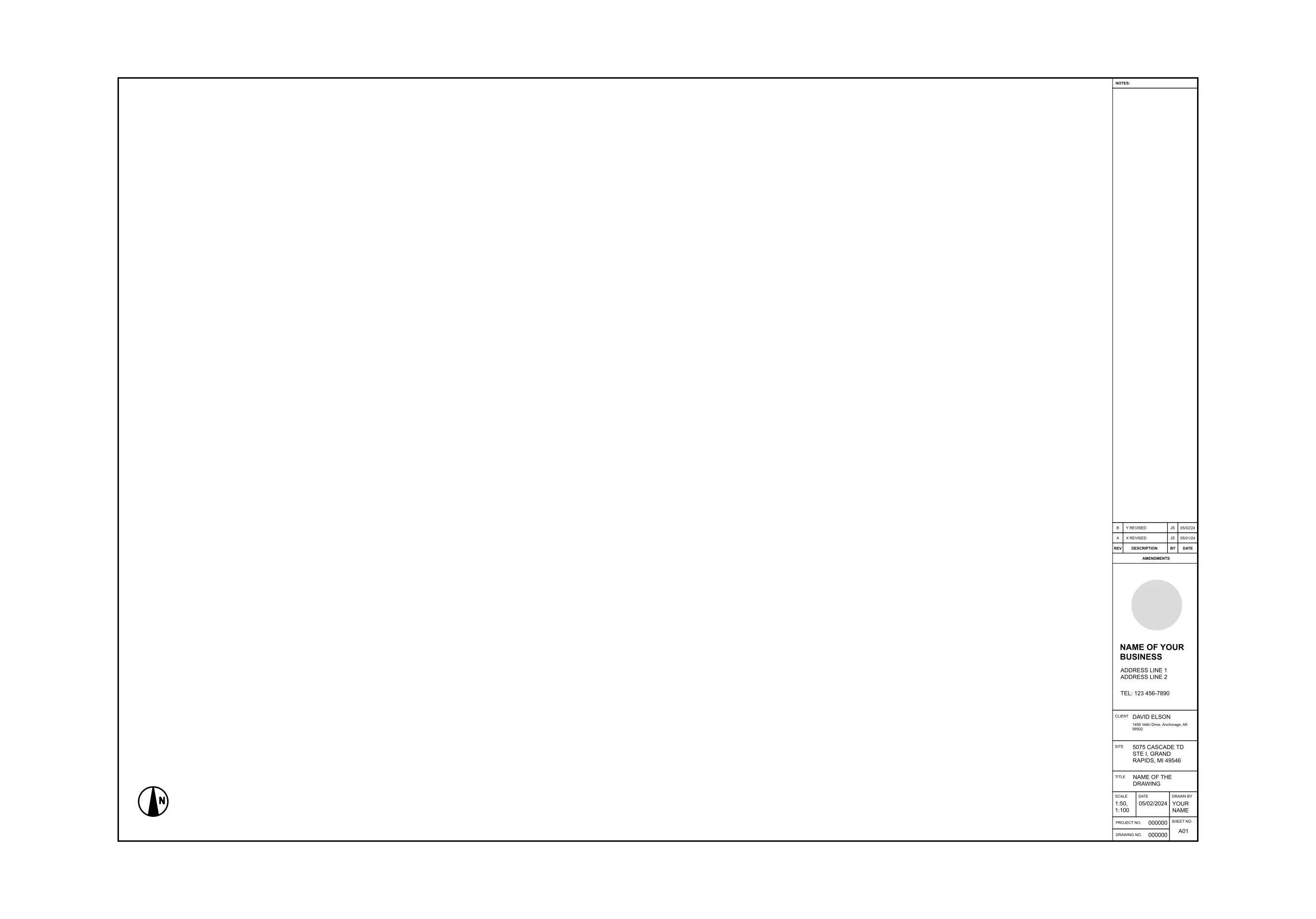
A drawing with your business name, phone number, and a clean revision history looks like it came from a company ten times your size. ArcSite's contractor drawing title block runs along the bottom of the sheet with a north arrow and a sample revision table already filled in.
Key Features
This contractor drawing title block includes:
- Site address and drawing title fields
- Scale, date, and drawn by boxes
- Project number, drawing number, and sheet number A01
- Business name, two address lines, and phone
- Revision table with two sample entries
- North arrow in the drawing area
The sample revisions show the format, with a letter, a short description, initials, and a date, so follow it each time you change the drawing.


Start from template


Fully customizable


Professional results
Trusted by Pros. Recognized by the Industry.
With top ratings across Software Advice, GetApp, and Capterra, professional contractors choose us for ease of use, powerful tools, and unmatched customer support.





Architectural Symbols & Site Annotation
templates you might like


Frequently asked questions
Whose address is in the Site field?
Can I clear out the sample revisions?
Do I have to retype invoices into QuickBooks?