
Construction Drawing Title Block
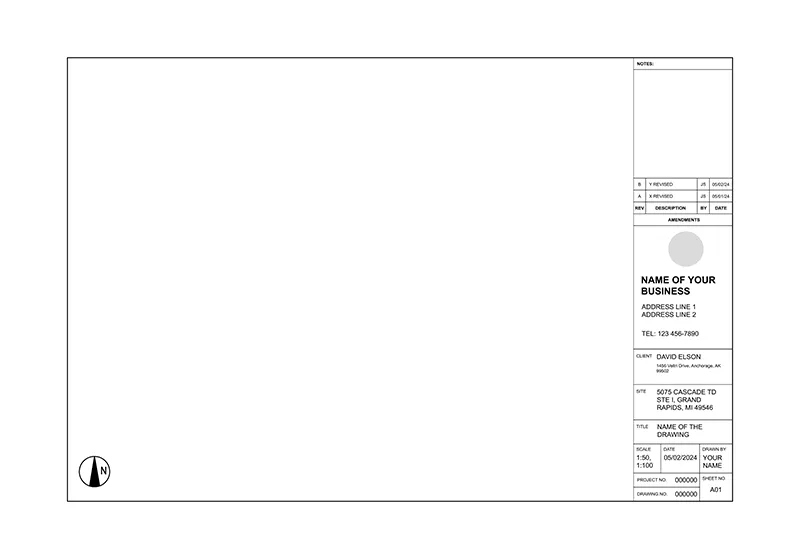
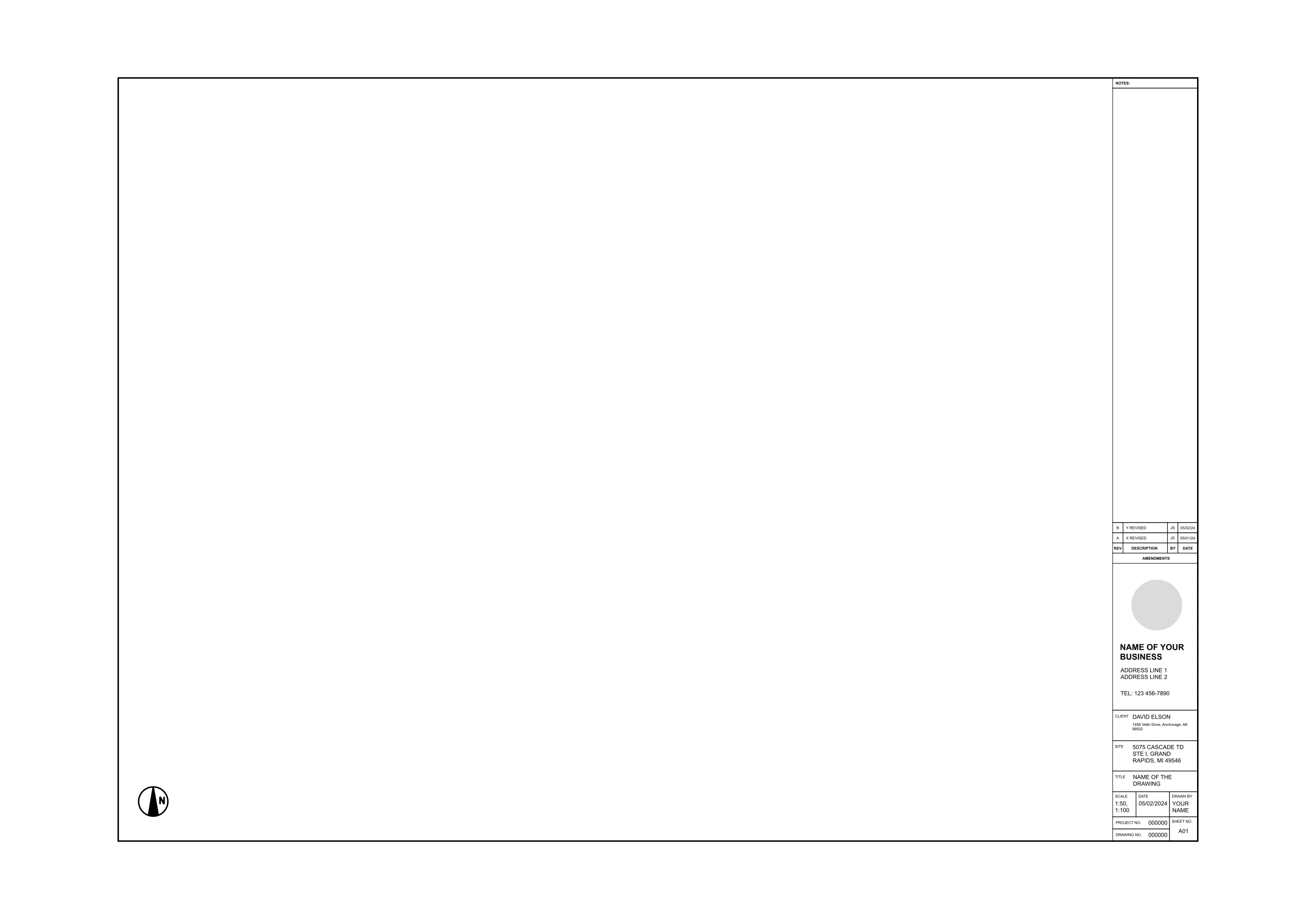
Inspectors, GCs, and crews all glance at the title block first to see which sheet they hold and which revision counts. With ArcSite's construction drawing title block, every sheet in your set shares one revision table, logo spot, and sheet number.
Key Features
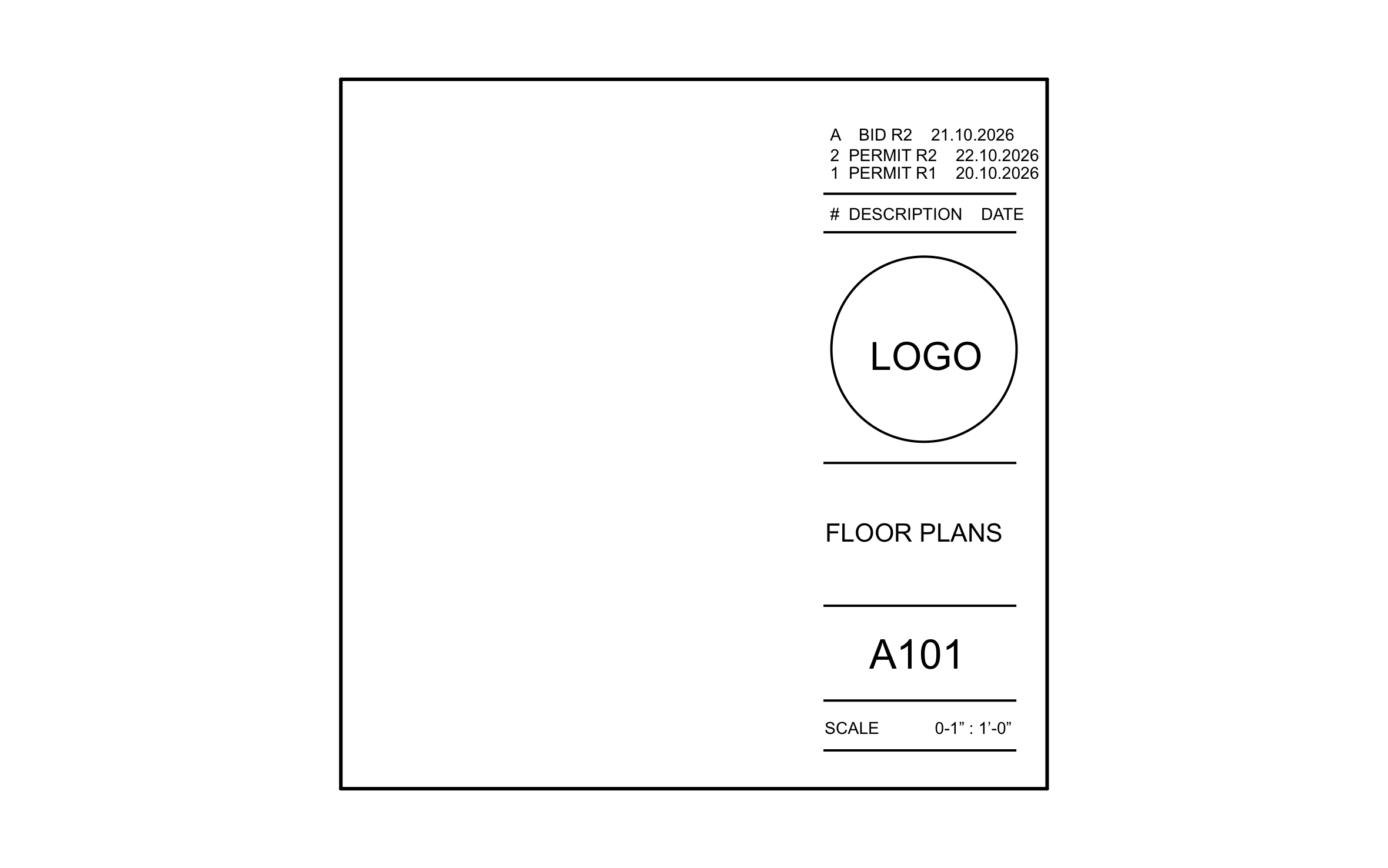
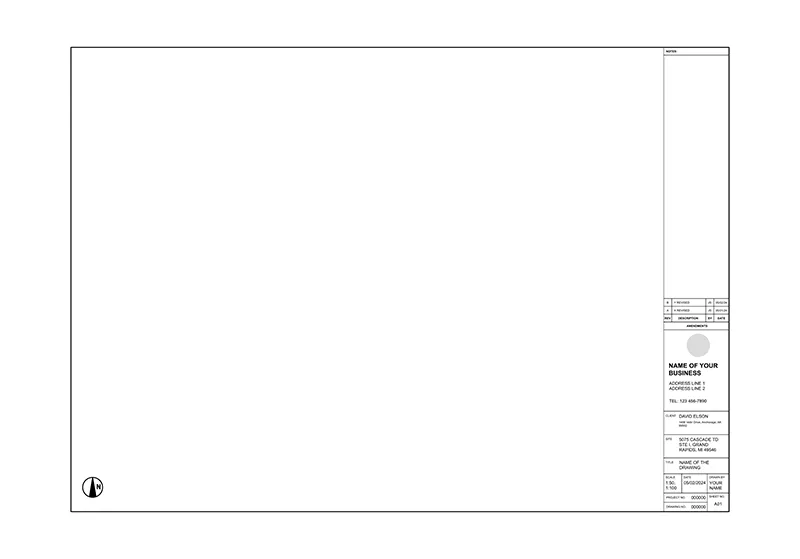
This construction drawing title block includes:
- Revision table with number, description, and date columns
- Bid and permit revisions logged by date
- Circle placeholder for your company logo
- Sheet title field set to Floor Plans
- Sheet number A101
- Scale field below the sheet number
- Open drawing area to the left of the block
The revision table logs a bid revision above two permit revisions, so whoever picks up the sheet can tell which version went to the permit office.


Start from template

Fully customizable


Professional results
Trusted by Pros. Recognized by the Industry.
With top ratings across Software Advice, GetApp, and Capterra, professional contractors choose us for ease of use, powerful tools, and unmatched customer support.





Architectural Symbols & Site Annotation
templates you might like


Frequently asked questions
What does A101 mean on a title block?
Can I change the sheet size?
Can my logo go on ArcSite proposals too?






