

Breaker Panel Diagram Template
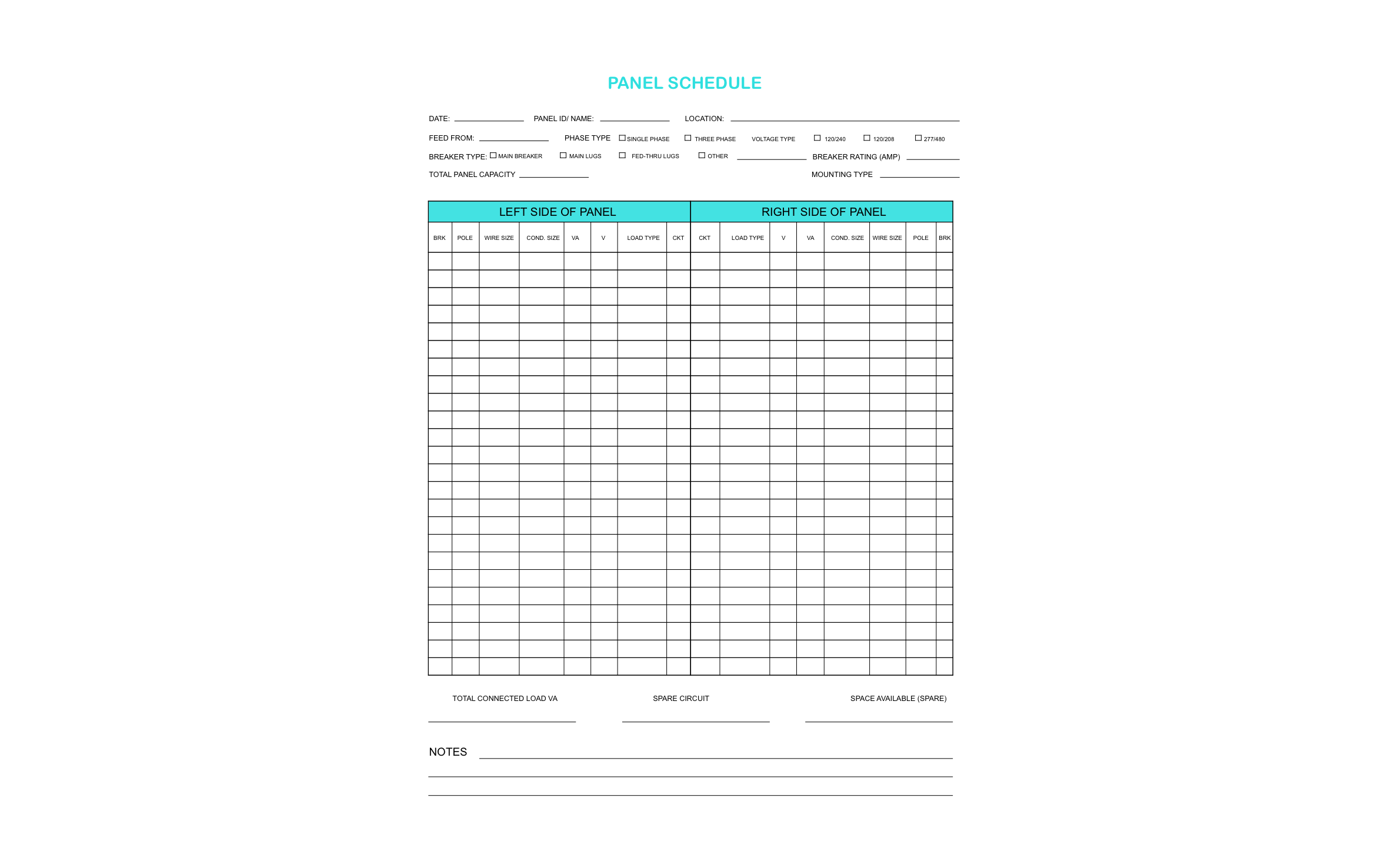
With a filled-in panel schedule, the next person at the panel finds the kitchen breaker without flipping every switch. Both sides of the panel fit on one sheet in ArcSite's breaker panel diagram template.
Opens right in your browser — no install. Make it yours within minutes.


Free access to over 1,200 shapes and blocks included with the ArcSite CAD app
Key Features
This breaker panel diagram template includes:
- Header fields for panel ID, location, and feed
- Phase type and voltage checkboxes for 120/240, 120/208, and 277/480
- Main breaker, main lugs, and feed-through lug options
- Breaker rating and total panel capacity fields
- Left and right side circuit columns
- Breaker, pole, wire size, conduit size, VA, voltage, and load type for each circuit
- Totals for connected load, spare circuits, and open spaces
- Notes section
The spare circuit and space available totals at the bottom show at a glance whether the panel has room for a new circuit or needs a subpanel.
What is a Breaker Panel Diagram?
A breaker panel diagram, often called a panel schedule, records what each breaker feeds along with its pole count, wire size, and load. You can fill in this schedule in ArcSite on site and keep it with the job, so the electrician, the inspector, and the homeowner all read the same circuit list.

Trusted by the Pros. Honored for Innovation.





Electrical & Power
templates you might like

FAQ
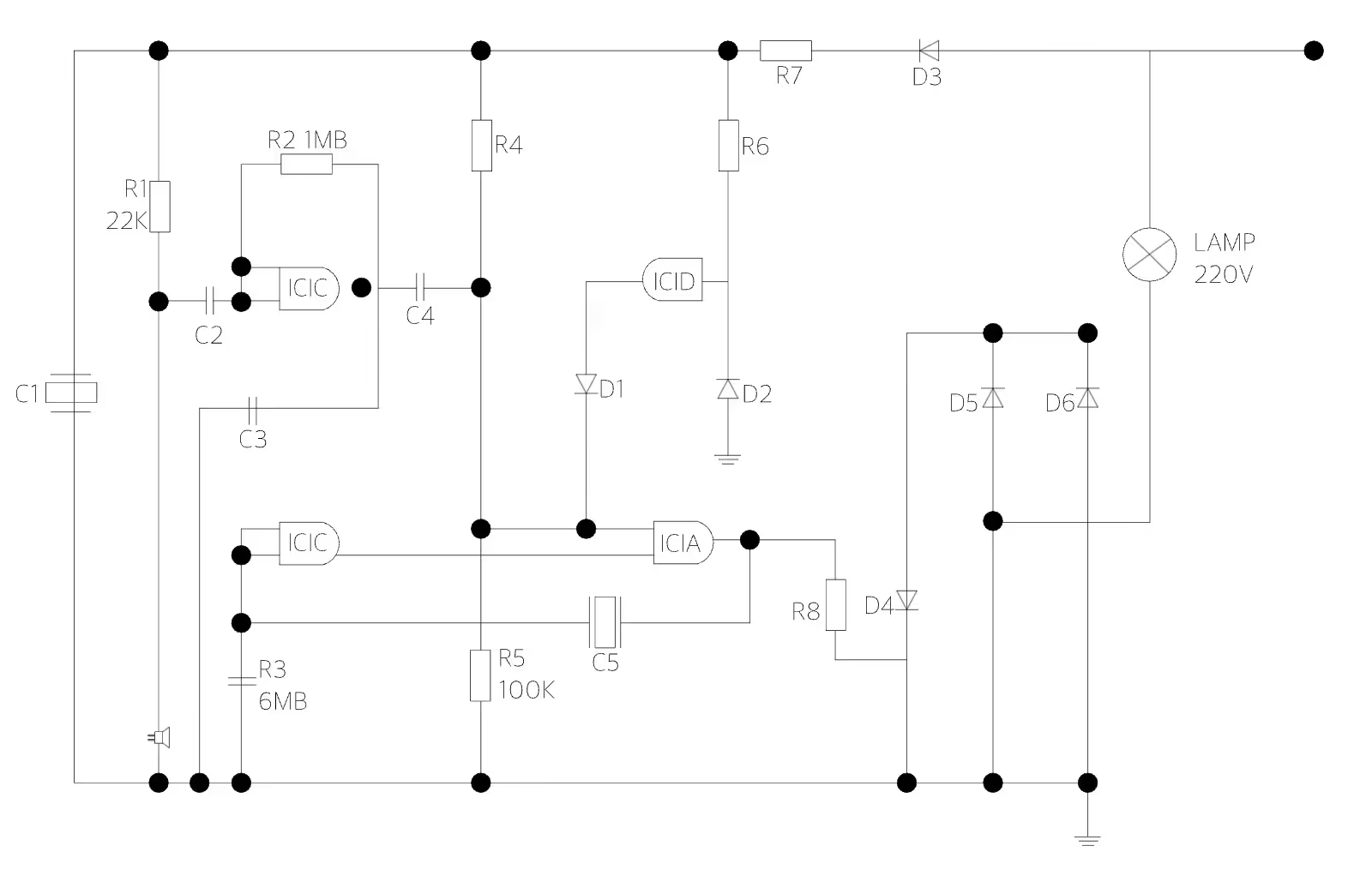
No. It's a schedule of what each breaker feeds. Draw the circuit runs on a floor plan in ArcSite if you need to show wire routing.
Yes! You can add rows to the schedule in ArcSite for a larger panel.
Reps get paid seats, managers get admin access, and you won't need to switch software at 10 or 20 users.






