A3 Title Block Template
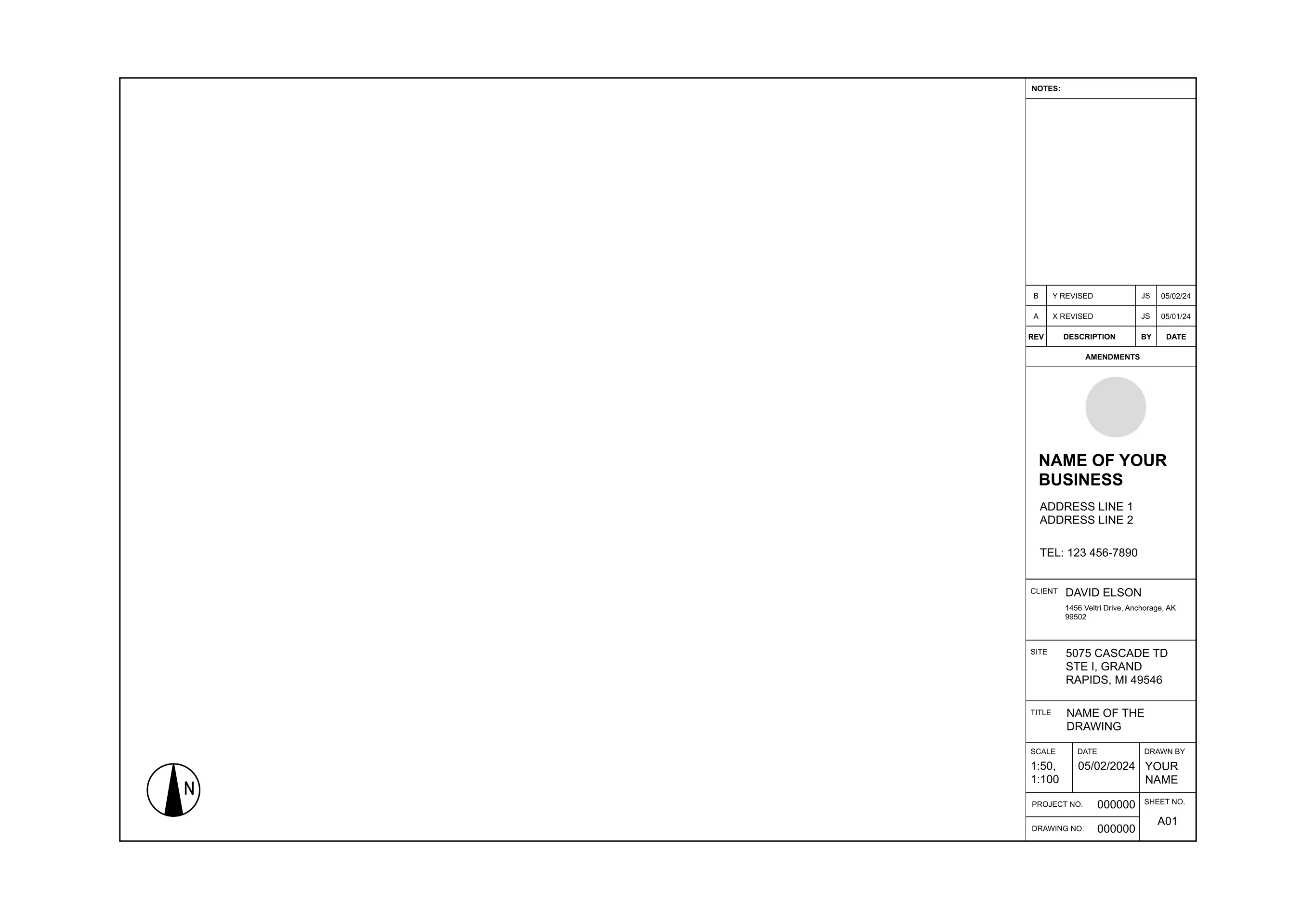
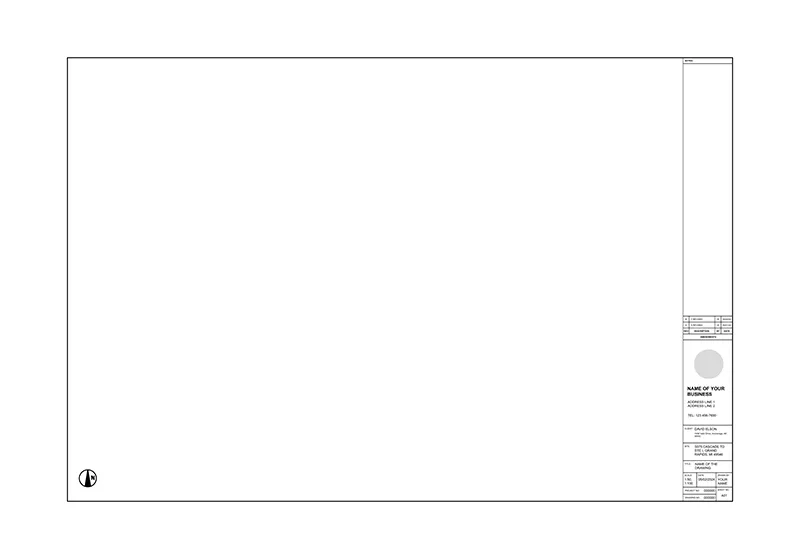
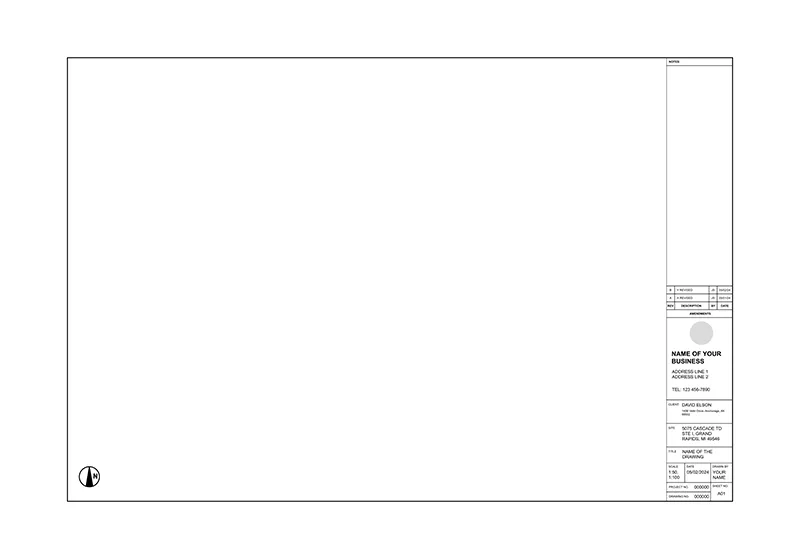
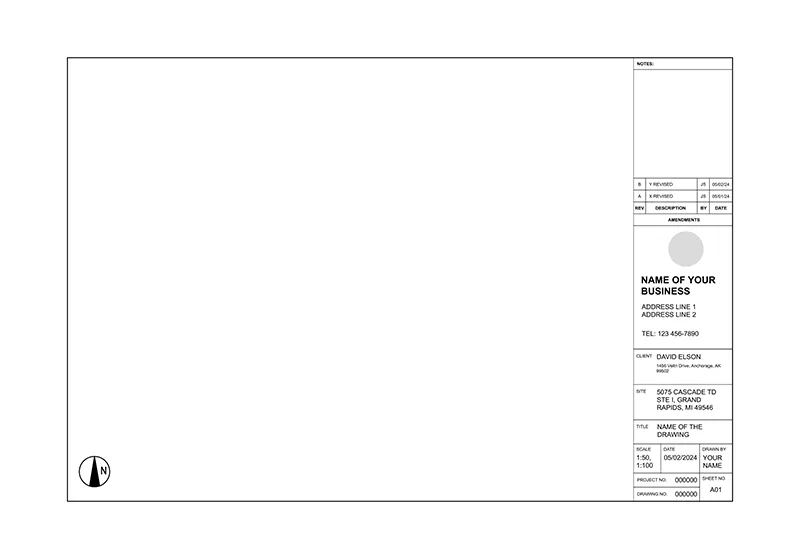
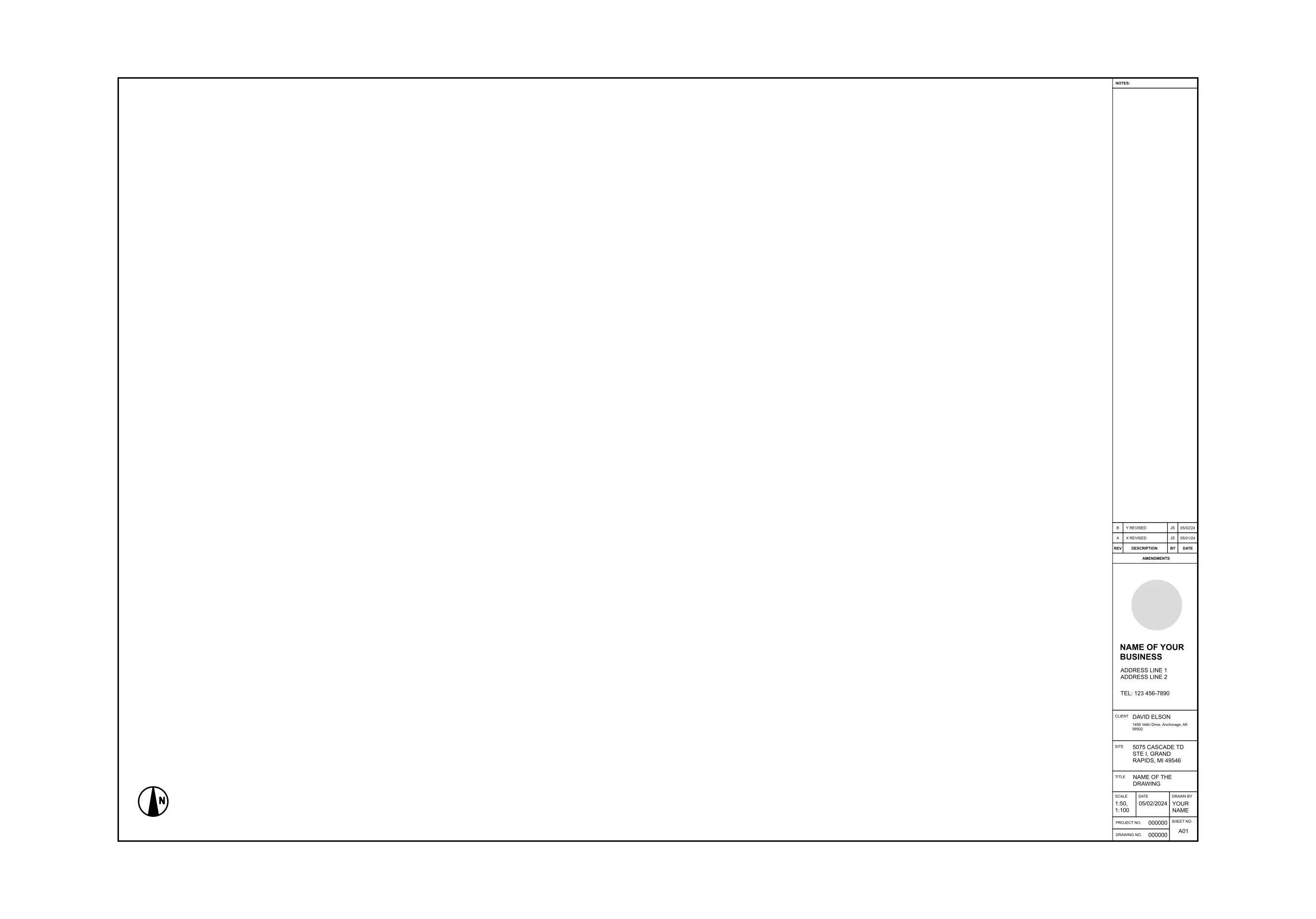
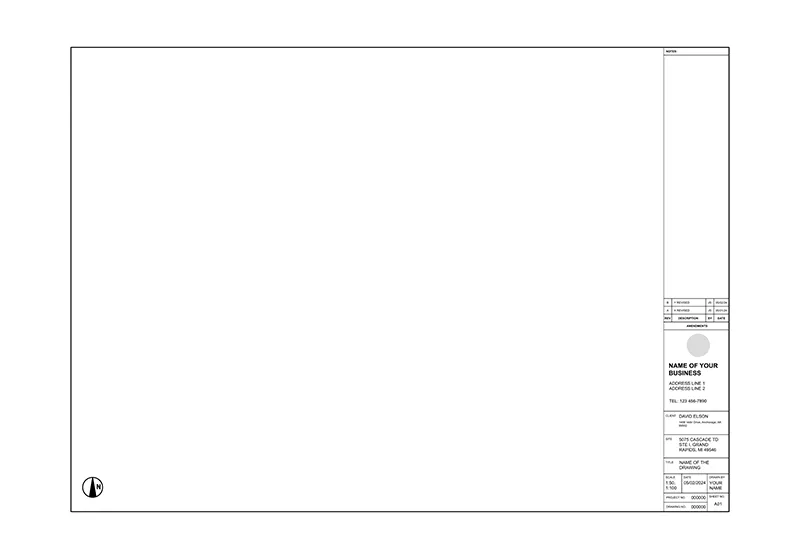
An A3 title block gives you more room than an A4 format without jumping all the way up to A2, which matters on a floor plan or site layout that needs a little extra label space. ArcSite's A3 title block template gives you that structure already laid out on the sheet.
Key Features
This A3 title block template includes
- Project title, drawing number, scale, date, and author fields
- Revision history and approval tracking area
- Company branding and contact information space
- Fully editable labels and placeholders
- Sizing for standard A3 plotting and print (297 x 420 mm)
The sheet is sized for standard A3 plotting and print rather than a custom size, worth confirming against your own printer or plotter before you send a sheet set out.


Start from template


Fully customizable


Professional results
Design tips
Key Considerations When Designing an A3 Title Block
An A3 sheet gives you room for scale, date, author, and sheet numbers without crowding the drawing itself, which matters once a project has more than a couple of sheets in the set. In ArcSite, you can drop this A3 title block onto any sheet and fill in your own project details and revision history without redrawing the border by hand.
Trusted by Pros. Recognized by the Industry.
With top ratings across Software Advice, GetApp, and Capterra, professional contractors choose us for ease of use, powerful tools, and unmatched customer support.





Architectural Symbols & Site Annotation
templates you might like


Frequently asked questions
What is an A3 title block?
Can I modify the title block in ArcSite?
Is ArcSite beginner-friendly?