A2 Title Block Template
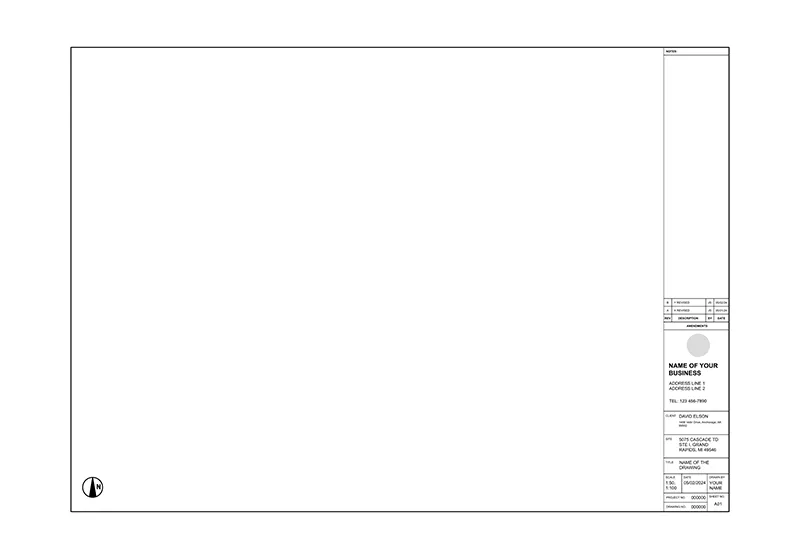
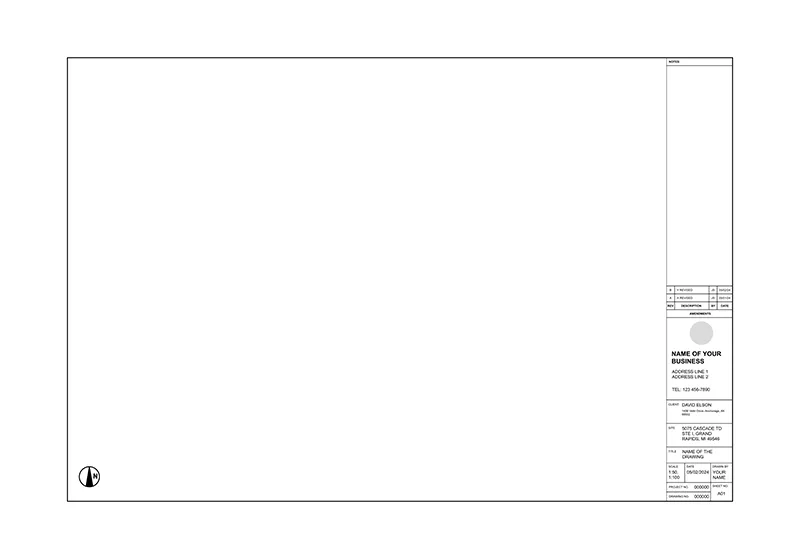
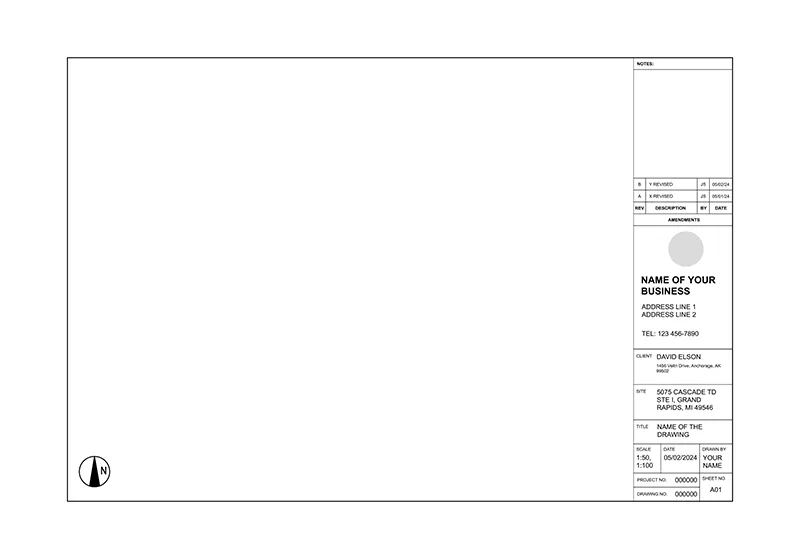
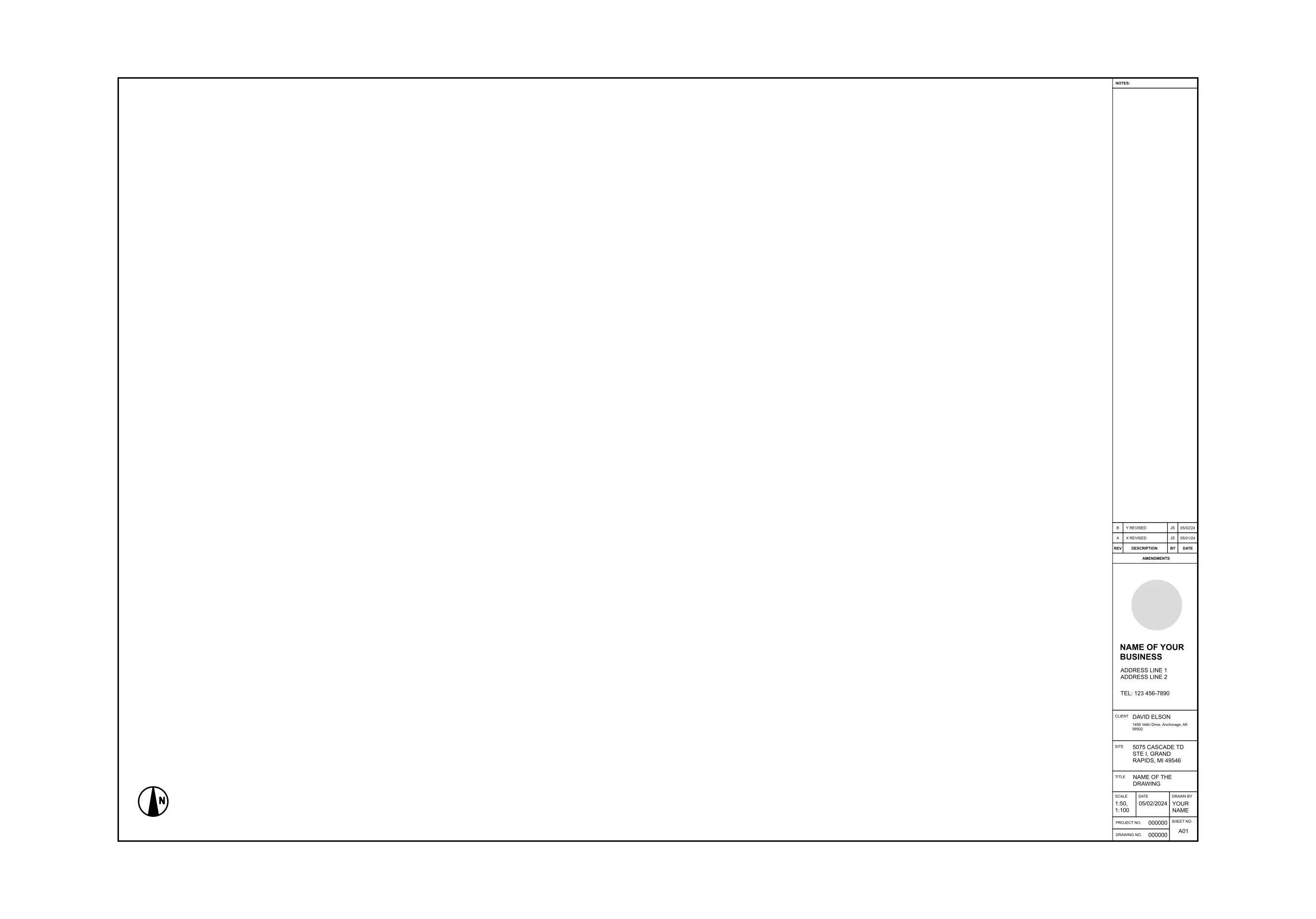
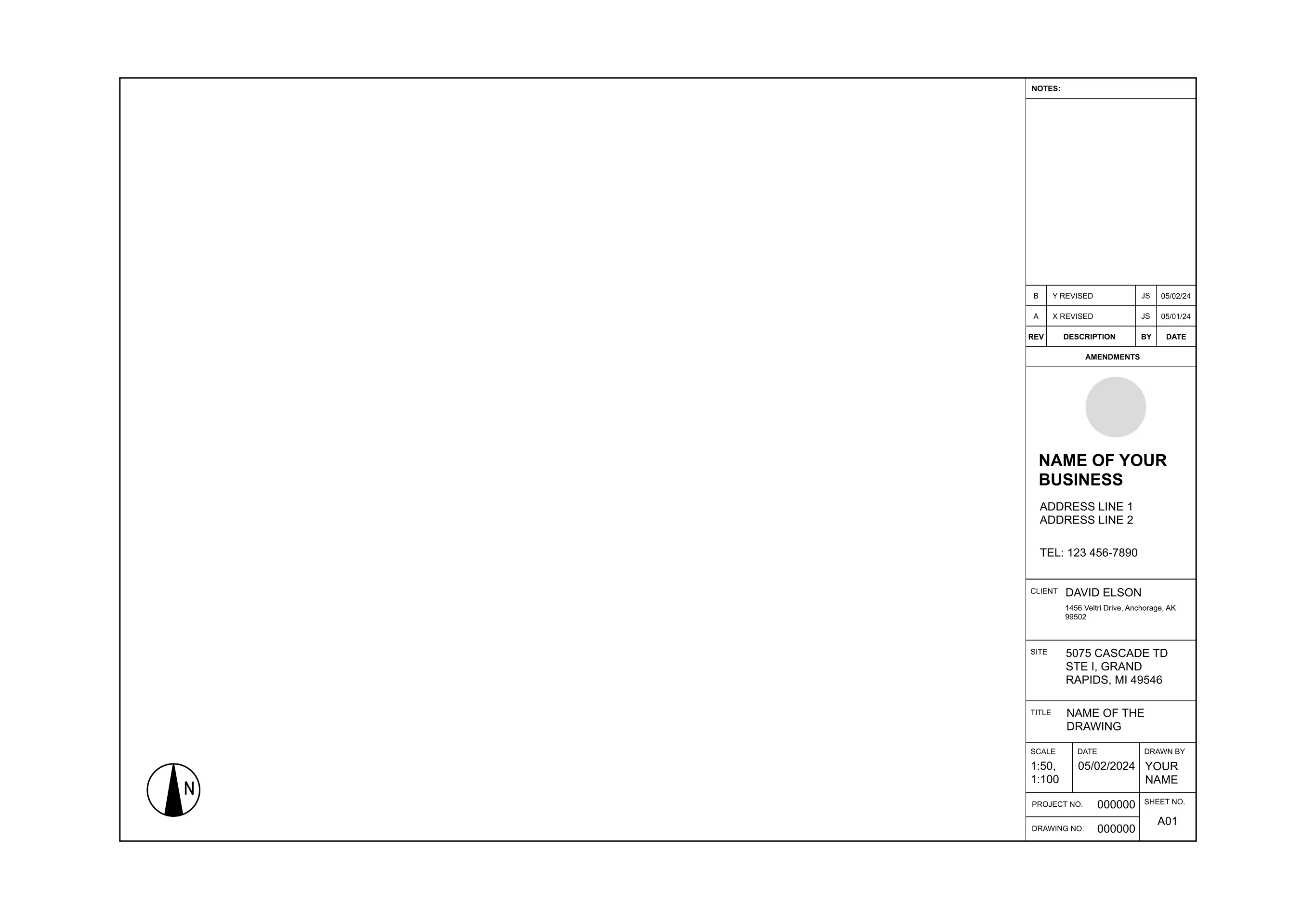
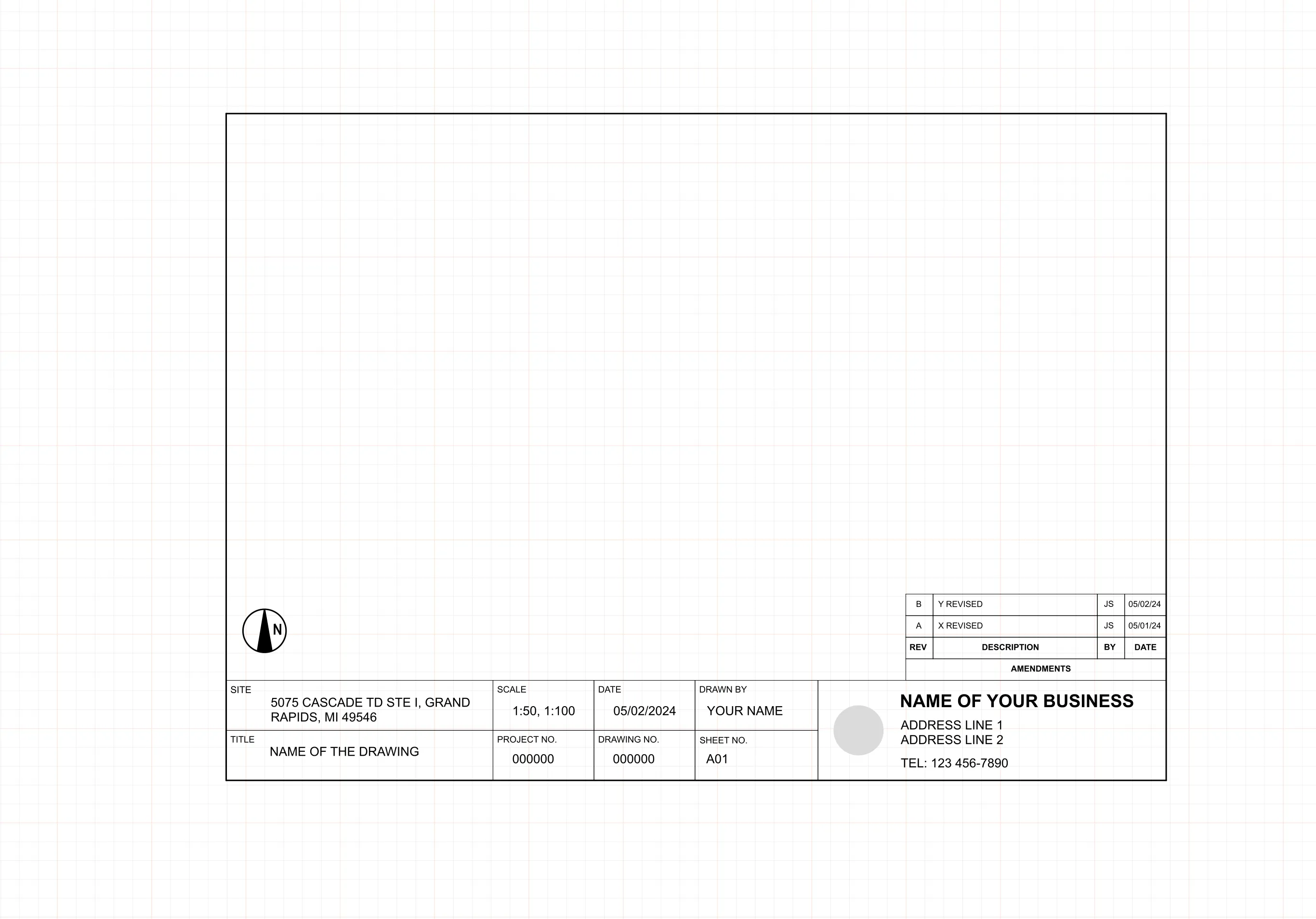
An A2 title block keeps every sheet in a set labeled the same way, so anyone reading the drawing can find the project name, scale, and revision history at a glance. ArcSite's A2 title block template gives you that structure already laid out on the sheet.
Key Features
This A2 title block template includes
- Project title and number field
- Drawing number and sheet ID
- Scale, date, and drawn-by fields
- Site information and client details block
- Logo placement area
- Revision and amendments table
The revision table sits along the bottom edge, matching where most reviewers expect to find it, so redlines and sign-offs stay easy to track sheet to sheet.


Start from template

Fully customizable


Professional results
Design tips
Why an A2 Title Block Matters
A missing or inconsistent title block is one of the fastest ways for a drawing set to look unfinished, even when the drawing itself is solid. In ArcSite, you can drop this A2 title block onto any sheet and fill in your own project details, scale, and revision notes without redrawing the border by hand.
Trusted by Pros. Recognized by the Industry.
With top ratings across Software Advice, GetApp, and Capterra, professional contractors choose us for ease of use, powerful tools, and unmatched customer support.





Architectural Symbols & Site Annotation
templates you might like

Frequently asked questions
What is an A2 title block?
Can I edit the title block in ArcSite?
Is ArcSite free to use?