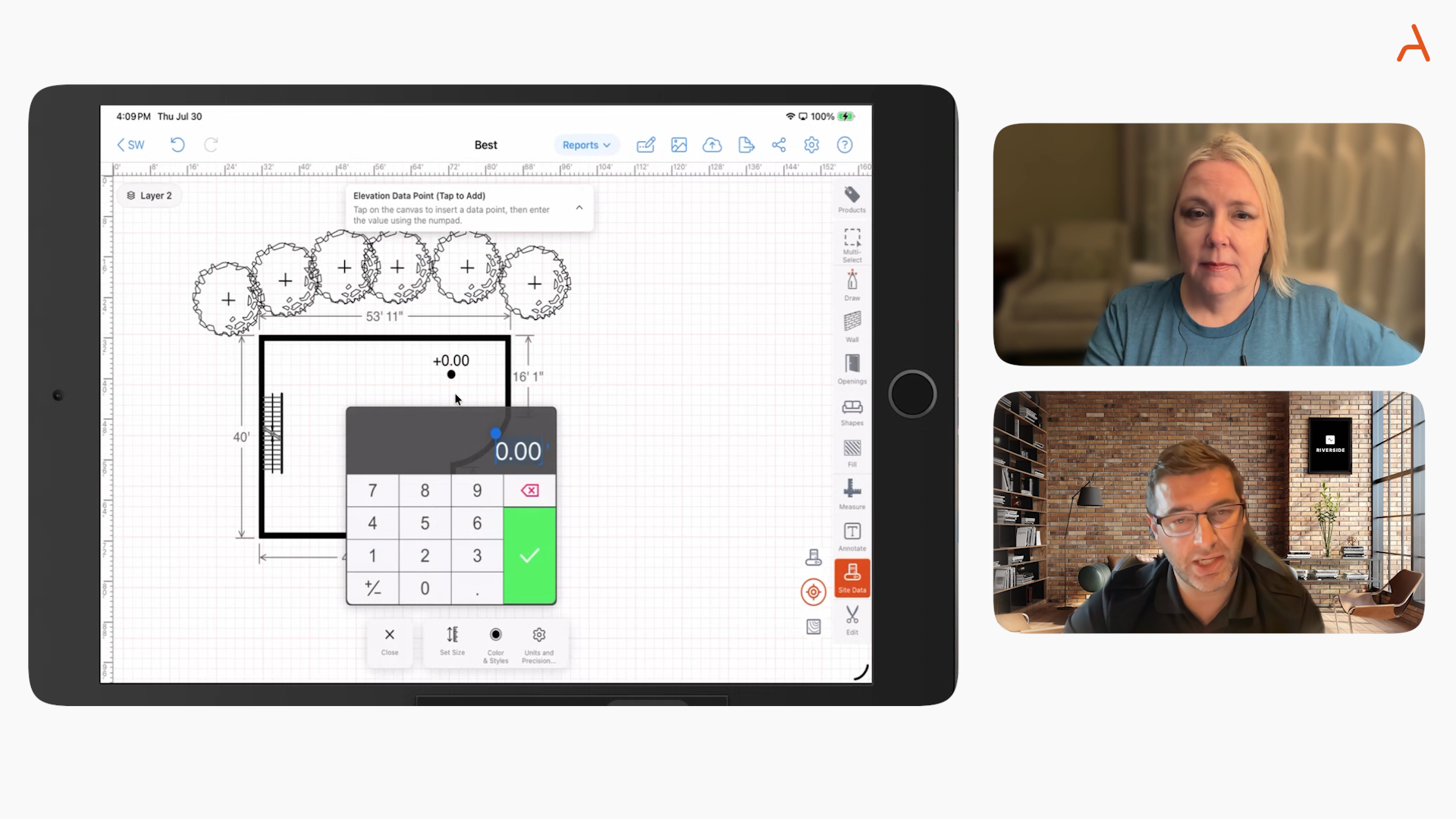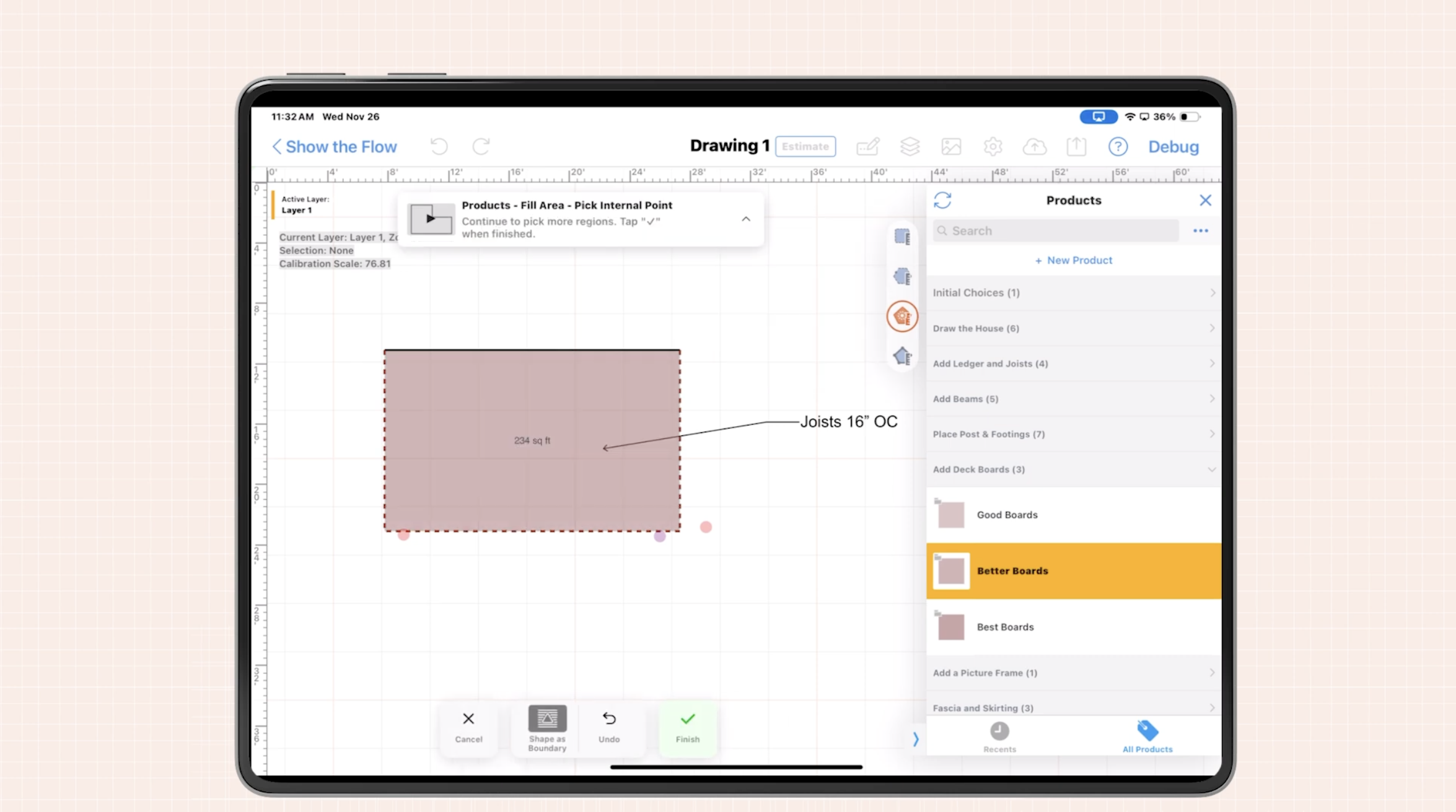

When it comes to quoting jobs fast, time isn’t just money—it’s the core of your competitive advantage. As a contractor, you know the pain when a client asks for a same-day quote and all you have is a basic sketch, rough numbers, or an outdated spreadsheet. To consistently win deals and avoid rework, your floor plan must be built for your estimating process—not just for design or visualization. At ArcSite, we work side by side with specialty contractors across dozens of trades. We’ve learned from the field that the difference between a standard floor plan and one optimized for contractor quoting is the difference between waiting days to close and sending a locked-in proposal in hours—or sometimes even minutes.
Standard Floor Plans vs. Contractor Floor Plans: What Sets Them Apart?
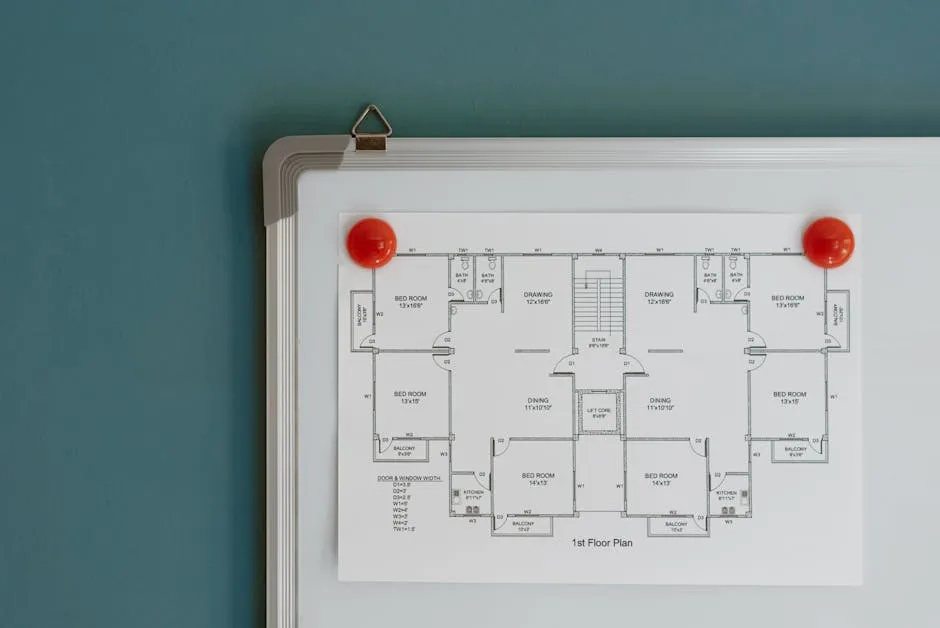
Most of us have seen or used a standard floor plan. They illustrate the basics—walls, rooms, doors, windows. These are great for homeowners, designers, and even some architects, but in the hands of a contractor, they’re rarely enough to quote efficiently. The key differences come down to purpose, detail, and actionability. Here’s a breakdown:
For most teams and trades, shifting to a contractor-ready floor plan is not about reinventing the wheel. It’s about eliminating friction and making your drawing work as hard as you do on-site.
What to Include in Contractor Floor Plans for Same-Day Quotes
We’re here to make your quoting process sharp and repeatable. Here’s what the most effective contractor floor plans include—and why each element matters for real-world quoting.
1. True-to-Scale, Accurate Measurements
Your base plan should be grounded in actual jobsite measurements, not just rough guesses. Every wall, boundary, and opening should reflect real dimensions. Mobile tools that support snap-to-grid, AR room scanning, and direct laser input are essential for eliminating transcription errors and double data entry.
- Draw with iPad, Android, or Windows tablets right at the jobsite
- Auto-update as you add or modify walls, features, or dimensions
2. Custom Shapes, Assemblies & Trade-Specific Elements
Generic CAD symbols rarely fit specialty contracting. Contractor plans excel with drag-and-drop elements representing actual products you use: a 6-ft picket fence section, 4-inch gutter run, adjustable post bracket, or concrete footing with depth and diameter. Consistent custom shapes mean instant recognition, reduced errors, and faster quoting.
- Reusable or industry-specific assemblies (e.g., fence posts plus footings and caps, deck joist systems)
- Symbol libraries tailored for concrete, fencing, gutters, basements, and more
3. Built-in Material Takeoffs & Calculations
The floor plan should do the math for you. As you draw, quantities for linear feet, square footage, volumes, and counts should update live. No more back-and-forth from field to office or spreadsheet headaches. Tie these to your own pricing or SKU database for instant, precise cost breakdowns.
- Automatic calculation of lengths (pipes, rails), areas (slabs, turf), counts (outlets, posts), and volumes (backfill, footing concrete)
- Supports pricing formulas that adjust for waste, standard sizes, and labor units
4. Site Photos & Markups Within the Drawing
Nothing beats a picture—except a photo marked up directly on your plan. Your field team can snap conditions (like tricky grades, tree roots, or pre-existing damage), annotate problem areas, and tie them to the drawing. This eradicates confusion when referencing issues later with your crew or client.
- Attach photos of key locations or existing issues
- Mark up directly on images with scopes or concerns
5. Integrated Site Data & Custom Forms
Beyond visual cues, well-designed plans can capture key data points—soil conditions, access notes, utility location, client requests, inspection findings. Custom forms within the drawing ensure every data point is collected the first time, ready for the office.
- Customizable forms for capturing specialty inspection or field service details
- All information attached to the job, accessible in the cloud for both office and field teams

6. Pricing Layers, Good/Better/Best Options & Proposal-Readiness
The ideal contractor floor plan doesn’t stop at materials. Embed labor rates, margin percentages, taxes, and even tiered pricing directly within your plan. Generate branded, client-ready proposals (complete with e-signature) right from the drawing, so you can present and close before leaving the jobsite.
- Different pricing options for various grades of material or installation
- Pre-built templates for consistent quoting across your team
7. Seamless Software Integration
Finally, your floor plan should talk to your broader business tools. Integrations with accounting (like QuickBooks), CRM (Salesforce, Jobber), and even measurement devices save countless hours and reduce costly double entry.
- Push proposals and material lists directly to your back office or scheduling team
- Sync jobs to your CRM or project management platform of choice
The Practical, Repeatable Workflow: From Site to Same-Day Quote
Here’s how we recommend specialty contractors move from first measurement to final proposal—all on the same day:
- Capture the Site (5–10 minutes): Use mobile AR scanning, laser measure, or manual input to get accurate boundaries and dimensions. Snap job-site photos as you go.
- Draw and Mark Up (5–10 minutes): Place all structures, existing conditions, and trade-specific shapes. Annotate issues or special features directly in your plan.
- Auto-Calculate Takeoffs (2–5 minutes): Let your software tally materials, labor, and equipment instantly. Update calculations as the drawing evolves.
- Build the Estimate (5–10 minutes): Add labor rates, margin, and tiered options. Attach all photos, notes, and forms as backup.
- Generate and Present Proposal (under 5 minutes): Create a branded, professional proposal (PDF or digital), discuss on-site, and collect an e-signature or send for approval by email.
With full integration (drawing, calculation, proposal), this workflow shrinks what could take days into less than an hour—sometimes as fast as 30 minutes, depending on project complexity and your internal templates.
How Modern Contractor Floor Plans Solve Common Estimating Problems
At ArcSite, we constantly see the challenges created by relying on standard, disconnected drawings. Here’s where contractors using our workflow really make gains:
- Error Elimination: No more manual re-entry from paper sketches or mismatch between field notes and office spreadsheets.
- Fast, Accurate Estimates: Material and labor calculations update as you draw—ensuring clarity for even the most complex site.
- Credibility & Professionalism: Proposals are consistent, detailed, and client-ready, increasing your conversion rates and reputation.
- Standardized Processes: Teams use shared templates, reducing training needs and delivering consistent quality across all jobs.
If you want to dive deeper into workflow best practices that reduce errors and rework, check out our guide: Reducing Errors and Rework in Specialty Contracting: Workflow Best Practices.
What Happens If You Skip These Steps?
Let’s be honest: using basic floor plans or piecemeal solutions will slow you down. You risk:
- Slower quote turnarounds (waiting days instead of hours)
- Inaccurate material orders, missed profit, costly change orders
- Frustration from clients expecting modern, integrated experiences
- Regret from losing to faster, more tech-enabled competitors
Bringing It All Together: Why Floor Plans Built for Contractors Win the Day
By shifting from generic drawings to contractor-ready floor plans, you unlock the ultimate advantage: speed, consistency, and confidence in every estimate you send. Your whole team stays aligned, and your customers feel the difference from the very first meeting. Our focus at ArcSite is helping you turn this theory into reality, every job, every time.

Ready to see how tailored contractor floor plans can transform your estimating speed and accuracy? Take ArcSite for a spin—start with a free personalized demo or learn more at arcsite.com. Master your quoting workflow and never lose a same-day deal again.
Categories


FAQs
Related posts