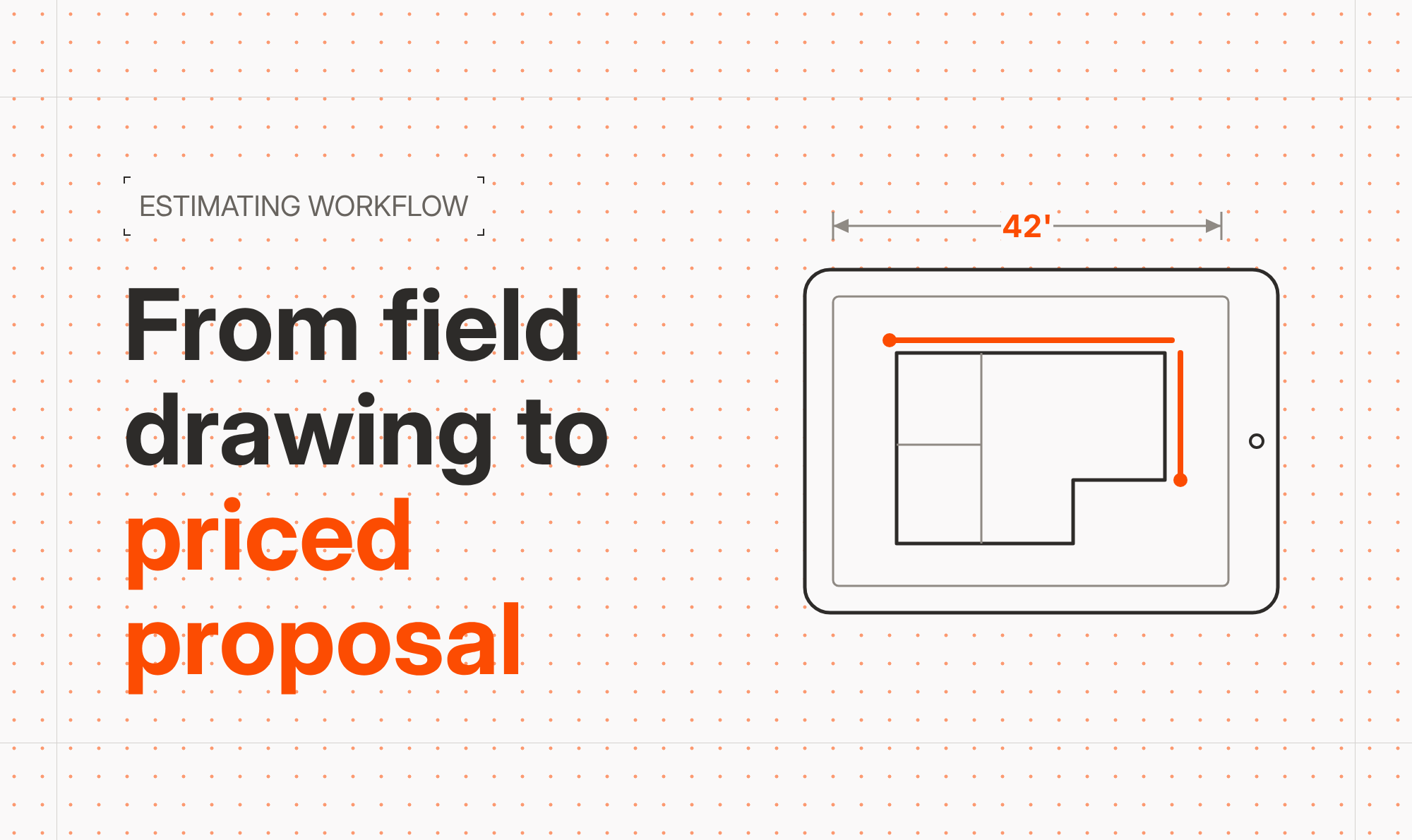


See how specialty contractors can use on-site visuals, mobile CAD, and connected estimating to turn turf business growth strategies into a repeatable system for closing larger, more profitable jobs.
High-value turf projects are won or lost in minutes - usually while you are standing in the yard with the customer. If all you can show is a clipboard sketch and a rough number, it is easy for prospects to delay, shop your price, or choose a competitor who looks more professional.
ArcSite helps turf contractors flip that script. By drawing on-site, generating instant takeoffs, and presenting clear visuals and pricing in real time, you make it simple for the customer to say "yes" before you leave the property.
Why visuals matter so much for turf sales
For most homeowners and commercial buyers, synthetic turf layouts, grading work, and drainage plans are hard to imagine from a verbal description. The gap between what you see in your head and what they see in theirs creates hesitation and price pressure.
That hesitation directly impacts core turf business growth strategies:
- Longer sales cycles and more follow-ups
- Prospects collecting multiple competing bids
- Discounting just to win the job
- Misaligned expectations that lead to rework or callbacks
When you replace guesswork with clear, professional visuals, you solve several problems at once:
- Customers understand the design, square footage, and scope instantly
- You can anchor pricing to a detailed plan instead of a single number
- Changes (add a putting green, expand a pet area) are easy to show and price
- Approvals happen on the spot, while excitement is highest
Core challenges turf contractors face on high-value projects
Before we look at specific workflows, it helps to name the pain points that stall or kill big-ticket turf deals.
1. Inconsistent measurements and takeoffs
Measuring complex yards with a tape or wheel, then re-entering those numbers back at the office, is slow and error-prone. A few bad measurements can swing material quantities and labor hours enough to erase your profit.
2. Hand sketches that do not sell
Most hand-drawn sketches look like rough concepts, not final designs. Even if they are technically correct, they do not create confidence that you have thought through edges, seams, base prep, or drainage.
3. Estimates that lag behind the site visit
When estimates go out days later, you lose momentum. By then, the customer has seen other bids or has cooled off, forcing you to follow up and sometimes negotiate down.
4. Scope creep and miscommunication
Without a clear drawing tied to quantities, scope creep is almost guaranteed. That might mean extra cuts, more base, or additional cleanup work that was "assumed" but never priced.
How ArcSite turns on-site visuals into a sales engine
ArcSite is designed to sit in the middle of your sales visit: walk the site, capture measurements visually, and generate a clear, priced proposal while you are still with the customer.
Draw as you walk the site
On a tablet, you can sketch the property outline, hardscape, obstacles, and turf zones as you move through the yard. With mobile CAD tools, you can:
- Trace from imported site photos or aerial imagery
- Use snapping and dimension tools for accurate lengths and areas
- Label putting greens, pet zones, play areas, and transitions
The result is a clean plan view that looks like it came from a design office, even though you created it in minutes on-site.
Automatic takeoffs from the drawing
Because the drawing is scaled, ArcSite can calculate areas, perimeters, and counts directly from your sketch. That means automatic takeoffs for:
- Turf square footage by zone or product type
- Borders, bender board, and edging lengths
- Base materials by depth and area
- Accessories such as cups, flags, infill, and drains
When you update the drawing - for example, by expanding a play area - the quantities adjust automatically. No re-measuring or manual recalculation.
Estimating tied directly to the design
ArcSite connects your takeoffs to pricing. Items and assemblies (for example, "Putting green per square foot" or "Pet turf system per square foot") can include materials, labor, and overhead. Select the assemblies that match the zones in your drawing and the estimate builds itself.
This is where closing high-value projects becomes much easier. You can show good-better-best options, quickly adjust scope or products, and show the customer how each change affects price in real time.
Practical workflows for turf business growth strategies
Here are a few simple, repeatable workflows that align on-site visuals with profitable growth.
1. Standardize your turf templates
Create drawing templates for common project types:
- Front yard curb appeal upgrade
- Backyard pet-friendly turf
- Putting green and chipping area
- Playground or sports area
Each template can include pre-configured layers, symbols, and default assemblies. When you arrive on-site, you are not starting from a blank slate; you are tailoring a proven layout to the property.
2. Sell upgrades visually, not verbally
Instead of simply mentioning options, show them directly on the drawing:
- Duplicate the base design and add a larger putting green
- Highlight a border upgrade with a different line style or color
- Add a drainage trench or dry well where pooling is likely
Because those design variations are tied to assemblies and pricing, you can instantly display the cost difference. Customers are more likely to choose profitable upgrades when they can see exactly what they are getting.
3. Use visuals to align with commercial buyers
For schools, HOAs, and facilities managers, a professional plan drawing is often required for internal approval. With ArcSite, you can email a PDF of the plan and estimate before you even leave the parking lot. This shortens internal review cycles and helps position you as the most organized bidder.
4. Reduce rework with clear installation notes
Use annotations in the drawing to capture installation details:
- Base depths in different zones
- Seam directions relative to primary viewpoints
- Drain locations and tie-ins
- Access routes for material and equipment
Those visuals become a handoff package for your crew, reducing confusion that eats into margins.
Implementing on-site visuals in your turf business
Switching from clipboards to mobile CAD and estimating does not need to be complicated. A phased approach usually works best.
1. Start with one or two sales reps
Identify the team members most open to technology and have them pilot ArcSite on a subset of leads. Let them refine templates, assemblies, and talking points before you roll the system out to everyone.
2. Build a standard item and assembly library
Work with your estimator or operations lead to define:
- Standard turf SKUs and price ranges
- Base system assemblies for different soil or usage conditions
- Common add-ons such as lighting, curbing, or irrigation adjustments
When everything is standardized, on-site estimating becomes faster and more consistent - even for new reps.
3. Train on the customer conversation, not just the app
The real power of on-site visuals is how they change the sales conversation. Train reps to:
- Draw while walking and asking discovery questions
- Pause to confirm that the layout matches the customer's vision
- Use alternate layouts to present upgrades and options
- Ask for the commitment while the complete visual and price are on the screen
Measuring ROI from on-site visual selling
To know if your new process is driving growth, track a few simple metrics before and after implementing ArcSite.
Close rate on first visits
Measure how often you secure a signed agreement or deposit during the initial appointment. On-site visuals and instant estimates should increase this significantly, especially for higher-ticket projects.
Average project value
Track whether the average size of sold jobs increases as you present more upgrades and premium options visually. Even modest gains here have a big impact on revenue.
Estimate turnaround time
Compare how long it used to take to deliver a proposal versus generating it on the spot. Faster turnaround reduces lost opportunities and frees your team to run more appointments.
Rework and change order rate
Visual clarity upfront should reduce disputes and unpaid change orders. Monitor how many jobs require scope revisions after the contract is signed.
Turn every visit into a visual closing opportunity
High-value turf projects reward contractors who make buying simple. When prospects can see their new yard, understand the scope, and review a detailed price in one visit, they are far more likely to commit - and to choose premium options.
ArcSite puts that entire process in the palm of your hand: professional drawings, accurate takeoffs, and clear estimates created right in the field. It is a practical, repeatable way to execute your turf business growth strategies and close more profitable projects with less back-and-forth.
What is next Ready to see how on-site visuals and mobile CAD can help your team close more high-value turf projects? Book a demo of ArcSite and explore workflows tailored to your turf business.
Categories
FAQs
On-site visuals let you show the exact layout, scope, and options while you are with the customer, reducing uncertainty, speeding decisions, and making it easier to secure approvals and upgrades on the first visit.
Yes, ArcSite uses scaled mobile CAD drawings to automatically calculate areas, lengths, and counts, which then drive material and labor quantities for your estimates.
Most turf contractors find that ArcSite speeds up appointments because they measure, design, and price in one pass instead of taking notes in the field and building estimates back at the office.
No, ArcSite is designed for field teams, with simple drawing tools, templates, and assemblies that make it easy to create professional-looking turf plans without prior CAD training.
Track metrics such as first-visit close rate, average project value, estimate turnaround time, and rework or change order rates before and after implementing ArcSite to quantify its impact on revenue and profitability.
Related posts