

Curtain CAD Block
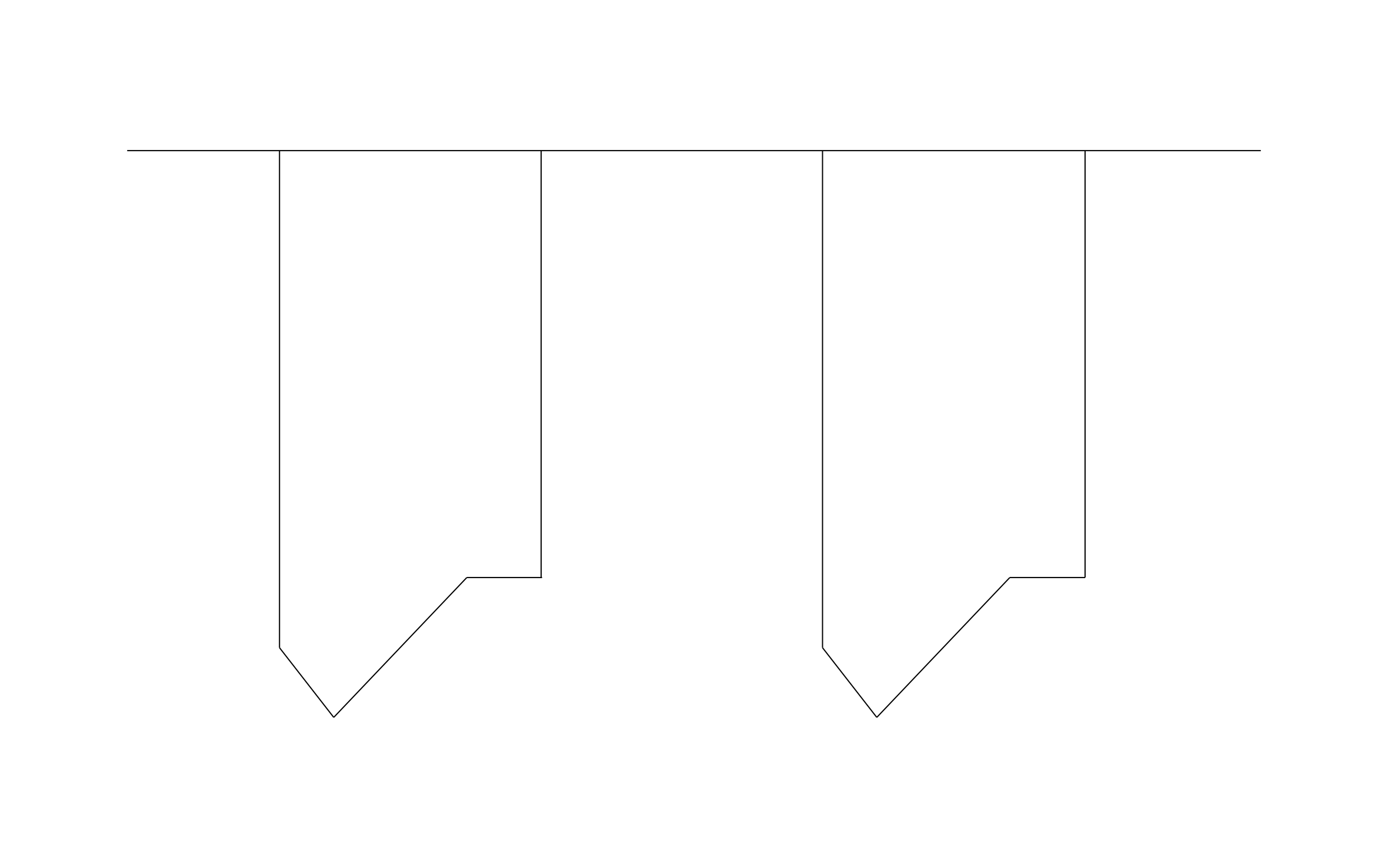
Curtain CAD block free in DWG, DXF, PNG, and PDF. Shows two panels hanging from a rod in front view.
Key Features
ArcSite's Curtain CAD Block
- Two-Panel Set: A pair of panels hangs from a single rod, framing a window on either side.
- Angled Hems: Tied-back hems give the panels a finished look on the elevation.
- Window Elevations: Place it over window openings on interior elevations to show treatment type.
- Rod Width Planning: Stretch the rod line past the window trim to show how far the panels extend.
Unlock 1,200+ Free CAD blocks with the ArcSite app

CAD blocks. Floor plans. Estimates. Do it all with ArcSite's mobile app.
Free access to over +1,200 blocks included with the ArcSite CAD app
Trusted by the Pros. Honored for Innovation.





Based on 21,000+ reviews from


Furniture & Interior Design
CAD blocks you might like


FAQs
What view does it show?
Front view, with both panels hanging below the rod.
Can I adjust the panel length?
Yes, stretch the panels to floor length or cut them to sill height to match the window.
What formats is it available in?
DWG, DXF, PNG, and PDF.





Ask AI about ArcSite:

