
Clock CAD Block
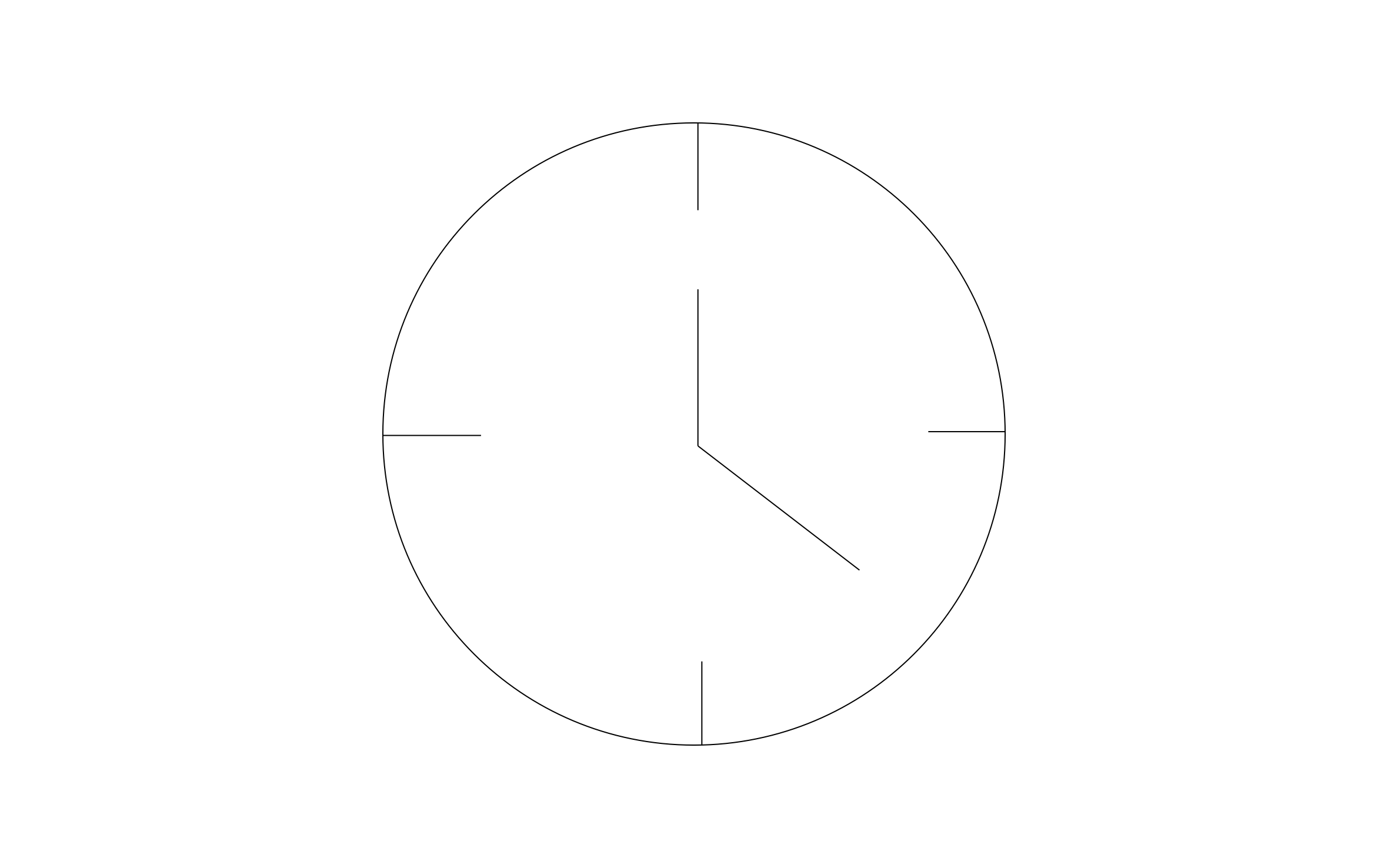
Clock CAD block free in DWG, DXF, and PNG. A round face with hour markers at 12, 3, 6, and 9.
Key Features
ArcSite's Clock CAD Block
- Round Clock Face: A simple circle with hands reads clearly at small scale.
- Quarter-Hour Markers: Tick marks at 12, 3, 6, and 9 keep the face clean and uncluttered.
- Wall Elevation Detail: Place it on classroom, office, and break room walls to finish an elevation.
- Scale to Any Size: Resize the face to match a small desk clock or a large wall clock.
Unlock 1,200+ Free CAD blocks with the ArcSite app

CAD blocks. Floor plans. Estimates. Do it all with ArcSite's mobile app.
Free access to over +1,200 blocks included with the ArcSite CAD app
Trusted by the Pros. Honored for Innovation.





Based on 21,000+ reviews from


Furniture & Interior Design
CAD blocks you might like


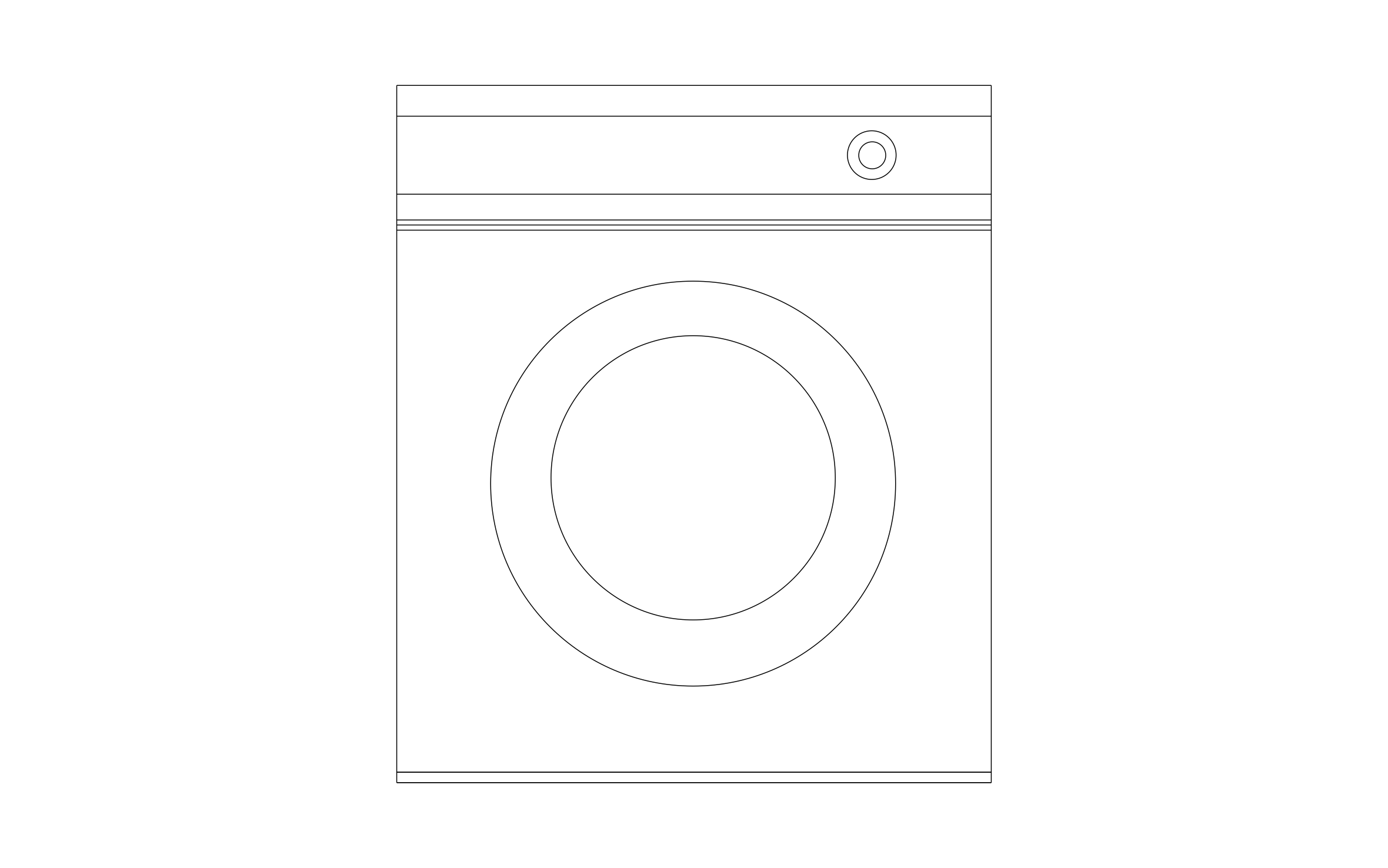
Unlock 1,200+ free CAD blocks with ArcSite
Drag and drop from thousands of preloaded shapes, edit blocks on-site, and generate instant estimates and takeoffs.
FAQs
What view does it show?
Front view of the clock face, as it hangs on the wall.
Should I place it on an elevation or a floor plan?
An elevation, since the block shows the face as you'd see it on the wall.
What formats is it available in?
DWG, DXF, and PNG.





Ask AI about ArcSite:

