

Field teams live in mobile apps. Accounting teams live in QuickBooks. When those two worlds are disconnected, pest control businesses lose time, money, and visibility into job profitability.
In this article, we explore how specialty contractors can tighten the connection between field apps and accounting platforms, especially when using quickbooks pest control software alongside ArcSite for mobile CAD, takeoff, and estimating.
The real cost of disconnected field and accounting systems
Most pest control operations have evolved piece by piece - one app for routing, another for notes, spreadsheets for pricing, and QuickBooks for invoicing and reporting. Without a reliable sync between these tools, your team runs into the same problems over and over.
Common pain points we hear from pest control contractors
- Double data entry: Techs capture information in the field, then office staff retype it into quickbooks pest control software, wasting hours every week.
- Inconsistent pricing: Estimates created in the field do not always match the pricing tables stored in accounting, leading to undercharging or awkward corrections.
- Slow invoicing: Jobs sit for days while paperwork is reviewed and entered, delaying cash flow.
- Missed billable items: Materials or add-on services recorded in a notebook or generic app never make it to the invoice.
- Limited job profitability insight: Without accurate quantities and labor from the field, it is hard to know which services and routes are actually profitable.
These issues are especially painful for growing pest control businesses. As you add technicians and expand service offerings, manual processes and workarounds no longer scale.
How ArcSite fits into a QuickBooks-centered tech stack
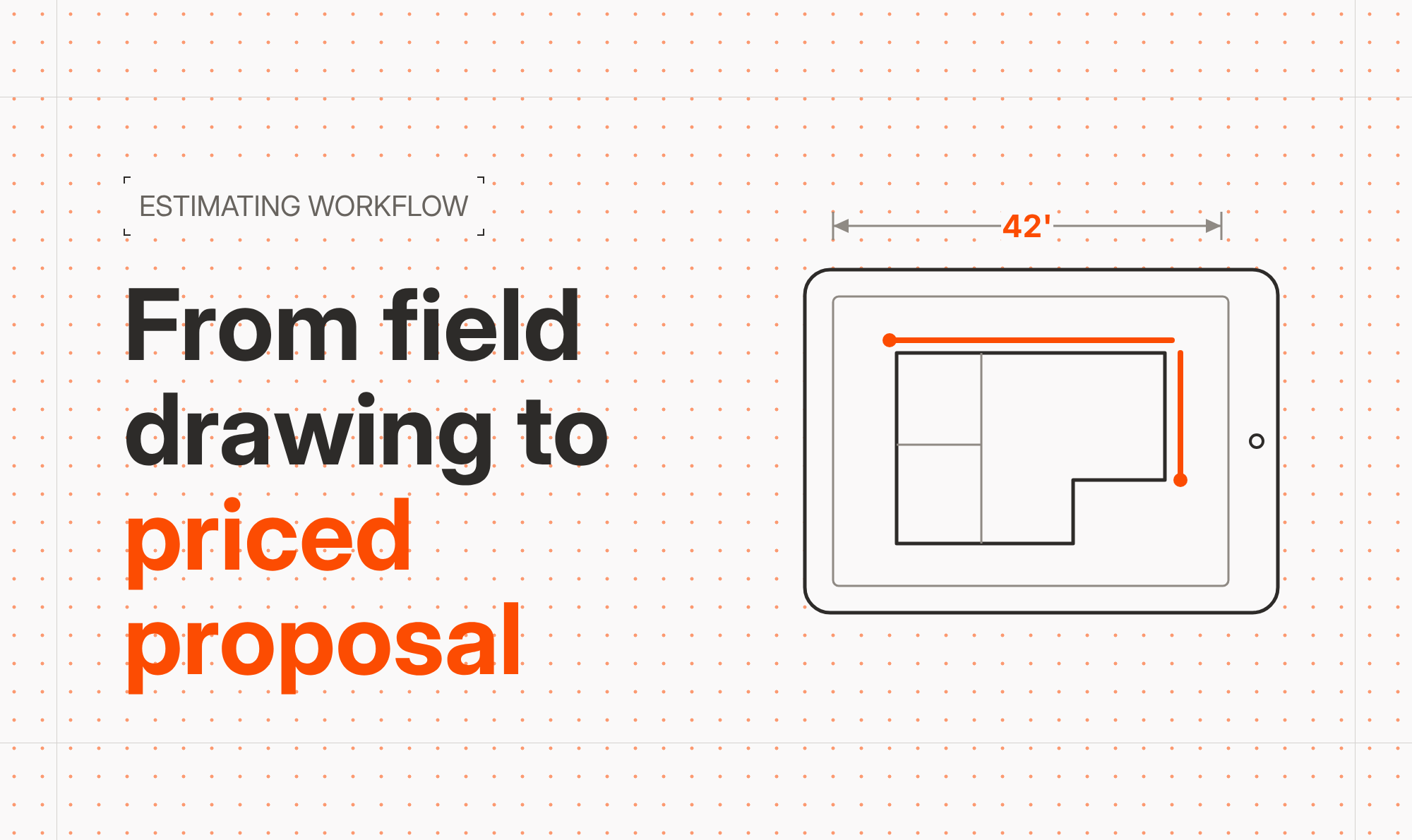
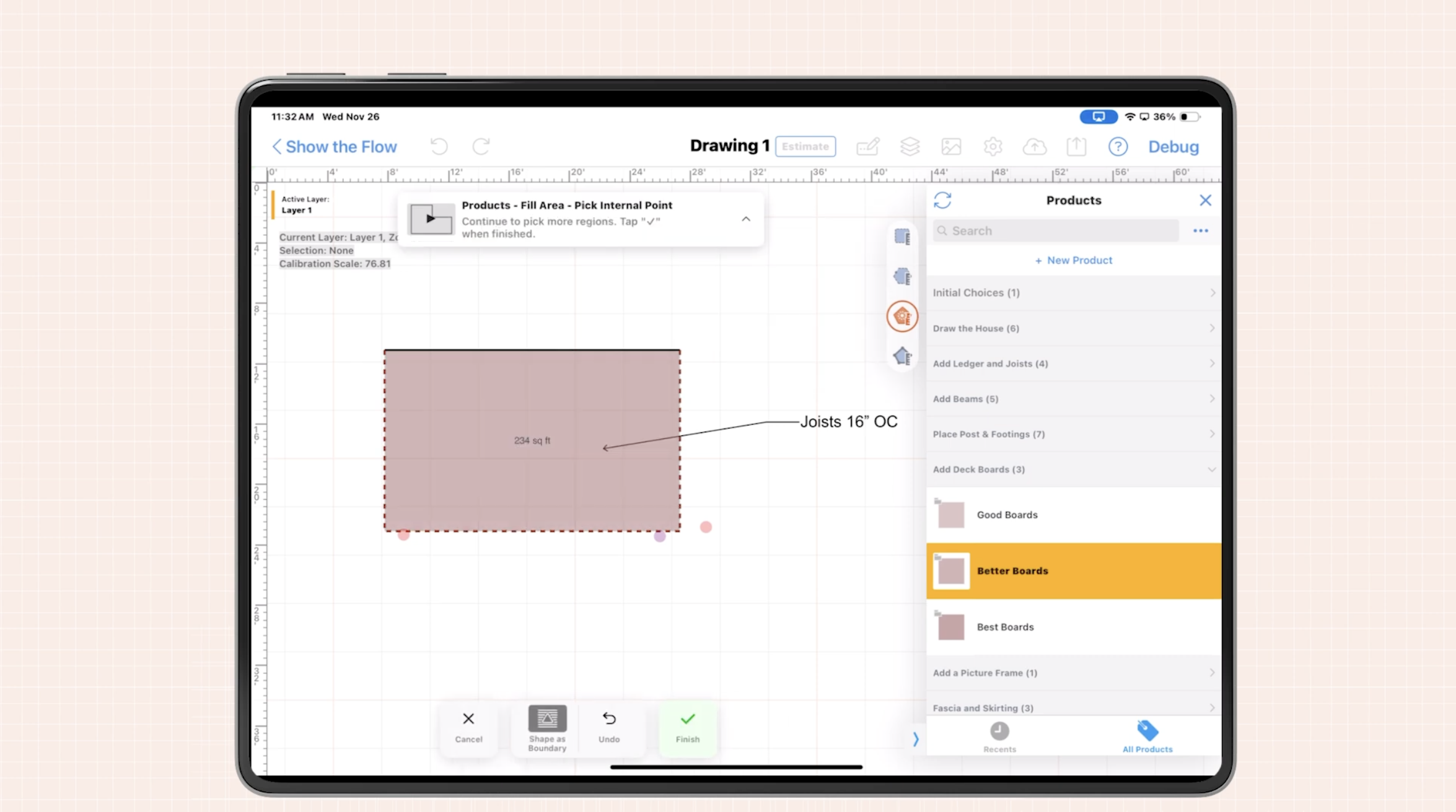
ArcSite is built for specialty contractors that need accurate drawings, takeoffs, and estimates in the field, using a tablet or phone. For pest control teams, ArcSite replaces paper sketches and generic note-taking apps with precise, reusable templates and pricing-driven drawings.
When combined with quickbooks pest control software, ArcSite acts as the front end of your revenue pipeline:
- In the field: Technicians capture site conditions, draw treatment areas, and select products and services using standardized assemblies and pricing.
- In the office: Those same line items, quantities, and customer details can be reviewed, approved, and pushed into QuickBooks for invoicing and reporting.
The result is a single flow of data from first site visit to final invoice, with fewer manual steps and fewer chances for error.
Practical workflows: from inspection to invoice
Below is a practical way to use ArcSite in tandem with quickbooks pest control software to simplify your day-to-day operations.
1. Capture accurate site data in the field
During an inspection or service visit, the technician opens ArcSite on a tablet or phone and:
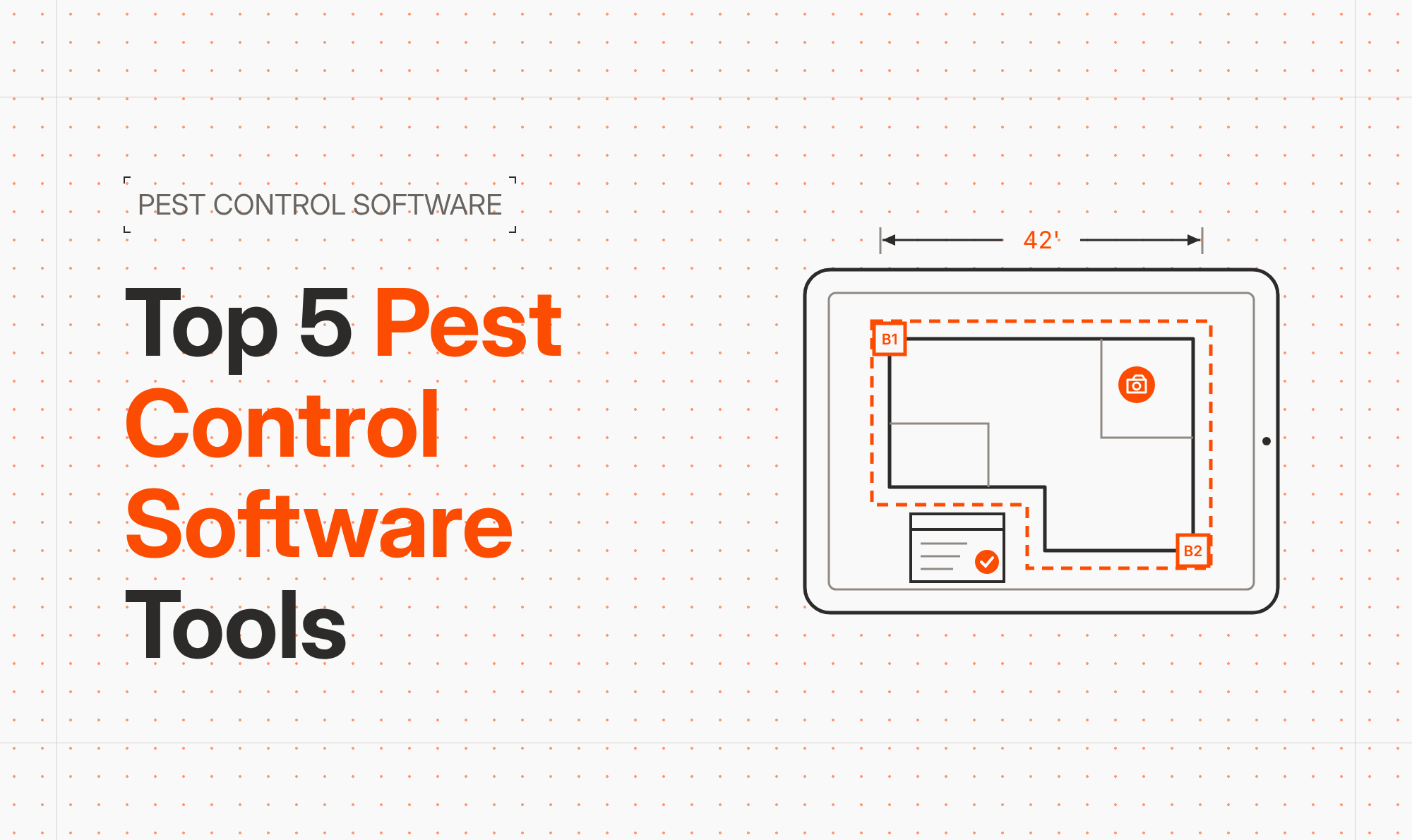
- Draws the structure outline and key areas, such as foundations, attics, crawl spaces, or perimeter treatment zones.
- Uses prebuilt symbols for bait stations, traps, termite treatments, exclusion work, or sanitation improvements.
- Selects assemblies that bundle materials and labor for common treatments (for example: perimeter spray, rodent exclusion, bed bug heat treatment).
- Attaches photos and notes directly to the drawing, ensuring clear context for the office team.
Because ArcSite links the drawing items to pricing, every symbol or assembly placed on the plan can drive quantities and cost calculations automatically.
2. Generate accurate estimates on-site
Once the drawing is complete, the technician can produce a professional estimate on the spot:
- Quantities and pricing are calculated from the drawing, reducing manual math.
- Standard pricing and discounts are enforced based on your configured catalog.
- The customer sees a clear visual of the proposed work, which often improves close rates and reduces confusion.
The customer approves the estimate, and the signed proposal is stored with the project record, ready to flow into your accounting system.
3. Sync key data with QuickBooks
After review, your office team sends the relevant job details from ArcSite into quickbooks pest control software. Depending on your setup, this may include:
- Customer information and service location data.
- Line items, quantities, and unit prices for materials and services.
- Job numbers or reference IDs that match your internal structure.
By standardizing item names and codes between ArcSite and QuickBooks, you reduce re-entry and ensure that revenue is categorized correctly for reporting.
4. Invoice faster with fewer errors
Because the invoice line items are based on what was drawn and approved in ArcSite, your accounting team spends less time chasing down missing details or correcting mistakes. Invoices can be sent sooner, which improves cash flow and reduces disputes.
Over time, this streamlined workflow gives you cleaner historical data, helping you refine pricing, identify profitable services, and make better hiring and scheduling decisions.
Implementation tips: making the transition smooth
Moving from a patchwork of tools to a more connected system may feel intimidating, but it does not have to be disruptive. Here is a phased approach that works well for pest control contractors.
Standardize your catalog first
Before rolling ArcSite out to every technician, invest time in defining your catalog:
- List your most common treatments, inspections, and add-on services.
- Group them into assemblies that bundle material and labor.
- Align item names, descriptions, and codes with those already in quickbooks pest control software.
- Set target prices and margins that reflect your current strategy.
This upfront work ensures that every drawing and estimate uses consistent items that your accounting team recognizes immediately.
Pilot with a small group of technicians
Next, select a small group of techs who are comfortable with mobile tools and open to change. Train them on:
- Using templates and symbols to capture site details quickly.
- Building estimates from drawings instead of from memory.
- Capturing notes and photos that help the office and reduce callbacks.
Gather feedback weekly, refine your templates and catalog, and adjust your process for how like to integration with QuickBooks on real jobs, not assumptions.
Document the new workflow
As the process stabilizes, document standard operating procedures:
- How to start a new project in ArcSite.
- What must be captured on every job (drawings, photos, key notes).
- How and when jobs move from ArcSite into quickbooks pest control software.
- Who owns each step - technician, office admin, and manager.
Clear documentation reduces training time for new hires and keeps your workflow consistent as you scale.
Measuring ROI: what to track after implementation
Once your field and accounting systems are working together, you should be able to quantify the impact. Here are metrics we recommend tracking.
Time savings
- Data entry hours per week: Compare how much time the office used to spend retyping job notes into QuickBooks versus after adopting ArcSite.
- Estimate creation time: Track how long it takes to go from inspection to a signed proposal.
- Invoicing delay: Measure the number of days between job completion and invoice sent.
Accuracy and revenue
- Estimate error rate: Monitor the number of corrected invoices or pricing disputes.
- Missed billable items: Compare average invoice value per similar job before and after implementation to see if previously forgotten items are now captured.
- Close rates: Watch how often on-site, visual estimates convert to accepted work compared with older, text-only quotes.
Team and customer satisfaction
- Technician feedback: Survey field staff about ease of use and how the new system affects their day.
- Customer feedback: Ask whether visuals and clearer line items make them more confident in your recommendations.
By pairing ArcSite with quickbooks pest control software, you gain not just efficiency but also clarity - clear pricing, clear documentation, and clear insight into which parts of your business are most profitable.
Next steps: connect your field and accounting workflows
If your field teams are still using paper, generic note apps, or one-off spreadsheets while your back office struggles to keep QuickBooks up to date, now is the time to modernize.
ArcSite gives pest control contractors an intuitive way to draw, take off, and estimate on-site, then bring that structured data into your accounting platform. The result is fewer errors, faster invoicing, and more control over job profitability.
Ready to see how ArcSite can complement your quickbooks pest control software setup? Book a demo to walk through real pest control workflows with our team and explore the best way to connect your field operations with your accounting platform.
Categories
FAQs
ArcSite captures drawings, quantities, and line items in the field, then exports structured job and pricing data that can be entered into QuickBooks, reducing manual re-entry and errors for pest control contractors.
Syncing field apps with QuickBooks shortens the time from job completion to invoicing, improves pricing accuracy, reduces missed billable items, and gives clearer insight into service profitability.
Yes, by aligning ArcSite item catalogs and assemblies with the items in QuickBooks, technicians can generate on-site estimates that use the same pricing your accounting team relies on.
When ArcSite is configured with a standardized catalog and export process, most job details can be transferred directly, greatly reducing or eliminating manual retyping into QuickBooks.
Start by standardizing your catalog and item codes, run a pilot with a small group of technicians, refine the workflow and exports to QuickBooks, then document the process before scaling to the entire team.
Related posts