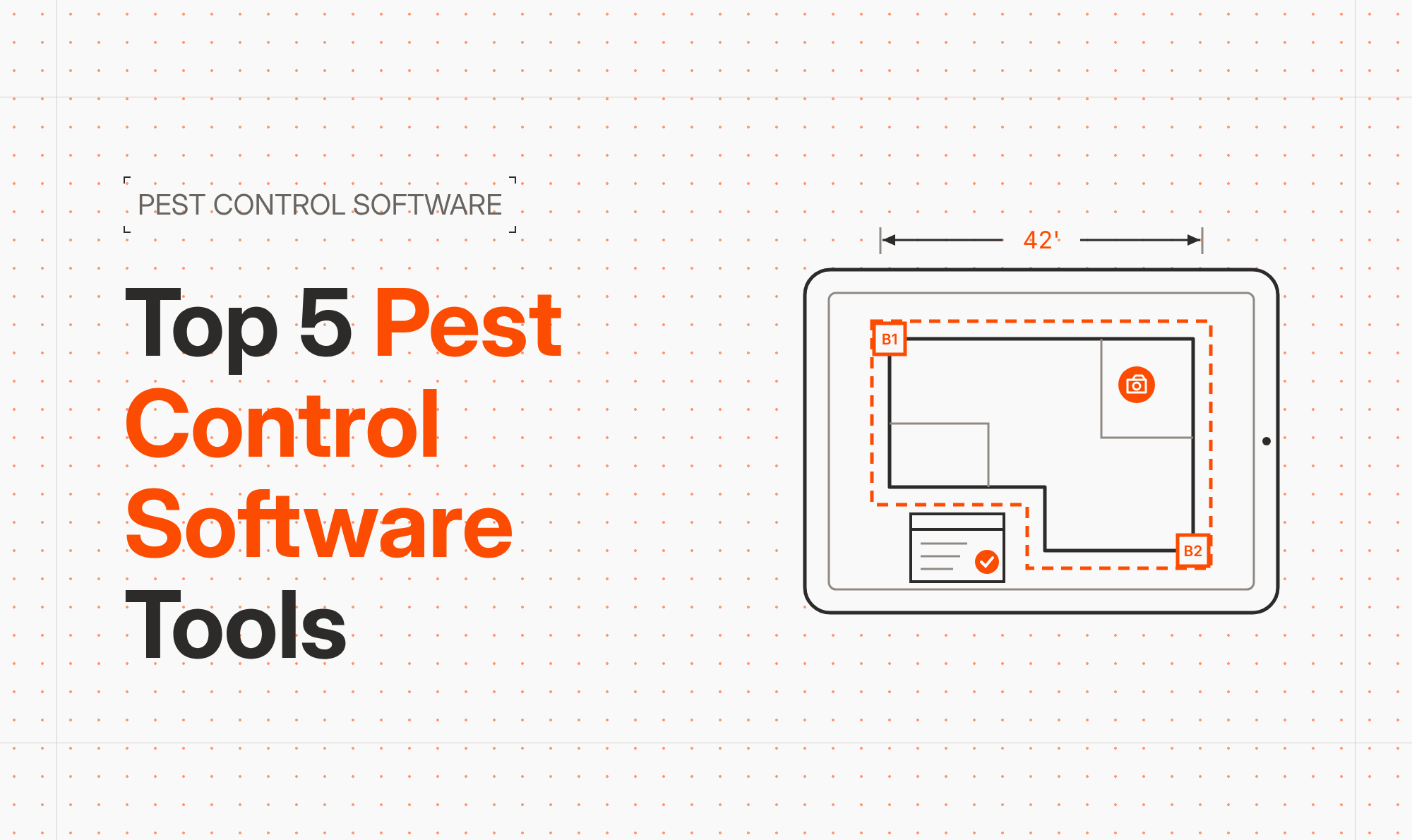


Blueprint takeoff software combined with on-site drawing tools helps specialty contractors create accurate plans, produce instant takeoffs, and deliver professional estimates in a single site visit, dramatically improving speed, accuracy, and close rates.
In today’s bidding environment, being “close enough” on numbers is no longer good enough. Material volatility, tight margins, and demanding customers mean every estimate has to be both fast and precise. That’s where modern blueprint takeoff software and mobile drawing tools change the game.
At ArcSite, we see specialty contractors win more work by capturing site conditions visually, performing takeoffs automatically, and pricing jobs on the spot—all from a tablet or phone. Instead of juggling paper plans, spreadsheets, and disconnected apps, everything lives in one connected workflow.
The Pain Points Slowing Down Your Bids
Most specialty contractors still deal with a broken estimating process. Common issues include:
- Slow, manual takeoffs from paper plans or static PDFs.
- Rework and data re-entry when field notes don’t match office drawings.
- Missed items because details were not captured clearly on-site.
- Delays getting estimates out, giving competitors time to undercut you.
- Inconsistent pricing across sales reps, crews, and branches.
These problems don’t just waste time—they reduce win rates. When your team spends days turning around a proposal, your customer has already seen a quote from someone else. Or worse, you win the job with an inaccurate estimate and watch your margin disappear in the field.
The stakes are high: every miscount, missed detail, or slow response erodes trust and profitability. You need a way to move from rough sketches and manual counts to a digital, repeatable process that any rep or technician can follow.
How ArcSite’s Mobile CAD and Takeoff Tools Change the Game
ArcSite is built specifically for contractors who work in the field. Instead of forcing you to adapt to traditional desktop CAD, we put powerful drawing and blueprint takeoff software directly onto your iPad or phone.
Key capabilities that matter for specialty trades include:
- On-site drawing and markup: Create to-scale floor plans or site layouts as you walk the job, or import existing blueprints and trace over them.
- Linked objects and assemblies: Tie drawings directly to products, materials, and labor assemblies so counts are always connected to real costs.
- Automatic takeoffs: Quantities update in real-time as you draw—no separate counting step.
- Instant estimates: Generate professional proposals on-site with your logo, scope, and pricing pulled directly from the drawing.
- Cloud sync for office teams: Share drawings, takeoffs, and estimates instantly with project managers or estimators back at the office.
Instead of sketching on paper and hoping the office can interpret your intent, ArcSite lets you capture an accurate, visually clear plan and transform it into a priced estimate in minutes.
Practical Workflows with Blueprint Takeoff Software
1. Walk the Site and Draw in Real Time
With ArcSite open on your tablet, you start by either importing an existing blueprint/PDF or drawing a simple floor plan from scratch. As you walk the space, you:
- Measure key dimensions with a laser or tape and enter them directly into the app.
- Drop in symbols for equipment, fixtures, outlets, or other trade-specific items.
- Mark problem areas, obstacles, or customer preferences with notes and callouts.
This approach removes ambiguity. Anyone reviewing the drawing can see exactly what was captured on-site and why.
2. Let the Drawing Drive the Takeoff
Because ArcSite functions as blueprint takeoff software, your drawing isn’t just a picture—it’s data. Each line, symbol, and area can be linked to specific materials and assemblies in your catalog.
As you complete the drawing, ArcSite automatically:
- Counts symbols (fixtures, devices, valves, etc.).
- Calculates lengths of pipe, wire, conduit, or duct.
- Measures areas for concrete, coatings, or flooring.
- Rolls up quantities into a structured takeoff report.
No separate “counting session” back at the office, and no risk that someone misreads your sketch. The drawing is the takeoff.
3. Build a Professional Estimate on the Spot
Once quantities are calculated, ArcSite lets you apply your pricing, labor factors, and margins. In just a few taps, you can generate a customer-ready estimate that includes:
- A clear visual of the proposed solution.
- A detailed scope of work tied to the drawing.
- Line-item or summarized pricing, based on your preference.
- Terms, exclusions, and signature fields.
Customers see a polished, visual proposal instead of a rough number on a notepad. This builds confidence and often leads to approvals in the same visit.
4. Handle Changes Without Starting Over
Changes are inevitable—customers add rooms, move equipment, or adjust scope. With ArcSite, edits to the drawing automatically update your takeoff and estimate. You can:
- Drag and drop symbols to new locations.
- Resize areas or routes.
- Add or remove assemblies as the scope changes.
The software recalculates quantities and pricing instantly, helping you quickly present options and avoid manual recalculation errors.
Implementing On-Site Drawing and Takeoff in Your Business
Adopting new tools can feel risky, especially if your team has relied on paper for years. We’ve found that successful implementations share a few best practices.
Start with a Clear Use Case
Identify 1–2 job types or verticals where speed and accuracy matter most—high-volume residential bids, service upgrades, or maintenance contracts, for example. Roll out blueprint takeoff software for those jobs first, so your team quickly sees the benefits.
Standardize Symbols, Assemblies, and Pricing
Work with your sales leaders and foremen to define:
- A standard set of symbols for your trade (e.g., fixtures, heads, devices).
- Common assemblies (material + labor) for recurring tasks.
- Pricing rules and margin targets.
We recommend building a small, clean catalog to start and expanding it over time. This ensures estimates are consistent, regardless of who is doing the drawing.
Train in the Field, Not Just in a Classroom
Field adoption is highest when crews use the app on real jobs from day one. Short, focused sessions work best:
- 10–15 minutes on drawing basics.
- 10–15 minutes on placing symbols and assemblies.
- 10–15 minutes on generating the estimate and proposal.
Pair new users with a champion who quickly picked up the tool, and schedule follow-up sessions to refine workflows.
Measuring ROI from Blueprint Takeoff Software
To justify any investment, you need clear metrics. We encourage contractors to track a few specific KPIs before and after adopting ArcSite.
1. Bid Turnaround Time
Measure how long it takes from site visit to sending a proposal. With on-site drawing and automated takeoffs, many teams cut this time from days to hours—or even minutes.
2. Win Rate (Close Rate)
Compare your close rate on jobs quoted with visual, ArcSite-based proposals versus traditional bids. Customers typically respond better to clear visuals and detailed scopes, leading to more accepted proposals.
3. Estimating Labor Hours
Track how many hours your estimators spend per bid before and after implementation. Because the drawing drives the takeoff and estimate, you can significantly reduce time spent counting, double-checking, and reworking numbers.
4. Change Orders and Margin Slippage
With more accurate quantities and clearer scopes, contractors often see fewer surprises in the field. While results vary by trade and company, a more precise front-end process usually means fewer unplanned change orders and better margin protection.
Even modest improvements—in win rate, speed, or accuracy—compound over dozens or hundreds of bids per year.
Why Now Is the Time to Modernize Your Bidding Process
Customers expect fast, professional proposals that are easy to understand. Competitors are adopting digital tools that help them respond quicker and price more confidently. Sticking with paper, disconnected spreadsheets, and manual counting puts you at a disadvantage.
By combining on-site drawing tools with powerful blueprint takeoff software, you give your team a repeatable, visual process that:
- Saves time on every bid.
- Improves estimating accuracy.
- Delivers more professional proposals.
- Helps you win more of the right jobs at the right price.
What’s next? If you’re ready to see how ArcSite can streamline your on-site drawings, automated takeoffs, and estimating workflow, book a demo today and explore how it can fit your team’s real-world process.
Categories
FAQs
Blueprint takeoff software lets contractors measure, count, and quantify materials directly from digital drawings so they can generate accurate takeoffs and estimates faster and with fewer errors.
ArcSite links on-site drawings to items and assemblies, so every line, symbol, and area on the plan automatically turns into quantities and pricing, reducing missed items and manual calculation mistakes.
Yes. Field users can draw the project, run automatic takeoffs, and generate a professional estimate on-site, often allowing them to present a proposal during the same visit.
No. ArcSite is designed for contractors, not CAD specialists, with simple drawing tools, trade-specific symbols, and templates that make it easy for field teams to learn and use.
Common ROI metrics include reduced bid turnaround time, higher win rates, fewer estimating hours per job, and improved margin consistency from more accurate quantities and clearer scopes.
Related posts