

Automated payment reminders, especially when connected to tools like quickbooks pest control software, help exterminators speed up collections, reduce manual follow-up, and keep cash flow predictable while freeing office staff to focus on higher value work.
For many pest control businesses, the work in the field is organized and efficient, but the money comes in slowly. Invoices sit unpaid, office teams chase customers by phone, and owners are never quite sure what cash will arrive this week.
When estimates, work orders, and invoices live in different systems, it is difficult to know who owes what, which jobs are profitable, and where money is getting stuck. That is where ArcSite, combined with quickbooks pest control software workflows, can simplify the entire process from drawing to payment.
Why late payments are such a big problem for exterminators
Pest control work often involves a mix of one-time treatments, recurring visits, and emergency calls. That complexity creates several cash flow challenges:
- Invoices go out late because details are missing or handwritten notes are hard to read.
- Customers forget about invoices for small or recurring services.
- Office staff spend hours each week calling or emailing about overdue balances.
- Owners do not have real-time visibility into receivables and upcoming cash gaps.
Even a few days of delay on most invoices adds up. Materials, fuel, chemicals, and technician labor must be paid on time, regardless of when customers pay you. The longer it takes to collect, the more cash you tie up in the field instead of using it to grow your business.
The goal is straightforward: send accurate invoices quickly and follow up automatically, without creating more admin work for your team.
How ArcSite supports a faster quote-to-cash process
ArcSite is a mobile CAD, takeoff, and estimating solution designed for specialty contractors, including pest control companies. It helps you capture exactly what was done on-site and turn that into clear, accurate estimates and invoices that can sync with your accounting tools.
Here is how that supports stronger cash flow:
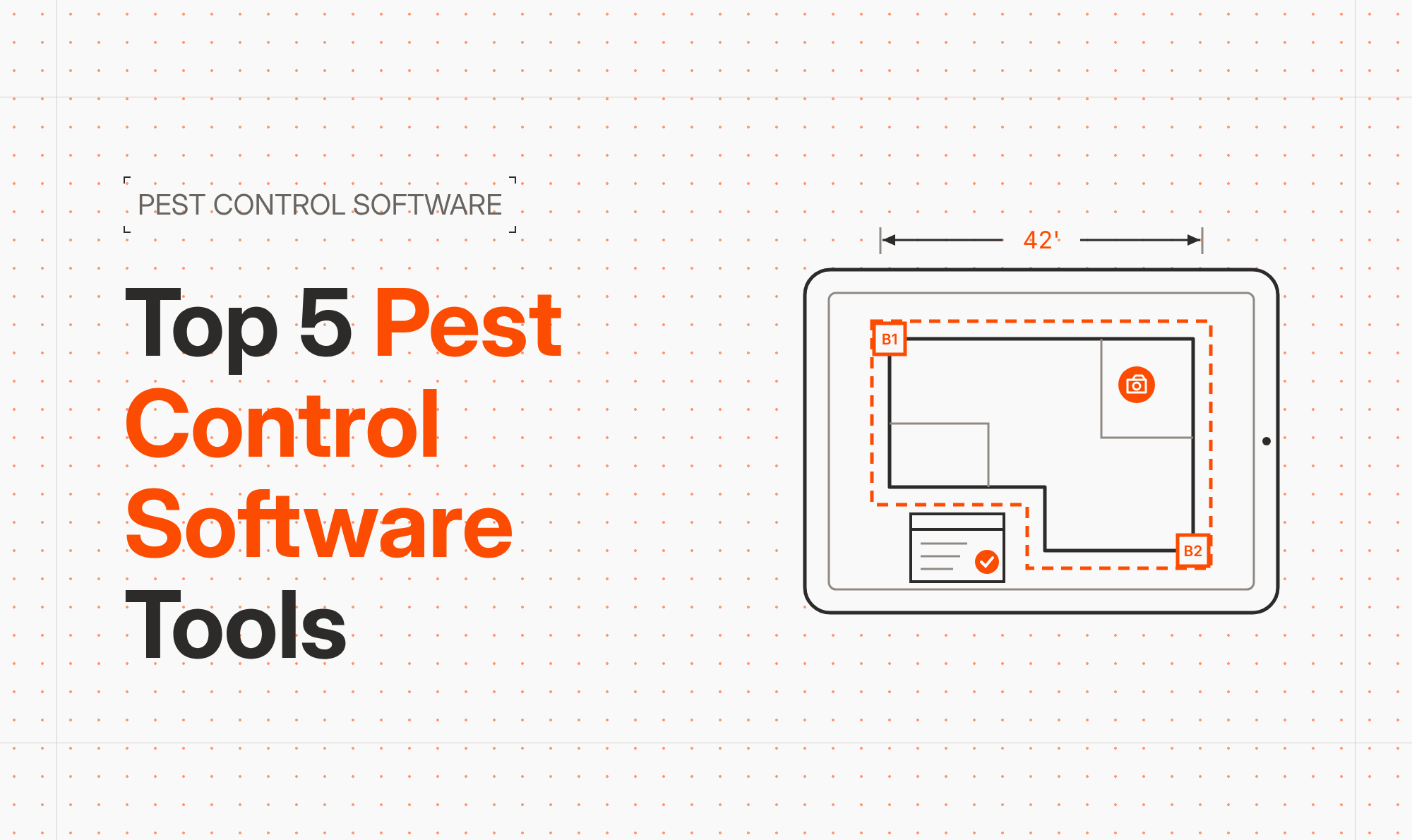
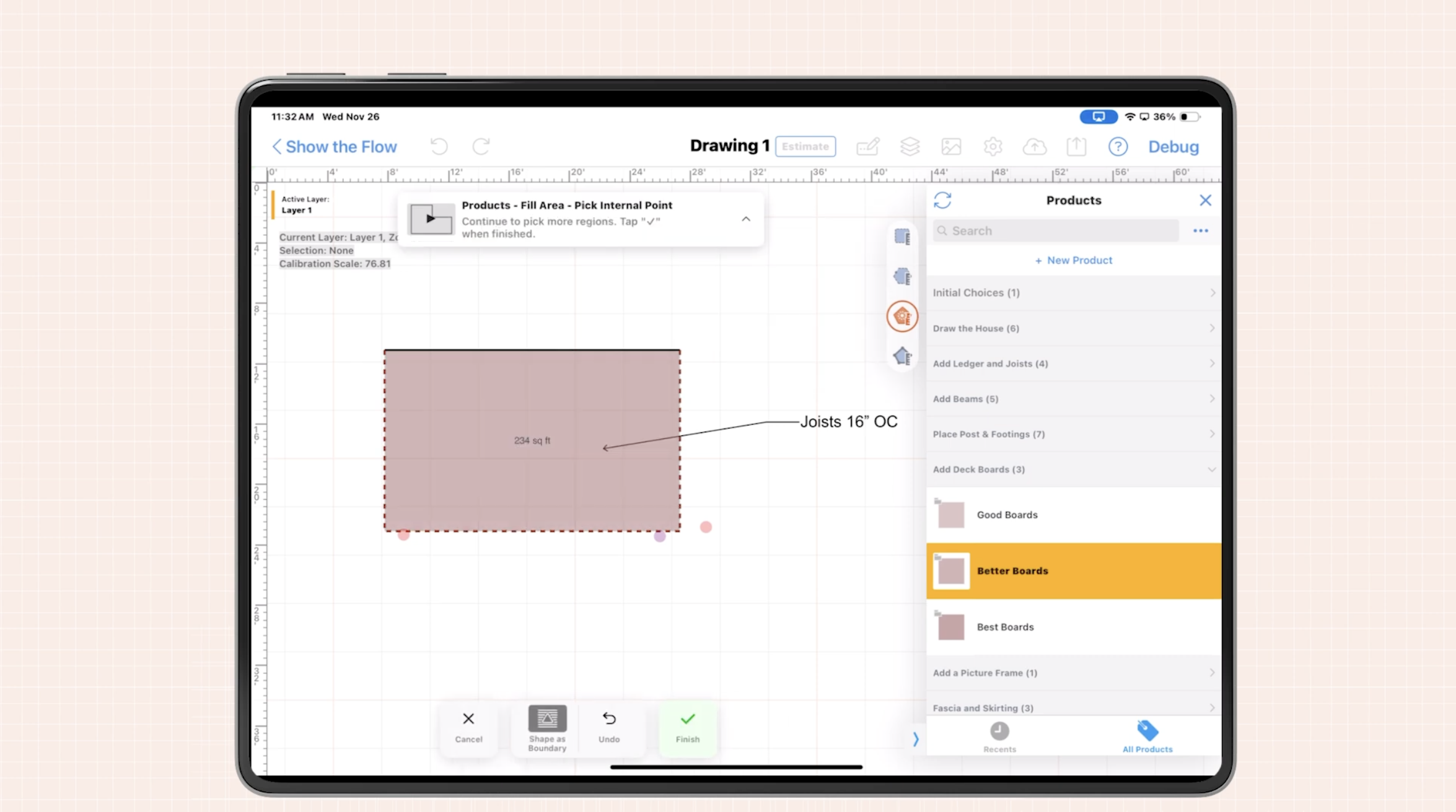
- Accurate drawings on-site: Techs draw floor plans, mark entry points, bait stations, and treatment zones on a tablet or phone.
- Automatic takeoffs: Materials and labor are calculated from the drawing, so pricing is consistent and documented.
- Instant estimates: Customers can review and approve professional proposals before you leave the property.
- Clean handoff to accounting: Line items, totals, and customer info are ready to push into your billing system, reducing retyping and errors.
Once the work is complete and your invoices are accurate and timely, the next step is making sure those invoices actually get paid - with as little manual chasing as possible.
Where automated payment reminders fit in
Automated payment reminders are simply scheduled messages - usually via email or SMS - that go out before, on, and after the due date of an invoice. Instead of your team running weekly reports and making individual calls, the system politely nudges customers to pay.
For exterminators, this can look like:
- A confirmation message and invoice link right after the job is completed.
- A gentle reminder a few days before the due date for recurring services.
- A follow-up reminder a set number of days past due.
- Escalation reminders or call lists for invoices that are seriously overdue.
The key is that these reminders are driven by data from your field work and accounting system, not by manual tracking on spreadsheets or sticky notes.
Practical workflows tying ArcSite to QuickBooks-based billing
1. Capture everything correctly in the field
Improving cash flow starts with accurate work documentation. In ArcSite, techs can:
- Draw the property and note specific problem zones.
- Drop symbols for devices, bait stations, and traps.
- Apply assemblies that bundle chemicals, labor, and equipment time.
- Generate an estimate that the customer signs on-site.
Because the estimate and work agree with a clear visual drawing, customers are less likely to dispute the invoice later.
2. Turn approved work into clean invoices
Once a job is completed, your office or field team can finalize the work order in ArcSite, then send the data to your accounting platform. Integrating with QuickBooks or similar tools enables you to:
- Map ArcSite line items to your standard service codes.
- Automatically pull in customer contact information.
- Create invoices that are ready to send without retyping.
Because the data originates in the field, the invoice is consistent with what was drawn, quoted, and signed, which reduces disputes and delays.
3. Configure automated reminders in your billing system
With invoices clean and synced, you can set up automated payment reminder rules in your accounting software. Typical settings might include:
- Send a reminder 3 days before the due date.
- Send another reminder on the due date with a payment link.
- Send follow-ups at 7, 14, and 30 days past due.
Your pest control business can adjust tone and cadence based on customer type. For example, property managers might receive a monthly statement summary, while residential customers get individual invoice reminders.
4. Offer easy digital payment options
Automated reminders work best when they link directly to simple payment methods. When customers can click a link and pay with a card or bank transfer in seconds, they are far more likely to pay on time.
By aligning ArcSite-based estimates and work orders with your invoice and payment workflows, every job moves smoothly from proposal to payment with minimal friction.
Implementation tips and change management
Rolling out automated payment reminders is partly a technology project and partly a process change. Here are workable steps we see successful exterminator teams follow:
Start with clear billing rules
Get agreement on the basics before automating:
- Standard payment terms (for example, Net 15 or Net 30).
- Deposit rules for larger jobs.
- When to pause service for seriously overdue accounts.
- How discounts or credits will be handled.
Once the rules are clear, you can configure them consistently across ArcSite and your accounting tools.
Train technicians on documentation
Your field team plays a major role in faster collections. Focus training on:
- Completing drawings and notes before leaving the site.
- Capturing photos and annotations for unusual conditions.
- Getting customer signatures on estimates or completion forms.
- Confirming the best email or mobile number for billing.
When techs gather the right information up front, the office can generate invoices and reminders without delays or guesswork.
Communicate billing expectations to customers
Automated reminders work best when customers know to expect them. Add simple messaging to your proposals and service agreements explaining:
- When invoices will be issued.
- Standard payment terms.
- That they will receive friendly automated reminders.
- Which digital payment options are available.
Setting expectations reduces surprise and frustration and keeps the focus on timely payment, not on collections.
Measuring ROI from automated payment reminders
To understand the impact of automation on cash flow, we recommend tracking a few straightforward metrics before and after implementation:
- Average days sales outstanding (DSO): How many days on average it takes to collect after invoicing.
- Percentage of invoices paid on time: A higher on-time rate means more predictable cash flow.
- Percentage of invoices more than 30 days overdue: This should decline as reminders and better documentation take effect.
- Administrative hours spent on collections: Track time spent on manual reminder calls and emails.
As estimates and invoicing become more reliable through ArcSite, and payment reminders keep customers on track, you should see:
- Faster collection times.
- Fewer disputed invoices.
- Less staff time required for chasing payments.
- More consistent cash available for payroll, chemicals, and marketing.
Even small improvements, such as reducing DSO by a few days across all invoices, can unlock significant working capital over a year.
Bringing it all together
For exterminators, strong cash flow comes from doing three things well:
- Documenting each job clearly in the field with drawings and notes.
- Turning that documentation into fast, accurate estimates and invoices.
- Following up on unpaid invoices automatically and consistently.
ArcSite helps with the first two steps by giving your technicians an easy way to draw, perform takeoffs, and generate professional estimates on-site. When tied into streamlined accounting workflows and automated payment reminders, your business can collect cash faster with less manual effort.
Next steps: If you want to see how ArcSite can fit into your pest control operations and support a smoother quote-to-cash process, book a demo with our team. We will walk through real-world workflows for exterminators and show how better field documentation and estimating can support your existing billing and payment reminder setup.
Categories
FAQs
Automated payment reminders reduce late payments by consistently notifying customers before and after invoice due dates, which speeds up collections and creates more predictable cash flow for pest control businesses.
ArcSite lets technicians capture drawings, notes, and approvals on-site, then turn that information into accurate estimates and invoices that can sync with accounting tools, reducing errors and delays before payment reminders go out.
When reminders are polite, clearly explained in advance, and linked to easy digital payment options, most customers appreciate the convenience and are less likely to complain or forget to pay.
Technicians should complete drawings and notes on-site, confirm customer contact details, obtain signatures on estimates or completion forms, and clearly explain payment terms so invoices can be sent and collected quickly.
Key metrics include average days sales outstanding, percentage of invoices paid on time, the share of invoices more than 30 days overdue, and the amount of staff time spent on manual collection efforts before and after automation.
Related posts